
Third-party API latency: measuring vendor slowness and failures in Node
Per-vendor p95, error rate and throttling for every fetch call, collected with diagnostics_channel and no wrapping.

Checkout is slow, a customer emails, and the vendor’s status page is green. Without your own numbers you cannot prove the payment API is the problem, and you cannot tell the vendor when it started. Measuring third-party API latency from your Node app means recording, for every outbound call, the host, the operation, the time to headers, the total time and the outcome, then looking at p95 and error rate per dependency.
In Node, you can collect all of that for every fetch() call without wrapping any code, using diagnostics_channel. This post shows how, what to measure, and what to do with the numbers. If you want one log line per outbound call rather than per-vendor numbers, start with how to log outbound HTTP requests.
Why your own measurements beat the vendor’s status page
A vendor’s status page reports their aggregate health, usually with a delay. What you need is their health as seen from your servers: your region, your network path, your account’s rate limits, your request shapes. A provider can be fine overall and slow for you because of a regional problem or because you are being throttled.
Your own numbers also answer the internal question: how much of your endpoint’s p95 is actually theirs?
What to measure for each third-party API call
| Measure | Why |
|---|---|
| Count per dependency and operation | Traffic shape, cost, rate-limit headroom |
| Time to headers (TTFB) | The vendor’s processing time plus network |
| Total time including body | What your handler actually waited |
| Outcome class | 2xx, 4xx, 429, 5xx, timeout, network |
| Attempts per logical call | Retries hide failures if you only count successes |
Group by host and a normalized operation (POST api.vendor.example /v1/charges/:id), not the raw path. Treat 429 separately from other 4xx: it means you are being throttled, and it trends before an outage-shaped problem does.
How to measure fetch latency in Node.js with diagnostics_channel
Node’s built-in fetch() is powered by undici, which publishes events on diagnostics_channel. The same request object appears on every event for a given request, so a WeakMap can carry timings between them:
// outbound-metrics.js
import diagnostics_channel from 'node:diagnostics_channel';
import client from 'prom-client';

const duration = new client.Histogram({
  name: 'outbound_request_duration_seconds',
  help: 'Outbound HTTP request duration',
  labelNames: ['host', 'op', 'outcome'],
  buckets: [0.05, 0.1, 0.25, 0.5, 1, 2, 5, 10],
});
const ttfb = new client.Histogram({
  name: 'outbound_request_ttfb_seconds',
  help: 'Outbound time to response headers',
  labelNames: ['host', 'op'],
  buckets: [0.05, 0.1, 0.25, 0.5, 1, 2, 5, 10],
});

const inflight = new WeakMap();

const normalize = (path) =>
  path.split('?')[0]
    .replace(/\/[0-9a-f]{8}-[0-9a-f-]{27,}/gi, '/:uuid')
    .replace(/\/\d+(?=\/|$)/g, '/:id');

function outcomeOf(status, error) {
  if (error) return error.name === 'TimeoutError' || /TIMEOUT/.test(error.code ?? '') ? 'timeout' : 'network';
  if (status === 429) return '429';
  return `${Math.floor(status / 100)}xx`;
}

diagnostics_channel.subscribe('undici:request:create', ({ request }) => {
  inflight.set(request, {
    t0: performance.now(),
    host: new URL(request.origin).host,
    op: `${request.method} ${normalize(request.path)}`,
  });
});

diagnostics_channel.subscribe('undici:request:headers', ({ request, response }) => {
  const s = inflight.get(request);
  if (!s) return;
  s.status = response.statusCode;
  ttfb.observe({ host: s.host, op: s.op }, (performance.now() - s.t0) / 1000);
});

function finish(request, error) {
  const s = inflight.get(request);
  if (!s) return;
  inflight.delete(request);
  duration.observe(
    { host: s.host, op: s.op, outcome: outcomeOf(s.status, error) },
    (performance.now() - s.t0) / 1000,
  );
}

diagnostics_channel.subscribe('undici:request:trailers', ({ request }) => finish(request));
diagnostics_channel.subscribe('undici:request:error', ({ request, error }) => finish(request, error));
Import this file once at startup, before your app makes outbound calls. request:trailers fires when the response body has been fully received, so “total” includes body time; a body you never read never completes, which is itself worth finding.
Keep label cardinality low. If your normalizer misses an ID format, every customer becomes a new series. Check the op values in a staging run first.
What about axios and node:http clients?
Libraries built on node:http (axios’s Node adapter, got, many SDKs) do not go through undici. Node publishes its own http.client.* channels for them, and the same WeakMap pattern works with the request object they carry. The subscriber code for those channels is in how to log axios and http.request calls.
Reading the numbers
- Dependency p95 versus endpoint p95. If checkout’s p95 is 1.8 s and the payment call’s p95 is 1.4 s, there is little to gain by optimizing your own code first.
- TTFB versus total. High TTFB is the vendor thinking. A big gap between TTFB and total is large or slow bodies.
- Error rate per dependency, split by class. Rising
429means slow down or ask for a higher limit. Risingtimeoutornetworkwith flat5xxoften points at the network path or connection reuse rather than the vendor’s application. - Attempts per logical call. If retries average 1.3 attempts, the vendor is failing 30% of first tries even if your success rate looks perfect.
What to do with third-party API latency data
- Set timeouts from it. A little above the dependency’s p99, inside your endpoint’s budget. The fetch timeout guide has the code.
- Add a circuit breaker for dependencies that fail in bursts, so you fail fast instead of piling up waiting requests.
opossumis a widely used Node library for this. - Cache or move work off the request path. Exchange rates, feature flags and address lookups rarely need a live call per request. Webhook-driven or queued work removes the vendor from user-facing latency entirely.
- Escalate with evidence. Send the vendor timestamps, the operation, your p95 and error-rate graph, and the request IDs from their response headers. This gets a far better response than “your API feels slow”.
- Alert on the symptom, not the vendor. Per the alerting guide, page when your users are affected; use per-vendor numbers to diagnose.
A solo developer can start with the code above and a weekly look at per-host p95. A team of ten should put dependency panels next to endpoint latency on the main dashboard and review vendors quarterly with these numbers in hand. When you need the request and response bodies too, see logging outbound HTTP calls.
If you only do one thing
- Load
outbound-metrics.jsin every service. - Chart p95 and error rate per host, with
429split out. - Set every outbound timeout from that p99.
- Keep a dated list of incidents per vendor for your next renewal conversation.
FAQ
How do I measure the latency of fetch requests in Node.js?
Subscribe to undici’s diagnostics_channel events (undici:request:create, headers, trailers, error), which Node’s built-in fetch() publishes. Record the time between them per request and export it as a histogram.
Does diagnostics_channel work with axios?
Not through the undici channels, because axios uses node:http in Node. Use Node’s experimental http.client.* channels or an axios interceptor instead.
What is a good timeout for a third-party API?
Slightly above that dependency’s observed p99 from your own servers, and always inside the deadline your endpoint promises its callers.
Doing this with ApiTraffic
If you would rather not build and run this instrumentation yourself, ApiTraffic logs outbound requests alongside inbound ones, and its APM records each outbound fetch as a span attributed to the request that started it.
- The request waterfall shows each vendor call on the timeline of the user request that triggered it.
- An endpoint’s Time Breakdown shows how much of its time goes to outbound calls versus queries and your own code.
span()adds a custom timing around SDK calls you want to see separately.- Span reports rank outbound time by vendor and failed calls by type.
Start free and see every request your API handles: apitraffic.io
Sources: undici Diagnostics Channel docs; Node.js docs: diagnostics_channel (built-in HTTP channels); prom-client on GitHub; opossum on GitHub
Keep reading
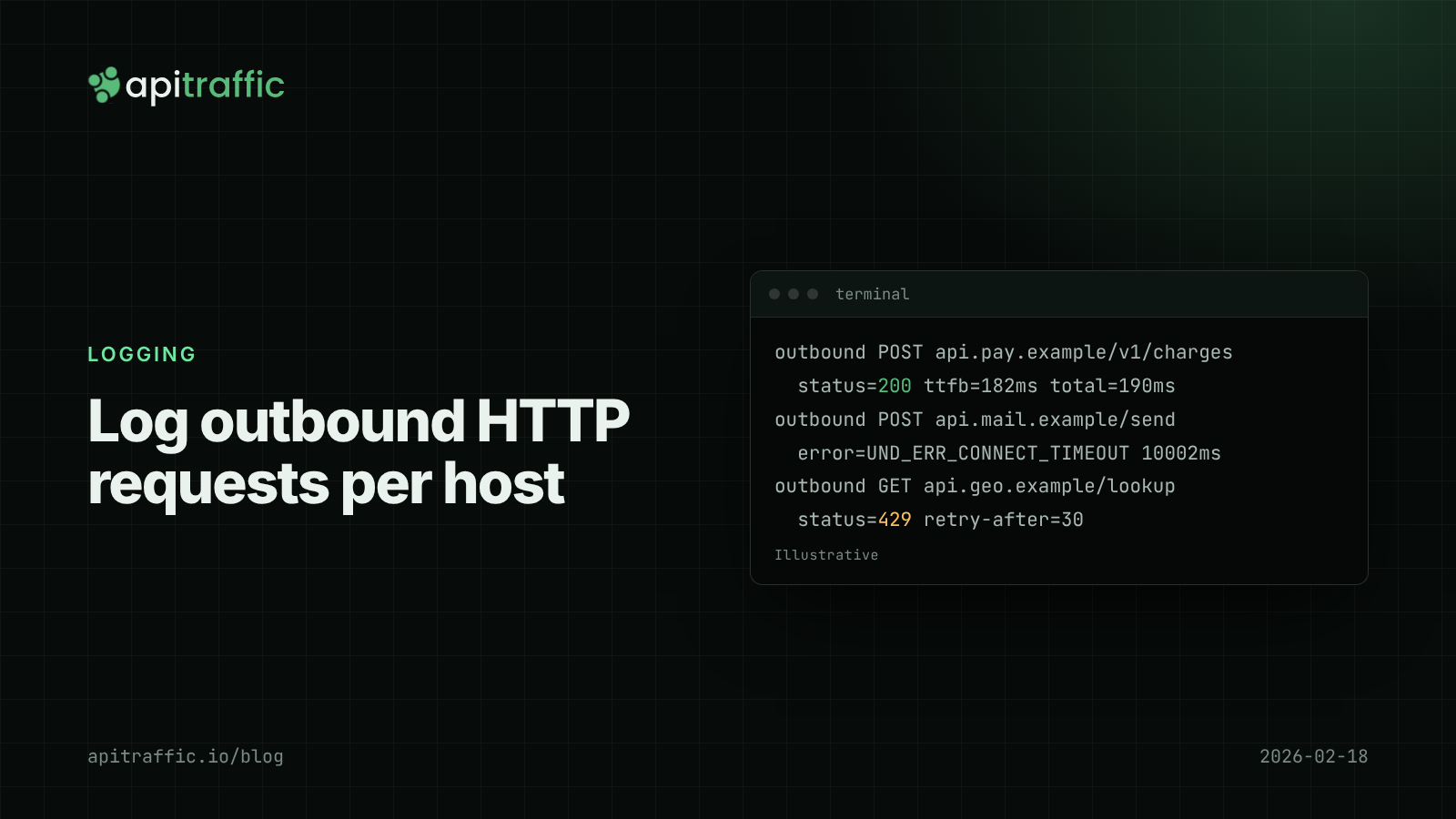
How to log outbound HTTP requests in Node.js
Your API threw 502s because a provider was timing out, and your logs said nothing. Log outbound HTTP requests from fetch and axios with diagnostics_channel in an afternoon, then read error rate and p95 per host.
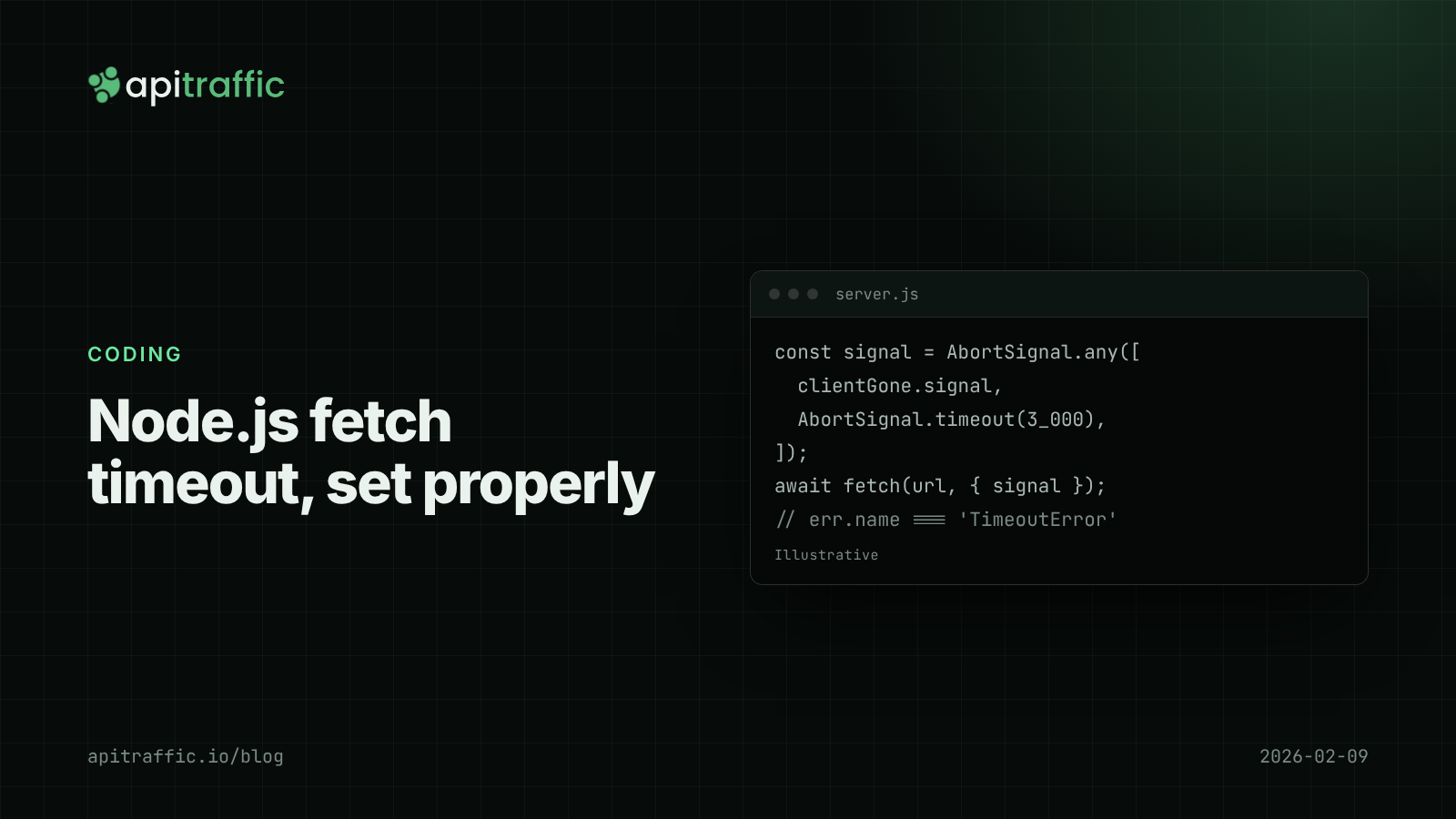
Node.js fetch timeout: deadlines with AbortSignal and undici
One slow vendor and every handler hangs, because Node fetch waits up to five minutes by default. Here is how to set deadlines with AbortSignal and undici in Express and Fastify.
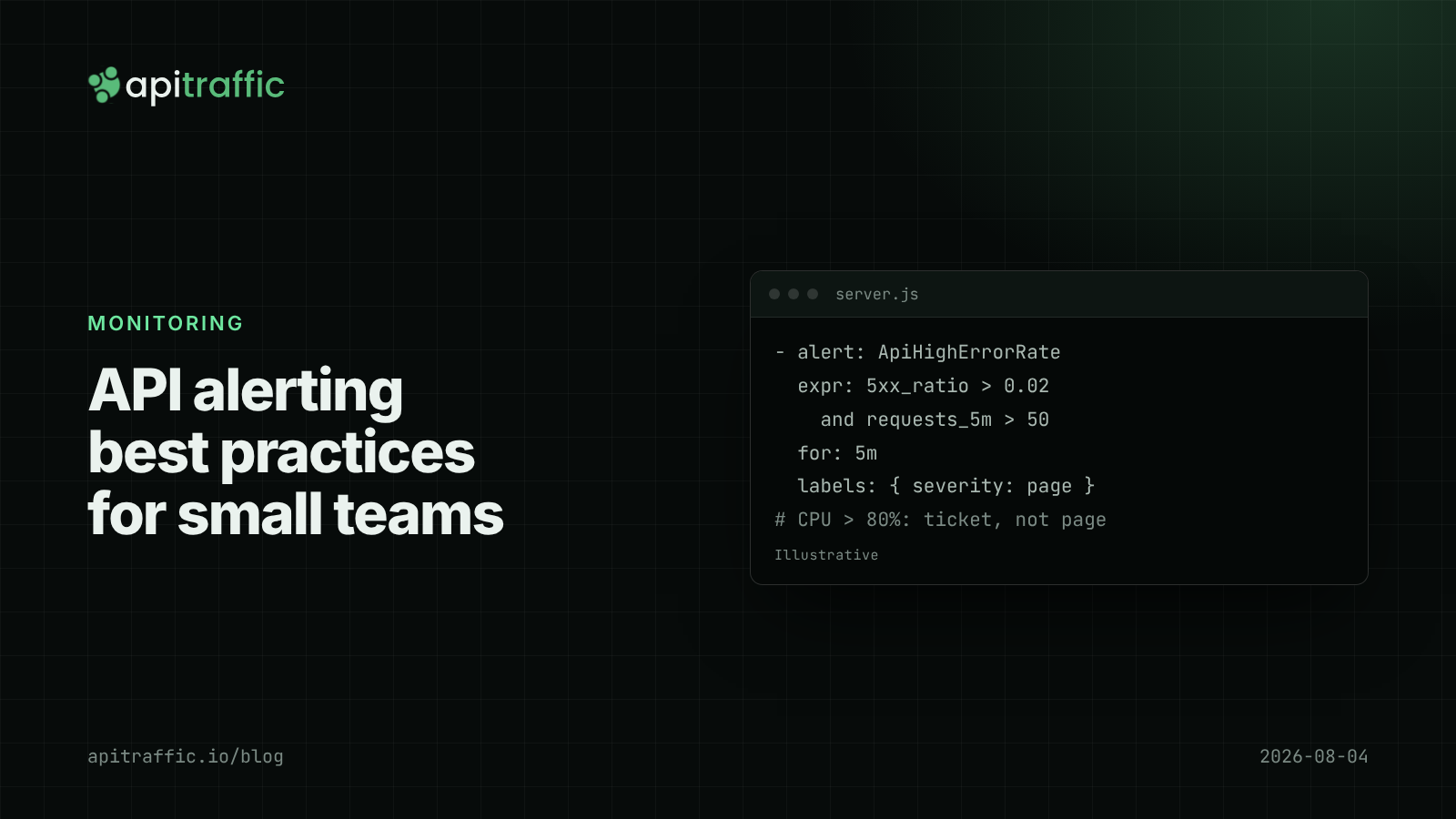
API alerting best practices: what to page on for a Node API
A 3am CPU page that meant nothing, then a real outage that paged nobody. Here is the short list of alerts a small Node API team needs, with rules and code to match.