
Node.js fetch timeout: deadlines with AbortSignal and undici
The real defaults in fetch, undici and http.Server, and code for deadlines that hold across a whole request.
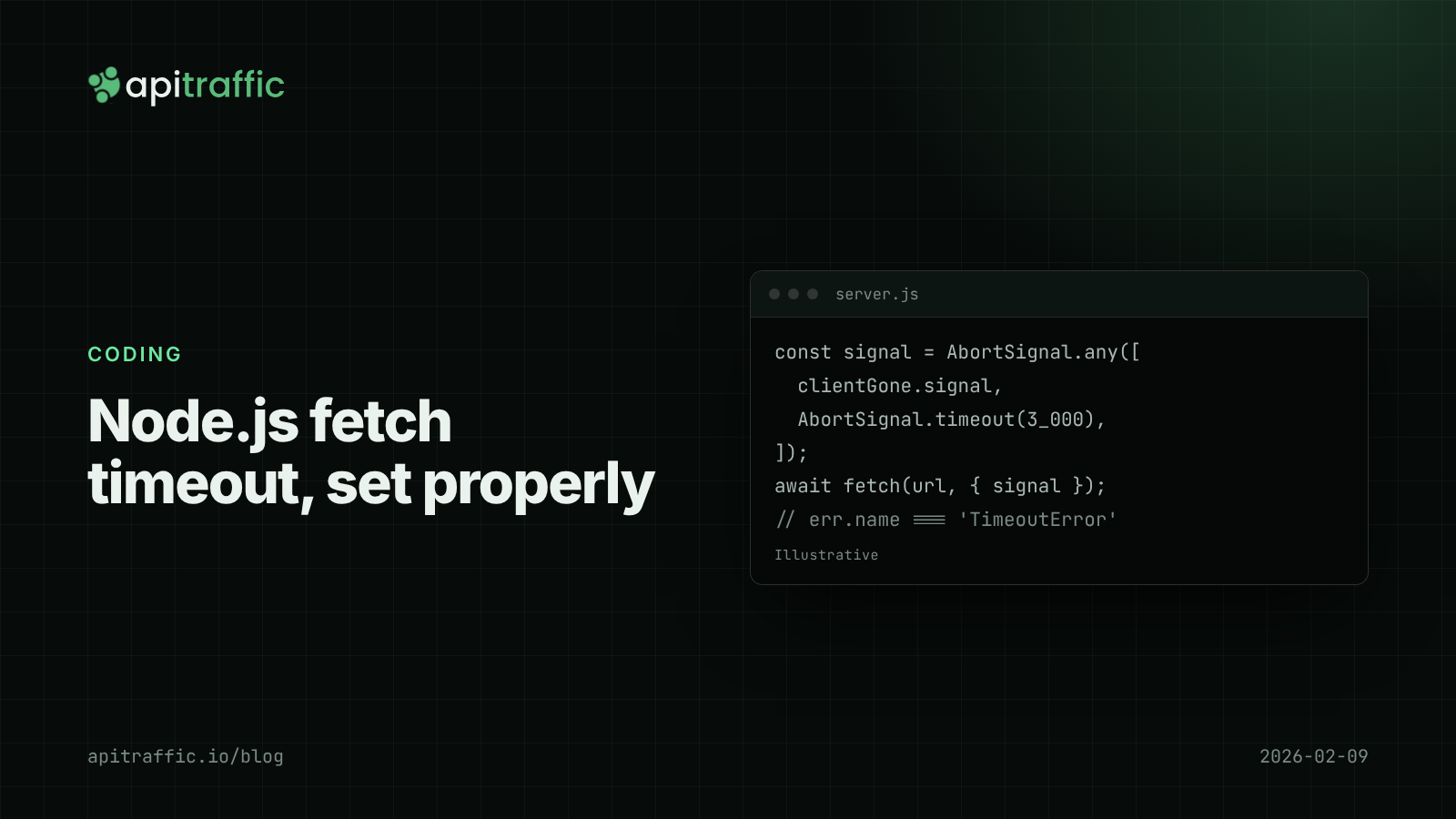
A payment or shipping vendor has a bad afternoon, and your API stops answering: every handler is sitting on an outbound call that never returns. Node’s built-in fetch() has no overall timeout by default, and undici, the client underneath it, waits up to 300 seconds for response headers. To set a Node.js fetch timeout, pass signal: AbortSignal.timeout(ms) on every call, combine it with the client’s disconnect using AbortSignal.any(), and tune undici’s connection defaults if you need to.
This post covers the defaults Node and undici actually use, code for outbound and inbound timeouts in Express and Fastify, and how to pick the numbers.
What are the default timeouts in Node.js fetch and undici?
| Setting | Default | What it limits |
|---|---|---|
connectTimeout |
10 seconds | Opening the TCP/TLS connection |
headersTimeout |
300 seconds | Waiting for response headers |
bodyTimeout |
300 seconds | Time between body chunks |
| Overall deadline | none |
A vendor that accepts the connection and then stalls holds your handler, your client’s connection and any database connection you have checked out for minutes.
Inbound, Node’s http.Server defaults are requestTimeout 300 seconds (since Node 18), headersTimeout the lower of 60 seconds and requestTimeout, and keepAliveTimeout 5 seconds. Fastify sets requestTimeout and connectionTimeout to 0 (no limit) and keepAliveTimeout to 72 seconds.
How to set a Node.js fetch timeout with AbortSignal
const res = await fetch('https://api.vendor.example/v1/quotes', {
  method: 'POST',
  headers: { 'content-type': 'application/json' },
  body: JSON.stringify(payload),
  signal: AbortSignal.timeout(3_000),
});
const data = await res.json();
The signal covers the whole exchange, including reading the body, as long as you read it before the timer fires. On timeout, fetch rejects with a DOMException named 'TimeoutError'; a manual controller.abort() gives 'AbortError':
try {
  await fetch(url, { signal });
} catch (err) {
  if (err.name === 'TimeoutError') { /* our deadline */ }
  else if (err.name === 'AbortError') { /* cancelled, e.g. client went away */ }
  else if (err.cause?.code) { /* ECONNREFUSED, UND_ERR_CONNECT_TIMEOUT, ... */ }
  throw err;
}
Network failures from built-in fetch arrive as TypeError: fetch failed with the real reason in err.cause. Log err.cause.code; the top-level message tells you nothing.
Cancel outbound calls when the client disconnects
If your caller has gone, stop waiting on the vendor for them. AbortSignal.any() (Node 20.3+) aborts when any of its signals does:
app.get('/quote', async (req, res) => {
  const clientGone = new AbortController();
  res.on('close', () => {
    if (!res.writableFinished) clientGone.abort();
  });

  const signal = AbortSignal.any([clientGone.signal, AbortSignal.timeout(3_000)]);
  const upstream = await fetch('https://api.vendor.example/v1/quotes', { signal });
  res.json(await upstream.json());
});
Listen on res for close, not req: in current Node versions req emits close once the body has been read, which happens on every normal request.
Deadline budgets across several calls
Three calls with 3-second timeouts can take 9 seconds. If the endpoint should answer within 5, give each call what is left of a shared budget:
export function deadline(ms, parent) {
  const end = performance.now() + ms;
  return {
    remaining: () => Math.max(0, end - performance.now()),
    signal(capMs = Infinity) {
      const t = AbortSignal.timeout(Math.max(1, Math.min(capMs, end - performance.now())));
      return parent ? AbortSignal.any([parent, t]) : t;
    },
  };
}

app.get('/checkout/summary', async (req, res) => {
  const d = deadline(5_000);
  const cart = await fetch(cartUrl, { signal: d.signal(2_000) }).then((r) => r.json());
  const tax = await fetch(taxUrl, { signal: d.signal(2_000) }).then((r) => r.json());
  const ship = d.remaining() > 500
    ? await fetch(shipUrl, { signal: d.signal() }).then((r) => r.json())
    : null; // skip the optional call rather than blow the budget
  res.json({ cart, tax, ship });
});
How to change undici timeout defaults
AbortSignal sets a deadline per call. To change connection-level defaults for every call, install undici and configure an Agent:
import { Agent, fetch, setGlobalDispatcher } from 'undici';

const agent = new Agent({
  connectTimeout: 2_000,
  headersTimeout: 10_000,
  bodyTimeout: 10_000,
});

setGlobalDispatcher(agent); // also affects global fetch()

const res = await fetch(url, { dispatcher: agent, signal: AbortSignal.timeout(3_000) });
The npm package and the copy bundled in Node can be different versions. Pin the package to the major version your Node bundles, or use undici’s fetch consistently. Undici’s timeout errors carry codes such as UND_ERR_CONNECT_TIMEOUT, UND_ERR_HEADERS_TIMEOUT and UND_ERR_BODY_TIMEOUT.
Server-side request timeouts in Express and Fastify
Outbound timeouts protect you from dependencies; inbound ones protect you from clients.
const server = app.listen(3000);
server.requestTimeout = 30_000;   // whole request within 30s
server.headersTimeout = 10_000;   // headers within 10s
server.keepAliveTimeout = 65_000; // longer than the load balancer's idle timeout
// Fastify
const app = Fastify({ requestTimeout: 30_000, keepAliveTimeout: 65_000 });
The keepAliveTimeout line prevents a classic intermittent 502. If the load balancer keeps idle connections open longer than Node does, Node can close one just as the load balancer sends a request on it. AWS Application Load Balancers default to a 60-second idle timeout, hence 65 above; check your own proxy or platform rather than copying the number. These settings also interact with graceful shutdown: your drain deadline should cover your longest allowed request.
For databases, set the client’s own limits too: with pg, statement_timeout and the pool’s connectionTimeoutMillis; for Redis, connect and command timeouts. For vendor SDKs, check whether they accept a signal or timeout option.
How to pick timeout values
- Per call: a little above the dependency’s observed p99. If a vendor’s p99 is 800 ms, 2 seconds loses almost nothing. Read p95 and p99 correctly before you pick.
- Per endpoint: what your caller tolerates. If the frontend gives up at 10 seconds, finishing at 11 helps nobody.
- Retries: idempotent calls only, with backoff, inside the endpoint’s budget.
- Nesting: client > load balancer > handler > each dependency.
A solo developer can start with AbortSignal.timeout(5_000) on every outbound call and the three server settings above. A 10-person team should put a deadline() helper and a configured Agent in a shared module so every service uses the same defaults.
If you only do one thing
grep -rn "fetch(" src/and addsignal: AbortSignal.timeout(...)to every call that lacks one.- Log
err.cause?.codewhen fetch fails. - Set
keepAliveTimeoutabove your load balancer’s idle timeout. - Make your readiness check use its own short timeout, so a slow dependency cannot hang it.
FAQ
Does Node.js fetch have a default timeout?
Not an overall one. Undici, which powers it, defaults to a 10-second connect timeout and 300 seconds each for headers and between body chunks. Add AbortSignal.timeout() to set a real deadline.
What is the difference between TimeoutError and AbortError?
AbortSignal.timeout() rejects with a DOMException named TimeoutError. Calling abort() on an AbortController gives AbortError. Checking err.name lets you treat a deadline differently from a cancellation.
How do I set a request timeout in Express?
Set server.requestTimeout and server.headersTimeout on the server returned by app.listen(). For per-route deadlines, create an AbortSignal in the handler and pass it to every outbound call.
Doing this with ApiTraffic
Picking timeouts needs data on how slow each dependency really is. If you would rather not build that instrumentation yourself, ApiTraffic logs outbound requests alongside inbound ones, and its APM records each outbound fetch as a span attributed to the request that started it.
- The request waterfall shows every query and outbound call on one request’s timeline, so you can see which dependency spent the budget.
- Endpoint details give p50, p95 and p99 per endpoint, which is where your deadlines should come from.
- After adding timeouts, search
status_code == 504(or whatever you return on a deadline) to see how often they fire.
Start free and see every request your API handles: apitraffic.io
Sources: undici Client API ; Node.js HTTP docs ; MDN: AbortSignal.any() ; Fastify Server reference ; AWS ALB connection idle timeout
Keep reading
How to log outbound HTTP requests in Node.js
Your API threw 502s because a provider was timing out, and your logs said nothing. Log outbound HTTP requests from fetch and axios with diagnostics_channel in an afternoon, then read error rate and p95 per host.

Third-party API latency: measuring vendor slowness and failures in Node
The vendor status page is green and your checkout is slow. Here is how to measure third-party API latency and failures from your own Node servers, per dependency, without wrapping fetch.
Node.js graceful shutdown: stop dropping requests on every deploy
A burst of 502s on every deploy is usually the old process dying with requests in flight. Here is the shutdown order and Express and Fastify code that fixes it in an afternoon.