
Node.js graceful shutdown: stop dropping requests on every deploy
Why rolling deploys drop requests, and the drain order and code that stops it in Express and Fastify.
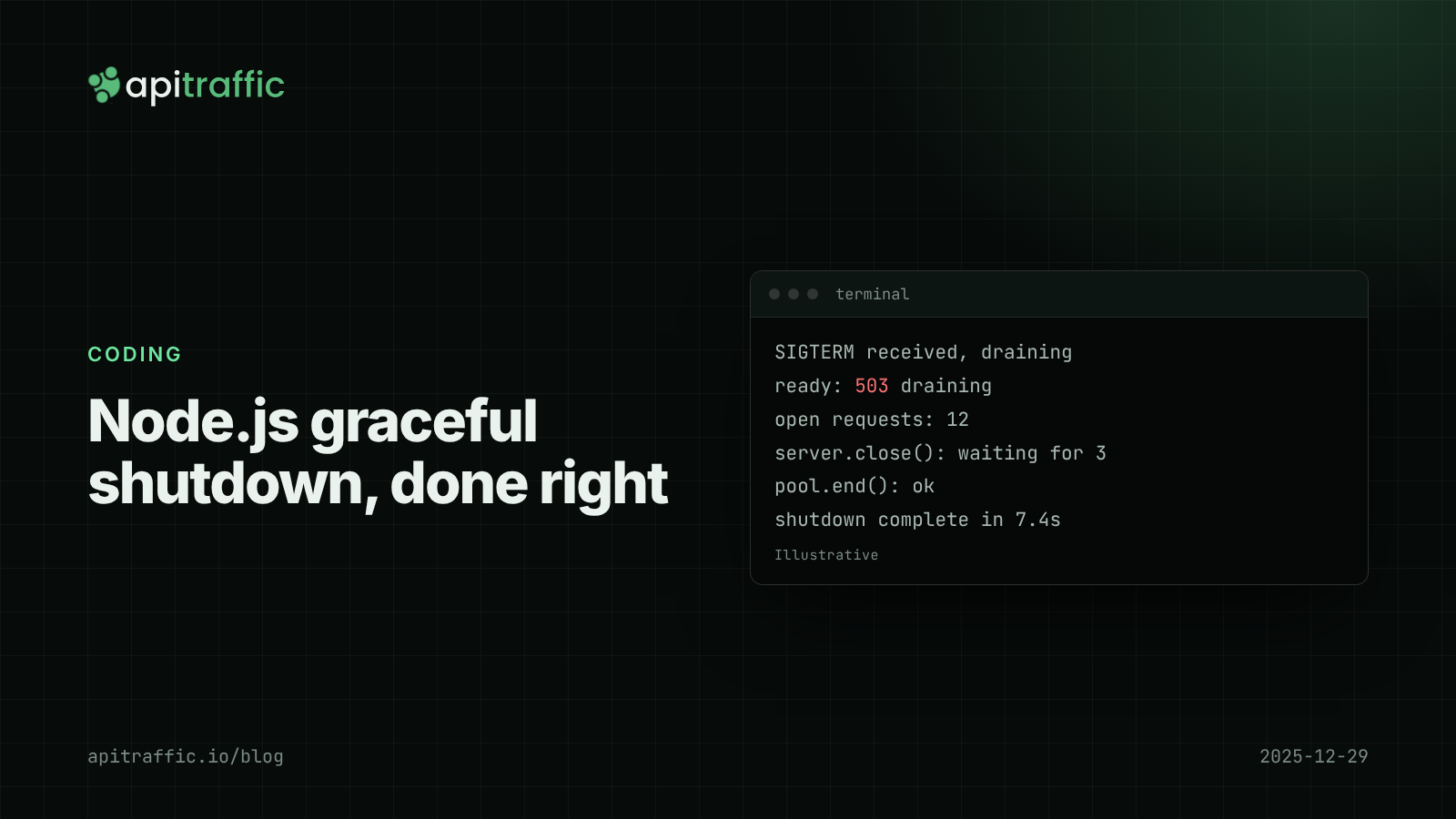
Every deploy, a handful of customers get a 502 or a connection reset, and by the time anyone looks, the graphs are clean again. The cause is usually not the new code: it is the old process being killed with requests still in flight. Node.js graceful shutdown fixes it with a small amount of code: on SIGTERM, fail readiness, keep serving for a few seconds, call server.close(), wait for in-flight requests up to a deadline, then close the database pool and exit.
Below is why deploys drop requests, the exact order of operations, and working shutdown code for Express and Fastify that you can add in an afternoon.
Why do deploys drop requests in Node.js?
Every platform (Kubernetes, ECS, Fly.io, Render, Railway, Heroku) does roughly the same thing when it replaces your process:
- Sends
SIGTERM. - Waits a grace period. Kubernetes defaults to 30 seconds;
docker stopto 10. PaaS platforms set their own, so check yours. - Sends
SIGKILL, which cannot be caught.
The catch is that removing your instance from the load balancer happens at the same time as the SIGTERM, not before. In Kubernetes, the pod leaves the Service endpoints while the signal is delivered, and proxies take a few seconds to notice. New requests can still arrive after your process decided to stop.
That leads to four common failures:
- No signal handler. Node exits immediately on
SIGTERMand cuts every in-flight request. As PID 1 in a container it is worse: the signal is ignored, the grace period runs out, and you getSIGKILLplus a slow deploy. - Closing the listener too early. Requests routed to you during the load balancer’s delay get connection errors.
- Keep-alive reuse. A client sends a new request on an open keep-alive connection after shutdown starts.
- Closing the database first. The pool closes before requests finish, and you get a burst of 500s.
Node.js graceful shutdown: the order that works
1. Fail readiness
Your readiness endpoint returns 503 so health checks stop routing traffic to you.
2. Keep serving for 5 to 10 seconds
Let the load balancer catch up. Requests that still arrive are served normally.
3. Stop accepting connections
Call server.close(). Since Node 19 it also closes idle keep-alive connections, then waits for active requests before calling back.
4. Enforce a deadline
If requests are still running at the deadline, server.closeAllConnections() (Node 18.2+) force-closes them. The deadline must be shorter than the platform’s grace period, so you exit with logs flushed instead of being killed mid-write.
5. Close dependencies, then exit
Stop queue consumers and intervals, close the database pool and Redis client, exit 0.
Express graceful shutdown example
import express from 'express';
import { setTimeout as sleep } from 'node:timers/promises';
import { pool } from './db.js';

const app = express();
let shuttingDown = false;

app.get('/ready', (req, res) => {
  res.status(shuttingDown ? 503 : 200).send(shuttingDown ? 'draining' : 'ok');
});

// While draining, ask keep-alive clients to reconnect elsewhere.
app.use((req, res, next) => {
  if (shuttingDown) res.set('Connection', 'close');
  next();
});

app.get('/orders/:id', async (req, res) => {
  const { rows } = await pool.query('select * from orders where id = $1', [req.params.id]);
  res.json(rows[0] ?? null);
});

const server = app.listen(process.env.PORT ?? 3000);

const DRAIN_DELAY_MS = 5_000;
const HARD_DEADLINE_MS = 20_000; // under a 30s grace period

async function shutdown(signal) {
  if (shuttingDown) return;
  shuttingDown = true;
  console.log(`${signal} received, draining`);

  setTimeout(() => {
    console.error('shutdown deadline hit, forcing close');
    server.closeAllConnections();
    process.exit(1);
  }, HARD_DEADLINE_MS).unref();

  await sleep(DRAIN_DELAY_MS);
  await new Promise((resolve) => server.close(resolve)); // waits for in-flight requests
  await pool.end();
  process.exit(0);
}

process.on('SIGTERM', () => shutdown('SIGTERM'));
process.on('SIGINT', () => shutdown('SIGINT'));
server.close() calls back only after active requests finish, so the pool closes only when nothing is using it. If you tag logs with request IDs, log the count of open requests at each step; it makes the first real rollout much easier to read.
Fastify graceful shutdown example
Fastify does much of this for you. fastify.close() stops the server, runs onClose hooks, and answers requests that arrive after close() with a 503 (return503OnClosing defaults to true). forceCloseConnections defaults to "idle" where supported, so idle keep-alive connections close for you. Because late requests get a 503, keep the drain delay before calling close():
import Fastify from 'fastify';
import { setTimeout as sleep } from 'node:timers/promises';
import { pool } from './db.js';

const app = Fastify({ logger: true });
let draining = false;

app.get('/ready', async (req, reply) => (draining ? reply.code(503).send('draining') : 'ok'));
app.addHook('onClose', async () => { await pool.end(); });

await app.listen({ port: Number(process.env.PORT ?? 3000), host: '0.0.0.0' });

for (const signal of ['SIGTERM', 'SIGINT']) {
  process.once(signal, async () => {
    draining = true;
    setTimeout(() => process.exit(1), 20_000).unref();
    await sleep(5_000);
    await app.close();
    process.exit(0);
  });
}
Containers, PID 1 and background work
- Run node directly. Use the exec form
CMD ["node", "server.js"]. A shell-formCMDor a shell-wrapped start script may not forwardSIGTERM. - Use an init.
docker run --initortinias the entrypoint delivers signals properly to a process running as PID 1 (see the Docker and Node.js best practices). - Make the numbers fit. Drain delay + longest normal request < hard deadline < grace period. With the values above: 5 + 15 ≤ 20 < 30.
- Fail readiness, not liveness. Failing liveness gets the container restarted mid-drain.
- Background work. Stop pulling queue messages, finish and acknowledge the current one, clear intervals, flush batch writers before exit.
A solo developer on a PaaS can stop at the Express or Fastify code above. A 10-person team on Kubernetes should also agree on one grace period across services and put the shutdown function in a shared package so every service drains the same way.
How to test graceful shutdown
node server.js & PID=$!
sleep 1
npx autocannon -c 50 -d 15 http://localhost:3000/orders/1 &
sleep 5 && kill -TERM $PID
wait
With one local process, requests arriving after close() fail because there is nowhere else to go. What matters is that requests in flight when the signal arrived all succeed. For the real test, run the same load through your load balancer during a rollout and expect zero errors. If you just moved to Node.js 24 LTS, this is a good test to add while you are in there.
If you only do one thing
- Add a
SIGTERMhandler that waits 5 seconds, callsserver.close(), then closes the pool. - Add a hard deadline shorter than your platform’s grace period.
- Use exec-form
CMD ["node", ...]and an init process in containers. - Watch 5xx and p95/p99 latency for the five minutes after your next deploy.
FAQ
What does server.close() do in Node.js?
It stops the server accepting new connections and, since Node 19, closes idle keep-alive connections. Its callback runs once active requests have finished, so it waits instead of cutting them off.
How long should a graceful shutdown take?
Long enough for the load balancer to stop routing (5 to 10 seconds) plus your slowest normal request, and always under the platform’s grace period. For most APIs, 15 to 25 seconds total is plenty.
Why does my Node app ignore SIGTERM in Docker?
As PID 1 without a handler, Node does not get the default signal behavior, so SIGTERM does nothing until SIGKILL arrives. Add a handler and run with --init or tini.
Doing this with ApiTraffic
Dropped requests during deploys last seconds and are easy to miss. If you would rather not build a dashboard to check every rollout, ApiTraffic logs every request and response from one middleware.
- Record a deploy event on each rollout, then search
status_code >= 500orstatus_code == 503around it. A working shutdown makes that window look like any other. - Regressions compares p95 before and after the deploy, which also catches a new instance that is slow while warming up.
Start free and see every request your API handles: apitraffic.io
Sources: Node.js HTTP docs (server.close, closeAllConnections) ; Fastify Server reference ; Kubernetes Pod Lifecycle, termination of Pods ; Docker and Node.js best practices
Keep reading

Node.js health checks that tell the truth: liveness vs readiness
A database blip should not restart every replica of your API. Split /health into liveness and readiness, with Express and Fastify code you can ship today.

Deploy markers: tying a latency regression to the release that caused it
p95 doubled, and there were three deploys and a flag flip since yesterday. Deploy markers and a version field on every log line turn "which release did this" into a five-minute query. Here is how to set both up for a Node API.
Node.js fetch timeout: deadlines with AbortSignal and undici
One slow vendor and every handler hangs, because Node fetch waits up to five minutes by default. Here is how to set deadlines with AbortSignal and undici in Express and Fastify.