
Deploy markers: tying a latency regression to the release that caused it
Mark every release from CI, log the version on every request, and compare p95 by version instead of arguing.

On Tuesday afternoon, p95 latency on /v1/search doubled. Since Monday there had been three deploys, a feature flag change and a dependency bump. Everyone had a theory. Nobody had a timeline.
Deploy markers fix that. A deploy marker is a timestamped record of each release (service, environment, commit SHA, who shipped it) drawn on the same charts as your latency and error rates. Add one more thing, the running version on every request log line, and “which release did this” becomes a query: compare p95 per endpoint for the old version and the new one. This post shows how to do both for a Node API in an afternoon, from the build step to a before-and-after comparison script.
What is a deploy marker?
A deploy marker is an event, not a metric. It needs a handful of fields:
| Field | Example | Why |
|---|---|---|
| time | 2026-10-06T14:02:11Z |
Lines the marker up with the charts |
| service | orders-api |
Several services deploy independently |
| environment | production |
Staging deploys should not clutter prod charts |
| version | a1b2c3d (commit SHA) |
Links straight to the diff |
| type | deploy, rollback, config |
A flag flip changes behavior too |
| who | jane or github_actions |
Who to ask |
Most monitoring tools have a place for these: Grafana annotations, Sentry releases, Datadog deployment tracking and Honeycomb markers all do the same job with different names. The tool matters less than doing it automatically on every deploy.
How to add deploy markers to a Node API
Step 1: bake the commit SHA into the build
Your running process should know which commit it is. Pass it in at build time:
# Dockerfile
FROM node:24-bookworm-slim
ARG GIT_SHA=unknown
ENV GIT_SHA=$GIT_SHA
WORKDIR /app
COPY package*.json ./
RUN npm ci --omit=dev
COPY . .
CMD ["node", "server.js"]
docker build --build-arg GIT_SHA=$(git rev-parse --short HEAD) -t orders-api .
Some platforms set it for you. Render exposes RENDER_GIT_COMMIT at build time and runtime. In GitHub Actions, the commit is ${{ github.sha }}.
Step 2: put the version on every log line
A marker tells you when a release started. During a rolling deploy, old and new instances serve traffic side by side for a while, so the marker alone cannot tell you which version handled a slow request. The version on each log line can:
// logger.js
import pino from 'pino';

export const version = process.env.GIT_SHA ?? process.env.RENDER_GIT_COMMIT?.slice(0, 7) ?? 'dev';

export const log = pino({ base: { service: 'orders-api', version } });
log.info('process started');
// server.js (Express)
import express from 'express';
import { log } from './logger.js';

const app = express();

app.use((req, res, next) => {
  const start = process.hrtime.bigint();
  res.on('finish', () => {
    log.info({
      method: req.method,
      route: req.route?.path ? `${req.baseUrl}${req.route.path}` : 'unmatched',
      status: res.statusCode,
      ms: Number(process.hrtime.bigint() - start) / 1e6,
    }, 'request');
  });
  next();
});
Use the route pattern, not the raw URL, or every ID becomes its own endpoint.
Step 3: send the marker from CI, not from memory
The most useful markers are the ones nobody has to remember. Add a step at the end of your deploy job. This example writes a Grafana annotation; swap the URL and body for whatever tool you use:
# .github/workflows/deploy.yml (last step of the deploy job)
- name: Record deploy marker
  if: success()
  run: |
    curl -sf -X POST "$GRAFANA_URL/api/annotations" \
      -H "Authorization: Bearer $GRAFANA_TOKEN" \
      -H "Content-Type: application/json" \
      -d "{\"time\": $(date +%s000), \"tags\": [\"deploy\", \"orders-api\", \"production\"],
           \"text\": \"orders-api ${GITHUB_SHA::7} by ${GITHUB_ACTOR}\"}"
  env:
    GRAFANA_URL: ${{ secrets.GRAFANA_URL }}
    GRAFANA_TOKEN: ${{ secrets.GRAFANA_TOKEN }}
Record rollbacks the same way, with a name that says “rollback”. Record feature flag and config changes as markers too: some of the worst regressions ship without a deploy.
Compare p95 before and after a deploy
With the version on every log line, you can compare releases directly instead of comparing time windows. This script reads NDJSON request logs and prints p95 per endpoint for two versions:
// compare-versions.mjs -- node compare-versions.mjs logs.ndjson a1b2c3d e4f5a6b
import { createReadStream } from 'node:fs';
import { createInterface } from 'node:readline';

const [file, before, after] = process.argv.slice(2);
const MIN_SAMPLES = 200;
const groups = new Map();   // "GET /v1/search" -> { [version]: number[] }

for await (const line of createInterface({ input: createReadStream(file) })) {
  if (!line.includes('"request"')) continue;
  const r = JSON.parse(line);
  if (r.version !== before && r.version !== after) continue;
  const key = `${r.method} ${r.route}`;
  const g = groups.get(key) ?? { [before]: [], [after]: [] };
  g[r.version].push(r.ms);
  groups.set(key, g);
}

const p95 = (xs) => {
  const s = [...xs].sort((a, b) => a - b);
  return s[Math.ceil(0.95 * s.length) - 1];
};

for (const [key, g] of groups) {
  if (g[before].length < MIN_SAMPLES || g[after].length < MIN_SAMPLES) continue;
  const [a, b] = [p95(g[before]), p95(g[after])];
  const flag = b > a * 1.25 ? '  <-- regression' : '';
  console.log(`${key.padEnd(30)} p95 ${a.toFixed(0)}ms -> ${b.toFixed(0)}ms${flag}`);
}
Why percentiles and not averages: one slow query path can double p95 while the average barely moves. Our post on reading p50, p95 and p99 covers how to read these numbers without fooling yourself.
Why before-and-after comparisons mislead
- Traffic mix. A deploy at 9am Monday compared with Sunday night is comparing two different workloads. Compare by version during the overlap, or against the same hour a day or a week earlier.
- Warm-up. New processes start with cold caches, connection pools and JIT. Skip the first few minutes after each instance starts.
- Small samples. An endpoint with 40 calls an hour has a noisy p95. The
MIN_SAMPLESguard is there for a reason. - Bundled changes. If one deploy contains a dependency bump, a query change and a new index, the marker tells you which deploy, not which change. Smaller deploys make markers more useful.
If you only do one thing
- Bake the commit SHA into the image and log it on every request.
- Send a marker from CI on every deploy and rollback.
- Record flag and config changes as markers too.
- When latency moves, compare p95 per endpoint by version before you debate theories.
A one-person team can get steps 1 and 2 done in an hour and stop guessing. A ten-person team should make the CI step part of the shared deploy workflow and agree on marker names, so markers from different services read the same way. If latency regressions are eating into your reliability targets, connect this to your error budget and to what you page on.
FAQ
How long should I wait after a deploy before comparing latency?
Long enough for a few hundred requests per endpoint you care about, after warm-up. For a busy API that is 15 to 30 minutes; for a quiet one, compare against the same window on the previous day.
Should feature flag changes be deploy markers?
Yes, as their own type. A flag flip can change code paths as much as a deploy, and it is the change people forget to mention.
Do I need a commercial tool for deploy markers?
No. A log line with the version and a CI step that writes an annotation in the tool you already use is enough to start.
Doing this with ApiTraffic
If you would rather not build the comparison yourself, record each deploy as an event in ApiTraffic from your pipeline, with the commit in its metadata:
curl -s -X POST "https://api.apitraffic.io/v1/accounts/${APITRAFFIC_ACCOUNT_SID}/events" \
  -H "Authorization: Bearer ${APITRAFFIC_API_TOKEN}" \
  -H "Content-Type: application/json" \
  -d "{\"type\": \"deployment\", \"name\": \"orders-api ${GITHUB_SHA::7}\",
       \"metadata\": {\"commitSha\": \"${GITHUB_SHA}\"}}"
Markers appear on the throughput and response time charts. Regressions compares each endpoint’s p95 before and after a deploy event, and the endpoint’s Time Breakdown and Top Operations show whether the new time went to a query, an N+1 pattern or an outbound call.
Start free and see every request your API handles: apitraffic.io
Sources: Render docs, “Default Environment Variables”; GitHub Docs, “Contexts reference” (github.sha); Grafana docs, “Annotations HTTP API”
Keep reading
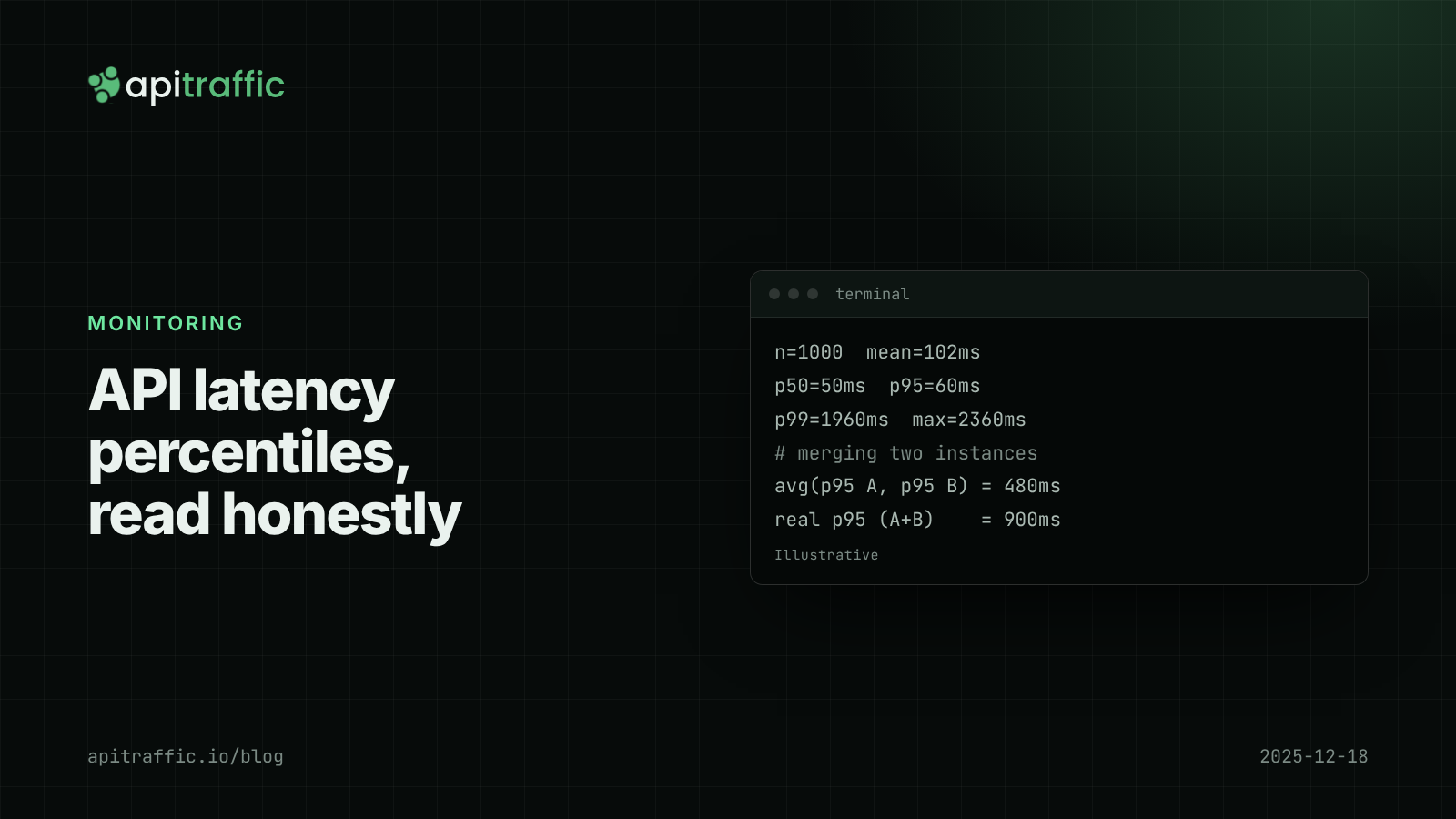
API latency percentiles: how to read p50, p95 and p99 without fooling yourself
Your average latency says 102 ms; a customer says the app hangs for two seconds. Both are true. Learn to read p50, p95 and p99, avoid the four classic mistakes, and record percentiles per route in Node.
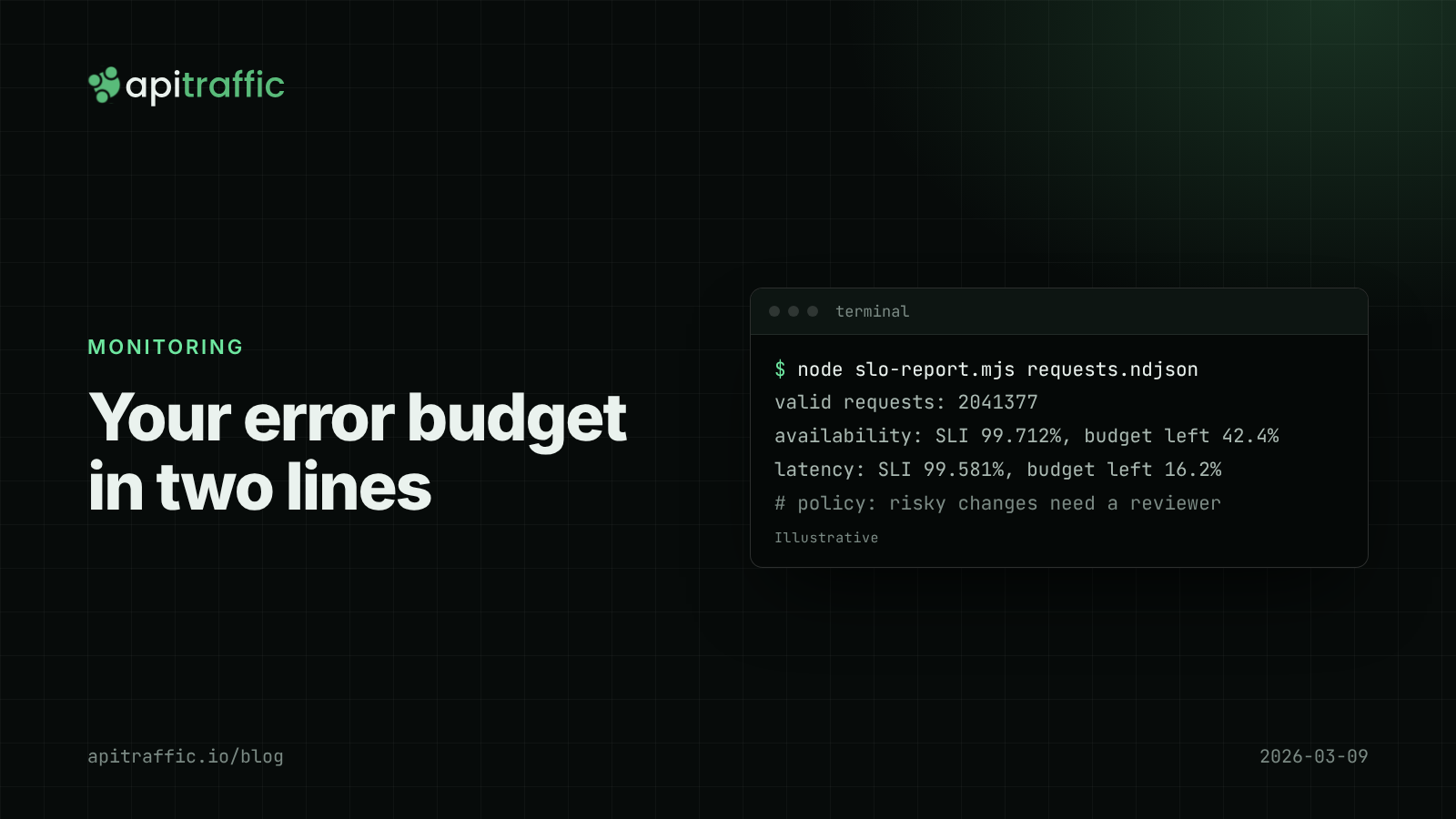
SLOs and an error budget for a small API team, without the enterprise ceremony
Is a 0.4% error rate bad? Without a target, nobody knows. Set one availability and one latency SLO for your Node API, compute the error budget from your request logs, and agree what happens when it runs out.
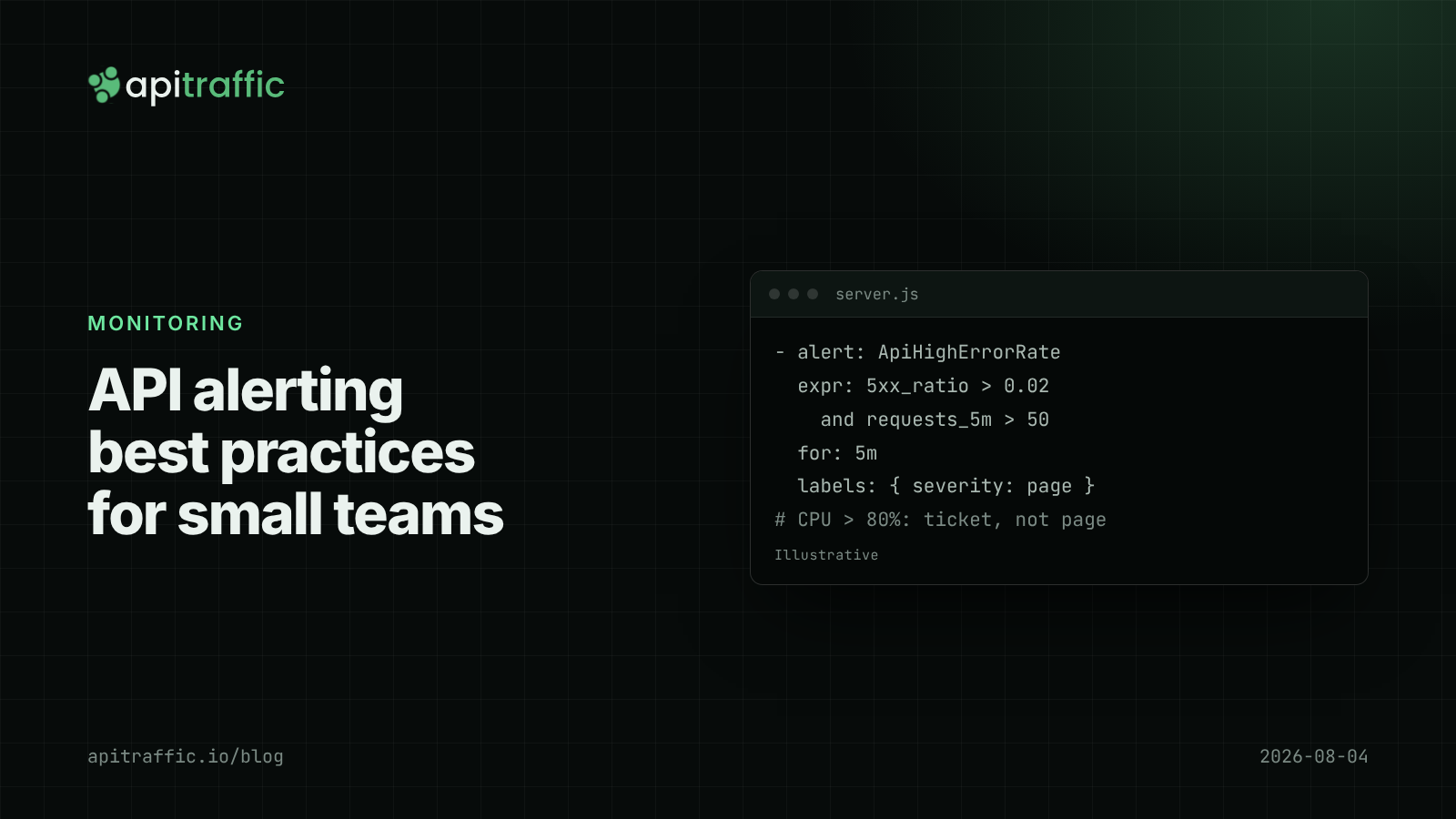
API alerting best practices: what to page on for a Node API
A 3am CPU page that meant nothing, then a real outage that paged nobody. Here is the short list of alerts a small Node API team needs, with rules and code to match.