
API alerting best practices: what to page on for a Node API
Page on errors, latency and downtime, ticket everything else, and keep a small team on call without burning out.
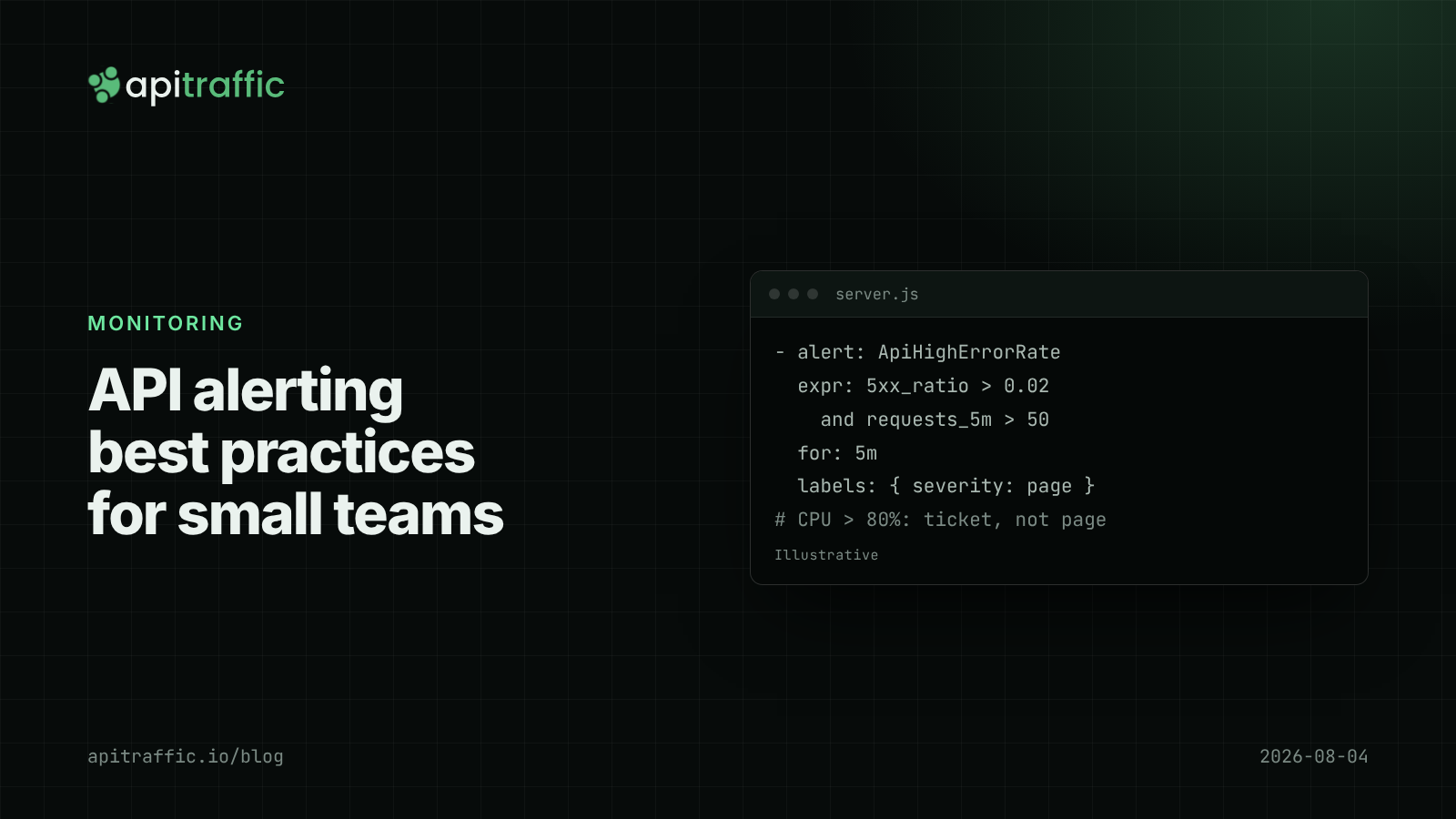
Your phone buzzes at 3am: CPU over 80% on one instance. You look, nothing is wrong for users, and you go back to sleep a little less willing to trust the next alert. A week later a real outage pages nobody, because the alert that mattered did not exist. API alerting best practices come down to one rule: page on symptoms users feel (errors, latency, the API not answering), send everything else to a ticket or a dashboard, and require every page to be actionable.
For a Node API run by a team of 1 to 20, that means four or five alerts, not forty. Here is which ones, how to keep them quiet, and working instrumentation and alert rules.
What should you alert on for an API?
The Google SRE book’s guidance is to alert on symptoms rather than causes. For an HTTP API the symptom list is short:
| Alert | Condition (example) | Page or ticket |
|---|---|---|
| Error rate | 5xx above 2% of requests for 5 minutes, at least 50 requests | Page |
| Latency | p95 of key endpoints above 2x normal for 10 minutes | Page |
| Down | External check fails from 2+ locations for 3 minutes | Page |
| Running out | Disk, connection limit or quota will run out within hours | Page if hours, ticket if days |
| TLS certificate | Expires in under 14 days | Ticket |
Replace the example numbers with values from your own baseline. The structure matters more than the thresholds: ratios instead of counts, a minimum volume, and a duration.
API alerting best practices: what not to page on
- CPU or memory percentage. High CPU with normal latency is a cost question, not an emergency.
- A single 500. One error is a log line. Many errors are a rate.
- Raw 4xx counts. Clients send bad requests; a 4xx spike is often a scanner or a broken client release. Ticket it, or route it to a security review.
- One process restart. Page on restarts only if they cause errors users see, which the error-rate alert already catches.
- A dependency’s latency alone. If the vendor’s slowness hurts your users, your own latency alert fires.
Causes like these belong on a dashboard you open when a symptom alert fires. Event loop lag is a good example: a vital diagnostic, a poor page.
How to reduce alert noise
Use rates and minimum volumes
Five errors out of ten requests at 4am is 50%, and it may be one confused client. Require a minimum request count before an error-rate alert can fire.
Add a duration
Use a for window (5 to 10 minutes) so a spike during a deploy does not page. Short, real outages are still caught by the external “down” check.
Alert on the routes that matter
Exclude /health, webhooks you ignore and admin routes from latency alerts, or alert per group of routes. One slow export endpoint should not page as “API slow”.
Consider burn rate once you have an SLO
If you define an availability target, alerting on how fast you burn the error budget (fast burn pages, slow burn tickets) replaces fixed thresholds well. The SLOs and error budgets post covers how to set one up without much ceremony.
How to instrument a Node API for alerting
A request histogram labeled by route and status class is enough for every alert above. With prom-client and Express:
import express from 'express';
import client from 'prom-client';

const httpDuration = new client.Histogram({
  name: 'http_request_duration_seconds',
  help: 'HTTP request duration',
  labelNames: ['method', 'route', 'status_class'],
  buckets: [0.025, 0.05, 0.1, 0.25, 0.5, 1, 2.5, 5],
});

const app = express();

app.use((req, res, next) => {
  const end = httpDuration.startTimer();
  res.on('finish', () => {
    end({
      method: req.method,
      route: req.route?.path ?? 'unmatched', // the pattern, not the raw URL
      status_class: `${Math.floor(res.statusCode / 100)}xx`,
    });
  });
  next();
});

app.get('/metrics', async (req, res) => {
  res.set('content-type', client.register.contentType);
  res.send(await client.register.metrics());
});
Label by route pattern, never by raw URL, or every user ID becomes a new time series. Note that req.route holds only the last matched path segment in nested routers; prefix it with req.baseUrl if you mount routers.
Then the alert rules, in Prometheus format:
groups:
  - name: api
    rules:
      - alert: ApiHighErrorRate
        expr: |
          sum(rate(http_request_duration_seconds_count{status_class="5xx"}[5m]))
            / sum(rate(http_request_duration_seconds_count[5m])) > 0.02
          and sum(increase(http_request_duration_seconds_count[5m])) > 50
        for: 5m
        labels: { severity: page }
        annotations:
          summary: "5xx rate above 2% for 5m"
          runbook: "https://wiki.example.com/runbooks/api-errors"
      - alert: ApiSlowCheckout
        expr: |
          histogram_quantile(0.95, sum by (le) (
            rate(http_request_duration_seconds_bucket{route=~"/checkout.*"}[10m]))) > 1
        for: 10m
        labels: { severity: page }
The same logic works in Grafana Cloud, Datadog, New Relic or your platform’s built-in alerting; the names change, the structure does not. For the “down” alert, use an external uptime check against a real endpoint, not just /health (see health checks that tell the truth).
Who gets paged on a small team?
- Solo developer: pages go to your phone, so be strict. Three alerts: error rate, latency on your most important route, and down. Everything else goes to email.
- Team of ~10: a weekly on-call rotation, one channel for pages and another for tickets, and a 15-minute review every week: for each page, was it real, and did someone need to act? Delete or downgrade any alert that fails twice.
Every page should include what fired, the current value, a link to the dashboard and a runbook link with the first three things to check. A runbook can be five lines.
If you only do one thing
- Delete or downgrade every page that is a cause (CPU, memory, single errors) rather than a symptom.
- Make sure three pages exist: 5xx rate, p95 on key routes, and external “down”.
- Give each a minimum volume and a duration.
- Review pages weekly and delete the ones nobody acted on.
FAQ
What is the difference between a symptom alert and a cause alert?
A symptom alert fires on what users experience, such as errors or slow responses. A cause alert fires on something that might lead to that, such as high CPU. Page on symptoms and use causes for diagnosis.
Should I alert on p95 or p99 latency?
For paging, p95 over several minutes is steadier and harder to trip with a handful of slow requests. Watch p99 on dashboards and for tickets, especially on low-traffic routes.
How many alerts should a small API team have?
Few enough that every page gets acted on. For a single Node API, three to five paging alerts covering errors, latency, availability and capacity is a reasonable start.
Doing this with ApiTraffic
Alerts tell you something is wrong; the next ten minutes are spent working out what. If you would rather not build that investigation tooling yourself, ApiTraffic records every request and response, with route patterns and tags.
- Search
status_code >= 500for the alert’s time window to see the failing requests themselves, with bodies and headers (credentials masked by default). tag:userId == "1042" AND status_code >= 400shows whether one customer is behind the spike (tags and dimensions).- Endpoint details show p50, p95 and p99 per endpoint, and Regressions flags endpoints whose p95 rose after a recorded deploy event.
Start free and see every request your API handles: apitraffic.io
Sources: Google SRE book, “Monitoring Distributed Systems”; Prometheus, “Alerting” best practices; Prometheus alerting rules; prom-client
Keep reading
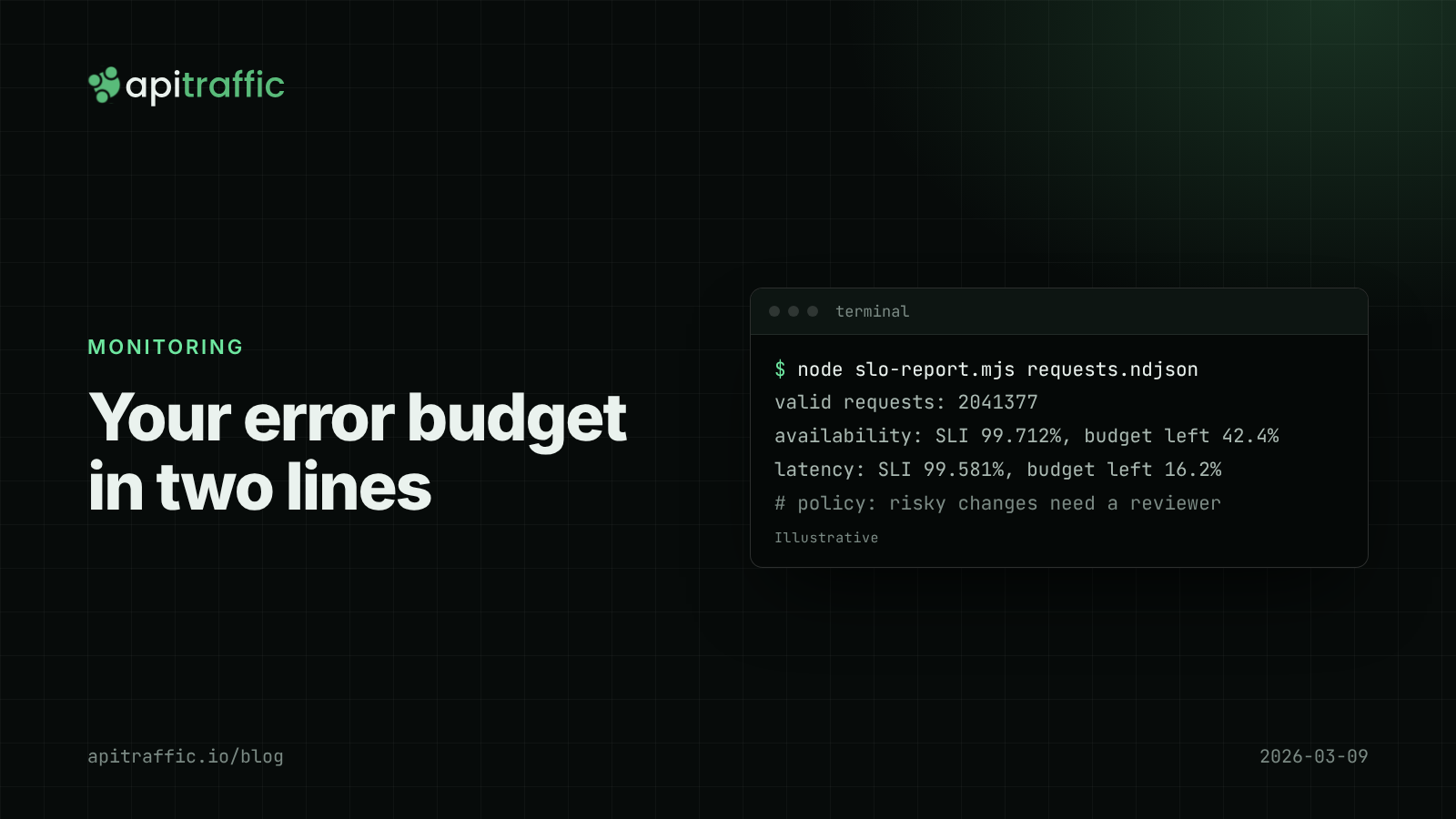
SLOs and an error budget for a small API team, without the enterprise ceremony
Is a 0.4% error rate bad? Without a target, nobody knows. Set one availability and one latency SLO for your Node API, compute the error budget from your request logs, and agree what happens when it runs out.
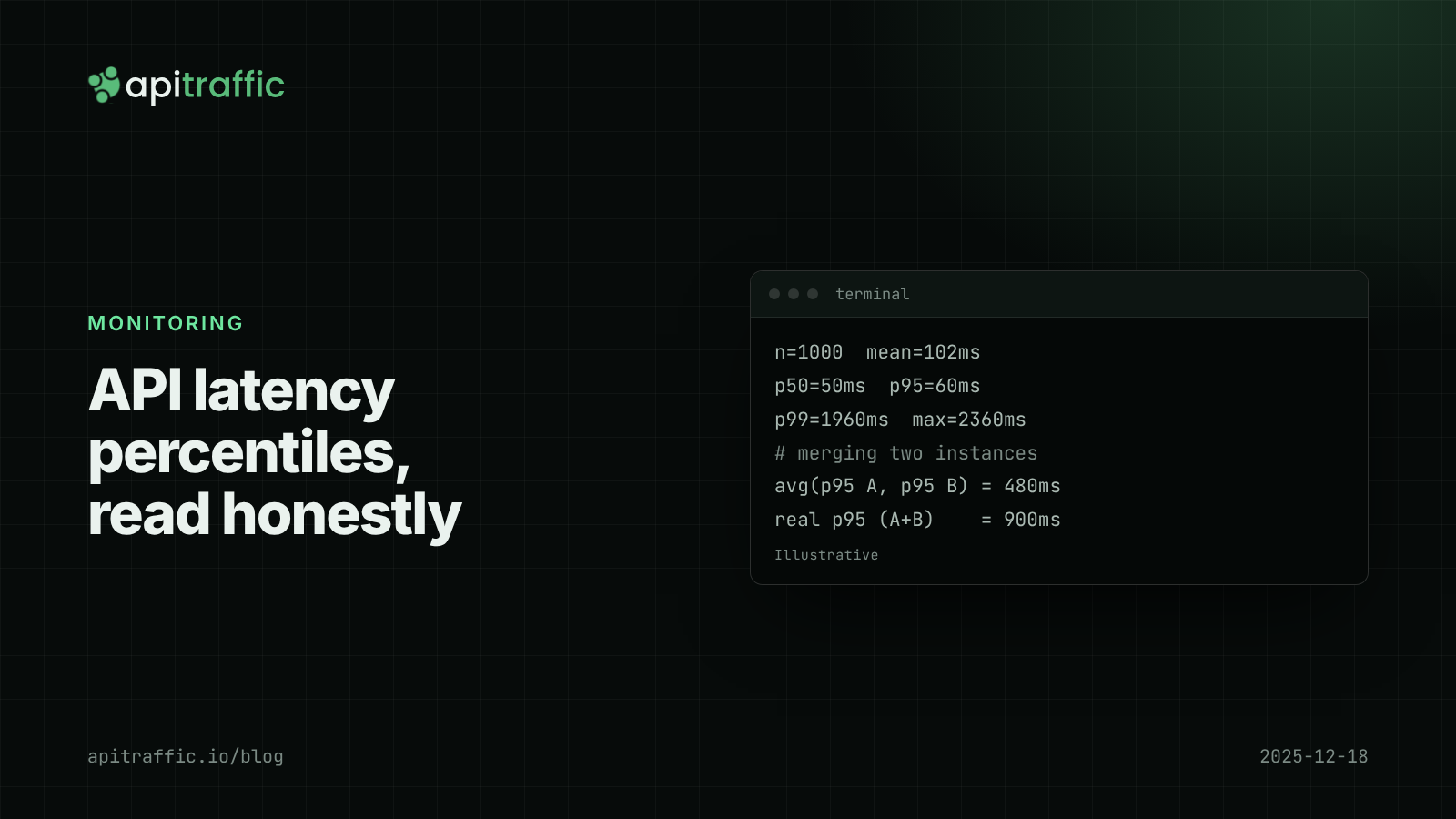
API latency percentiles: how to read p50, p95 and p99 without fooling yourself
Your average latency says 102 ms; a customer says the app hangs for two seconds. Both are true. Learn to read p50, p95 and p99, avoid the four classic mistakes, and record percentiles per route in Node.

Node.js health checks that tell the truth: liveness vs readiness
A database blip should not restart every replica of your API. Split /health into liveness and readiness, with Express and Fastify code you can ship today.