
Node.js event loop lag: the metric that explains "random" slowness
How to measure event loop delay and utilization, find the code that blocks, and fix it before users notice.
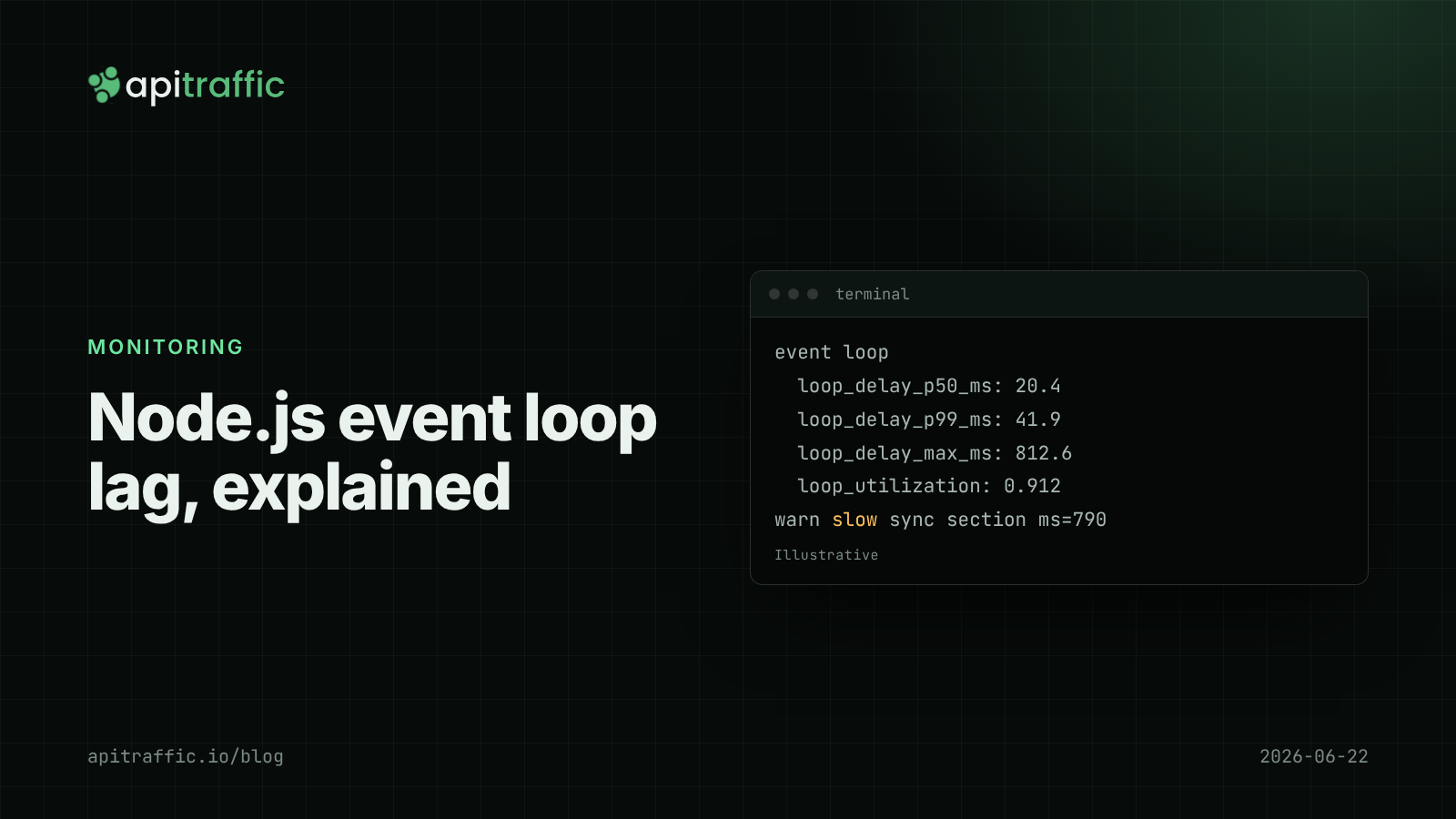
A customer reports that your API is “sometimes slow”. You check: no single endpoint is slow, the database is fine, CPU on the box is at 30%. Then you notice /health also took 400 ms at the same moment. That pattern is Node.js event loop lag: one piece of synchronous work holding the only JavaScript thread, so every other request in the process waits behind it.
Event loop lag is the delay between when a callback should run and when it actually does. You measure it with perf_hooks.monitorEventLoopDelay(), and you fix it by finding the synchronous code that blocks the loop and moving it off the request path. Here is how to do each, with code.
Why does event loop lag make every endpoint slow?
Node runs your JavaScript on one thread. While a handler spends 200 ms in JSON.stringify on a huge object, nothing else in that process runs: not other requests, not timers, not health checks. The slow request’s latency is honest. Everybody else’s latency is collateral.
The symptoms are distinctive:
- p99 rises on all endpoints at once, including trivial ones.
- One core is pinned while total machine CPU looks modest (common on multi-core VPS and container hosts).
- Database and outbound spans look normal, but there are unexplained gaps between them.
- Health checks time out under load and the platform restarts a healthy process.
That last one is why liveness checks should be cheap and have generous timeouts.
How to measure Node.js event loop lag
Node has two built-in tools. monitorEventLoopDelay() samples how late a timer fires and records it in a histogram (in nanoseconds). performance.eventLoopUtilization() reports the fraction of time the loop was busy rather than idle.
// loop-metrics.js
import { monitorEventLoopDelay, performance } from 'node:perf_hooks';

export function startLoopMetrics(log, intervalMs = 10_000) {
  const h = monitorEventLoopDelay({ resolution: 20 });
  h.enable();
  let last = performance.eventLoopUtilization();

  const timer = setInterval(() => {
    const elu = performance.eventLoopUtilization(last);
    last = performance.eventLoopUtilization();
    log.info({
      loop_delay_p50_ms: +(h.percentile(50) / 1e6).toFixed(1),
      loop_delay_p99_ms: +(h.percentile(99) / 1e6).toFixed(1),
      loop_delay_max_ms: +(h.max / 1e6).toFixed(1),
      loop_utilization: +elu.utilization.toFixed(3),
    }, 'event loop');
    h.reset();
  }, intervalMs);
  timer.unref();
}
Call it once at startup with your logger. Log these numbers or export them as gauges; either way, keep the per-interval max, because a single 800 ms block is exactly what this is meant to catch.
How to read the numbers
- Delay p99 and max tell you how long requests waited for the loop. A max of 300 ms means some request got 300 ms added to it for no reason of its own.
- Utilization near 1.0 for sustained periods means the process is saturated: it is busy all the time, and more traffic will only queue. Low utilization with high max delay means occasional long blocks, which is the “random slowness” case.
- Compare against your own baseline. There is no universal threshold. Record a week of normal values, then alert or investigate when p99 delay moves well above it.
Read the delay alongside request latency percentiles: a p99 latency spike that lines up with a max loop delay spike points at blocking, not at the database.
What blocks the Node.js event loop?
The usual suspects in API code:
- Large JSON.
JSON.parseandJSON.stringifyon multi-megabyte payloads, including logging big objects synchronously. - Synchronous crypto.
pbkdf2Sync,scryptSync, or a pure-JavaScript bcrypt on a login route. - Regular expressions with catastrophic backtracking, especially on user input.
- Sync I/O on the request path:
readFileSync,zlib.gzipSync, template compilation per request. - Big in-memory loops: sorting or mapping tens of thousands of rows in JavaScript instead of in the database.
- Garbage collection. Large heaps mean longer pauses, and GC shows up as loop delay. If the heap grows steadily too, see debugging memory leaks with heap snapshots.
How to find the code that blocks the loop
Step 1: Profile under realistic load
node --cpu-prof --cpu-prof-dir=./profiles server.js
# generate load, then stop the process with Ctrl+C
Open the .cpuprofile file in Chrome DevTools (Performance panel) and look for long, flat blocks of your own functions. Run it in staging with replayed or synthetic traffic; profiling production directly is possible but has overhead.
Step 2: Time suspicious sections
When you have a suspect, measure it directly:
const t0 = performance.now();
const body = JSON.stringify(report);
const ms = performance.now() - t0;
if (ms > 50) req.log.warn({ ms, route: req.routeOptions?.url }, 'slow sync section');
Step 3: Correlate with routes
Log the loop max next to request logs with timestamps. The route whose slow requests consistently overlap with loop delay spikes is usually the culprit.
How to fix event loop blocking
-
Use async crypto. The callback and promise versions run in libuv’s thread pool:
jsimport { pbkdf2 } from 'node:crypto'; import { promisify } from 'node:util'; const pbkdf2Async = promisify(pbkdf2); const hash = await pbkdf2Async(password, salt, 210_000, 32, 'sha256'); -
Move CPU work to worker threads. For report generation, image work or heavy parsing, use
node:worker_threadsdirectly or a pool such as Piscina. -
Shrink the work. Paginate, select fewer columns, cap body sizes, and stream large responses instead of building one giant string.
-
Fix regexes. Anchor them, avoid nested quantifiers, and cap input length before matching.
Shedding load when the loop is saturated
Under a traffic spike, it can be better to return 503 quickly than to make every request slow. Fastify has @fastify/under-pressure:
import underPressure from '@fastify/under-pressure';

await app.register(underPressure, {
  maxEventLoopDelay: 1000,       // ms
  maxEventLoopUtilization: 0.98,
  retryAfter: 10,
});
In Express, you can build the same check on the histogram above, but keep the threshold high: shedding healthy traffic because of one blip causes its own incidents.
A solo developer should add the metrics function and look at the numbers once a week. A team of ten should export them as metrics, put them on the same dashboard as p99 latency, and check them in every performance investigation.
If you only do one thing
- Add
startLoopMetrics()to every service today. - When p99 latency jumps everywhere at once, check loop max delay before the database.
- Replace any
*Synccrypto or file call on a request path. - Profile one busy endpoint with
--cpu-profthis month.
FAQ
What is a normal event loop delay in Node.js?
It depends on the timer resolution and your workload, so measure your own baseline. What matters is change: a max delay of hundreds of milliseconds means some requests waited that long for the loop.
Does event loop lag show up as high CPU?
Usually as one busy core, not high total CPU. On a multi-core host the machine can look mostly idle while the Node process is saturated.
Will adding more instances fix event loop lag?
It spreads load, so fewer requests queue behind each block, but each blocked request is still slow. Fix the blocking code; scale for throughput.
Doing this with ApiTraffic
If you would rather not build span tracing to tell blocking from slow dependencies, ApiTraffic records database, cache, queue and outbound spans inside each request via OpenTelemetry.
- An endpoint’s Time Breakdown shows where its time goes. When most of it is not in queries or outbound calls, look at your own code and the loop.
- The request waterfall shows gaps between spans on a slow request; long gaps with no span are where synchronous work ran.
span()adds a custom timing around a suspect section, such as a bigJSON.stringify, so it appears on the waterfall.
Start free and see every request your API handles: apitraffic.io
Sources: Node.js docs: perf_hooks (monitorEventLoopDelay, eventLoopUtilization); Node.js guide: Don’t Block the Event Loop (or the Worker Pool); @fastify/under-pressure on GitHub
Keep reading
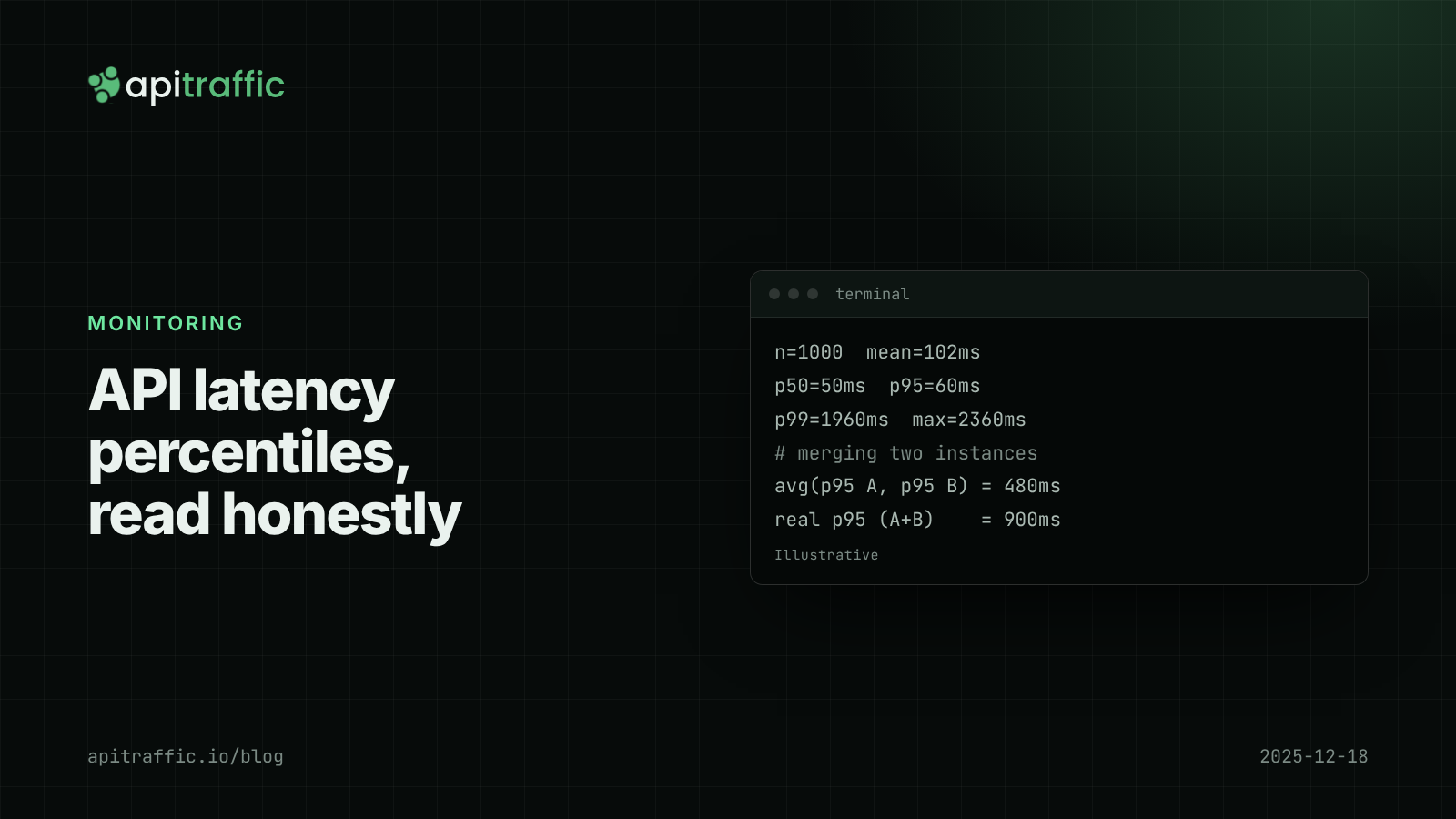
API latency percentiles: how to read p50, p95 and p99 without fooling yourself
Your average latency says 102 ms; a customer says the app hangs for two seconds. Both are true. Learn to read p50, p95 and p99, avoid the four classic mistakes, and record percentiles per route in Node.
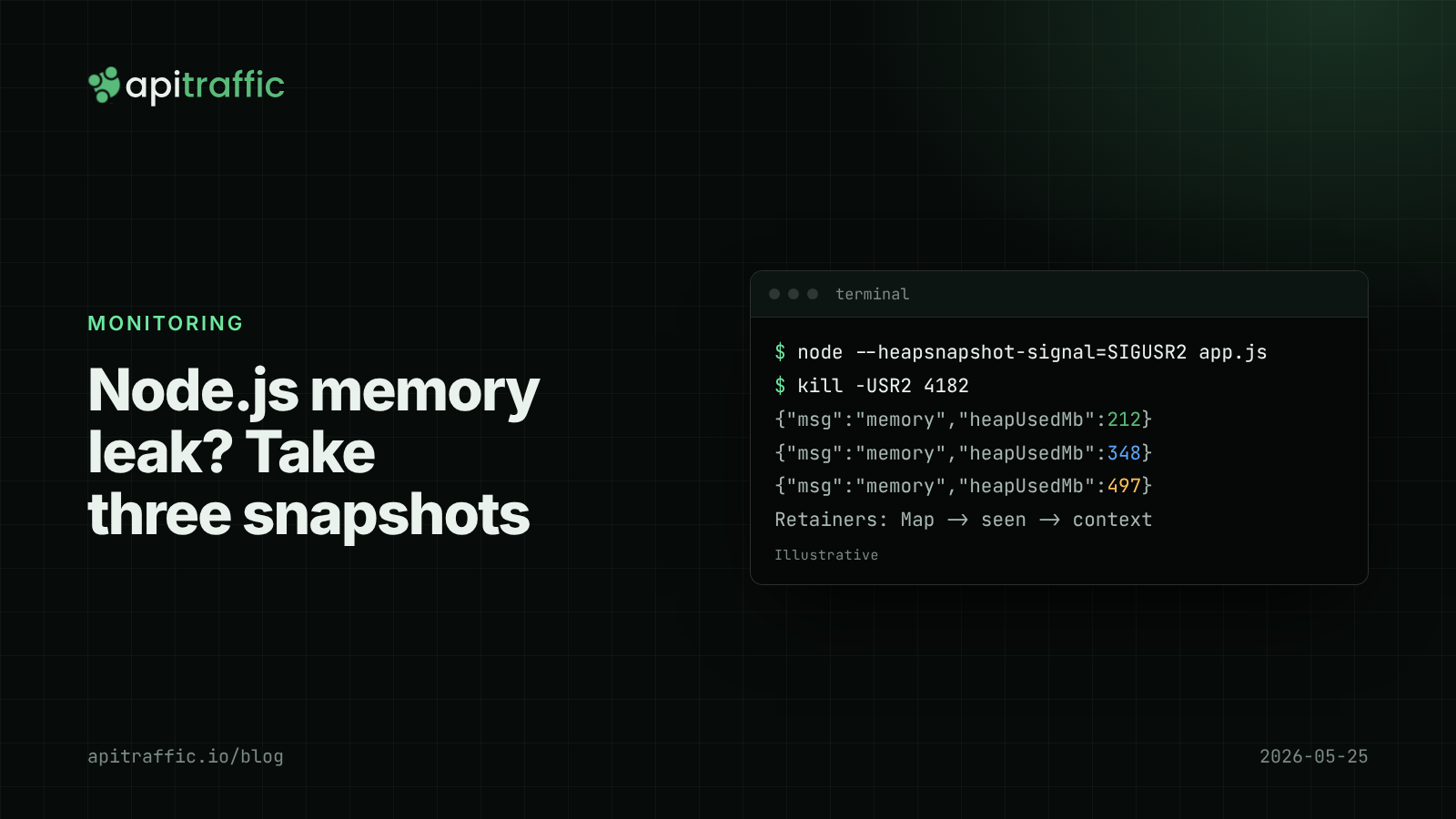
Node.js memory leak debugging with heap snapshots
The container keeps getting OOM-killed and restarts hide why. Here is the three-snapshot method that finds a Node.js memory leak, and how to do it safely in production.

Node.js health checks that tell the truth: liveness vs readiness
A database blip should not restart every replica of your API. Split /health into liveness and readiness, with Express and Fastify code you can ship today.