
Node.js health checks that tell the truth: liveness vs readiness
Why a database ping in the wrong probe turns a 40-second blip into a restart storm, and how to split the checks.

The database had a 40-second blip, and every replica of your API restarted at once, so the outage lasted ten minutes instead of 40 seconds. That is what happens when a Node.js health check pings the database from the wrong probe.
The short answer: use two endpoints. A liveness check (/livez) answers “is this process stuck?” and checks nothing external. A readiness check (/readyz) answers “should this instance get traffic right now?” and checks critical dependencies with a short timeout. Restarts follow liveness, traffic routing follows readiness. Below are working Express and Fastify versions and the mistakes that make health checks lie.
Liveness vs readiness: what is the difference?
| Liveness | Readiness | |
|---|---|---|
| Question | Is the process stuck? | Can it serve requests now? |
| On failure (Kubernetes) | Container is restarted | Pod is removed from Service endpoints |
| Checks dependencies? | No | Critical ones, with a timeout |
| Should be | Cheap, local, tolerant | Accurate, fast to react |
Kubernetes also has a startup probe, which holds off the other two until a slow-booting app is ready. Docker’s HEALTHCHECK, load balancer target checks and the health check path on platforms such as Render, Railway and Fly.io implement versions of the same idea, often with only one check, which makes picking the right semantics more important.
The rule: liveness checks the process, readiness checks its ability to do useful work. Put a database ping in liveness and a short database incident becomes a crash loop across every replica.
What should a Node.js health check actually test?
Liveness should test:
- The event loop is responsive. If the handler runs at all, it mostly is.
- No known-fatal state you can detect yourself.
Readiness should test:
- Startup work is finished: config loaded, migrations checked.
- Critical dependencies answer within a short timeout. Usually that is the primary database and little else.
- The process is not shutting down.
- Optionally, event loop delay is under a threshold.
Leave out dependencies only some endpoints need. If your email provider is down, reads still work, so stay in rotation and fail the send-email path on its own.
How to add a health check endpoint in Express
This uses Express 5 and pg. The parts that matter are the timeout, the cached result so probes do not hammer the database, and the shuttingDown flag.
import express from 'express';
import pg from 'pg';
import { monitorEventLoopDelay } from 'node:perf_hooks';

const app = express();
const pool = new pg.Pool({ connectionString: process.env.DATABASE_URL });
const loopDelay = monitorEventLoopDelay({ resolution: 20 });
loopDelay.enable();

let started = false;
let shuttingDown = false;
let lastCheck = { ok: false, at: 0, detail: {} };

const withTimeout = (promise, ms) =>
  Promise.race([
    promise,
    new Promise((_, reject) =>
      setTimeout(() => reject(new Error(`timeout after ${ms}ms`)), ms)),
  ]);

async function checkDependencies() {
  const detail = {};
  try {
    await withTimeout(pool.query('SELECT 1'), 500);
    detail.db = 'ok';
  } catch (err) {
    detail.db = err.message;
  }
  const p99ms = loopDelay.percentile(99) / 1e6;
  detail.eventLoopP99Ms = Math.round(p99ms);
  loopDelay.reset();
  lastCheck = { ok: detail.db === 'ok' && p99ms < 500, at: Date.now(), detail };
  return lastCheck;
}

app.get('/livez', (req, res) => res.json({ status: 'alive' }));

app.get('/readyz', async (req, res) => {
  if (!started || shuttingDown) {
    return res.status(503).json({ status: 'not ready', started, shuttingDown });
  }
  const fresh = Date.now() - lastCheck.at < 2000;
  const result = fresh ? lastCheck : await checkDependencies();
  res.status(result.ok ? 200 : 503).json(result.detail);
});

const server = app.listen(3000, async () => {
  await checkDependencies();
  started = true;
});

process.on('SIGTERM', () => {
  shuttingDown = true;
  setTimeout(() => server.close(() => pool.end()), 5000);
});
withTimeout stops the probe from waiting but does not cancel the query, which is one more reason to cache the result for a couple of seconds.
The SIGTERM handler flips readiness first and closes the server a few seconds later, so the platform stops routing before connections close. The rest of that sequence is covered in graceful shutdown in Node.js.
How to add health checks in Fastify with under-pressure
Fastify’s official @fastify/under-pressure plugin tracks event loop delay, heap, RSS and event loop utilization against thresholds you set, answers with Service Unavailable when they are exceeded, and can run a healthCheck function on an interval behind a status route.
import Fastify from 'fastify';
import underPressure from '@fastify/under-pressure';
import pg from 'pg';

const app = Fastify({ logger: true });
const pool = new pg.Pool({ connectionString: process.env.DATABASE_URL });

await app.register(underPressure, {
  maxEventLoopDelay: 1000,
  maxEventLoopUtilization: 0.98,
  retryAfter: 50,
  healthCheck: async () => {
    await pool.query('SELECT 1');
    return true;
  },
  healthCheckInterval: 5000,
  exposeStatusRoute: '/readyz',
});

app.get('/livez', async () => ({ status: 'alive' }));
await app.listen({ port: 3000, host: '0.0.0.0' });
Once a threshold is crossed, under-pressure rejects ordinary requests too. That is load shedding, usually what you want, but test it before an incident does.
Configuring liveness and readiness probes in Kubernetes
startupProbe:
  httpGet: { path: /readyz, port: 3000 }
  periodSeconds: 2
  failureThreshold: 30
livenessProbe:
  httpGet: { path: /livez, port: 3000 }
  periodSeconds: 10
  timeoutSeconds: 2
  failureThreshold: 3
readinessProbe:
  httpGet: { path: /readyz, port: 3000 }
  periodSeconds: 5
  timeoutSeconds: 2
  failureThreshold: 2
Liveness is deliberately tolerant. Readiness reacts faster because leaving rotation is cheap and reversible.
Team size changes the setup. A one-person team on a PaaS or a single VM usually gets one health check setting: point it at /readyz if the platform only uses it to gate deploys and routing, and at /livez if failures trigger restarts. A ten-person team on Kubernetes or ECS should wire up both probes as above and review the thresholds after each incident.
Why health checks lie
- They always return 200, so nothing is checked.
- They check every dependency, so a partial outage becomes a full one.
- They have no timeout, so the probe dies and you lose the reason.
- They are public. Dependency names and latencies are free reconnaissance, so block
/readyzdetail at your edge. - They are expensive. Several load balancers probing every few seconds adds up.
- They drown your logs. On a quiet service, probes can be most of your traffic, so make them easy to filter out.
Health check checklist
If you only do one thing, split /health into /livez and /readyz and move the database ping to readiness. Then:
- Readiness checks startup, shutdown, critical dependencies with a timeout, and optionally event loop delay.
- Readiness returns 503 before the server closes on
SIGTERM. - Dependency results are cached for a few seconds.
- Health routes do not expose detail to the internet.
FAQ
Should a health check endpoint check the database?
The readiness check should, with a timeout of a few hundred milliseconds. The liveness check should not, because restarting your API does not fix the database and causes restart storms.
What status code should a failing health check return?
Return 503 Service Unavailable. Kubernetes HTTP probes treat any status from 200 to 399 as success, and most load balancers expect 200 for healthy.
How often should health checks run?
Every 5 to 10 seconds is typical. Cache the expensive part so the check costs one cheap query, even with several callers.
Doing this with ApiTraffic
Health checks describe one instance at one moment. If you would rather not build dashboards to see what users experienced meanwhile, ApiTraffic records it for you.
- Requests are recorded under the matched route pattern, so
/readyzgets its own request count and p50, p95 and p99 over time. A readiness p99 creeping toward the probe timeout is an early warning; see how to read latency percentiles. - Search for flapping with
url_path == "/readyz" AND status_code == 503to line up when an instance left rotation with what else failed. - With the APM preload (
node -r @apitraffic/node/register ./server.js), the database span inside each readiness check shows on the request waterfall.
Start free and see every request your API handles: apitraffic.io
Sources: Kubernetes, “Liveness, Readiness, and Startup Probes”; @fastify/under-pressure README; Node.js perf_hooks, monitorEventLoopDelay
Keep reading
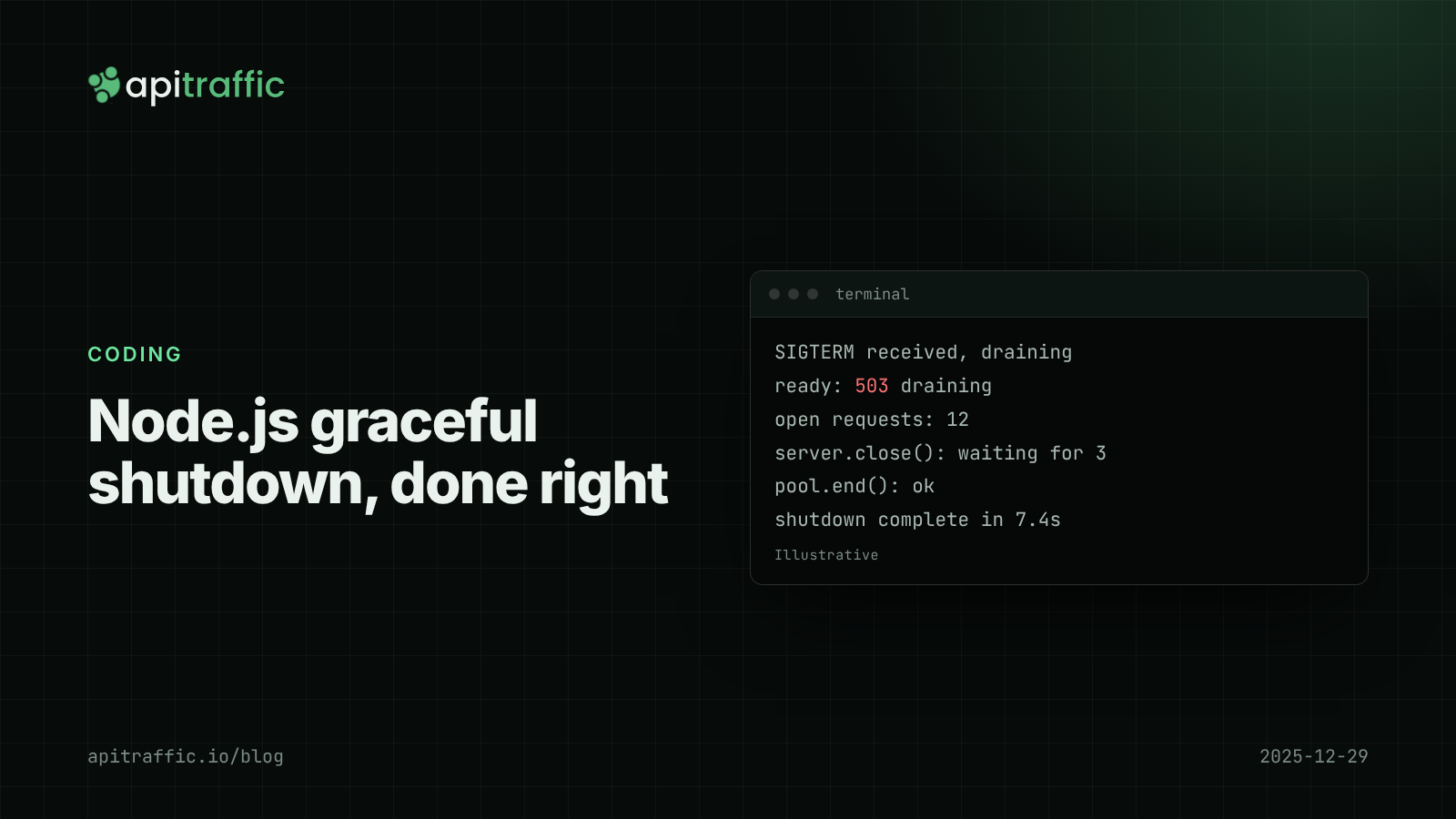
Node.js graceful shutdown: stop dropping requests on every deploy
A burst of 502s on every deploy is usually the old process dying with requests in flight. Here is the shutdown order and Express and Fastify code that fixes it in an afternoon.
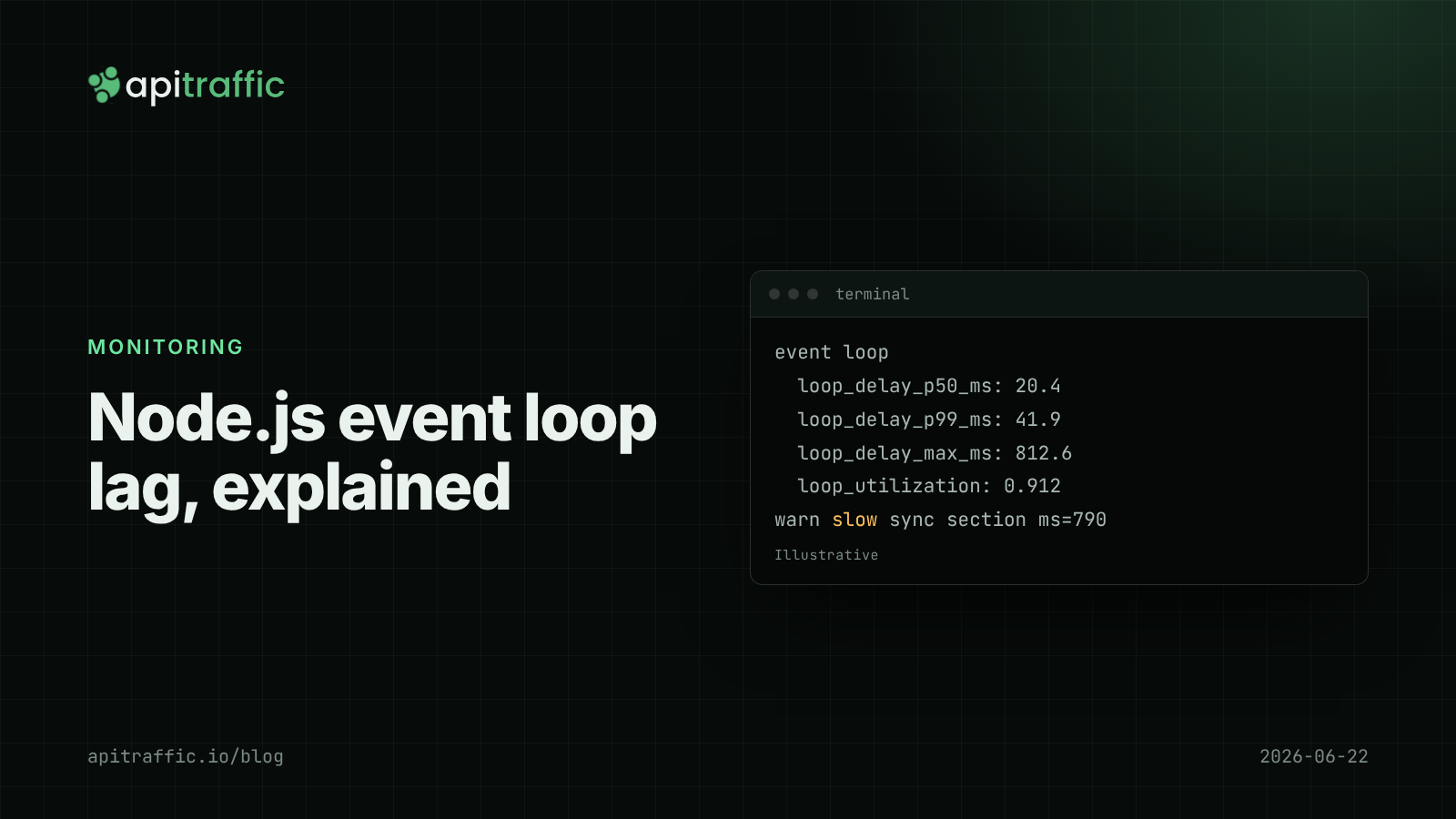
Node.js event loop lag: the metric that explains "random" slowness
Every endpoint slow at once, database fine, CPU looks idle: that is event loop lag. Here is how to measure it in Node with built-in tools and find the code that blocks.
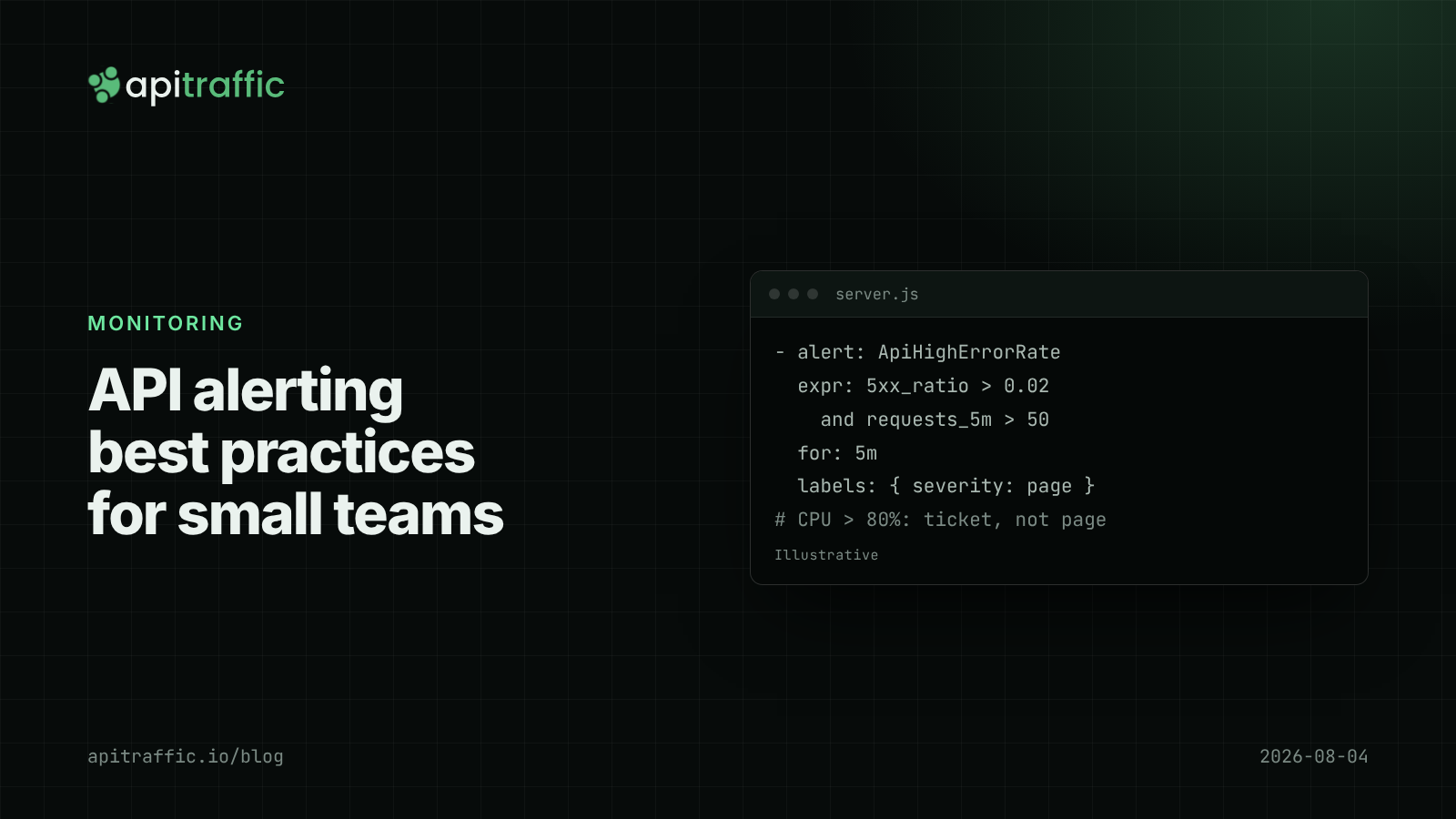
API alerting best practices: what to page on for a Node API
A 3am CPU page that meant nothing, then a real outage that paged nobody. Here is the short list of alerts a small Node API team needs, with rules and code to match.