
Node.js memory leak debugging with heap snapshots
Confirm the leak, capture snapshots safely in production, and read the retainer chain back to the line of code.
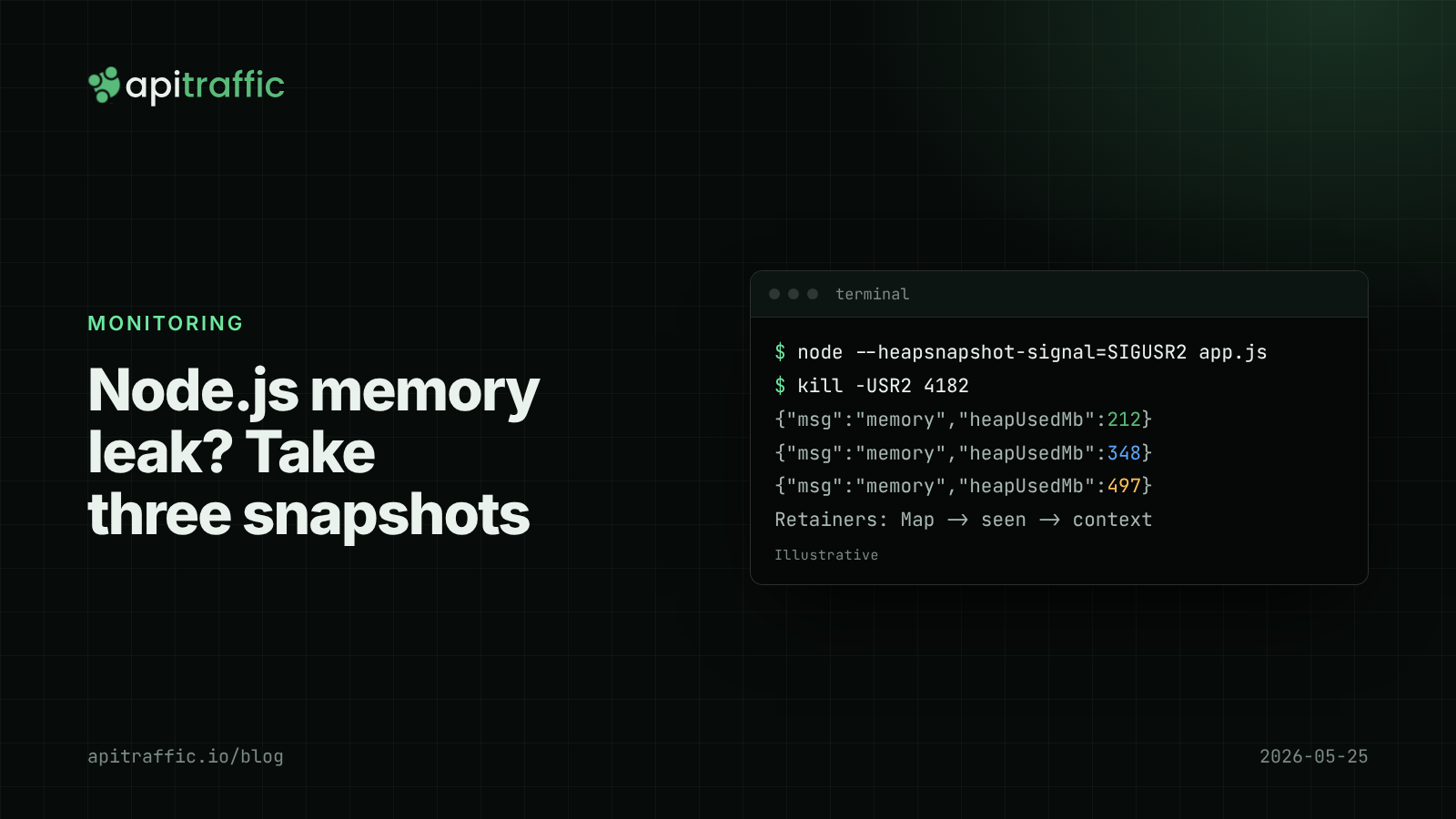
The container was OOM-killed at 3am again. Memory climbs after every deploy, the platform restarts the process, and the climb starts over. Restarts hide a Node.js memory leak until traffic grows enough that they stop hiding it.
The short answer: confirm it is a leak by watching heapUsed low points rise over hours, take three heap snapshots under the same traffic, and compare them in Chrome DevTools. Objects that grow between every pair of snapshots are your leak, and the Retainers panel shows the code holding them. Below is that workflow, with the safety rules for doing it in production.
How to tell if you have a Node.js memory leak
Not every rising graph is a leak. V8 grows the heap lazily, caches fill up to their limits, and RSS includes native memory the JavaScript heap does not. Log the numbers separately first:
// memory-log.js
const MB = 1024 * 1024;
setInterval(() => {
  const m = process.memoryUsage();
  console.log(JSON.stringify({
    msg: 'memory',
    rssMb: Math.round(m.rss / MB),
    heapUsedMb: Math.round(m.heapUsed / MB),
    heapTotalMb: Math.round(m.heapTotal / MB),
    externalMb: Math.round(m.external / MB),
    arrayBuffersMb: Math.round(m.arrayBuffers / MB),
  }));
}, 30_000).unref();
| What you see over a few hours | What it probably means |
|---|---|
heapUsed sawtooth with rising low points |
JavaScript heap leak; snapshots will find it |
heapUsed flat, rss or external rising |
Native memory or buffers; snapshots help less |
| Everything flat once traffic settles | No leak; the heap is sized for your peak |
Check one more thing either way. If the container limit is 512 MB and V8 believes it can grow past that, the kernel kills the process before V8 collects hard. Set --max-old-space-size below the limit to leave room for native memory.
Common causes of memory leaks in Node APIs
- Module-level maps and arrays used as caches with no size limit or expiry.
- Listeners added per request to a long-lived emitter and never removed. Node prints
MaxListenersExceededWarningonce an emitter passes 10 listeners for one event. Do not silence it. - Timers or intervals holding closures that are never cleared.
- Per-request data pushed onto a singleton or the app instance.
- Promises that never settle, often an outbound call with no timeout. See timeouts with fetch, undici and AbortSignal.
- Unbounded queues where the consumer is slower than the producer.
A deliberately leaky Express route to practise on:
import express from 'express';
const app = express();
const seen = new Map(); // grows forever

app.get('/v1/quotes/:id', (req, res) => {
  const key = `${req.params.id}:${req.get('x-request-id') ?? crypto.randomUUID()}`;
  seen.set(key, { at: Date.now(), headers: { ...req.headers } });
  res.json({ id: req.params.id, price: 42 });
});

app.listen(3000);
Every request adds an entry holding a copy of the headers. Run npx autocannon -d 60 http://localhost:3000/v1/quotes/7 and watch heapUsed climb.
How to take a heap snapshot in Node.js
The Node.js docs are blunt about cost: taking a snapshot stops all other work on the main thread, can take more than a minute on a large heap, and is built in memory, so it can double heap size and crash the process. In production, take snapshots from an instance you can afford to lose, after removing it from load balancer rotation.
From a signal, with no code changes
node --heapsnapshot-signal=SIGUSR2 server.js
kill -USR2 <pid>
# writes Heap.<date>.<time>.<pid>.<tid>.<seq>.heapsnapshot to the working directory
From code with v8.writeHeapSnapshot()
import { writeHeapSnapshot } from 'node:v8';

app.post('/internal/heap-snapshot', requireAdmin, (req, res) => {
  const file = writeHeapSnapshot(); // returns the filename
  res.json({ file });
});
Never expose that route publicly. A snapshot contains whatever was in memory, including tokens, request bodies and personal data. Treat the file like a database dump and delete it when you are done.
Automatically, near the heap limit
--heapsnapshot-near-heap-limit=1 writes a snapshot as the heap approaches its limit, capturing the worst state. It needs headroom to succeed, so pair it with a sensible --max-old-space-size.
Locally, with the inspector
Start with node --inspect server.js, open chrome://inspect, click “inspect” under your process, and use the Memory tab’s “Take snapshot” button.
How to compare heap snapshots in Chrome DevTools
One snapshot shows what is in memory, not what is growing. Use three:
- Start the process and let it warm up.
- Take snapshot 1.
- Send steady traffic to the suspect route for a few minutes.
- Take snapshot 2.
- Send the same traffic again.
- Take snapshot 3.
Load them oldest first. Select snapshot 3, switch the view from Summary to Comparison against snapshot 2, and sort by “# Delta” or “Size Delta”. Objects that grew between 1 and 2 and again between 2 and 3 are leak candidates. Objects that grew once are usually caches warming up.
For the leaky route, the comparison shows thousands of new objects and strings. Expand one and read the Retainers panel: the object is held by a Map entry, the Map by seen in the module’s context, the context by the route handler. That points at the line.
Reading tips:
- Shallow size is the object itself. Retained size is everything freed if it went away. Sort by retained size to find the root.
- Skip
(compiled code)and(system)entries at first. - Retainer paths through
EventEmitterand_eventsmean a listener leak. Paths throughTimeoutmean a timer holding a closure.
Fixing the leak and proving it
For a cache, add a bound and an expiry. An LRU library or a size check both work:
const MAX = 10_000;
function remember(key, value) {
  if (seen.size >= MAX) seen.delete(seen.keys().next().value);
  seen.set(key, value);
}
Repeat the three-snapshot run. The fix is proven when snapshot 3 shows no consistent growth over snapshot 2, and heapUsed low points stay flat for hours in production.
On a one-person team, do the whole investigation locally with the inspector and a load tool; production snapshots are rarely needed. On a ten-person team, add --heapsnapshot-signal to the start command now, write down who can pull an instance out of rotation, and keep the memory log line in every service.
Memory leak checklist
If you only do one thing, log heapUsed and rss every 30 seconds so the next leak is diagnosed from a graph instead of a guess. Then:
--max-old-space-sizefits inside the container limit.- Every module-level cache has a size limit or TTL.
MaxListenersExceededWarningis treated as a bug.- Every outbound call has a timeout.
- Snapshot files are deleted after analysis.
FAQ
How do I find a memory leak in Node.js?
Confirm heapUsed keeps rising after garbage collection, then take three heap snapshots under the same load and compare them in Chrome DevTools. The Retainers panel shows which code keeps the growing objects alive.
Is it safe to take a heap snapshot in production?
Only on an instance that can crash without hurting users. The process pauses while the snapshot is written, and memory use can double.
Why is RSS growing when heapUsed is flat?
The growth is outside the JavaScript heap: buffers, native addons or compression contexts. Check external and arrayBuffers in process.memoryUsage().
Doing this with ApiTraffic
Heap snapshots show what is held in memory, not which traffic caused it. If you would rather not wire up that correlation yourself:
- ApiTraffic records requests and p50, p95 and p99 per endpoint over time, so latency that rises with memory shows on the endpoint doing the extra work. Read those numbers with latency percentiles in mind.
- Regressions compares p95 before and after a recorded deploy event, narrowing a new leak to the release that introduced it.
span()andtrace()add custom timings around a suspect cache path inside each request.
Start free and see every request your API handles: apitraffic.io
Sources: Node.js, “Using Heap Snapshot”; Node.js CLI options; Node.js v8.writeHeapSnapshot; Chrome DevTools, “Record heap snapshots”
Keep reading
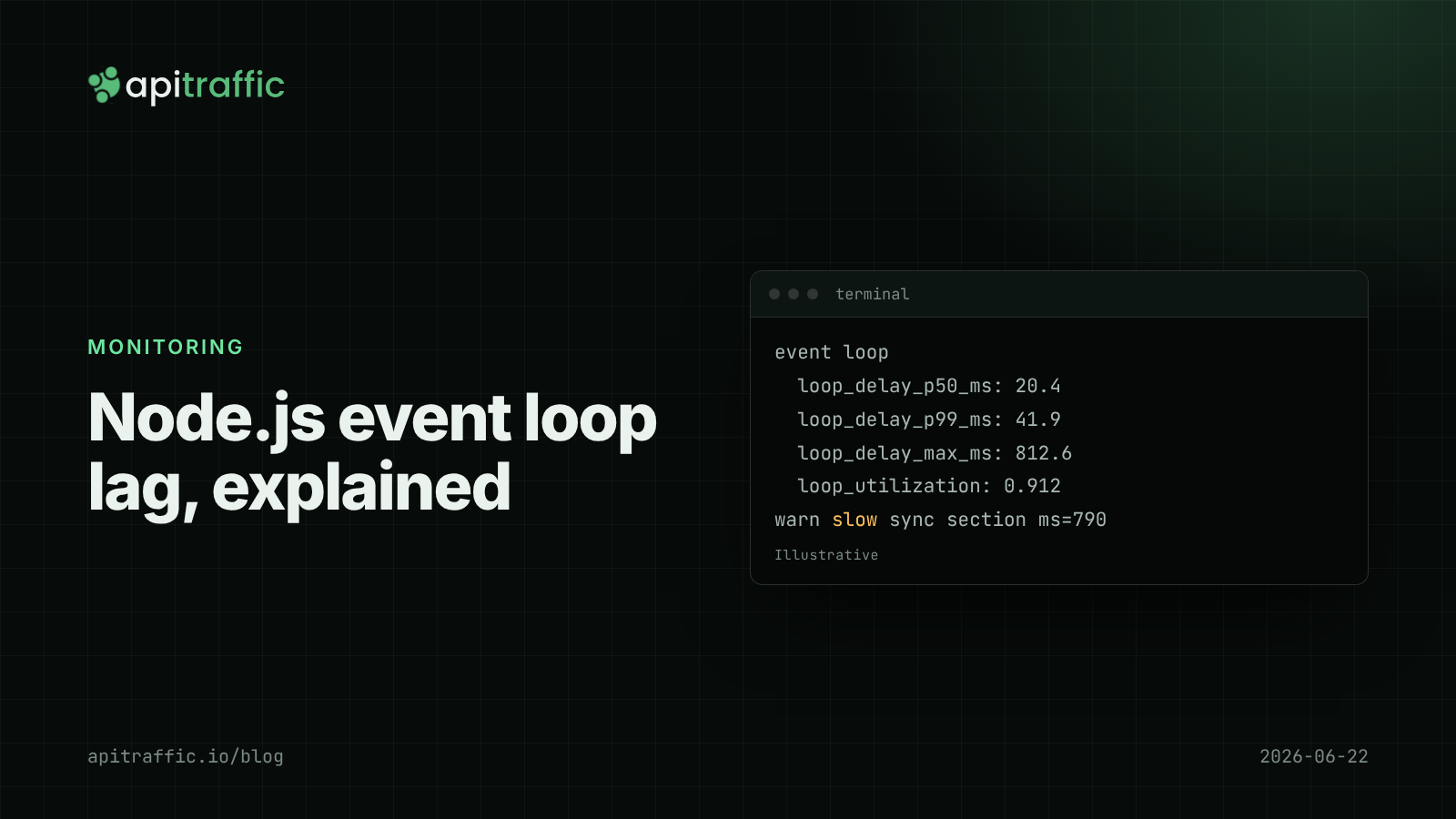
Node.js event loop lag: the metric that explains "random" slowness
Every endpoint slow at once, database fine, CPU looks idle: that is event loop lag. Here is how to measure it in Node with built-in tools and find the code that blocks.
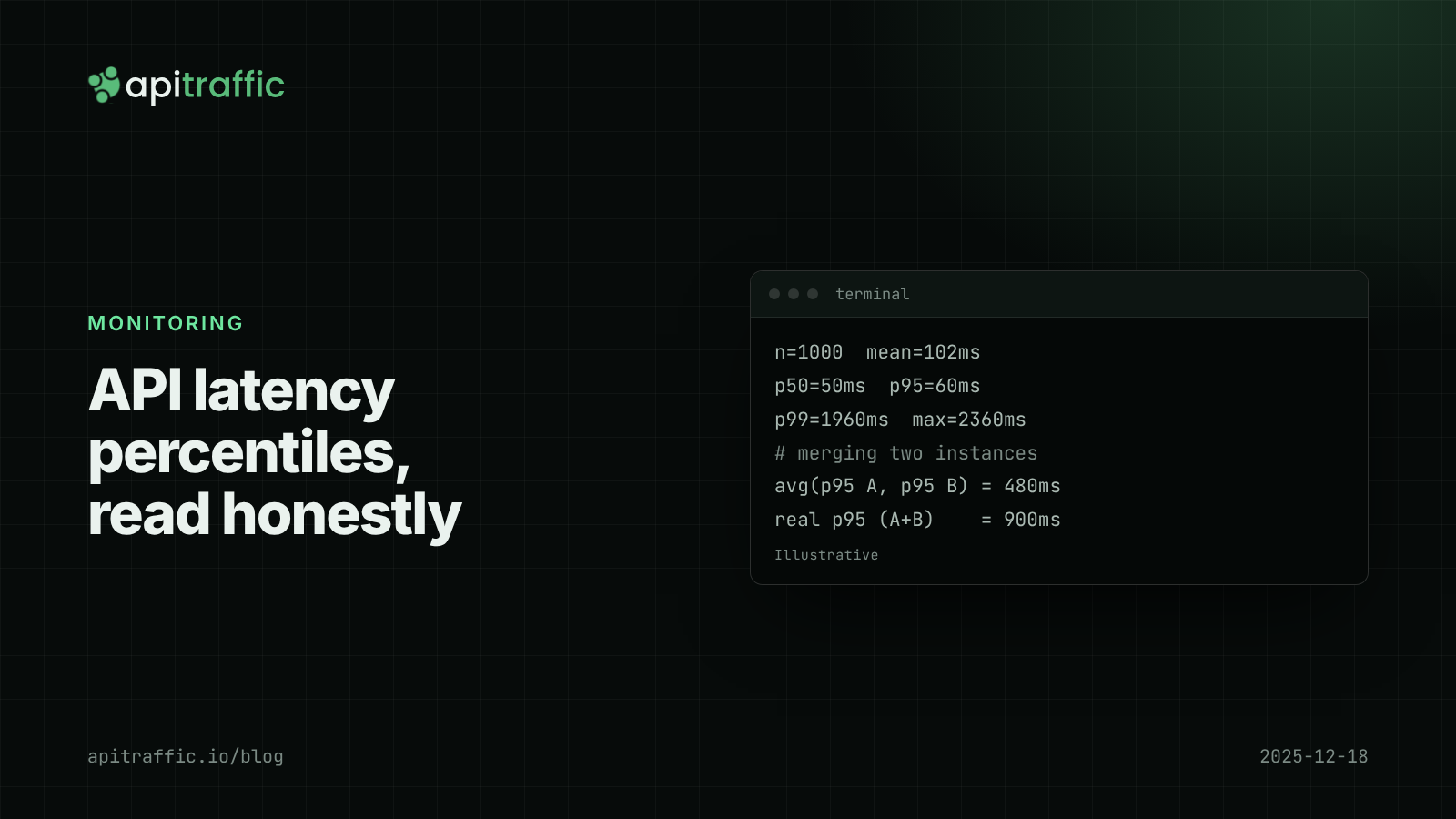
API latency percentiles: how to read p50, p95 and p99 without fooling yourself
Your average latency says 102 ms; a customer says the app hangs for two seconds. Both are true. Learn to read p50, p95 and p99, avoid the four classic mistakes, and record percentiles per route in Node.

Deploy markers: tying a latency regression to the release that caused it
p95 doubled, and there were three deploys and a flag flip since yesterday. Deploy markers and a version field on every log line turn "which release did this" into a five-minute query. Here is how to set both up for a Node API.