
SLOs and an error budget for a small API team, without the enterprise ceremony
Two SLIs, one target, a weekly script and a five-line policy: reliability targets a 1 to 10 person Node team will use.
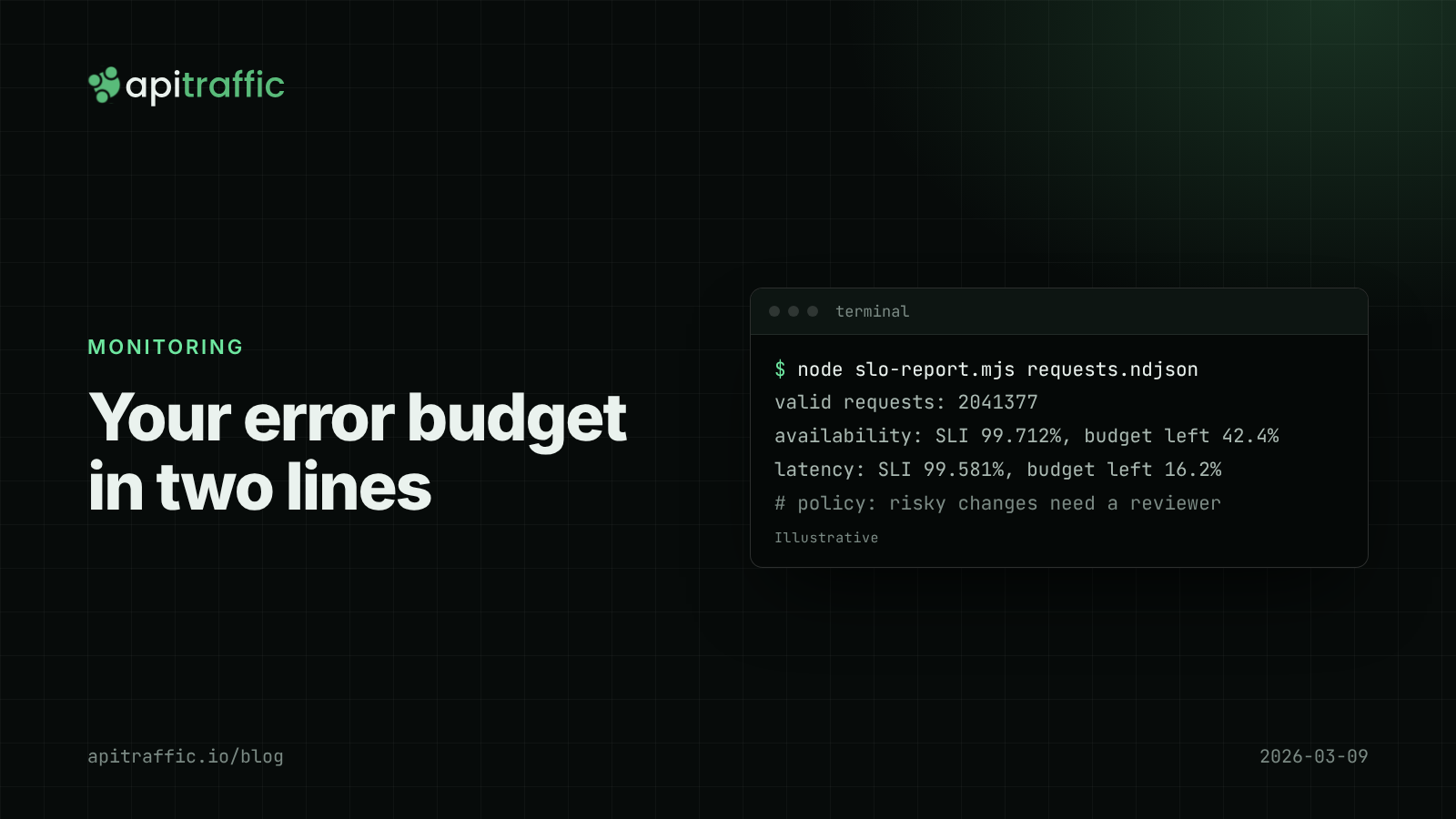
A customer emails to say checkout “keeps failing”, you look at the dashboard, and the error rate is 0.4%. Is that bad? Without an agreed target, nobody knows, so the argument is about feelings. An SLO and its error budget turn that into arithmetic.
The short version: pick two service level indicators for your API (the share of requests that do not fail with a 5xx, and the share that finish under a latency threshold), set a target over a rolling 28 days, say 99.5%, and treat the remaining 0.5% as an error budget you are allowed to spend. When the budget is healthy, ship. When it is nearly gone, the next week’s work is reliability. Everything below is how to do that in an afternoon with the request logs you already have.
What is an error budget, in one paragraph?
A service level objective (SLO) is a target for a measurable behavior, such as “99.5% of API requests succeed over 28 days”. The error budget is the 0.5% you did not promise. If you serve 2,000,000 requests in 28 days, the budget is 10,000 failed requests. Measured in time, 0.5% of 28 days is about 3 hours 22 minutes of total outage. The budget is not a goal to hit; it is permission to take risks (deploys, migrations, experiments) until it runs low.
| Target over 28 days | Error budget | Equivalent full downtime |
|---|---|---|
| 99% | 1% of requests | about 6 h 43 min |
| 99.5% | 0.5% | about 3 h 22 min |
| 99.9% | 0.1% | about 40 min |
| 99.95% | 0.05% | about 20 min |
For a team of one to ten running on a single cloud region and a managed database, 99.9% is ambitious; your hosting provider’s own incidents can use that up. Start at 99.5% and tighten it once you have a quarter of data.
How to choose SLIs for a Node API
An SLI (service level indicator) is a ratio: good events divided by valid events. Two are enough for most APIs.
Availability SLI
Good: responses with a status below 500. Valid: all requests, minus the ones you exclude. Exclude:
- health checks and readiness probes (they would inflate the denominator; see our post on liveness vs readiness checks)
- requests your firewall or rate limiter rejected on purpose
- most 4xx: a
404for a bad URL or a401for a wrong password is the client’s problem
Count 429 from your own limiter as excluded, but count 408, 502, 503 and 504 as bad. A 499 (client closed the connection) is a judgment call; if it happens because your API is slow, the latency SLI will catch it.
Latency SLI
Good: requests that finished under a threshold. Valid: the same set as above. Pick the threshold per group of endpoints, not one number for everything. A GET /v1/orders/:id might have a 300 ms threshold, and a POST /v1/reports that builds a PDF might have 3 seconds.
Phrase it as a proportion (“95% of requests under 300 ms”), not as “p95 under 300 ms”. The two sound alike, but the proportion is additive across time windows and servers, and percentiles are not. Our post on reading p50, p95 and p99 without fooling yourself explains why averaging percentiles goes wrong.
Calculate your SLO and error budget from request logs
If your app writes one JSON line per request with a route pattern, status and duration, you already have everything. This script reads NDJSON logs and reports both SLIs and the budget left:
// slo-report.mjs  -- usage: node slo-report.mjs requests.ndjson
import { createReadStream } from 'node:fs';
import { createInterface } from 'node:readline';

const TARGET = 0.995;                       // 99.5% over the window
const LATENCY_MS = { default: 300, 'POST /v1/reports': 3000 };
const EXCLUDE = [/^GET \/healthz/, /^GET \/readyz/];

let valid = 0, failed = 0, slow = 0;

const rl = createInterface({ input: createReadStream(process.argv[2]) });
for await (const line of rl) {
  if (!line.trim()) continue;
  const r = JSON.parse(line);              // { method, route, status, durationMs }
  const key = `${r.method} ${r.route}`;
  if (EXCLUDE.some((re) => re.test(key)) || r.status === 429) continue;
  valid++;
  if (r.status >= 500) failed++;
  if (r.durationMs > (LATENCY_MS[key] ?? LATENCY_MS.default)) slow++;
}

const budget = valid * (1 - TARGET);
const report = (name, bad) => {
  const sli = 1 - bad / valid;
  const left = 1 - bad / budget;
  console.log(`${name}: SLI ${(sli * 100).toFixed(3)}%, budget left ${(left * 100).toFixed(1)}%`);
};
console.log(`valid requests: ${valid}`);
report('availability', failed);
report('latency', slow);
Run it over the last 28 days of logs once a week. The output is two lines, which is the right amount of ceremony for a small team.
Use the route pattern (/v1/orders/:id), not the raw URL, or every order ID becomes its own row.
Burn rate: when to worry before the budget is gone
Burn rate is how fast you are spending the budget relative to plan. A burn rate of 1 spends exactly the whole budget over the window; a burn rate of 10 spends it in a tenth of the time. Google’s SRE workbook suggests alerting on combinations like these for a 30-day window:
| Budget spent | Long window | Short window | Burn rate | Action |
|---|---|---|---|---|
| 2% | 1 hour | 5 minutes | 14.4 | Page |
| 5% | 6 hours | 30 minutes | 6 | Page |
| 10% | 3 days | 6 hours | 1 | Ticket |
The short window makes the alert stop soon after the problem does. For a team without a formal on-call rotation, the first row alone is a reasonable start: it fires when something is badly broken right now, and stays quiet for a single slow request at 3am.
Write an error budget policy in five lines
The SLO only changes behavior if you agree in advance what happens when the budget runs low. Keep it short enough to fit in the README:
- Budget above 50%: ship normally.
- Budget between 0% and 50%: risky changes (schema migrations, dependency majors) need a second reviewer and a rollback plan.
- Budget exhausted: the next week of planned work is reliability fixes from the incidents that spent it.
- One incident that spends more than 20% of the budget gets a short written review.
- Review targets once a quarter.
For a one-person team, this is a note to yourself that makes “should I ship the Postgres upgrade on Friday” an easy no. For a ten-person team, it is the thing that lets the lead say “this week is reliability” without a debate.
If you only do one thing
- Pick one availability SLI: non-5xx share of valid requests, excluding health checks.
- Set a 99.5% target over 28 days.
- Run a weekly report and post the budget left in your team chat.
- Agree on rule 3 above before you need it.
FAQ
What is a good SLO for a REST API?
For a small team on managed infrastructure, 99.5% availability over 28 days is a sensible first target, with a latency SLO like 95% of reads under 300 ms. Set it from your last month’s data, not from what sounds impressive.
Should 4xx errors count against the error budget?
Usually not. A 4xx means the client sent something wrong. The exceptions are errors your code produces by mistake, like a 400 from a validation bug after a deploy; watch for sudden 4xx jumps separately.
What is the difference between an SLO and an SLA?
An SLA is a contract with consequences, such as credits. An SLO is your internal target, and it should be stricter than any SLA so you have room to react before you owe anyone money.
Doing this with ApiTraffic
If you would rather not maintain the logging and the script, ApiTraffic records every request under its matched route pattern, with status and latency, from one middleware. Endpoint details show requests and p50, p95 and p99 per endpoint over time, which is the raw material for both SLIs.
When the budget drops, the request log answers “which requests spent it”: status_code >= 500 narrowed by url_path, or tag:userId == "1042" AND status_code >= 400 for one customer’s complaint (see the request search language). Regressions compares p95 before and after a deploy event, which is usually the next question.
Start free and see every request your API handles: apitraffic.io
Sources: Google SRE Workbook, “Alerting on SLOs” ; Google SRE Workbook, “Implementing SLOs” ; Google SRE Book, “Service Level Objectives”
Keep reading
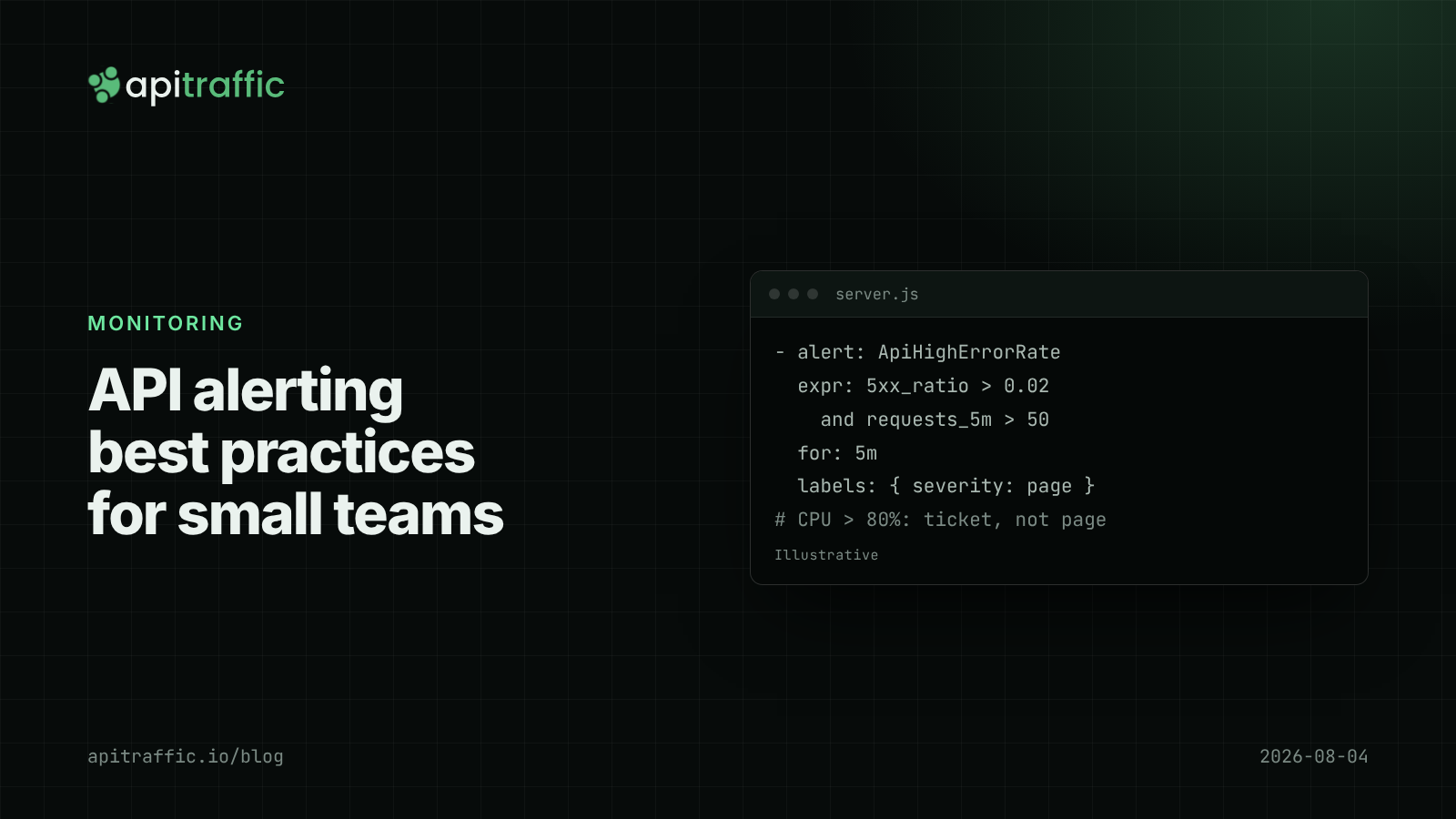
API alerting best practices: what to page on for a Node API
A 3am CPU page that meant nothing, then a real outage that paged nobody. Here is the short list of alerts a small Node API team needs, with rules and code to match.
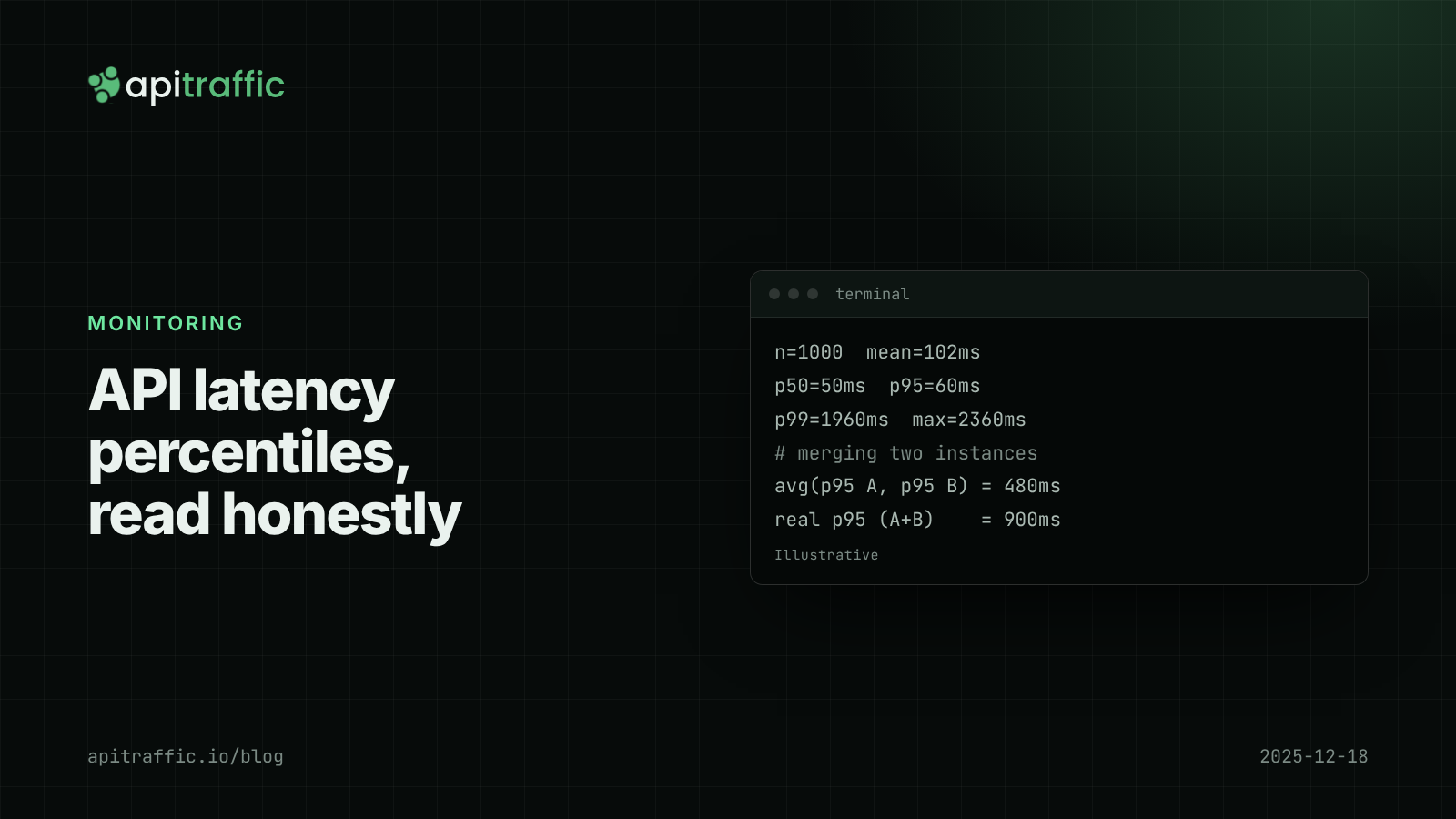
API latency percentiles: how to read p50, p95 and p99 without fooling yourself
Your average latency says 102 ms; a customer says the app hangs for two seconds. Both are true. Learn to read p50, p95 and p99, avoid the four classic mistakes, and record percentiles per route in Node.

Deploy markers: tying a latency regression to the release that caused it
p95 doubled, and there were three deploys and a flag flip since yesterday. Deploy markers and a version field on every log line turn "which release did this" into a five-minute query. Here is how to set both up for a Node API.