
AsyncLocalStorage request IDs: follow one request through a Node.js API
Put one ID on every log line, response and outbound call without threading it through every function.
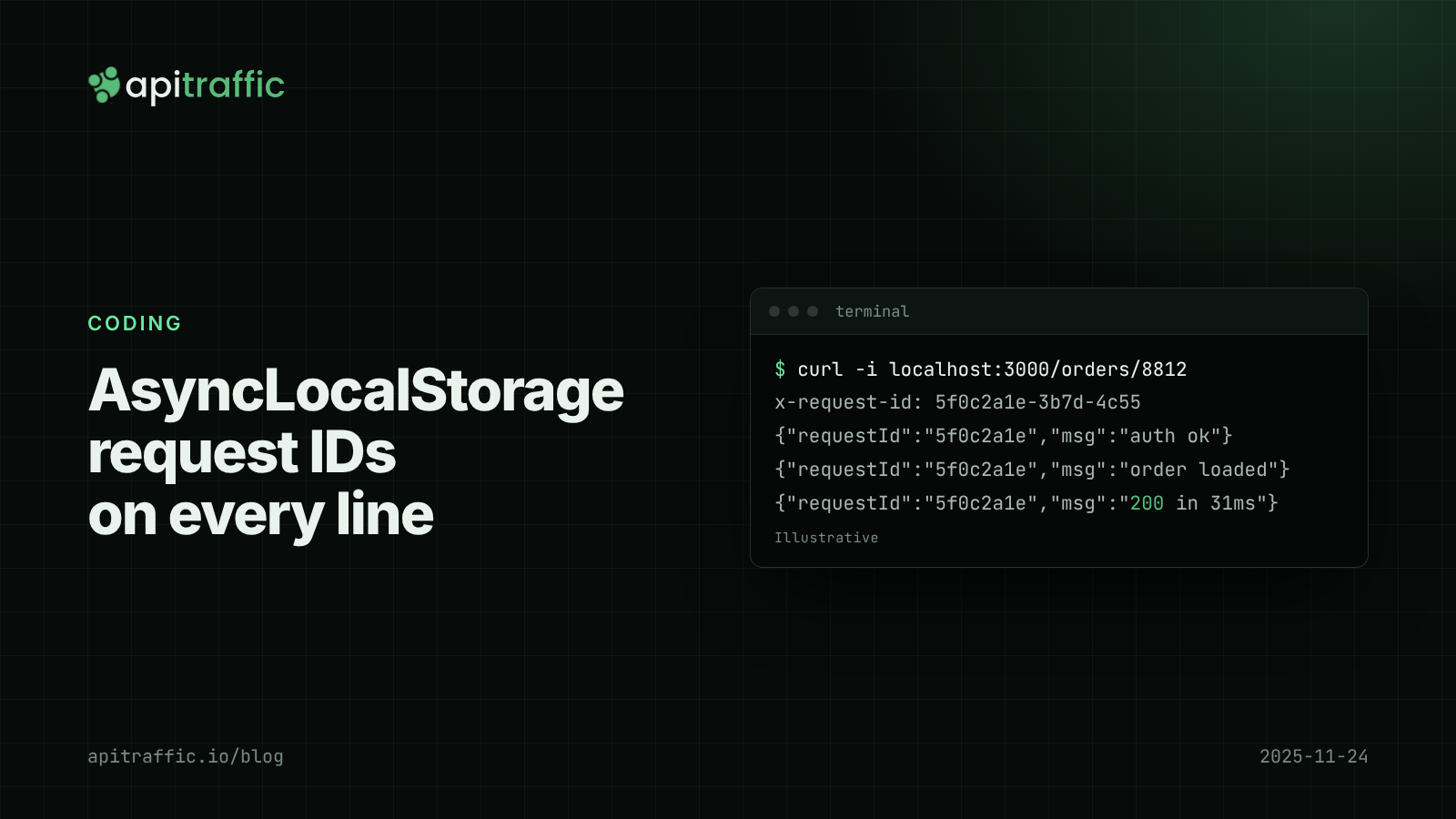
A customer emails: “checkout failed around 2pm”. You open the logs and find four hundred lines from 2pm, interleaved from fifty concurrent requests, with nothing tying them together. The fix is an AsyncLocalStorage request ID: generate one ID per request, store it in AsyncLocalStorage, and have your logger read it so every line carries it automatically.
In short: create the ID in your first middleware, run the rest of the request inside als.run(), add the ID to log lines with a Pino mixin, return it in an x-request-id response header, and forward it on outbound calls. That is an afternoon of work for a 1-person team, and it pays off the first time someone quotes an ID from an error response. If you haven’t settled on a logger yet, start with structured logging with Pino.
What a request ID needs to do
| Job | Why it matters |
|---|---|
| Appear on every log line for the request | Including the database layer and error handler, not just the route |
| Come back in a response header | Users and support tickets can quote it |
| Travel to downstream services | You can follow the request into the next service’s logs |
| Be validated if accepted from a header | Otherwise anyone can write arbitrary strings into your logs |
The first job is the hard one. Threading a requestId argument through every function works for a week, then someone adds a helper that doesn’t take it.
How AsyncLocalStorage works in Node.js
AsyncLocalStorage (from node:async_hooks) gives you a store that follows asynchronous execution. Call als.run(store, fn), and anything fn triggers, including awaited promises, timers and callbacks scheduled inside it, sees the same store via als.getStore(). Concurrent requests each get their own. On Node.js 24, now the Active LTS line, it uses the AsyncContextFrame implementation by default, which the release notes describe as more efficient. The API is the same on Node 20, 22 and 24, so you don’t need to upgrade to use it (though the Node 24 LTS upgrade is worth planning anyway).
How to add an AsyncLocalStorage request ID in Express
Step 1: a small context module
// context.js
import { AsyncLocalStorage } from 'node:async_hooks';
import { randomUUID } from 'node:crypto';

export const als = new AsyncLocalStorage();
const VALID_ID = /^[A-Za-z0-9._-]{8,64}$/;

export function newRequestId(incoming) {
  return typeof incoming === 'string' && VALID_ID.test(incoming)
    ? incoming
    : randomUUID();
}

export const getContext = () => als.getStore() ?? {};
export const getRequestId = () => getContext().requestId;
The regex is deliberately boring: UUIDs and most load balancer IDs pass, newlines and 10 KB strings don’t.
Step 2: one middleware at the top
// app.js
import express from 'express';
import { als, newRequestId } from './context.js';

const app = express();

app.use((req, res, next) => {
  const requestId = newRequestId(req.get('x-request-id'));
  res.set('x-request-id', requestId);
  als.run({ requestId }, next);
});

app.use(express.json());
app.get('/orders/:id', async (req, res) => {
  res.json(await loadOrder(req.params.id));
});

app.listen(3000);
Everything after next runs inside the context. Express 5 forwards rejected promises from async handlers to your error middleware, so error log lines carry the ID too.
Step 3: make the logger read the context
// logger.js
import pino from 'pino';
import { getContext } from './context.js';

export const logger = pino({
  mixin() {
    const { requestId, userId } = getContext();
    return requestId ? { requestId, userId } : {};
  },
});
A repository function deep in the stack now logs with the ID attached, without knowing anything about HTTP:
{"level":30,"requestId":"5f0c2a1e-3b7d-4c55-9a51-0f4e2b8d6c19","orderId":"8812","ms":14,"msg":"order loaded"}
After authentication, getContext().userId = user.id puts the user on every later line. Mutating the store is fine; it belongs to this request only.
Request IDs in Fastify: built-in IDs plus request context
Fastify gives every request request.id and a child logger, request.log, that includes it as reqId. Two details in Fastify v5:
requestIdHeaderisfalseby default, so incomingrequest-idheaders are ignored andgenReqIdis called. The default generator produces sequential IDs per process, which collide across instances.request.logonly exists whererequestdoes. Your data layer usually doesn’t have it.
Set genReqId yourself and use @fastify/request-context, which is built on AsyncLocalStorage, for code with no request in scope:
import Fastify from 'fastify';
import { fastifyRequestContext, requestContext } from '@fastify/request-context';
import { newRequestId } from './context.js';

const app = Fastify({
  logger: true,
  genReqId: (req) => newRequestId(req.headers['x-request-id']),
});
await app.register(fastifyRequestContext);

app.addHook('onRequest', async (request, reply) => {
  request.requestContext.set('requestId', request.id);
  reply.header('x-request-id', request.id);
});

// anywhere in the call tree:
export const currentRequestId = () => requestContext.get('requestId');
How to forward the request ID to other services
import { getRequestId } from './context.js';

export function apiFetch(url, init = {}) {
  const headers = new Headers(init.headers);
  const id = getRequestId();
  if (id && !headers.has('x-request-id')) headers.set('x-request-id', id);
  return fetch(url, { ...init, headers });
}
The receiving service runs the same middleware and its logs line up with yours. A 1-person team with one service can skip this until a second service exists; a 10-person team with several services should do it on day one.
Why AsyncLocalStorage loses context
- Library callback queues. Some older libraries queue callbacks and invoke them from a different async context. If
getRequestId()returnsundefinedin a callback, wrap it withAsyncResource.bind(fn)fromnode:async_hooks. - Listeners registered at startup run in the boot context. Put the ID in the event payload.
enterWith()sets the store with no clear end. Preferrun().- Background jobs run later, often in another process. Copy the ID into the job payload.
A test catches regressions:
import { test } from 'node:test';
import assert from 'node:assert/strict';
import { als, getRequestId } from './context.js';

test('request id survives awaits and timers', async () => {
  await als.run({ requestId: 'test-req-0001' }, async () => {
    await new Promise((r) => setTimeout(r, 5));
    assert.equal(getRequestId(), 'test-req-0001');
  });
});
If you only do one thing
Add the Step 2 middleware and the Pino mixin, and return x-request-id on every response, errors included. The rest (forwarding, job payloads, Fastify context) can follow when you need it.
FAQ
Is AsyncLocalStorage slow?
It adds some overhead per async operation, and Node 24 switched to a more efficient implementation by default. For a typical API doing database and network I/O, request handling time is dominated by that I/O, not by context tracking.
Should I accept a request ID from the client?
Accept it from a proxy or load balancer you control, and validate the format either way. Never write an unvalidated header straight into logs.
Request ID vs trace ID: do I need both?
A trace ID from OpenTelemetry’s traceparent header is built for tracing tools. A request ID is short, human-quotable and safe to show a customer. Many teams keep both.
Doing this with ApiTraffic
If you’d rather not stitch request logs together yourself, ApiTraffic records every inbound request and response from one middleware (method, path, status, latency, headers, bodies) and logs outbound requests too. Tag the request ID and user so you can find them later:
app.use(express.json());
app.use(apitraffic.express());
app.use((req, res, next) => {
  apitraffic.tag('requestId', res.get('x-request-id'));
  if (req.user) apitraffic.tag('userId', String(req.user.id));
  next();
});
Then search for what a customer reported, for example tag:userId == "1042" AND status_code >= 400. With the APM preload (node -r @apitraffic/node/register ./server.js), each request’s waterfall shows the queries and outbound calls it made.
Start free and see every request your API handles: apitraffic.io
Sources: Node.js v24.0.0 release notes, May 6, 2025; Node.js AsyncLocalStorage docs; Fastify v5 Server reference, requestIdHeader and genReqId
Keep reading

W3C Trace Context in Node.js: correlating requests across services with traceparent
Three services, three log streams, one failed order, and nothing to join them on. W3C Trace Context gives every hop the same trace ID. Here is how to propagate traceparent in Node with OpenTelemetry, or in 30 lines without it.

Pino logging in Node.js: a practical structured logging setup for Express and Fastify
A customer says invoices failed yesterday and your logs are a wall of console.log. Set up Pino logging for Express or Fastify in an afternoon: JSON lines, request IDs, levels by status, redaction and a team checklist.
How to log outbound HTTP requests in Node.js
Your API threw 502s because a provider was timing out, and your logs said nothing. Log outbound HTTP requests from fetch and axios with diagnostics_channel in an afternoon, then read error rate and p95 per host.