
Pino logging in Node.js: a practical structured logging setup for Express and Fastify
One logger module, pino-http request logging for Express, the Fastify equivalent, and a checklist to forward.
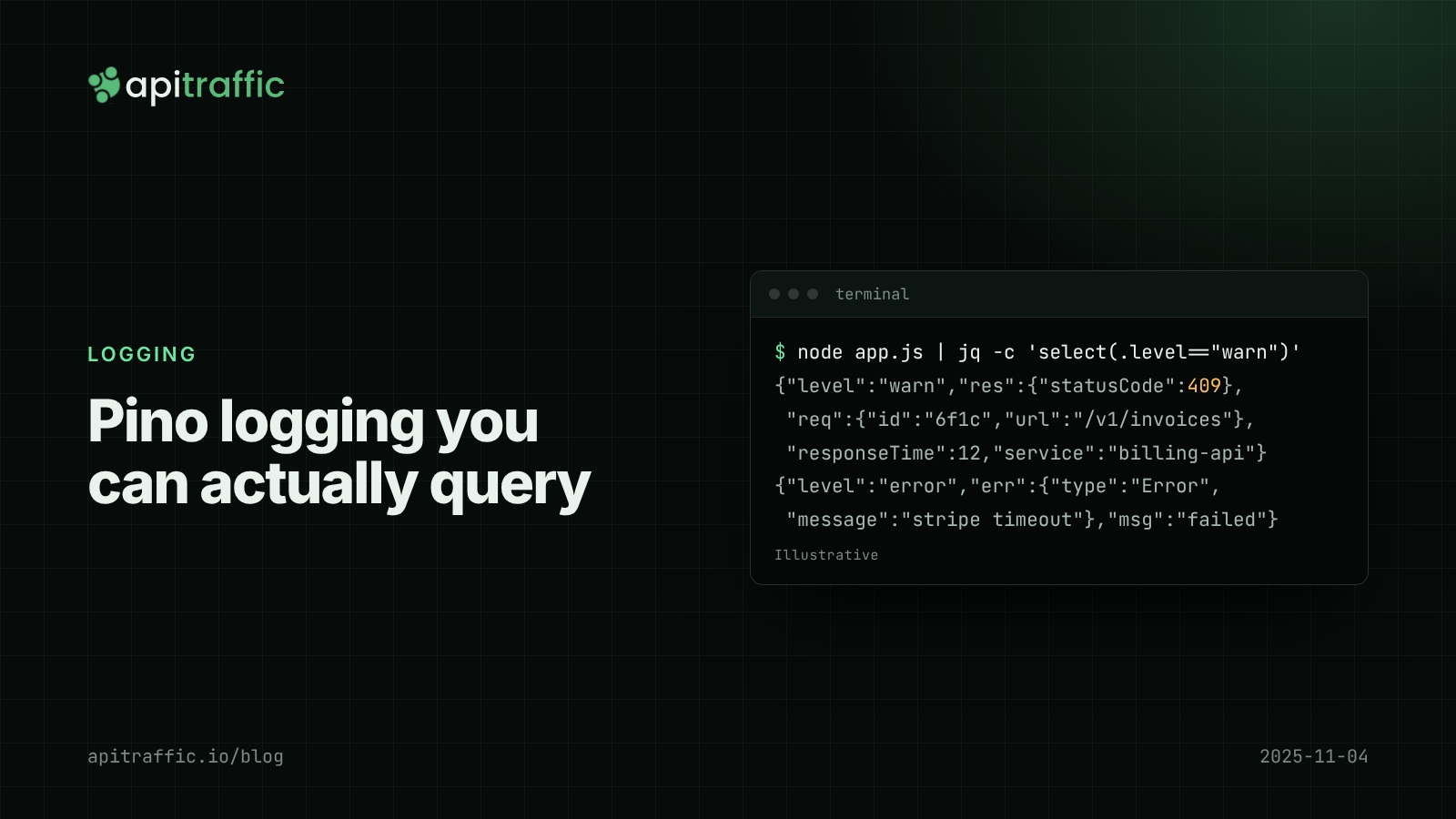
A customer emails: “some of my invoices failed yesterday afternoon”. You open your logs and find thousands of console.log lines with no request ID, no customer ID and no status code you can filter on. Pino logging fixes that in an afternoon: every line becomes a JSON object, every request gets an ID, and “which requests for customer 812 failed between 14:00 and 14:20” becomes a one-line query.
The short version: install pino and pino-http, create one logger module with base fields and redaction, add pino-http as the first middleware, log with req.log inside handlers, and write raw JSON to stdout in production. The rest of this post is the working code for Express and Fastify, and the defaults worth changing.
What is structured logging, and why Pino?
A structured log line is one JSON object per line, with the things you care about as fields:
{"level":"warn","time":"2025-11-04T09:12:44.120Z","service":"billing-api","req":{"id":"6f1c...","method":"POST","url":"/v1/invoices"},"res":{"statusCode":409},"responseTime":12,"msg":"POST /v1/invoices 409 12ms"}
Any log backend, or jq on a file, can filter on res.statusCode >= 400 without regex. Fields stay stable when someone rewords a message. And one request’s lines share a req.id.
Pino is the usual choice in Node because it writes newline-delimited JSON with very little work on the main thread, and Fastify uses it as its built-in logger. Pino 10 shipped in October 2025 alongside pino-http 11; the options below work the same in Pino 9.
npm install pino pino-http
npm install --save-dev pino-pretty
How to set up Pino logging with one logger module
Create the logger once and import it everywhere. Base fields, level, timestamp format and redaction are decided here, not at each call site.
// logger.js
import pino from 'pino';

const isDev = process.env.NODE_ENV !== 'production';

export const logger = pino({
  level: process.env.LOG_LEVEL ?? (isDev ? 'debug' : 'info'),
  base: {
    service: 'billing-api',
    env: process.env.NODE_ENV ?? 'development',
    version: process.env.GIT_SHA ?? 'dev',
  },
  timestamp: pino.stdTimeFunctions.isoTime,
  formatters: {
    level: (label) => ({ level: label }),
  },
  redact: {
    paths: [
      'req.headers.authorization',
      'req.headers.cookie',
      'req.headers["x-api-key"]',
      '*.password',
    ],
    censor: '[redacted]',
  },
  transport: isDev
    ? { target: 'pino-pretty', options: { translateTime: 'SYS:HH:MM:ss' } }
    : undefined,
});
Why these choices:
basereplaces the defaultpidandhostname.serviceandversionmatter more once you have a second service or a bad deploy to find.isoTimewrites readable timestamps instead of epoch milliseconds.formatters.levelwrites"level":"warn"instead of"level":40.redactremoves values at those paths before serialization.*.passwordmatches one level deep only, so list the shapes you actually log. It is a safety net, not a policy; redacting sensitive data in logs covers the policy side.transportonly in development. On Render, Railway, Fly.io, Heroku or ECS, the platform already collects stdout, so ship raw JSON there and let pino-pretty stay on your laptop.
How to add pino-http request logging to Express
pino-http logs one line when each response finishes and attaches a child logger to req.log, so anything you log in a handler carries the request ID.
// app.js
import express from 'express';
import { randomUUID } from 'node:crypto';
import { pinoHttp } from 'pino-http';
import { logger } from './logger.js';

const app = express();
app.use(express.json());

app.use(
  pinoHttp({
    logger,
    genReqId: (req, res) => {
      const id = req.headers['x-request-id'] ?? randomUUID();
      res.setHeader('x-request-id', id);
      return id;
    },
    customLogLevel: (req, res, err) => {
      if (err || res.statusCode >= 500) return 'error';
      if (res.statusCode >= 400) return 'warn';
      return 'info';
    },
    customSuccessMessage: (req, res, responseTime) =>
      `${req.method} ${req.url} ${res.statusCode} ${Math.round(responseTime)}ms`,
    serializers: {
      req: (req) => ({ id: req.id, method: req.method, url: req.url }),
      res: (res) => ({ statusCode: res.statusCode }),
    },
    autoLogging: { ignore: (req) => req.url === '/healthz' },
  })
);
What each option does:
genReqIdreuses an incomingx-request-idor makes one, and echoes it back so a customer can quote it in a support ticket. To carry the same ID into code that has noreq, see AsyncLocalStorage request IDs.customLogLevelmaps 4xx towarnand 5xx toerror. The default logs everything asinfo. More on choosing levels in Node.js log levels.serializerskeep the per-request line small. The defaultreqserializer includes every header plus the remote address and port, which is expensive at volume. Since this one drops headers, the header redaction paths become a second line of defense.autoLogging.ignorestops health checks from being half your log volume. Volume is also what drives API log retention cost.
One behavior to know: when a response finishes with a 5xx and no error was attached, pino-http logs “request errored” with a synthetic err (“failed with status code 502”). Change the text with customErrorMessage.
Logging inside handlers with req.log
Use req.log, not the root logger, and create a child when you learn something every later line should carry:
app.post('/v1/invoices', async (req, res) => {
  const log = req.log.child({ customerId: req.body.customerId });
  log.info({ amount: req.body.amount }, 'creating invoice');

  try {
    const invoice = await createInvoice(req.body);
    res.status(201).json(invoice);
  } catch (err) {
    log.error({ err }, 'invoice creation failed');
    res.status(502).json({ error: 'upstream_failed' });
  }
});
Two conventions save a lot of grief:
- Object first, message second. The object becomes fields; the message stays a constant string you can search for.
- Errors go under the
errkey. Pino’s standard serializer turns it into{ type, message, stack }. Logging{ error: err }orerr.messageloses the stack.
Fastify logging with the same Pino instance
Fastify v5 builds its request logging on Pino already. To reuse your module, pass it as loggerInstance (in v5 the logger option takes a configuration object, not an instance):
import Fastify from 'fastify';
import { logger } from './logger.js';

const app = Fastify({
  loggerInstance: logger,
  requestIdHeader: 'x-request-id',
});

app.post('/v1/invoices', async (request, reply) => {
  request.log.info({ customerId: request.body.customerId }, 'creating invoice');
  reply.code(201);
  return { id: 'inv_123' };
});
Fastify logs “incoming request” and “request completed” as two lines sharing a reqId. For the single-line style, turn off its request logging and log from an onResponse hook using reply.elapsedTime.
If you only do one thing
Forward this to the team:
- [ ] One
logger.js; noconsole.login request paths. - [ ]
pino-http(Express) orloggerInstance(Fastify) on every service. - [ ] Every line has
service,versionand a request ID. - [ ] 4xx logs at
warn, 5xx aterror. - [ ] Errors logged as
{ err }. - [ ] No request or response bodies by default.
- [ ]
LOG_LEVELchangeable without a code change.
A solo developer can stop at that list. A team of ten should also agree on field names (customerId, not a mix of customer_id and cid), because consistent fields are what make queries work across services.
FAQ
Is Pino faster than Winston?
Pino is designed to do as little as possible on the main thread and its own benchmarks show it ahead of Winston and Bunyan. For most APIs the bigger win is the JSON-by-default output, not raw speed. Either library can produce structured logs if configured carefully.
Should I use pino-pretty in production?
No. Pretty-printing costs CPU and produces output your log backend cannot parse as JSON. Use it locally, or pipe production output through npx pino-pretty when reading it by hand.
How do I log the request body with Pino?
Add a field in customProps or log selected fields inside the handler, rather than the whole body. Bodies are where tokens and personal data hide, and they dominate log volume. If you must, redact by path and cap the size.
Doing this with ApiTraffic
If you would rather not build and maintain request logging yourself, ApiTraffic records what crossed the wire: one middleware captures every inbound request and response (method, path, status, latency, headers, bodies), plus outbound requests.
import apitraffic from '@apitraffic/node';

app.use(express.json());
app.use(apitraffic.express()); // after body parsers, before routes
Requests are grouped under route patterns such as /v1/invoices/{id}, and apitraffic.tag('customerId', String(id)) lets you answer that customer email with tag:customerId == "812" AND status_code >= 400. Credential headers like Authorization and Cookie are masked by default. Keep Pino for application events; use the request log for the full record of each call.
Start free and see every request your API handles: apitraffic.io
Sources: Pino API docs; Pino redaction docs; pino-http README; pino on npm (10.0.0, Oct 3, 2025); Fastify v5 migration guide.
Keep reading
How to redact sensitive data in logs for Node.js APIs
Found a bearer token in your logs? Here's how to keep secrets and personal data out of Node API logs in an afternoon: Pino redaction, URL and error scrubbing, body allowlists and a test that catches leaks.
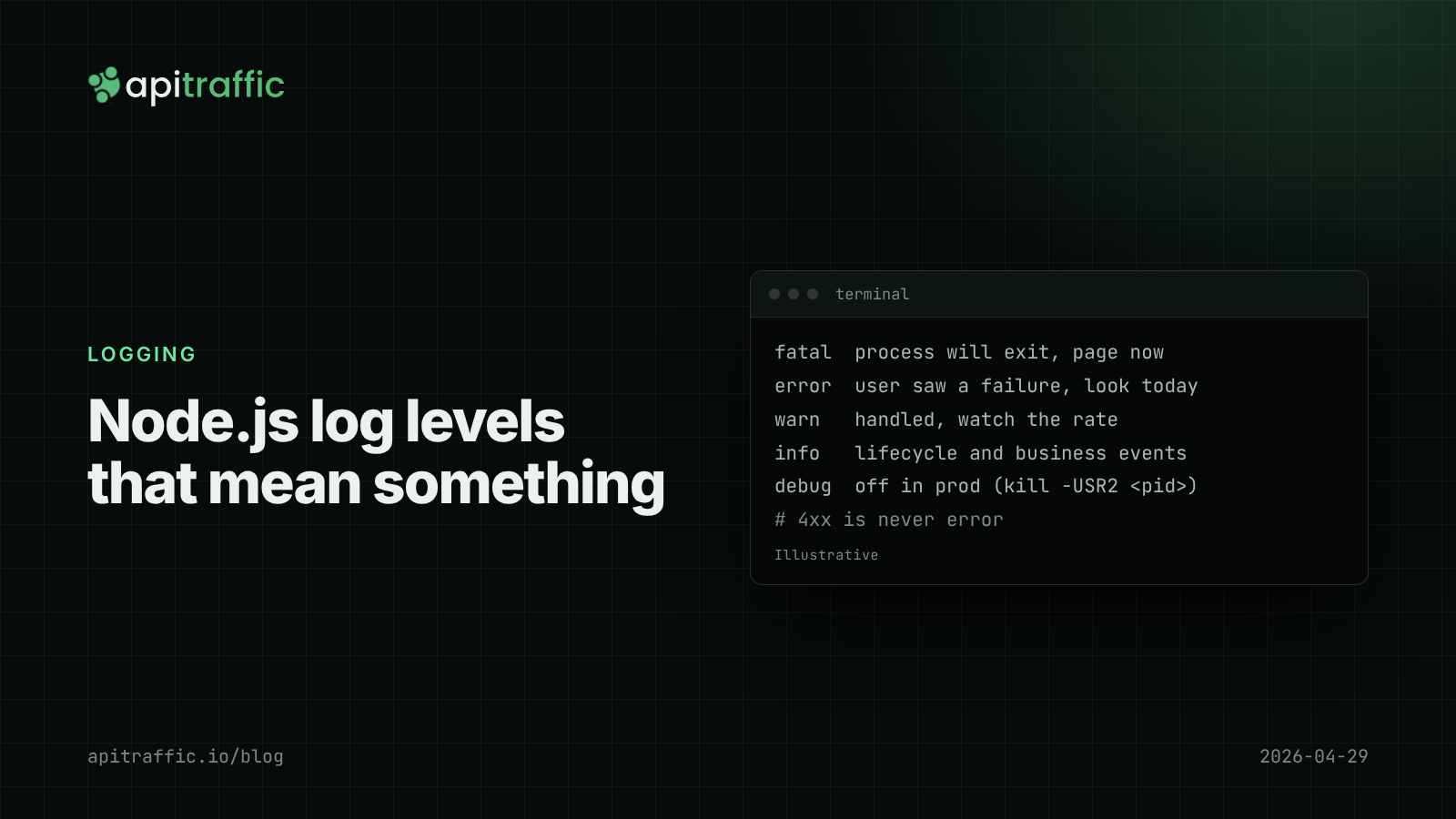
Node.js log levels that mean something: a logging policy for small teams
At 3am your error log is full of scanner 404s and the real database timeout is buried. Here is a Node.js log levels policy a small team can paste into its repo, plus the code that enforces it.
AsyncLocalStorage request IDs: follow one request through a Node.js API
A customer says checkout failed at 2pm and your logs are fifty requests interleaved. Add request IDs with AsyncLocalStorage in Express or Fastify in an afternoon, and every log line, response and downstream call carries the same ID.