
Node.js log levels that mean something: a logging policy for small teams
What fatal, error, warn, info and debug should mean, why 4xx is not an error, and how to log each failure once.
It is 3am, the error count is climbing, and when you open the logs half the error lines are 404s from a scanner and expired tokens from a mobile client. The real failure, a database timeout, is in there somewhere. Node.js log levels only help if everyone on the team uses them the same way, and on a small team nobody has ever written down what that way is.
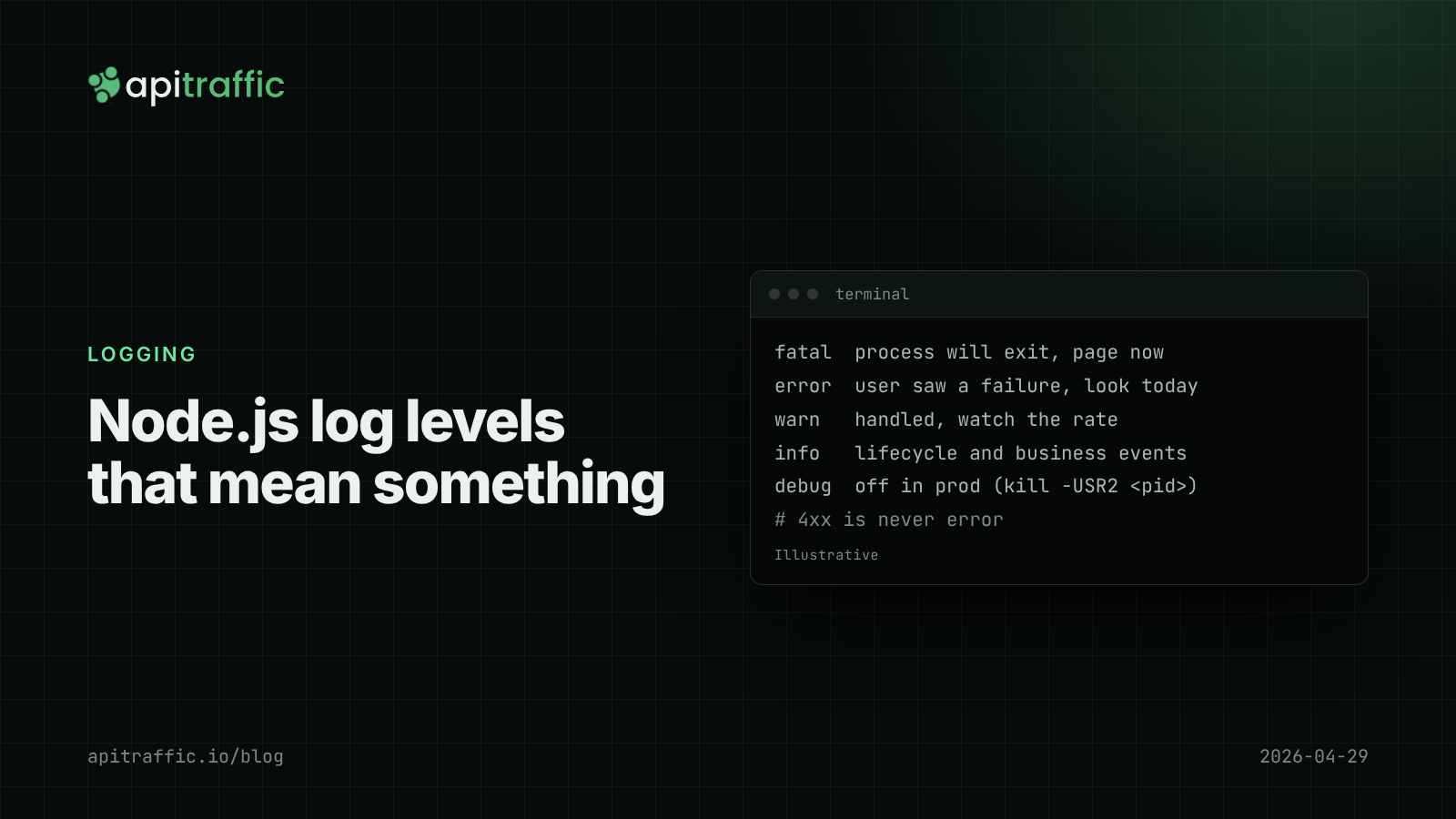
The direct answer: tie each level to an action. error means someone should look at it today, warn means watch the trend, info records events you will want during an investigation, and debug is off in production. Client mistakes (4xx) are never error. Log each failure once, at the boundary where you handle it. The rest of this post is a policy you can paste into your repo, with the code to enforce it.
What each log level means: a policy you can copy
Pino, Fastify’s logger and most Node loggers use the same six levels, with numeric values in Pino of trace 10, debug 20, info 30, warn 40, error 50 and fatal 60. Syslog (RFC 5424) has eight severities; you do not need that many.
| Level | Meaning | Who acts | Examples |
|---|---|---|---|
fatal |
The process is about to exit | On-call, now | Cannot connect to the database at startup; uncaught exception |
error |
A request or job failed and the user saw it | Someone, today | Unhandled exception in a handler; payment provider down after retries |
warn |
Something unexpected that was handled | Nobody, unless the rate changes | Retry succeeded on second attempt; cache unavailable, fell back to DB |
info |
Normal events you want during an investigation | Nobody | Server started; deploy version; order created; webhook received |
debug |
Detail for diagnosing a specific problem | You, temporarily | Query parameters; branch taken; parsed config |
trace |
Very fine-grained detail | Rarely anyone | Per-iteration loop values |
The test for any log line: if this fired 1,000 times tonight, would you want to be woken up? If yes, it is error or fatal. If you would want to see the count on a dashboard, warn. Otherwise info or lower.
Why 4xx responses are not errors
A 400, 401, 403, 404 or 422 means the client did something wrong and your code did the right thing by refusing. Logging them at error is the most common reason small teams stop trusting their error logs. Scanners, expired sessions and buggy clients produce thousands of them.
Log 4xx at info (or not at all, if your request logger already records the status). Promote a pattern to warn only when the volume itself is the signal, such as a spike in 401s on login. A 429 from your own rate limiter is info; a 429 you received from a third-party API is warn.
How to log each failure once
The second most common problem is the same failure logged three times: in the repository, in the service and in the error handler. Each line looks like a separate incident. The rule: either handle an error or throw it, never both. Log where you handle.
Carry the intended level on the error itself, so the one place that logs knows what to do:
// errors.js
export class AppError extends Error {
  constructor(message, { status = 500, code = 'internal_error', level, cause } = {}) {
    super(message, { cause });
    this.status = status;
    this.code = code;
    this.level = level ?? (status >= 500 ? 'error' : 'info');
  }
}

// usage in a handler
if (!order) throw new AppError('order not found', { status: 404, code: 'not_found' });
Then a single Express error handler does the logging:
app.use((err, req, res, next) => {
  const status = err.status ?? 500;
  const level = err.level ?? 'error';
  req.log[level]({ err, code: err.code }, err.message);
  res.status(status).json({ error: err.code ?? 'internal_error' });
});
If you also use pino-http (see Pino logging in Node.js), it logs a line for every completed response too. Decide which one owns errors. A simple split: pino-http logs every request at info with its status, and only the error handler logs at error with the stack. Set pino-http’s customLogLevel to return info even for 5xx, so the stack trace is not duplicated.
How to change the log level in production without a deploy
Running at info in production is the right default. When you are chasing a bug you want debug for ten minutes, not a redeploy. Two cheap options:
Option 1: an environment variable
const logger = pino({ level: process.env.LOG_LEVEL ?? 'info' });
On Render, Railway, Fly.io or Heroku, changing an environment variable restarts the service. That is fine for a solo developer and loses in-memory state.
Option 2: a signal
process.on('SIGUSR2', () => {
  logger.level = logger.level === 'debug' ? 'info' : 'debug';
  logger.warn({ newLevel: logger.level }, 'log level changed');
});
kill -USR2 <pid> flips the level with no restart. Use SIGUSR2, not SIGUSR1, which Node reserves for starting the inspector. Log the change at warn, so anyone reading later knows why the volume jumped.
For per-module control, create child loggers and set levels on them: const dbLog = logger.child({ module: 'db' }, { level: 'debug' }).
Node.js log levels and your log bill
Levels are also a cost control. Most log platforms bill by volume ingested or retained, and debug output left on in production is a classic surprise invoice. Three habits keep it in check:
- Do not log request or response bodies at
info. If you need them, log atdebugwith redaction (see how to redact sensitive data in logs). - One line per request, not one per middleware.
- Outbound calls: log failures and slow calls, not every success. A dedicated approach to logging outbound HTTP requests covers this in detail.
If you only do one thing: paste this policy into your repo
## Logging policy
- fatal: process will exit. Pages on-call.
- error: a user-visible failure we did not expect. Reviewed daily.
- warn: unexpected but handled (retries, fallbacks). Watched as a rate.
- info: lifecycle and business events. Default level in production.
- debug/trace: off in production; enable temporarily with SIGUSR2.
- 4xx responses are never error.
- Log an error once, where it is handled. Never log and rethrow.
- Errors are logged as { err }, never err.message.
A solo developer can adopt this in an afternoon: grep for log.error and console.error, demote the 4xx cases and delete the log-and-rethrow lines. A team of ten should add it to the PR checklist so the next new endpoint follows it, and review the error count weekly until it is quiet enough that a new error is news.
FAQ
What log level should I use in production for Node.js?
Use info. It records lifecycle and business events without the volume of debug. Enable debug temporarily when investigating, then turn it back off.
Should a 404 be logged as an error?
No. A 404 means your API correctly refused a request for something that does not exist. Log it at info, and alert only on unusual volume, which often indicates scanning.
What is the difference between warn and error?
error means a request or job failed in a way the user noticed and nobody expected. warn means something went wrong but was handled, such as a retry that succeeded. Errors deserve individual attention; warnings deserve a trend line.
Doing this with ApiTraffic
If you would rather not keep per-request log lines at all, ApiTraffic records every inbound request and response (method, path, status, latency, headers, bodies) from one middleware, independent of your log levels. Your application logs can then stay at info or warn for application events, and the request record is still there when you need it.
Finding the failures that matter becomes a search, for example status_code >= 500 for one endpoint, or tag:userId == "1042" AND status_code >= 400 when a specific customer reports a problem.
Start free and keep a full request record without noisy logs: apitraffic.io
Sources: Pino API: logger.level and levels; RFC 5424, The Syslog Protocol, severity levels; Node.js docs: signal events (SIGUSR1 reserved for the debugger).
Keep reading
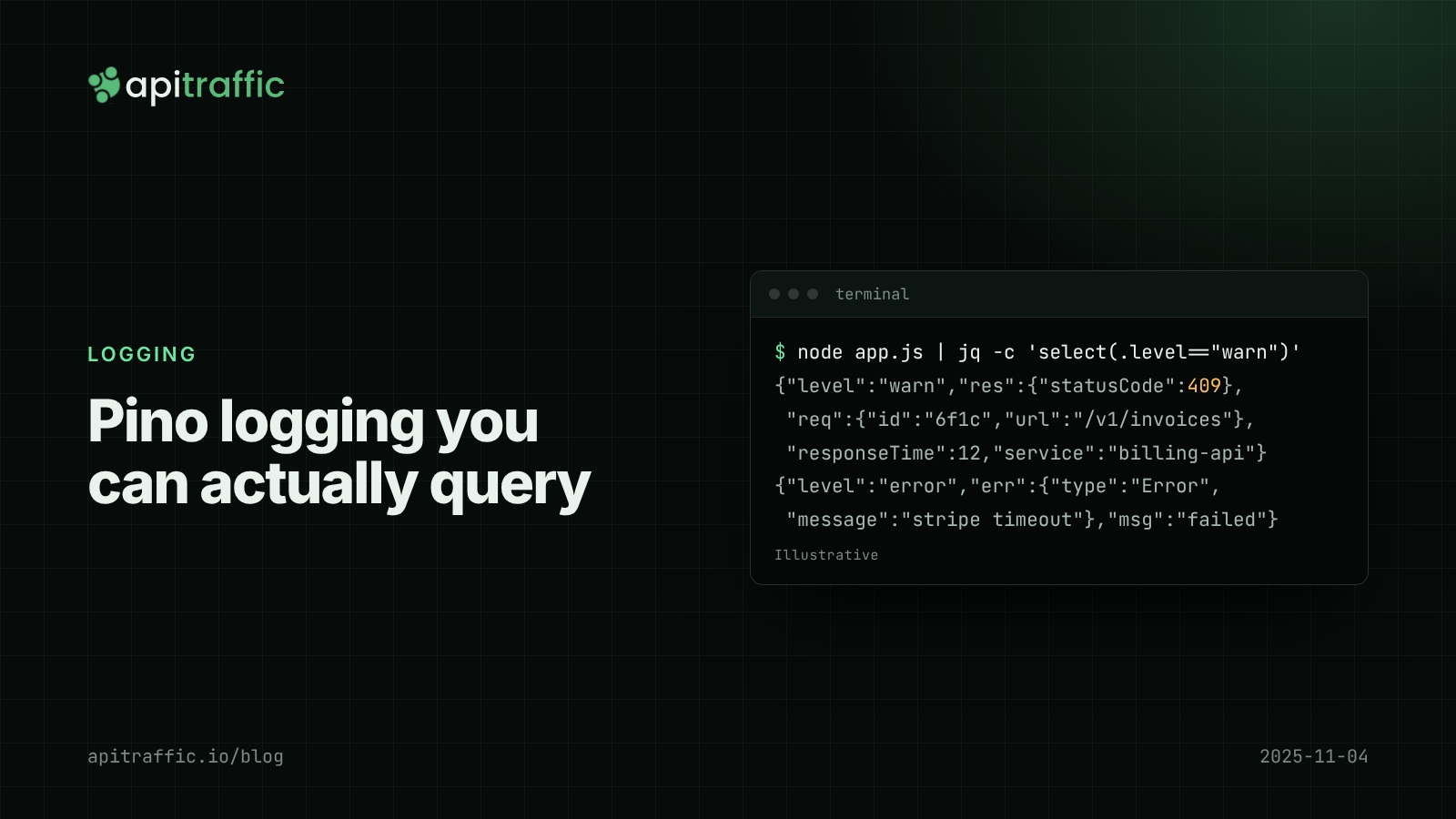
Pino logging in Node.js: a practical structured logging setup for Express and Fastify
A customer says invoices failed yesterday and your logs are a wall of console.log. Set up Pino logging for Express or Fastify in an afternoon: JSON lines, request IDs, levels by status, redaction and a team checklist.
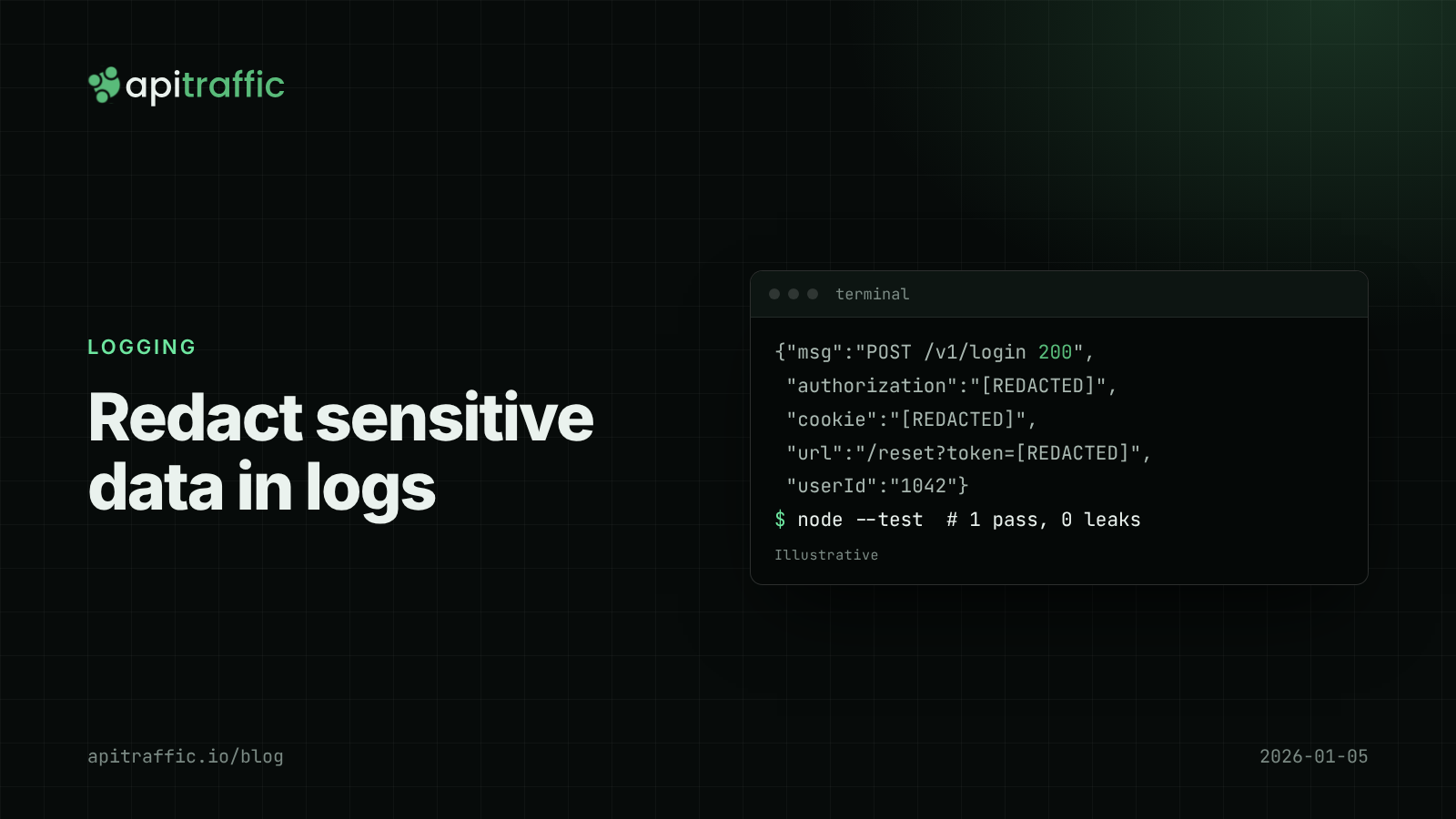
How to redact sensitive data in logs for Node.js APIs
Found a bearer token in your logs? Here's how to keep secrets and personal data out of Node API logs in an afternoon: Pino redaction, URL and error scrubbing, body allowlists and a test that catches leaks.
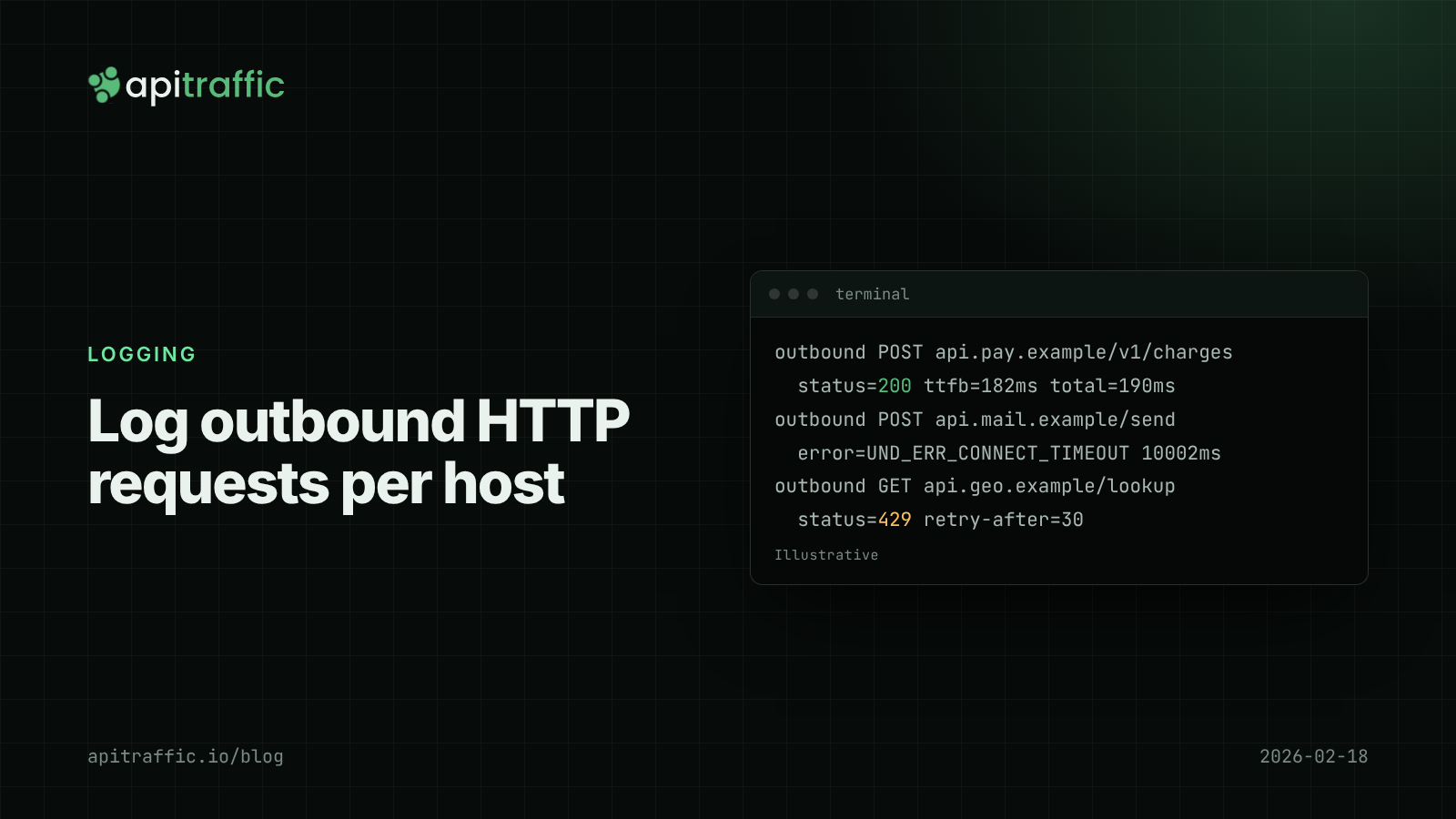
How to log outbound HTTP requests in Node.js
Your API threw 502s because a provider was timing out, and your logs said nothing. Log outbound HTTP requests from fetch and axios with diagnostics_channel in an afternoon, then read error rate and p95 per host.