
How to log outbound HTTP requests in Node.js
See the third-party APIs your Node app depends on, with one diagnostics_channel subscriber and no call-site changes.
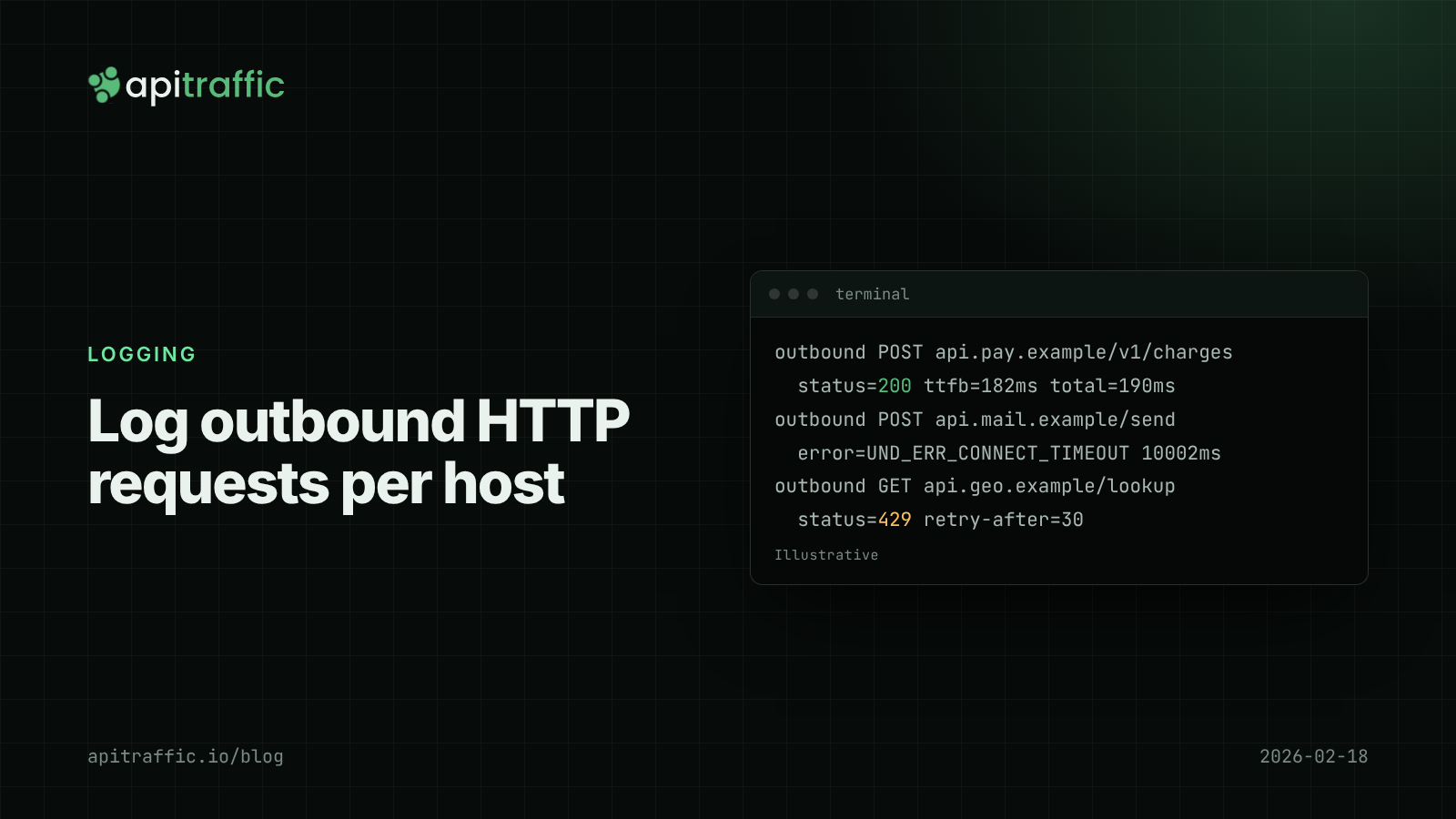
Your API returns 502s for twenty minutes, your own logs show nothing unusual, and the cause turns out to be a payment provider that started timing out. If you don’t log outbound HTTP requests, the third-party APIs your Node app depends on are invisible until a customer tells you.
The quickest way to log outbound HTTP requests in Node.js without touching every call site is node:diagnostics_channel. Node’s global fetch is built on undici, which publishes undici:request:* events; the node:http client publishes http.client.* events, which covers axios and most older SDKs. Subscribe once at startup, record host, method, path, status and duration, and you get one log line per outbound call. This post builds that subscriber, then covers what to do with the data. To turn the same events into per-vendor p95, error rate and throttling numbers, see measuring third-party API latency.
What to record when you log outbound HTTP requests
| Field | Why |
|---|---|
host |
Group by dependency: payments, email, search |
method and path without query string |
Query strings carry tokens and IDs |
status |
Separate 4xx (your bug) from 5xx and 429 (theirs) |
durationMs |
Time to response headers, plus total if you need it |
error code |
UND_ERR_CONNECT_TIMEOUT, ECONNRESET, ENOTFOUND tell different stories |
| inbound request ID | Which of your requests waited on this call |
Leave out request and response bodies by default, and never log the outbound Authorization header: it’s your credential with that provider. The rules from redacting sensitive data in logs apply to outbound logs too.
How to log fetch requests with diagnostics_channel
Undici publishes undici:request:create before dispatch, undici:request:headers when response headers arrive, undici:request:trailers when the body completes, and undici:request:error on failure. The same request object is passed to each, so a WeakMap can hold the start time.
// outbound-log.js
import diagnosticsChannel from 'node:diagnostics_channel';
import { logger } from './logger.js';
import { getRequestId } from './context.js';

const started = new WeakMap();

function pathOnly(path) {
  const i = path.indexOf('?');
  return i === -1 ? path : path.slice(0, i);
}

diagnosticsChannel.subscribe('undici:request:create', ({ request }) => {
  started.set(request, { t: performance.now(), requestId: getRequestId() });
});

diagnosticsChannel.subscribe('undici:request:headers', ({ request, response }) => {
  const s = started.get(request);
  if (!s) return;
  s.status = response.statusCode;
  s.ttfbMs = Math.round(performance.now() - s.t);
});

diagnosticsChannel.subscribe('undici:request:trailers', ({ request }) => {
  const s = started.get(request);
  if (!s) return;
  logger.info({
    outbound: true,
    host: new URL(request.origin).host,
    method: request.method,
    path: pathOnly(request.path),
    status: s.status,
    ttfbMs: s.ttfbMs,
    durationMs: Math.round(performance.now() - s.t),
    requestId: s.requestId,
  }, 'outbound request');
  started.delete(request);
});

diagnosticsChannel.subscribe('undici:request:error', ({ request, error }) => {
  const s = started.get(request);
  logger.warn({
    outbound: true,
    host: new URL(request.origin).host,
    method: request.method,
    path: pathOnly(request.path),
    error: error.code ?? error.name,
    durationMs: s ? Math.round(performance.now() - s.t) : undefined,
    requestId: s?.requestId,
  }, 'outbound request failed');
  started.delete(request);
});
Import it once, before your app starts making calls:
// server.js
import './outbound-log.js';
import { app } from './app.js';
app.listen(3000);
Three details matter. Subscribers run synchronously inside undici, so keep them fast and make sure they can’t throw. The trailers event only fires once the response body has been consumed; if your code never reads a body, you’ll get the headers event but no completion line, which is itself a bug worth finding. And the requestId comes from the AsyncLocalStorage request ID setup, captured at create time while the inbound request’s context is active.
How to log axios and http.request calls
Libraries built on node:http, including axios’s Node adapter, don’t go through undici. Node publishes http.client.request.start, http.client.response.finish and http.client.request.error for those:
const httpStarted = new WeakMap();

diagnosticsChannel.subscribe('http.client.request.start', ({ request }) => {
  httpStarted.set(request, { t: performance.now(), requestId: getRequestId() });
});

diagnosticsChannel.subscribe('http.client.response.finish', ({ request, response }) => {
  const s = httpStarted.get(request);
  if (!s) return;
  logger.info({
    outbound: true,
    host: request.host,
    method: request.method,
    path: pathOnly(request.path),
    status: response.statusCode,
    durationMs: Math.round(performance.now() - s.t),
    requestId: s.requestId,
  }, 'outbound request');
  httpStarted.delete(request);
});
The Node.js diagnostics_channel docs mark the built-in HTTP channels and the undici channels as experimental, so pin a test that asserts a log line appears for a known call. If a Node upgrade changes an event shape, you’ll find out in CI.
The wrapper alternative
If diagnostics channels feel too low-level, a wrapper around fetch works when all calls go through your code:
export async function loggedFetch(url, init) {
  const t = performance.now();
  const u = new URL(url);
  try {
    const res = await fetch(url, init);
    logger.info({ outbound: true, host: u.host, path: u.pathname, status: res.status,
      durationMs: Math.round(performance.now() - t) }, 'outbound request');
    return res;
  } catch (err) {
    logger.warn({ outbound: true, host: u.host, path: u.pathname, error: err.name }, 'outbound request failed');
    throw err;
  }
}
The catch is coverage: vendor SDKs make their own calls and won’t use your wrapper. For a 1-person team with two dependencies, the wrapper is fine. A 10-person team with a dozen SDKs should use the channels.
What to look for in outbound logs
Once a few days of outbound logs exist, these questions are worth answering per host (for per-vendor metrics, timeouts and alerting built on them, see third-party API latency per vendor):
- Error rate by host. A provider at 2% 5xx explains a lot of “random” failures in your own error rate.
- p95 duration by host. Compare it with the timeout you set. If p95 is 4 seconds and your timeout is 5, you’re one bad day from cascading timeouts. Timeouts with fetch and AbortSignal covers setting them.
- 429s and
Retry-After. Retrying faster than the provider allows makes the limit last longer. - Calls per inbound request. Ten calls to the same host for one inbound request usually means a loop that should be a batch call.
- Connect errors vs response errors.
ENOTFOUNDand connect timeouts point at DNS or network; 5xx points at the provider. - Time of day. Provider slowdowns often line up with their batch jobs or your traffic peaks. A chart of p95 per host per hour makes the pattern obvious, and gives you something concrete to send their support team.
If you only do one thing
Add the undici subscriber above, log host, path, status and duration, and look at p95 and error rate per host once a week. That alone turns “the API is flaky” into “the email provider’s p95 tripled on Tuesday”.
FAQ
Does Node’s fetch log requests by default?
No. Node’s fetch doesn’t log anything. You need a diagnostics channel subscriber, a wrapper or an instrumentation library such as OpenTelemetry’s undici instrumentation.
Will diagnostics_channel slow down my outbound calls?
When nobody subscribes, publishing costs almost nothing. With a subscriber, the cost is whatever your handler does, so keep it to building a small object and handing it to an async logger.
How do I log outbound request bodies safely?
Do it per host and per path, with an allowlist of fields, and only while debugging a specific integration. Bodies sent to providers often contain personal data and credentials.
Doing this with ApiTraffic
If you’d rather not build and maintain this, ApiTraffic logs outbound requests alongside inbound ones from the same SDK. Search them like any other traffic, for example direction == "out" AND status_code >= 500 for failing calls to providers.
With the APM preload (node -r @apitraffic/node/register ./server.js), outbound fetch calls are recorded as spans inside the inbound request that started them, so a request’s waterfall shows exactly which third-party call it was waiting on, and endpoint details show p50, p95 and p99 over time.
Start free and see every call your API makes and receives: apitraffic.io
Sources: Node.js docs: diagnostics_channel, built-in HTTP channels; undici Diagnostics Channel docs; OpenTelemetry undici instrumentation on npm
Keep reading

Third-party API latency: measuring vendor slowness and failures in Node
The vendor status page is green and your checkout is slow. Here is how to measure third-party API latency and failures from your own Node servers, per dependency, without wrapping fetch.
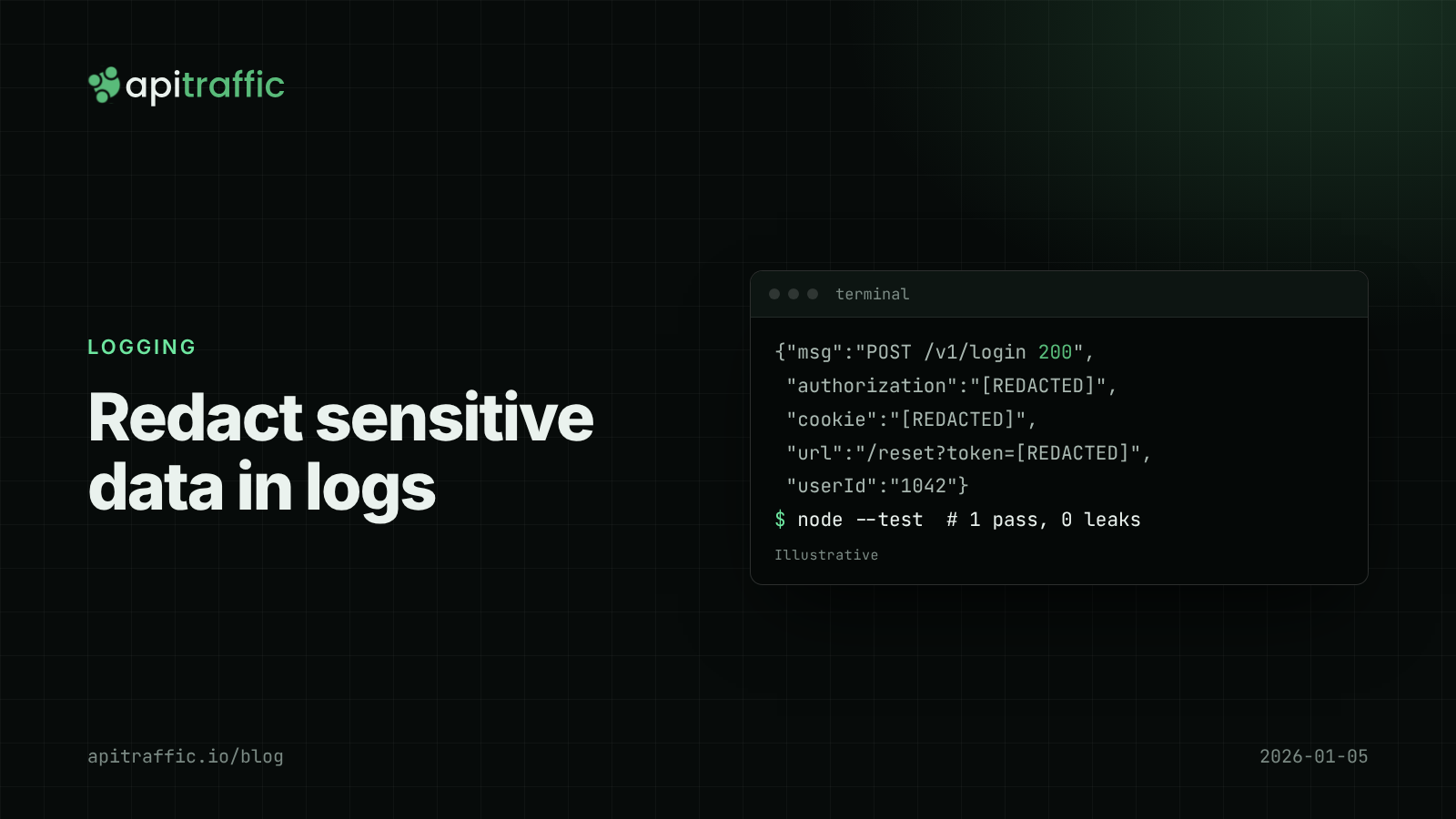
How to redact sensitive data in logs for Node.js APIs
Found a bearer token in your logs? Here's how to keep secrets and personal data out of Node API logs in an afternoon: Pino redaction, URL and error scrubbing, body allowlists and a test that catches leaks.
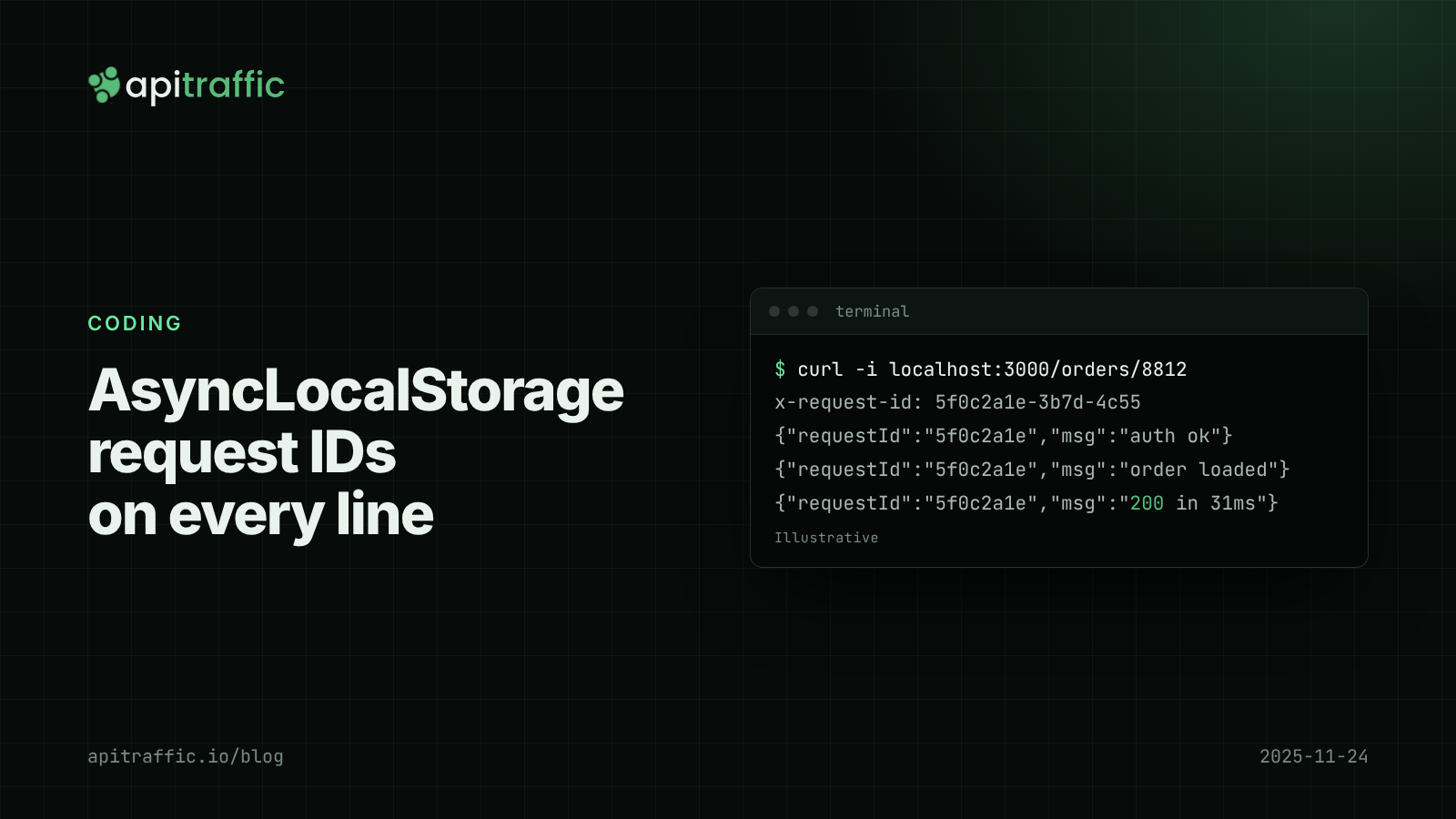
AsyncLocalStorage request IDs: follow one request through a Node.js API
A customer says checkout failed at 2pm and your logs are fifty requests interleaved. Add request IDs with AsyncLocalStorage in Express or Fastify in an afternoon, and every log line, response and downstream call carries the same ID.