
How to redact sensitive data in logs for Node.js APIs
Keep tokens, passwords and personal data out of your Node API logs, and prove it with a test.
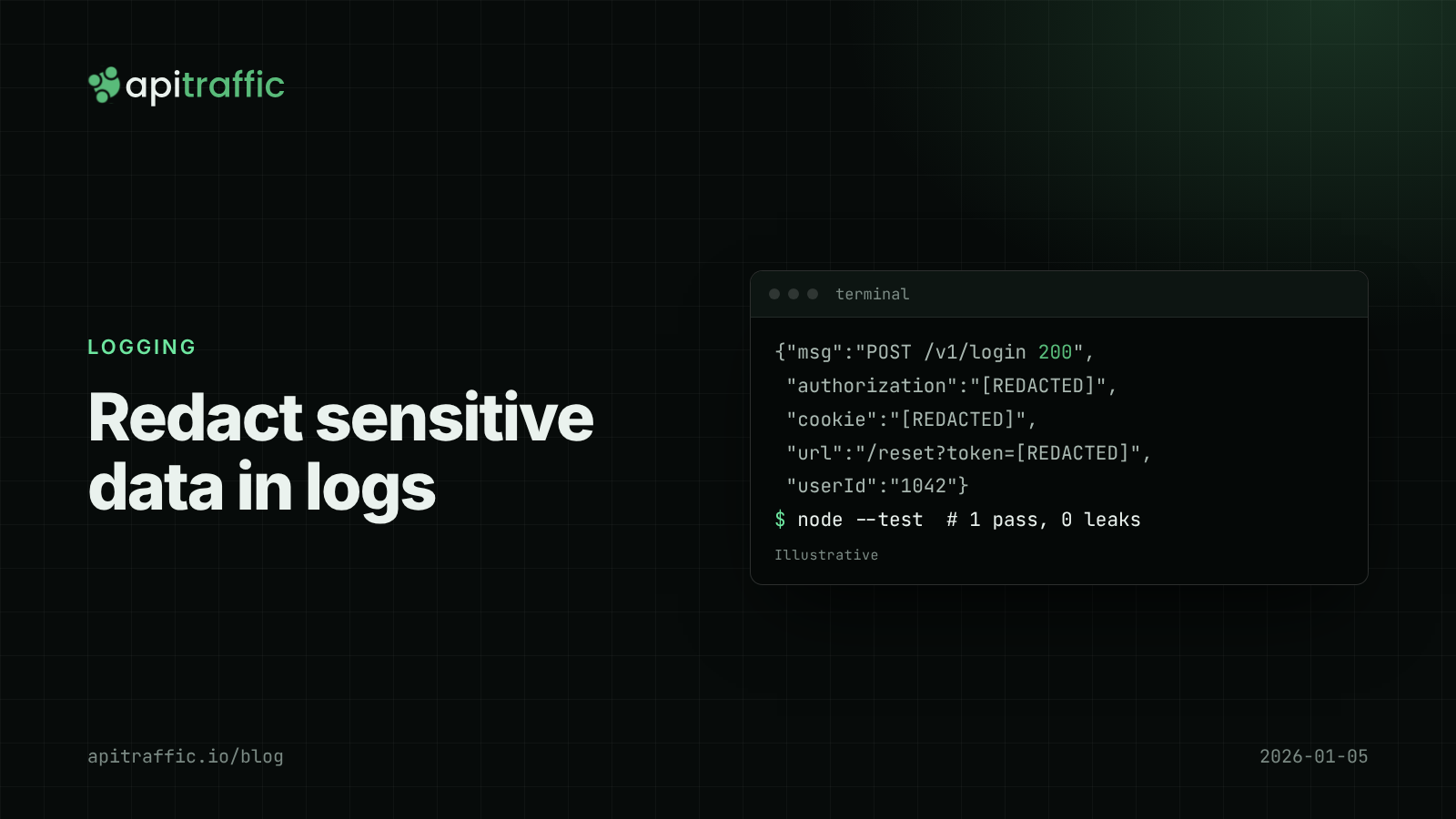
Someone on the team searches the logs for a bug and finds a customer’s bearer token sitting in plain text. Now the log provider, every engineer with log access and every backup holds a working credential. If you need to redact sensitive data in logs, the short answer is: decide what never gets logged, enforce it in the logger itself (not at each call site), and add a test that fails when a secret slips through.
For most Node APIs that means three changes: Pino’s redact option for known paths, a scrubber for URLs and error objects, and an allowlist for request bodies. A 1-person team can do all three in an afternoon. If you’re starting from console.log, set up structured logging with Pino first; redaction depends on logs being objects, not strings.
What not to log: the short list
The OWASP Logging Cheat Sheet’s list of data to exclude or mask is the best starting point. For a typical API:
| Never log | Where it hides |
|---|---|
| Passwords and password reset tokens | Login and reset bodies, reset links in query strings |
| Bearer tokens, session cookies, API keys | Authorization, Cookie, X-Api-Key, Set-Cookie headers |
| Connection strings and signing secrets | Error objects, startup config dumps |
| Payment card data (card number, CVV) | Checkout request bodies |
| Personal data you don’t need | Emails, phone numbers, addresses, dates of birth in bodies |
Card data is the strict one: PCI DSS doesn’t allow storing card verification codes after authorization at all, and logs count as storage. Personal data is a judgment call, but “we might need it to debug” rarely survives a data protection question. Log a stable user ID instead of an email.
How to redact sensitive data in logs with Pino
Pino’s redact option takes a list of paths and replaces their values before the line is written. It handles nested keys, wildcards and bracket notation for header names with hyphens:
// logger.js
import pino from 'pino';

export const logger = pino({
  redact: {
    paths: [
      'req.headers.authorization',
      'req.headers.cookie',
      'req.headers["x-api-key"]',
      'res.headers["set-cookie"]',
      '*.password',
      '*.token',
      '*.refreshToken',
      'body.card.number',
      'body.card.cvc',
    ],
    censor: '[REDACTED]',
  },
});
Use remove: true instead of censor if you’d rather drop the key entirely. Note that *.password matches one level deep; user.credentials.password needs its own path. Redaction paths are a denylist, so they only catch what you thought of. That’s why the next two steps exist.
With pino-http in Express, the same logger covers request and response logs:
import express from 'express';
import pinoHttp from 'pino-http';
import { logger } from './logger.js';

const app = express();
app.use(pinoHttp({ logger }));
Scrub tokens from URLs and query strings
Tokens in URLs get past header redaction: /reset-password?token=..., /oauth/callback?code=..., /download?signature=.... Log the path with sensitive parameters masked:
const SENSITIVE_PARAMS = new Set(['token', 'code', 'signature', 'api_key', 'access_token', 'password']);

export function safeUrl(raw) {
  const url = new URL(raw, 'http://localhost');
  for (const key of [...url.searchParams.keys()]) {
    if (SENSITIVE_PARAMS.has(key.toLowerCase())) url.searchParams.set(key, '[REDACTED]');
  }
  return url.pathname + url.search;
}
Pass it to pino-http through a custom serializer:
app.use(pinoHttp({
  logger,
  serializers: {
    req(req) {
      return { method: req.method, url: safeUrl(req.url), id: req.id };
    },
  },
}));
This serializer also stops logging request headers entirely, which is a reasonable default. Add back the specific headers you need, such as user-agent.
Why error objects leak secrets
Errors are the most common leak because they carry context you didn’t choose. Axios errors include a config object with the request headers, so logger.error(err) after a failed call to a payment provider can log your provider’s API key. Database driver errors can include the query and its parameters. Serialize errors yourself:
export function safeError(err) {
  return {
    name: err.name,
    message: err.message,
    code: err.code,
    status: err.response?.status ?? err.status,
    stack: err.stack,
  };
}

export const logger = pino({
  serializers: { err: safeError },
  redact: { paths: [/* as above */], censor: '[REDACTED]' },
});
Now logger.error({ err }, 'payment call failed') logs what you need to debug and nothing from the request config.
Log request bodies with an allowlist, not a denylist
For bodies, flip the default: log nothing unless a route says which fields are safe.
const BODY_FIELDS = {
  'POST /orders': ['items', 'currency', 'couponCode'],
  'POST /signup': ['plan', 'referrer'],
};

export function bodyForLog(req) {
  const fields = BODY_FIELDS[`${req.method} ${req.route?.path}`];
  if (!fields || typeof req.body !== 'object') return undefined;
  return Object.fromEntries(fields.filter((f) => f in req.body).map((f) => [f, req.body[f]]));
}
A new field on /signup stays out of the logs until someone adds it on purpose. On a 10-person team, put this map next to the route definitions so reviewers see it in the same diff.
When you need to correlate personal data
Sometimes you need to know that two requests came from the same email without logging the email. Use a keyed hash, not a plain one. A plain SHA-256 of an email can be reversed by hashing a list of known emails.
import { createHmac } from 'node:crypto';

const key = process.env.LOG_HASH_KEY;
export const pseudonym = (value) =>
  createHmac('sha256', key).update(value.trim().toLowerCase()).digest('hex').slice(0, 16);
Test that secrets stay out
Redaction rules rot. A test that runs a real request through the real logger catches regressions:
import { test } from 'node:test';
import assert from 'node:assert/strict';
import { Writable } from 'node:stream';
import pino from 'pino';

test('authorization header is redacted', () => {
  const lines = [];
  const sink = new Writable({ write(chunk, _e, cb) { lines.push(chunk.toString()); cb(); } });
  const log = pino({ redact: { paths: ['req.headers.authorization'], censor: '[REDACTED]' } }, sink);
  log.info({ req: { headers: { authorization: 'Bearer secret-value-123' } } }, 'hello');
  assert.ok(!lines.join('').includes('secret-value-123'));
});
Better still, import your real logger configuration in the test so the test and production can’t drift apart. If you use request context, the AsyncLocalStorage request ID setup gives you a user ID to log in place of personal data.
If you only do one thing
Forward this checklist to the team:
- Redact
Authorization,Cookie,Set-CookieandX-Api-Keyin the logger config. - Serialize errors yourself; never log a raw HTTP client error.
- Mask
token,codeandsignaturequery parameters. - Log bodies only through a per-route allowlist.
- Add one test that fails if a known secret appears in log output.
- If a secret did reach the logs: rotate it first, then purge.
FAQ
Does Pino redact slow down logging?
Pino compiles redaction paths once at startup, and the cost is small for a short list of explicit paths. Wildcard paths cost more than explicit ones, so prefer explicit paths for hot log lines.
Is it enough to redact in the log pipeline instead of the app?
It helps as a second layer, but the data has already left the process and may sit in buffers, agents or third-party services. Redact in the app first.
What should I do if secrets are already in my logs?
Rotate the credential immediately, since you can’t be sure who read it. Then delete or expire the affected logs and add a redaction rule and a test for that field.
Doing this with ApiTraffic
If you’d rather not maintain header redaction and body rules in every service, ApiTraffic masks credential headers such as Authorization, Cookie and X-Api-Key by default. Redaction rules for anything else, such as a password field or a card number, are set in the dashboard and pushed to your servers without a deploy, so a field you missed can be fixed in minutes rather than a release.
Setup is one middleware after your body parsers: app.use(apitraffic.express()), reading API_TRAFFIC_TOKEN and API_TRAFFIC_BUCKET from the environment.
Start free and see every request your API handles, minus the secrets: apitraffic.io
Sources: OWASP Logging Cheat Sheet; Pino redaction docs; CWE-532: Insertion of Sensitive Information into Log File
Keep reading
Pino logging in Node.js: a practical structured logging setup for Express and Fastify
A customer says invoices failed yesterday and your logs are a wall of console.log. Set up Pino logging for Express or Fastify in an afternoon: JSON lines, request IDs, levels by status, redaction and a team checklist.
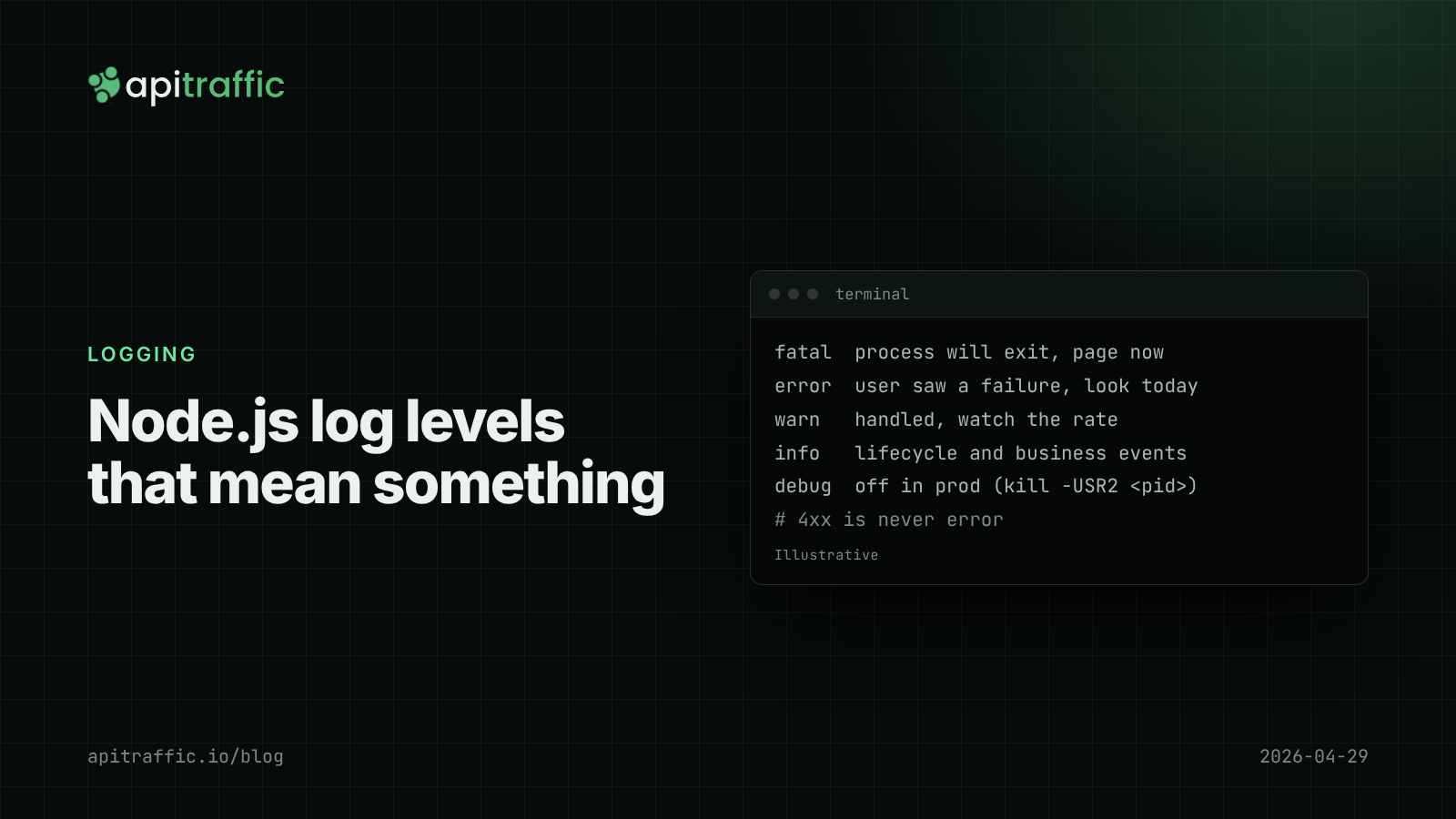
Node.js log levels that mean something: a logging policy for small teams
At 3am your error log is full of scanner 404s and the real database timeout is buried. Here is a Node.js log levels policy a small team can paste into its repo, plus the code that enforces it.

API log retention and cost: how much request logging a small team needs
Either the logging bill surprises you or the logs are gone when a customer asks about last month. Here is a retention policy a small team can set up in an afternoon.