
W3C Trace Context in Node.js: correlating requests across services with traceparent
Read traceparent, keep the trace ID for the request, log it everywhere, and send it on every outbound call.

A customer’s order failed. The API gateway logged a 502, the orders service logged a timeout, and the payments service logged a 400 at roughly the same second, along with a few hundred other requests. Without a shared ID, you are matching timestamps by eye. W3C Trace Context is the standard way to give every hop of one request the same ID.
The short answer: every service reads the incoming traceparent header, keeps its trace ID for the duration of the request, writes that ID into every log line, and sends a new traceparent with the same trace ID on every outbound call. With OpenTelemetry’s Node SDK and auto-instrumentations, inbound HTTP, outbound http and fetch calls get this for free. Without OpenTelemetry, it is about 30 lines of code. Both are below.
What is W3C Trace Context?
W3C Trace Context is a W3C Recommendation (Level 1, last published November 2021) that defines two HTTP headers: traceparent, which carries the trace identity, and tracestate, which carries vendor-specific data. Because it is a standard, a trace can pass through an Express service, a Fastify service, a load balancer and a third-party tool and keep the same ID.
A traceparent looks like this:
traceparent: 00-4bf92f3577b34da6a3ce929d0e0e4736-00f067aa0ba902b7-01
| Field | Example | Meaning |
|---|---|---|
| version | 00 |
Format version; ff is invalid |
| trace-id | 4bf92f35...0e4736 |
32 lowercase hex characters, same for every hop of the request |
| parent-id | 00f067aa0ba902b7 |
16 hex characters, the ID of the caller’s span |
| trace-flags | 01 |
Bit 0 is “sampled” |
A trace ID or parent ID of all zeros is invalid. Receivers must accept the header name in any case, and tracestate can hold at most 32 list members.
How is traceparent different from X-Request-ID?
A request ID usually identifies one hop. The trace ID identifies the whole chain. You can keep both, or use the trace ID as your request ID. If you already followed our post on request IDs and AsyncLocalStorage, the structure below will look familiar: the difference is a standard header and a standard format that other tools understand.
Option 1: W3C Trace Context with OpenTelemetry in Node.js
OpenTelemetry’s default propagators in JavaScript are W3C Trace Context and W3C Baggage. The auto-instrumentations package includes HTTP, Express, undici (which is what Node’s global fetch uses), Postgres and Pino instrumentation, among others.
npm install @opentelemetry/sdk-node @opentelemetry/auto-instrumentations-node \
  @opentelemetry/exporter-trace-otlp-http
// instrumentation.js  (load before anything else)
const { NodeSDK } = require('@opentelemetry/sdk-node');
const { getNodeAutoInstrumentations } = require('@opentelemetry/auto-instrumentations-node');
const { OTLPTraceExporter } = require('@opentelemetry/exporter-trace-otlp-http');

const sdk = new NodeSDK({
  serviceName: process.env.SERVICE_NAME ?? 'orders-api',
  traceExporter: new OTLPTraceExporter(),   // reads OTEL_EXPORTER_OTLP_ENDPOINT
  instrumentations: [getNodeAutoInstrumentations()],
});
sdk.start();

process.on('SIGTERM', () => sdk.shutdown().finally(() => process.exit(0)));
node -r ./instrumentation.js server.js
That is enough for:
- inbound requests:
traceparentis extracted, and the request’s span joins the caller’s trace - outbound
http.requestandfetchcalls: a newtraceparentwith the same trace ID is injected - Pino logs: the Pino instrumentation adds
trace_idandspan_idto log records written inside a traced request
Load order matters. The instrumentation has to load before Express, pg and Pino are required, which is why it goes in -r rather than at the top of server.js. For Fastify, the Fastify team maintains @fastify/otel for route-level spans; inbound propagation already works through the HTTP instrumentation.
Option 2: propagate traceparent by hand
If you do not want an OpenTelemetry pipeline yet, propagation alone is small. This version accepts version 00 only, which is what every current sender emits:
// trace-context.js
import { AsyncLocalStorage } from 'node:async_hooks';
import { randomBytes } from 'node:crypto';

const als = new AsyncLocalStorage();
const TRACEPARENT = /^00-([0-9a-f]{32})-([0-9a-f]{16})-([0-9a-f]{2})$/;
const hex = (bytes) => randomBytes(bytes).toString('hex');

export function parseTraceparent(value) {
  const m = TRACEPARENT.exec((value ?? '').trim().toLowerCase());
  if (!m || /^0+$/.test(m[1]) || /^0+$/.test(m[2])) return null;
  return { traceId: m[1], parentId: m[2], flags: m[3] };
}

export function traceContext({ trustIncoming = true } = {}) {
  return (req, res, next) => {
    const incoming = trustIncoming ? parseTraceparent(req.get('traceparent')) : null;
    const ctx = {
      traceId: incoming?.traceId ?? hex(16),
      spanId: hex(8),
      flags: incoming?.flags ?? '01',
    };
    res.set('x-trace-id', ctx.traceId);   // handy for support tickets
    als.run(ctx, next);
  };
}

export const currentTrace = () => als.getStore();

export function tracedFetch(url, init = {}) {
  const ctx = currentTrace();
  const headers = new Headers(init.headers);
  if (ctx) headers.set('traceparent', `00-${ctx.traceId}-${hex(8)}-${ctx.flags}`);
  return fetch(url, { ...init, headers });
}
Wire it into Express and into your logger:
import express from 'express';
import pino from 'pino';
import { traceContext, currentTrace, tracedFetch } from './trace-context.js';

const log = pino({ mixin: () => ({ trace_id: currentTrace()?.traceId }) });
const app = express();
app.use(traceContext());

app.post('/v1/orders', express.json(), async (req, res) => {
  log.info({ items: req.body.items?.length }, 'creating order');
  const pay = await tracedFetch('http://payments.internal/v1/charges', {
    method: 'POST',
    headers: { 'content-type': 'application/json' },
    body: JSON.stringify({ amount: 4200 }),
    signal: AbortSignal.timeout(5000),
  });
  res.status(pay.ok ? 201 : 502).json({ ok: pay.ok });
});
Every log line from that request now carries trace_id, and the payments service sees the same ID in its incoming traceparent. Searching both services’ logs for one ID gives you the whole story. For more on what to record about those outbound calls, see logging outbound HTTP calls.
Where trace context gets lost
Queues and background jobs
HTTP headers do not cross a queue. Put the traceparent string into the job payload or message metadata when you enqueue, and parse it in the worker before you do anything else.
Trust boundaries
The W3C spec warns that blindly continuing any trace with the sampled flag set lets outsiders inflate your tracing costs or pollute your data with colliding IDs. On a public API, either start a fresh trace (traceContext({ trustIncoming: false })) and log the caller’s ID as a separate field, or only trust traceparent from your own front end and internal services.
Baggage and tracestate
Do not put user emails, tokens or anything personal in baggage or tracestate. They are forwarded to every downstream service, including third parties.
If you only do one thing
- Add
trace_idto every log line in every service. - Accept
traceparenton internal calls and send it on every outbound call. - Start a new trace at the public edge, or validate before you trust.
- Carry
traceparentthrough your queue payloads.
A one-person team with two services can use Option 2 this afternoon. A ten-person team with five or more services should adopt OpenTelemetry, so new services and libraries get propagation without anyone remembering to add it.
FAQ
Does Node’s fetch send traceparent automatically?
Not by itself. Node’s fetch sends traceparent only when something instruments it, such as OpenTelemetry’s undici instrumentation, or when you set the header yourself.
What is the difference between traceparent and tracestate?
traceparent carries the IDs and the sampled flag in a fixed format. tracestate is an optional list of vendor-specific key-value pairs that travel alongside it.
Can I use the trace ID as a request ID?
Yes, as long as you also create a new span ID per hop. Returning it in a response header makes support tickets much easier to trace.
Doing this with ApiTraffic
If you would rather not stitch logs across services yourself, ApiTraffic records the trace ID on each captured request: from the incoming W3C traceparent header when there is one, otherwise from its first span. Requests from your services that share a trace ID appear together in the request’s Distributed Trace tab, in time order, so you can see which hop failed or was slow. Outbound calls are logged on the request that made them.
The trace ID is read before redaction, so a redaction rule on traceparent does not break grouping.
Start free and see every request your API handles: apitraffic.io
Sources: W3C, “Trace Context” Recommendation (Nov 23, 2021); OpenTelemetry, “Propagation” (JavaScript docs); npm, @opentelemetry/auto-instrumentations-node; Node.js docs, “Asynchronous context tracking”
Keep reading
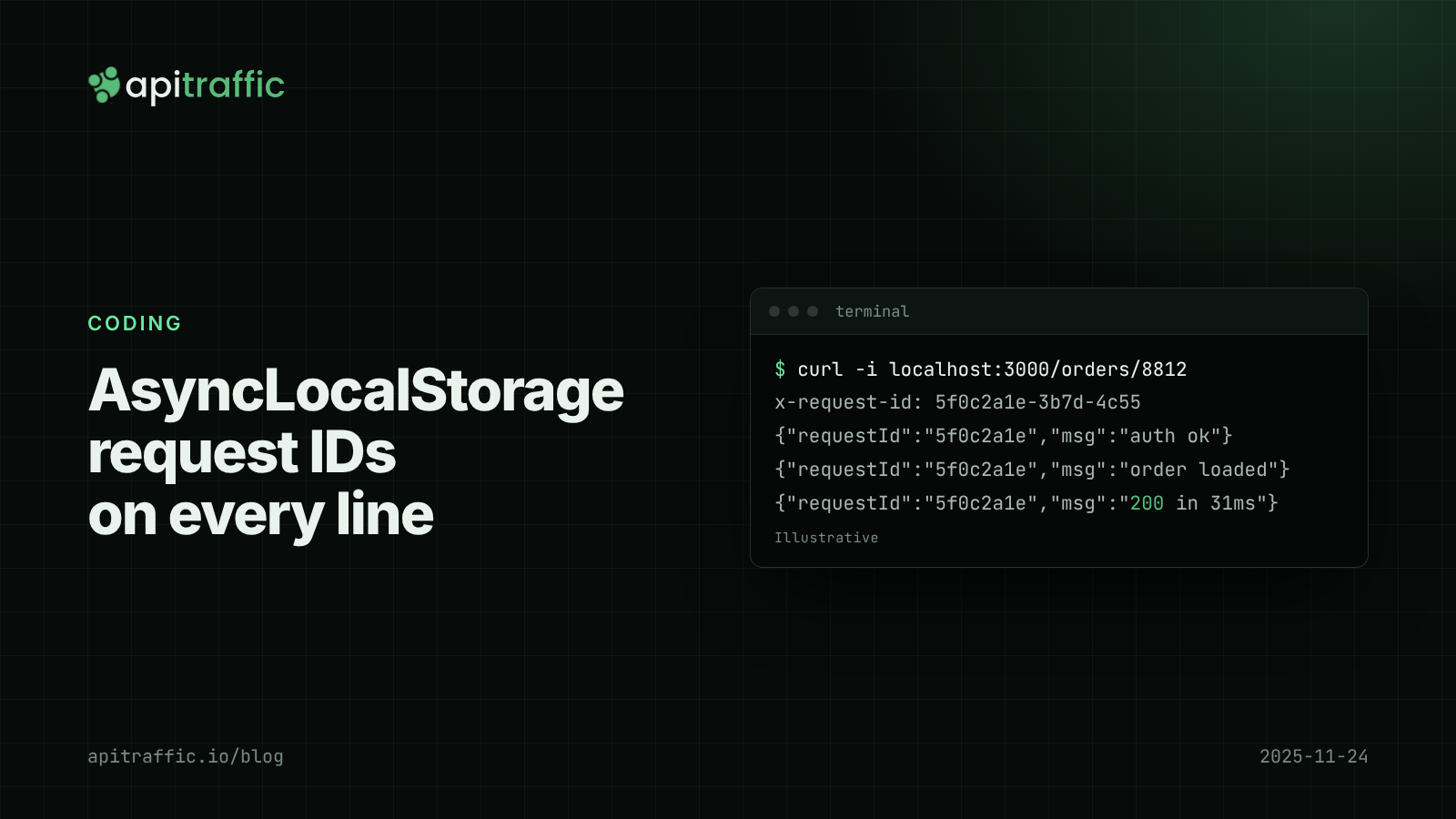
AsyncLocalStorage request IDs: follow one request through a Node.js API
A customer says checkout failed at 2pm and your logs are fifty requests interleaved. Add request IDs with AsyncLocalStorage in Express or Fastify in an afternoon, and every log line, response and downstream call carries the same ID.
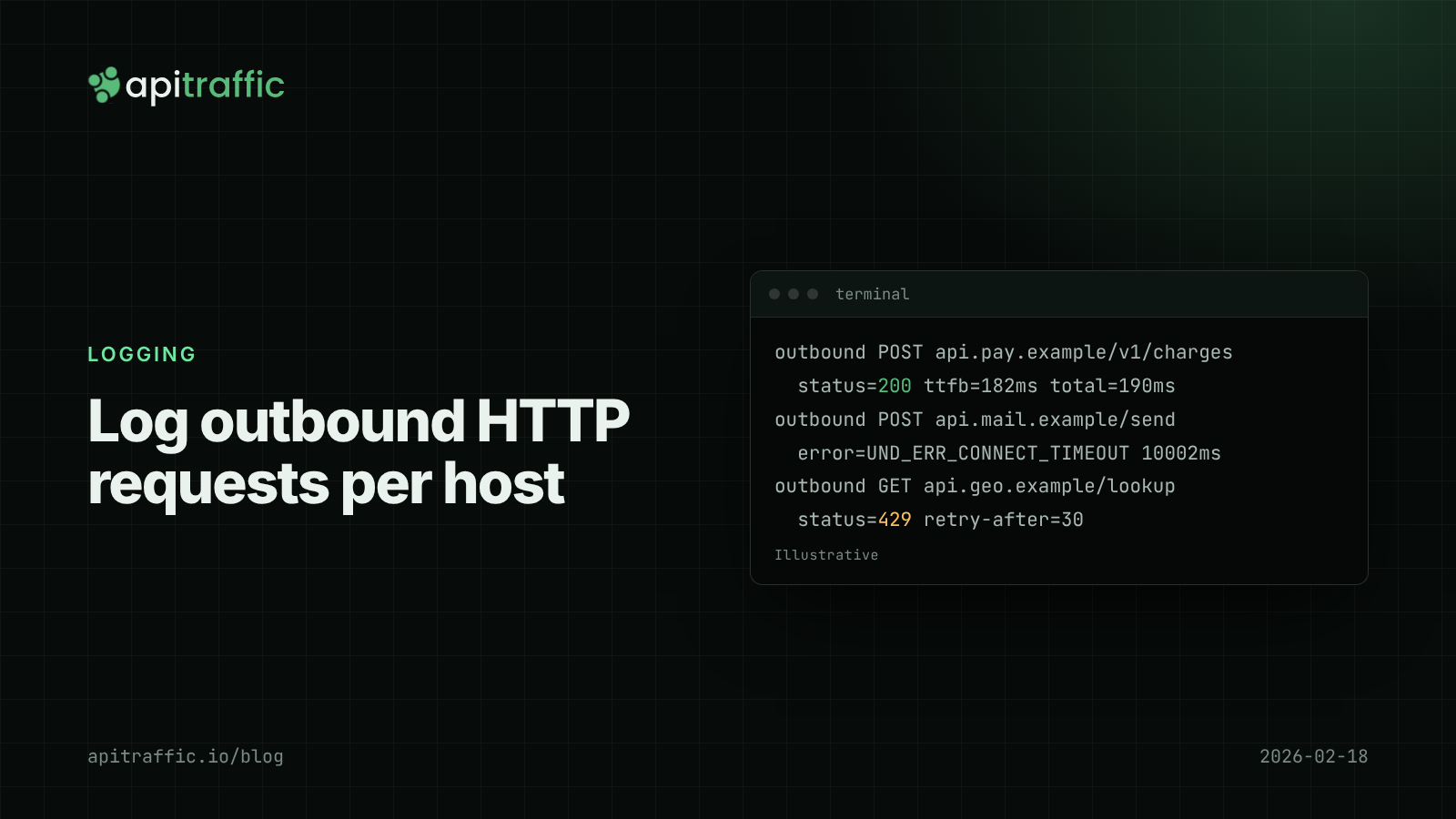
How to log outbound HTTP requests in Node.js
Your API threw 502s because a provider was timing out, and your logs said nothing. Log outbound HTTP requests from fetch and axios with diagnostics_channel in an afternoon, then read error rate and p95 per host.
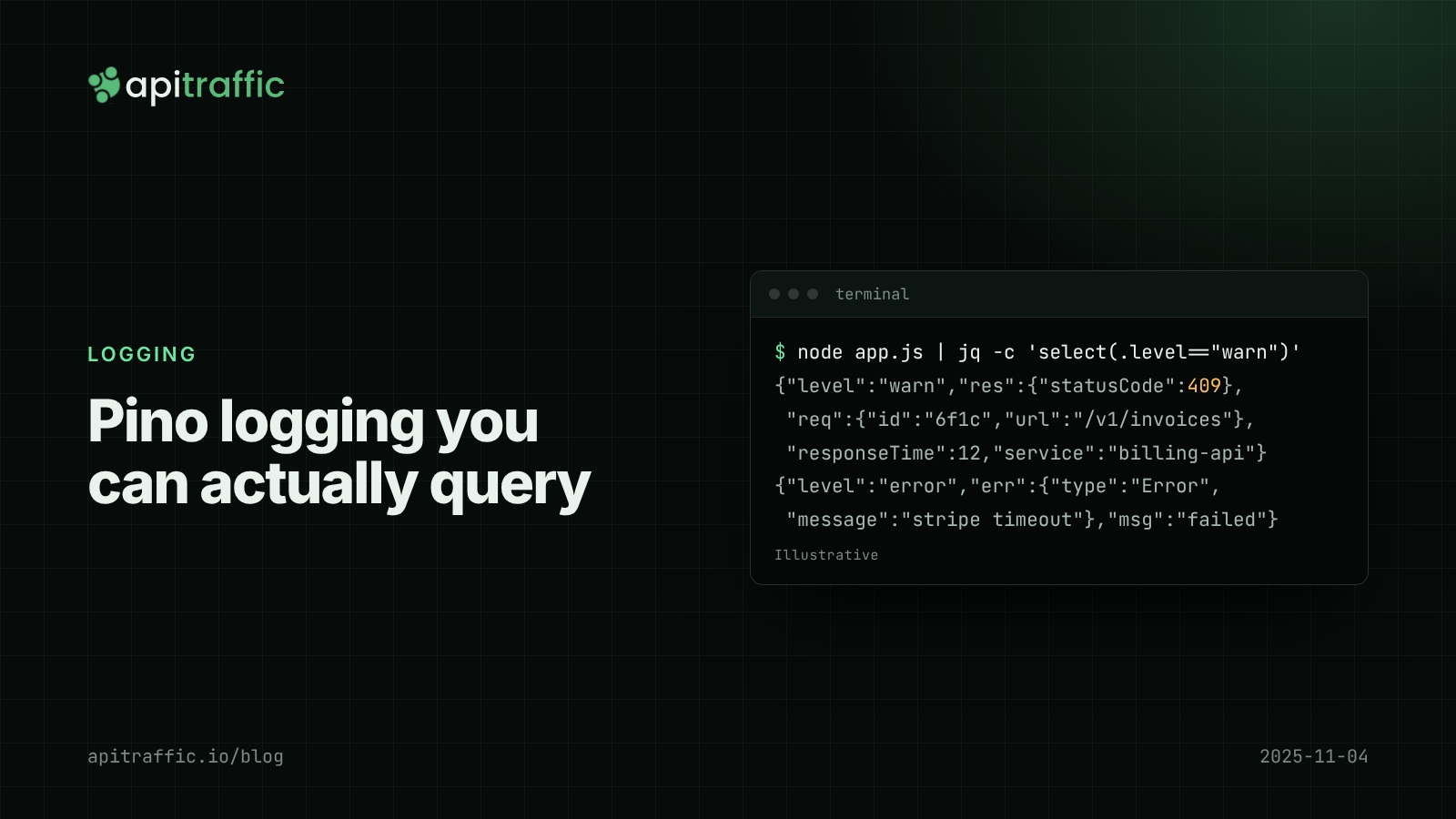
Pino logging in Node.js: a practical structured logging setup for Express and Fastify
A customer says invoices failed yesterday and your logs are a wall of console.log. Set up Pino logging for Express or Fastify in an afternoon: JSON lines, request IDs, levels by status, redaction and a team checklist.