
Node.js large file upload handling without running out of memory
Stream instead of buffer, set real limits, move big files to presigned URLs, and patch the 2026 multipart parser CVEs.
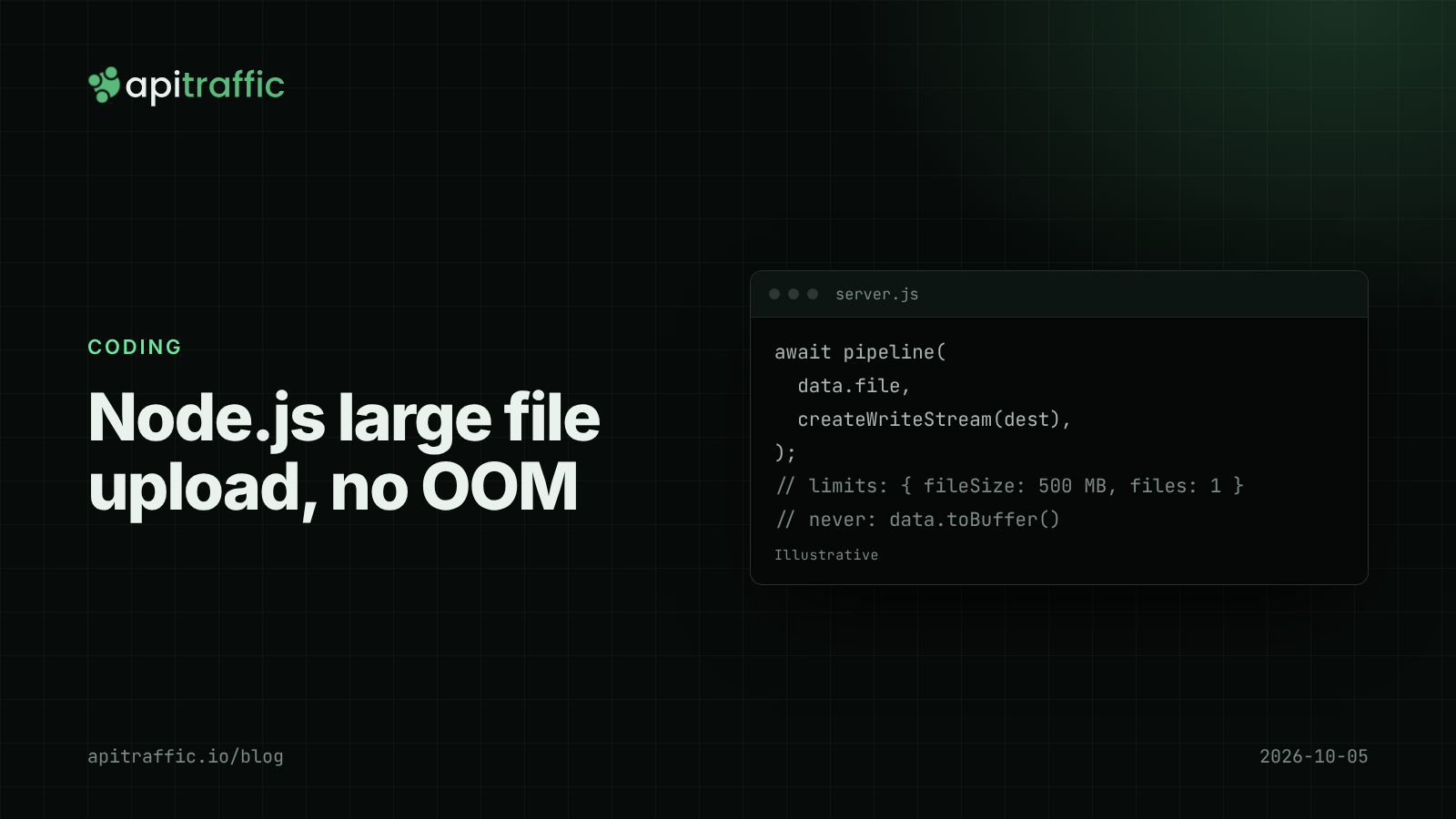
A customer uploads a 2 GB video, the API process climbs past its memory limit, and the platform kills it, taking every other in-flight request with it. Most Node.js large file upload bugs come down to one line that buffers the whole file in memory before doing anything with it.
The short answer: never hold an upload in memory. Stream it to disk or object storage with stream.pipeline, set explicit limits on file size, file count and fields, and for big files skip your API entirely with presigned URLs to S3-compatible storage. And check your multipart parser version, because 2026 has brought a run of denial-of-service fixes in multer, @fastify/multipart and @fastify/busboy.
Why a Node.js large file upload crashes your API
Three patterns cause most incidents:
- Buffering. Multer’s
memoryStorage(),@fastify/multipart’stoBuffer()and hand-writtenBuffer.concatloops all keep the full file in memory. Ten concurrent 500 MB uploads need 5 GB. - No limits. Without
fileSize,filesandfieldslimits, a single request decides how much work your server does. - Long requests on a shared process. A slow upload ties up a connection for minutes. Synchronous work on the data, such as hashing a buffer in one go, blocks the event loop for everyone; see event loop lag.
Defaults help only for non-file bodies. Express’s express.json() limits JSON to 100 KB by default and Fastify’s bodyLimit defaults to 1 MiB, but multipart parsing is configured separately, in the multipart library.
Upload strategies compared
| Strategy | Memory per upload | Max practical size | Effort |
|---|---|---|---|
| Buffer in memory | Whole file | Small images | Lowest, riskiest |
| Stream to local disk | A few KB of buffers | Disk space | Low |
| Stream through API to S3 | A few MB of part buffers | Many GB | Medium |
| Presigned URL, client to S3 | None on your API | 5 GB per PUT, more with multipart | Medium |
How to stream file uploads in Express with busboy
Multer is fine with diskStorage and limits, but using busboy directly shows exactly what happens. This Express 5 route streams one file to disk and enforces a size limit:
import express from 'express';
import busboy from 'busboy';
import { createWriteStream } from 'node:fs';
import { unlink } from 'node:fs/promises';
import { pipeline } from 'node:stream/promises';
import { randomUUID } from 'node:crypto';
import path from 'node:path';

const app = express();
const UPLOAD_DIR = '/var/uploads';
const MAX_BYTES = 500 * 1024 * 1024;

app.post('/v1/uploads', requireAuth, (req, res, next) => {
  const bb = busboy({
    headers: req.headers,
    limits: { fileSize: MAX_BYTES, files: 1, fields: 5, fieldSize: 1024 },
  });
  let saved = null;
  const writes = [];

  bb.on('file', (name, file, info) => {
    // Never trust info.filename for the path
    const dest = path.join(UPLOAD_DIR, randomUUID());
    const write = pipeline(file, createWriteStream(dest))
      .then(() => {
        if (file.truncated) {
          throw Object.assign(new Error('file too large'), { status: 413 });
        }
        saved = { dest, type: info.mimeType };
      })
      .catch(async (err) => {
        await unlink(dest).catch(() => {});
        throw err;
      });
    write.catch(() => {}); // awaited on 'close'; avoids an unhandled rejection
    writes.push(write);
  });

  bb.on('close', async () => {
    try {
      await Promise.all(writes);
      if (!saved) return res.status(400).json({ error: 'no_file' });
      res.status(201).json({ id: path.basename(saved.dest) });
    } catch (err) {
      next(err);
    }
  });
  bb.on('error', next);
  req.on('close', () => { if (!req.complete) bb.destroy(); });
  req.pipe(bb);
});
The details that matter: the file is never in memory as a whole, the filename on disk is random, a truncated file is deleted, and an aborted request tears down the parser. Partial files left behind by aborted uploads are exactly what several 2026 advisories fixed in libraries, so test your own cleanup by killing curl mid-upload.
How to handle file uploads in Fastify with @fastify/multipart
@fastify/multipart defaults to a 1 MiB fileSize and 1,000 parts. Raise the file limit deliberately, per route if needed:
import Fastify from 'fastify';
import multipart from '@fastify/multipart';
import { createWriteStream } from 'node:fs';
import { unlink } from 'node:fs/promises';
import { pipeline } from 'node:stream/promises';
import { randomUUID } from 'node:crypto';

const app = Fastify({ logger: true });
await app.register(multipart, {
  limits: { fileSize: 500 * 1024 * 1024, files: 1, fields: 5 },
});

app.post('/v1/uploads', async (request, reply) => {
  const data = await request.file();
  if (!data) return reply.code(400).send({ error: 'no_file' });
  const dest = `/var/uploads/${randomUUID()}`;
  try {
    await pipeline(data.file, createWriteStream(dest));
  } catch (err) {
    await unlink(dest).catch(() => {});
    if (data.file.truncated) return reply.code(413).send({ error: 'too_large' });
    throw err;
  }
  return reply.code(201).send({ id: dest.split('/').pop() });
});
Avoid data.toBuffer() for anything large; the plugin’s own README tells you to be careful with it.
Presigned URLs: keep large uploads off your API
For files in the hundreds of megabytes or more, the best upload is one your API never touches. The API authorizes the upload and returns a short-lived URL, and the client sends the file straight to storage:
import { S3Client, PutObjectCommand } from '@aws-sdk/client-s3';
import { getSignedUrl } from '@aws-sdk/s3-request-presigner';
import { randomUUID } from 'node:crypto';

const s3 = new S3Client({});

app.post('/v1/uploads/presign', requireAuth, async (req, res) => {
  const key = `uploads/${req.user.accountId}/${randomUUID()}`;
  const url = await getSignedUrl(
    s3,
    new PutObjectCommand({ Bucket: process.env.UPLOAD_BUCKET, Key: key }),
    { expiresIn: 300 },
  );
  res.json({ key, url });
});
A single S3 PUT tops out at 5 GB; beyond that, use S3 multipart upload. Validate the object after upload, not before, and validate any metadata the client sends with a schema, as in validating request bodies with Zod.
Patch your multipart parser: 2026 advisories
Upload parsers have been a steady source of denial-of-service fixes this year. Check yours with npm ls multer @fastify/multipart @fastify/busboy multiparty busboy.
| Package | Upgrade to at least | Fixes (published) |
|---|---|---|
| multer | 2.4.0 | CVE-2026-88932 (Sep 30); CVE-2026-77078, CVE-2026-82333, CVE-2026-77037, CVE-2026-77063 (Aug 31); earlier fixes in 2.1.0 and 2.2.0 |
| @fastify/multipart | 10.1.1 | CVE-2026-18549, CVE-2026-19474 (Aug 15) |
| @fastify/busboy | 3.2.1 | CVE-2026-19484 (Oct 2) |
| multiparty | 4.3.1 | CVE-2026-87908 (Sep 30) |
| body-parser | 2.3.0 or 1.20.6 | CVE-2026-12590, invalid limit silently ignored (Jul 31) |
Multer 2.3.0 also added an opt-in limits.fieldArrayIndexLimit, which the CVE-2026-82333 advisory recommends setting.
Timeouts for long uploads
Node’s HTTP server has had a requestTimeout of 300,000 ms (five minutes) by default since Node 18. A 2 GB upload on a slow connection can exceed that, and your proxy or platform likely has its own limit too. Raise it only on the instance that serves uploads, or use presigned URLs and avoid the question.
For a one-person team, the afternoon version is: upgrade the parser, set explicit limits, and switch from memory to disk storage. A ten-person team should move large uploads to presigned URLs, add a cleanup job for orphaned temp files and alert on disk usage. If memory still climbs afterwards, heap snapshots will show what is holding it.
If you only do one thing
Search your code for memoryStorage, toBuffer and Buffer.concat on upload routes, and replace each with a stream to disk or storage.
FAQ
How do I upload large files in Node.js without running out of memory?
Stream the request body to disk or object storage with stream.pipeline instead of buffering it, and set a fileSize limit. For very large files, have clients upload directly to storage with presigned URLs.
What is the maximum file upload size in Express?
Express sets no multipart limit itself. The limit comes from your multipart library’s fileSize option, your proxy and Node’s requestTimeout.
Is multer safe to use in 2026?
Yes, on a patched version. Upgrade to multer 2.4.0 or later, use diskStorage rather than memoryStorage for large files, and set limits.
Doing this with ApiTraffic
If you would rather not instrument upload routes yourself:
- ApiTraffic records requests under the route pattern with p50, p95 and p99 over time, so a slow or failing upload endpoint shows up separately from the rest of your API. Search failures with
url_path == "/v1/uploads" AND status_code == 413. - Outbound request logging and APM spans show the time spent sending the file on to storage.
- A WAF rate limit on the upload path, or on an API key header, returns
429withRetry-Afterbefore abusive clients fill your disk. Monitor mode shows what it would block first.
Start free and see every request your API handles: apitraffic.io
Sources: Express, September 2026 Security Releases (Sep 30, 2026); Express, August 2026 Security Releases (Aug 31, 2026); OSV, CVE-2026-18549 @fastify/multipart (Aug 15, 2026); GitLab Advisory Database, CVE-2026-19484 @fastify/busboy (Oct 2, 2026); @fastify/multipart README
Keep reading
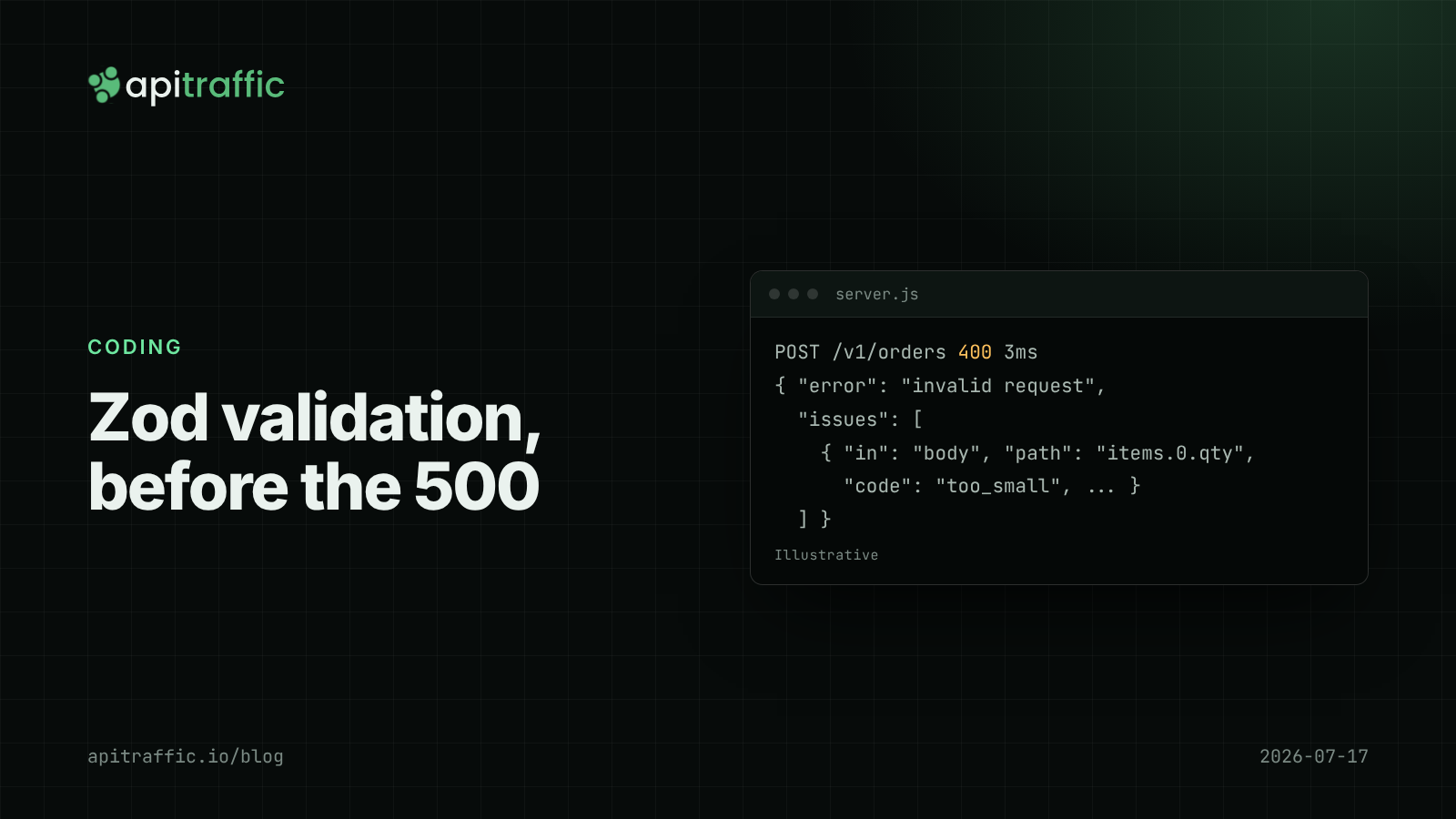
Zod validation in Express and Fastify: request bodies, query strings and useful errors
A null where your handler expected an array becomes a 500 and a support ticket. Validate bodies, query strings and params with Zod 4 in Express 5 and Fastify 5, return 400s clients can act on, and stop extra fields at the door.
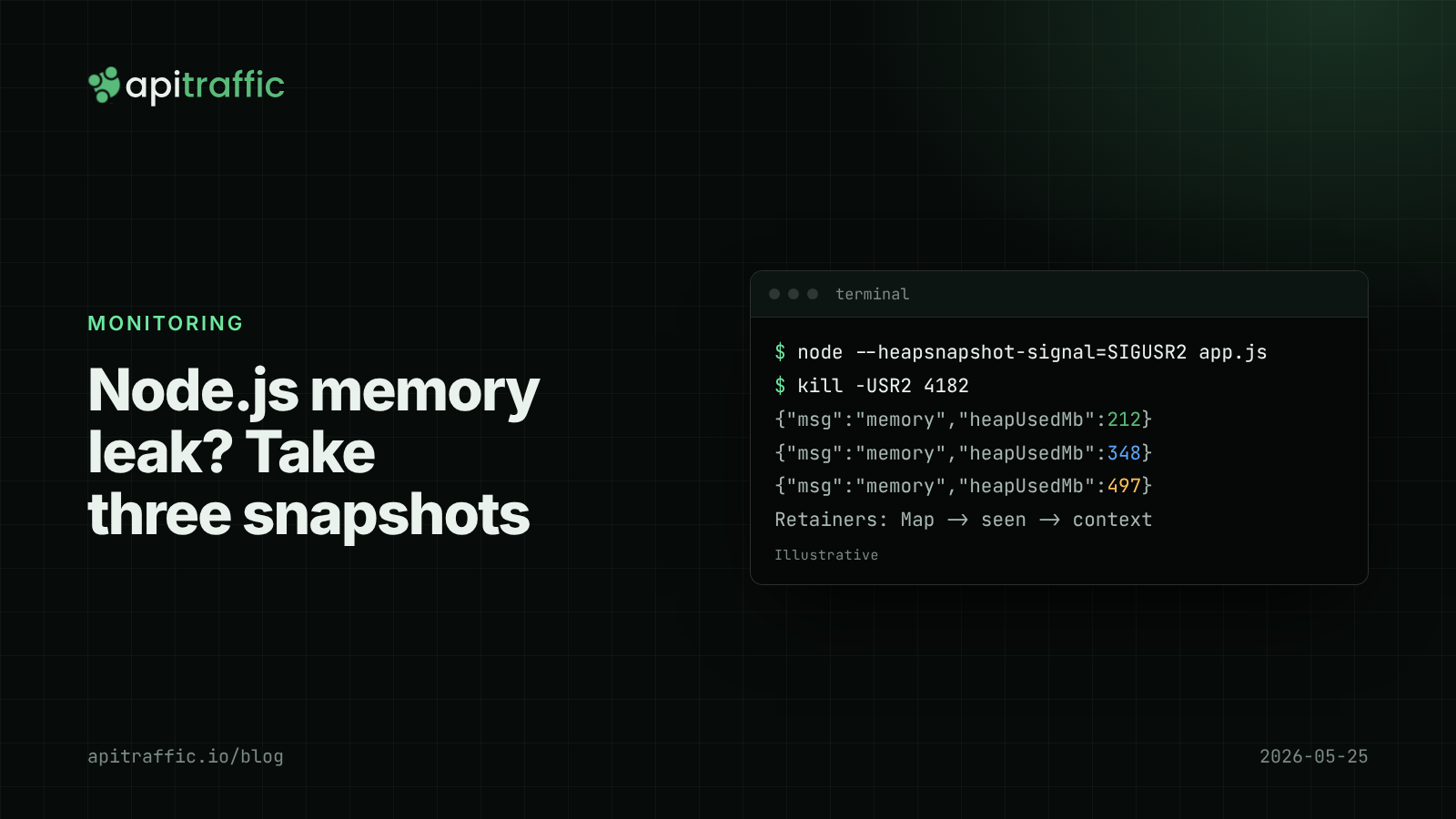
Node.js memory leak debugging with heap snapshots
The container keeps getting OOM-killed and restarts hide why. Here is the three-snapshot method that finds a Node.js memory leak, and how to do it safely in production.
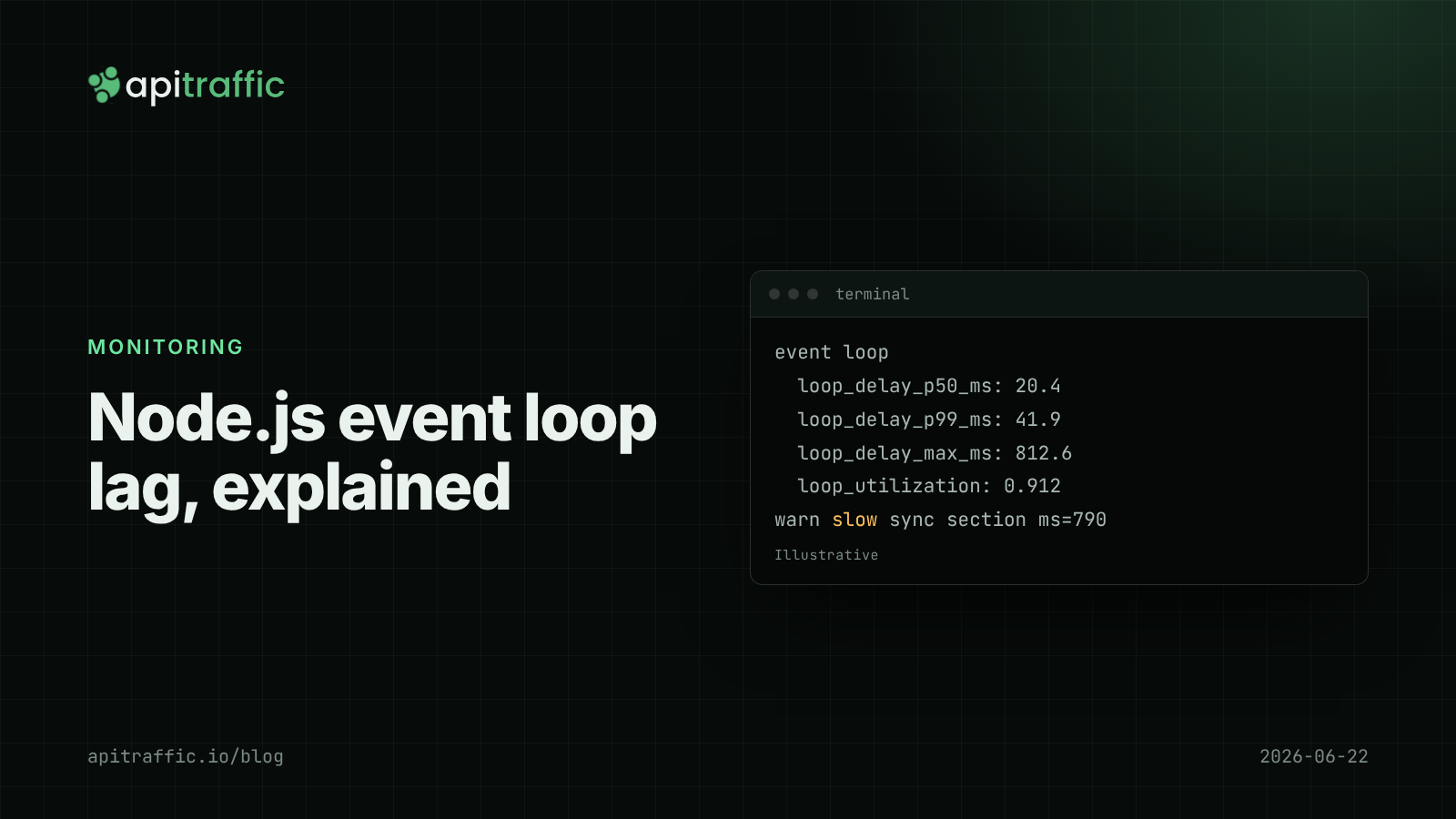
Node.js event loop lag: the metric that explains "random" slowness
Every endpoint slow at once, database fine, CPU looks idle: that is event loop lag. Here is how to measure it in Node with built-in tools and find the code that blocks.