
How to find N+1 queries in a Node.js API before your users do
Count queries per request, flag repeated query shapes, and replace per-item lookups with one batched query.
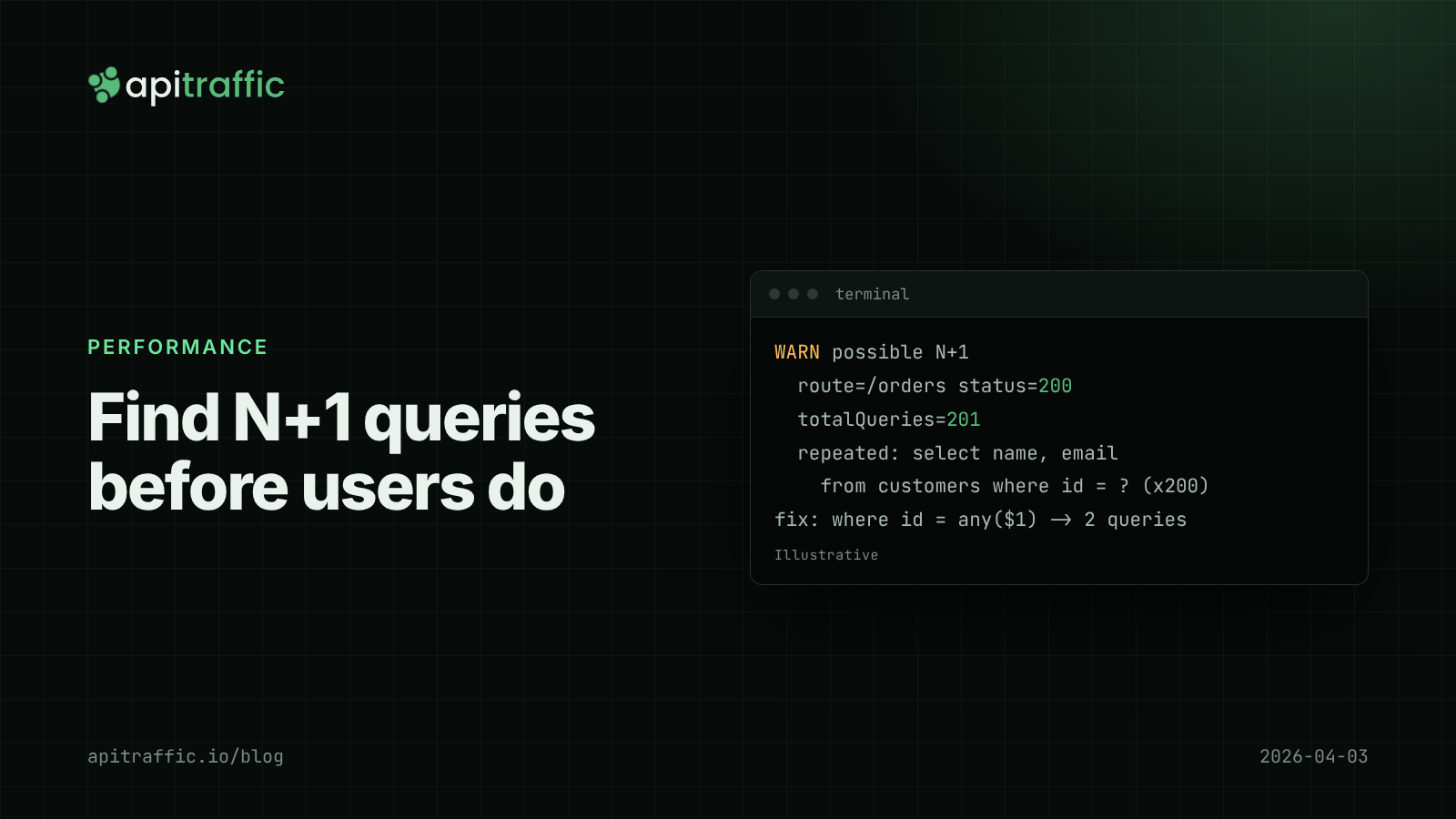
The orders endpoint took 40 ms in development and takes 900 ms for your biggest customer. Nothing is wrong with the database; it’s answering 201 queries for one request. That pattern, one query for a list and one more for each item in it, is the N+1 query problem, and it’s the most common reason a Node API gets slower as customers grow.
To find N+1 queries, count database queries per request and flag requests where the same query shape runs many times. You can do that with AsyncLocalStorage and a thin wrapper around your database client in about an hour. To fix them, replace the per-item query with one batched query: a JOIN, a WHERE id = ANY($1), an ORM include, or DataLoader.
What N+1 queries look like in Express
A typical example with node-postgres:
app.get('/orders', async (req, res) => {
  const { rows: orders } = await db.query(
    'select id, customer_id, total from orders where account_id = $1 order by id desc limit 200',
    [req.user.accountId],
  );
  for (const order of orders) {
    const { rows } = await db.query('select name, email from customers where id = $1', [order.customer_id]);
    order.customer = rows[0];
  }
  res.json(orders);
});
With 10 orders in your seed data, that’s 11 queries at maybe 0.3 ms each against a local database: invisible. With 200 orders and a managed database 1 to 2 ms away, it’s 201 round trips and several hundred milliseconds, all spent waiting on the network.
Why N+1 queries hide until production
- Seed data is small. N is 5 locally and 500 for your largest account.
- Local databases are close. Network round-trip time dominates each query in production, and it’s near zero on localhost.
- Averages smooth it out. Most accounts are small, so mean latency barely moves. The slowdown shows up in p95 and p99, which is why reading latency percentiles properly matters here.
- ORMs hide the loop. A lazy-loaded relation or a resolver per field issues queries you never wrote.
How to detect N+1 queries per request
Step 1: track queries in request context
If you already have request context with AsyncLocalStorage, add a query list to the store. Otherwise this is the minimum:
// query-tracking.js
import { AsyncLocalStorage } from 'node:async_hooks';

export const queryContext = new AsyncLocalStorage();

export function trackQueries(req, res, next) {
  const store = { queries: new Map(), total: 0 };
  res.on('finish', () => report(req, res, store));
  queryContext.run(store, next);
}

function normalize(sql) {
  return sql.replace(/\s+/g, ' ').replace(/'[^']*'/g, '?').replace(/\b\d+\b/g, '?').trim();
}

export function recordQuery(sql) {
  const store = queryContext.getStore();
  if (!store) return;
  const key = normalize(sql);
  store.queries.set(key, (store.queries.get(key) ?? 0) + 1);
  store.total += 1;
}
Step 2: wrap your database client
Route every query through one function so tracking can’t be skipped:
// db.js
import pg from 'pg';
import { recordQuery } from './query-tracking.js';

const pool = new pg.Pool({ connectionString: process.env.DATABASE_URL });

export const db = {
  query(text, params) {
    recordQuery(text);
    return pool.query(text, params);
  },
};
Step 3: log suspicious requests
// query-tracking.js (continued)
import { logger } from './logger.js';

const REPEAT_THRESHOLD = 10;
const TOTAL_THRESHOLD = 50;

function report(req, res, store) {
  const repeated = [...store.queries].filter(([, n]) => n >= REPEAT_THRESHOLD);
  if (repeated.length === 0 && store.total < TOTAL_THRESHOLD) return;
  logger.warn({
    route: req.route?.path,
    method: req.method,
    status: res.statusCode,
    totalQueries: store.total,
    repeated: repeated.map(([sql, n]) => ({ sql: sql.slice(0, 200), n })),
  }, 'possible N+1');
}
Register app.use(trackQueries) before your routes. Log the route pattern, not the raw URL, so /orders for every account groups into one line. A day of these warnings gives you a ranked list of endpoints to fix.
Using your ORM’s query log
If you use an ORM, its query log gives you the same signal:
| Tool | How to see queries |
|---|---|
| Prisma | new PrismaClient({ log: [{ emit: 'event', level: 'query' }] }) then prisma.$on('query', (e) => recordQuery(e.query)) |
| Sequelize | logging: (sql) => recordQuery(sql) in the constructor options |
| Knex | knex.on('query', (q) => recordQuery(q.sql)) |
| TypeORM | a custom logger implementing logQuery |
Hooking those into recordQuery means the same per-request report works regardless of ORM.
Catch N+1 queries in tests
Production detection finds the ones you already shipped. A test stops new ones:
import { test } from 'node:test';
import assert from 'node:assert/strict';
import request from 'supertest';
import { app } from '../app.js';
import { seedOrders } from './seed.js';
import { lastRequestStats } from '../query-tracking.js';

test('GET /orders does not scale queries with order count', async () => {
  await seedOrders({ count: 50 });
  await request(app).get('/orders').set('authorization', 'Bearer test').expect(200);
  assert.ok(lastRequestStats().total <= 3, `ran ${lastRequestStats().total} queries`);
});
lastRequestStats() is a small test-only export that keeps the most recent store. Seed more rows than a developer would by hand; an N+1 is obvious at 50 and invisible at 3.
How to fix N+1 queries
Fetch the related rows in one query, then join in memory:
const { rows: orders } = await db.query(
  'select id, customer_id, total from orders where account_id = $1 order by id desc limit 200',
  [req.user.accountId],
);
const ids = [...new Set(orders.map((o) => o.customer_id))];
const { rows: customers } = await db.query(
  'select id, name, email from customers where id = any($1)',
  [ids],
);
const byId = new Map(customers.map((c) => [c.id, c]));
for (const o of orders) o.customer = byId.get(o.customer_id);
Two queries instead of 201, whatever the account size. node-postgres converts the JavaScript array to a Postgres array for any($1). Other options:
- A
JOINwhen you always need the related data and the result set stays small. - ORM eager loading, such as Prisma
includeor Sequelizeinclude, instead of lazy access inside a loop. - DataLoader for GraphQL resolvers or deeply nested code, where per-item lookups are hard to avoid. It batches all
load(id)calls in one tick into a single fetch.
If you only do one thing
On a 1-person team: add the per-request query counter and read the warnings after a day of traffic. Fix the top endpoint. On a 10-person team: also add the query-count test to the endpoints that list things, so the next N+1 fails in CI instead of in production.
FAQ
What is an N+1 query?
One query loads a list of N rows, then N more queries load related data for each row. The total grows with the size of the list, so it gets slower as customers grow.
Does Prisma cause N+1 queries?
include loads relations with a fixed number of queries rather than one per row. N+1 appears when you call findUnique inside a loop or resolve relations per item in GraphQL resolvers.
How many queries per request is too many?
There’s no universal number, but a count that grows with result size is the warning sign. A list endpoint that runs the same query shape 10 or more times per request is worth a look.
Doing this with ApiTraffic
If you’d rather not build query tracking yourself, run your app with the APM preload, node -r @apitraffic/node/register ./server.js, so OpenTelemetry instruments your database driver before it loads. Each query is recorded as a span and attributed to the request that issued it.
Top Operations ranks queries by calls per request and flags N+1 patterns, with the code location that issued them. The request waterfall shows every query on the request’s timeline, so 200 identical rows stand out at a glance, and the endpoint’s Time Breakdown shows how much of its time goes to the database.
Start free and find the N+1 queries in your API: apitraffic.io
Sources: node-postgres docs: queries; Prisma docs: logging; DataLoader README
Keep reading
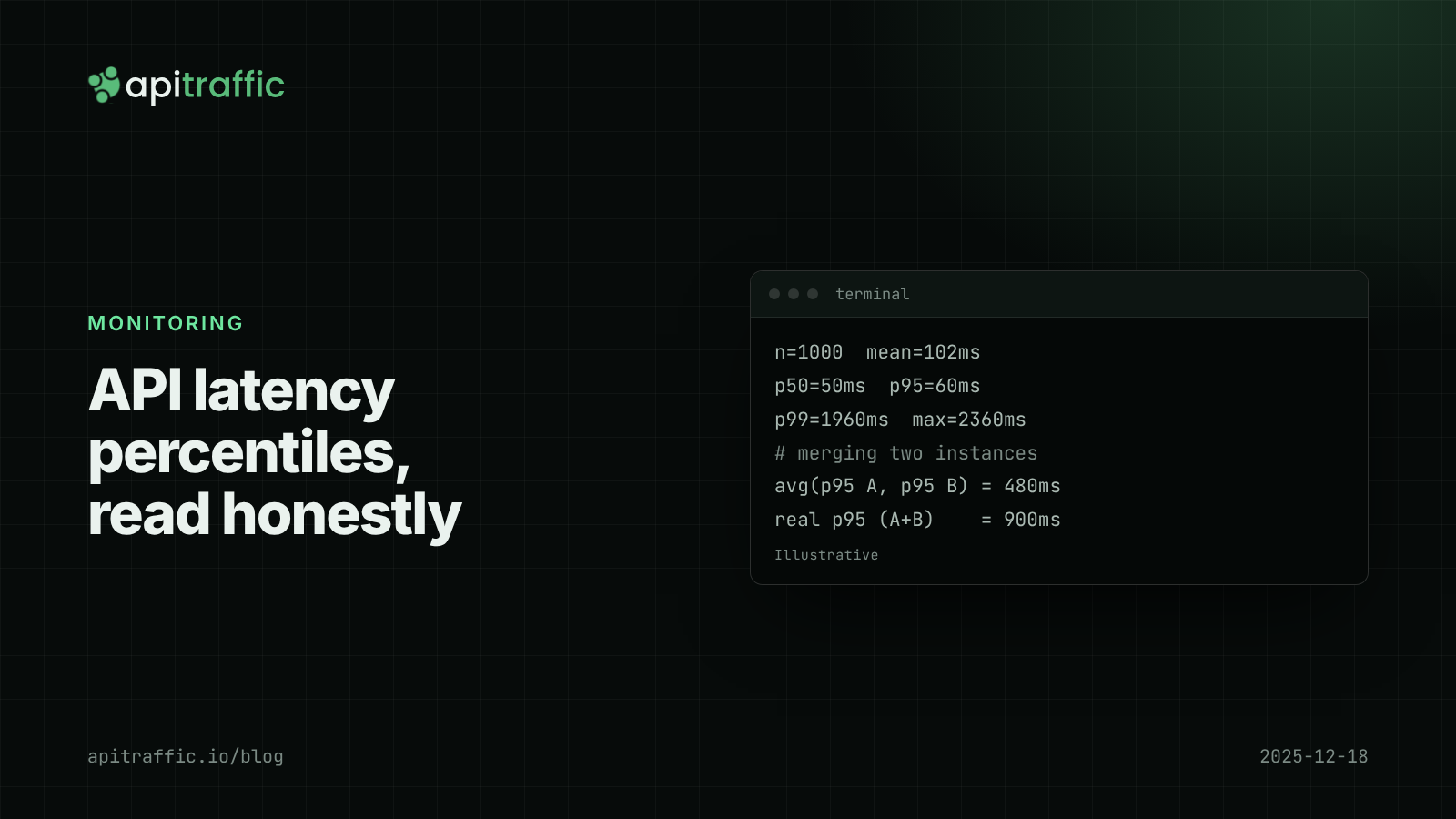
API latency percentiles: how to read p50, p95 and p99 without fooling yourself
Your average latency says 102 ms; a customer says the app hangs for two seconds. Both are true. Learn to read p50, p95 and p99, avoid the four classic mistakes, and record percentiles per route in Node.
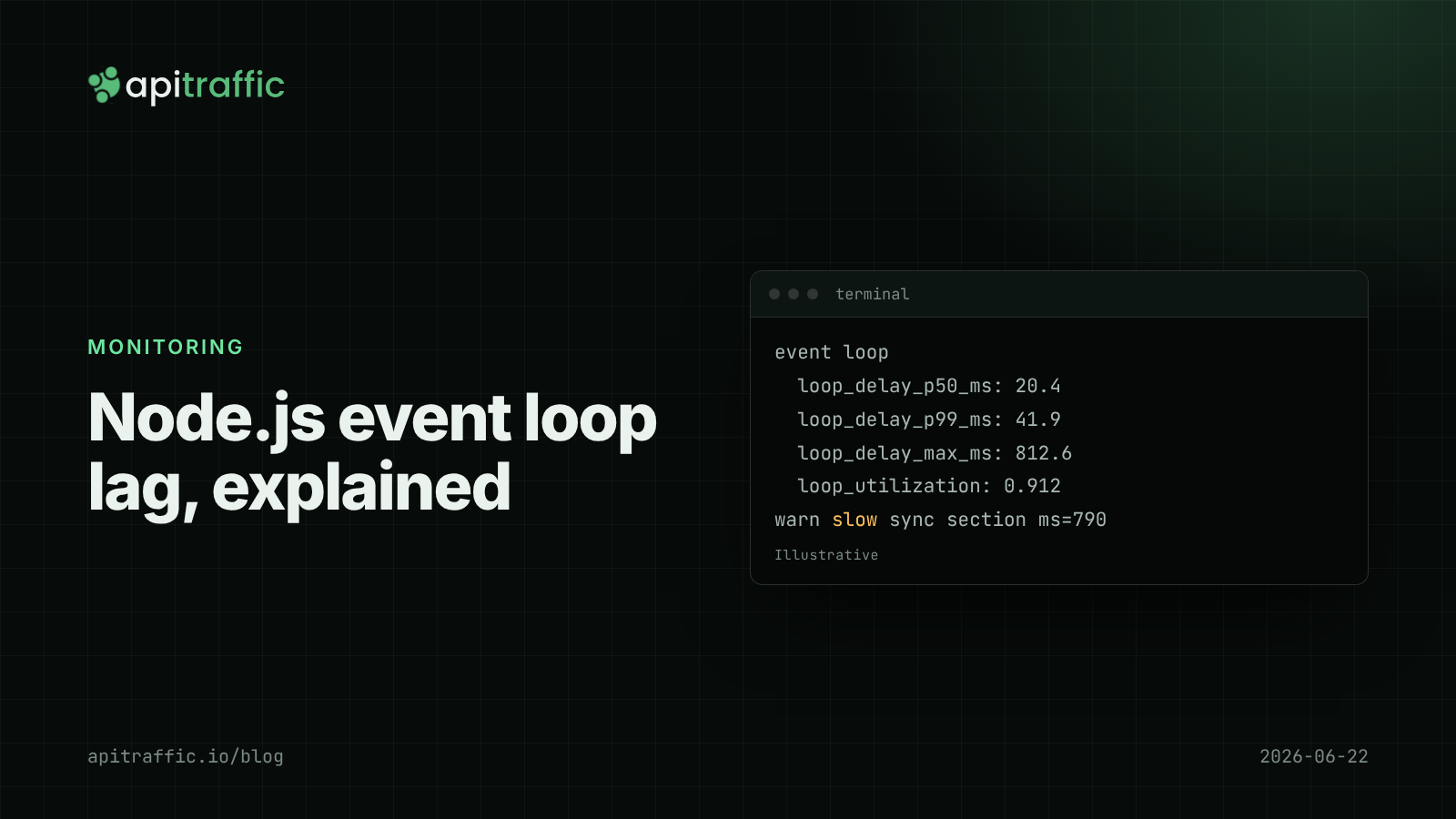
Node.js event loop lag: the metric that explains "random" slowness
Every endpoint slow at once, database fine, CPU looks idle: that is event loop lag. Here is how to measure it in Node with built-in tools and find the code that blocks.

Third-party API latency: measuring vendor slowness and failures in Node
The vendor status page is green and your checkout is slow. Here is how to measure third-party API latency and failures from your own Node servers, per dependency, without wrapping fetch.