
API key security for Node APIs: prefixes, hashing, scopes and rotation
Key format, SHA-256 storage, Express verification with scopes, zero-downtime rotation and a leak checklist.
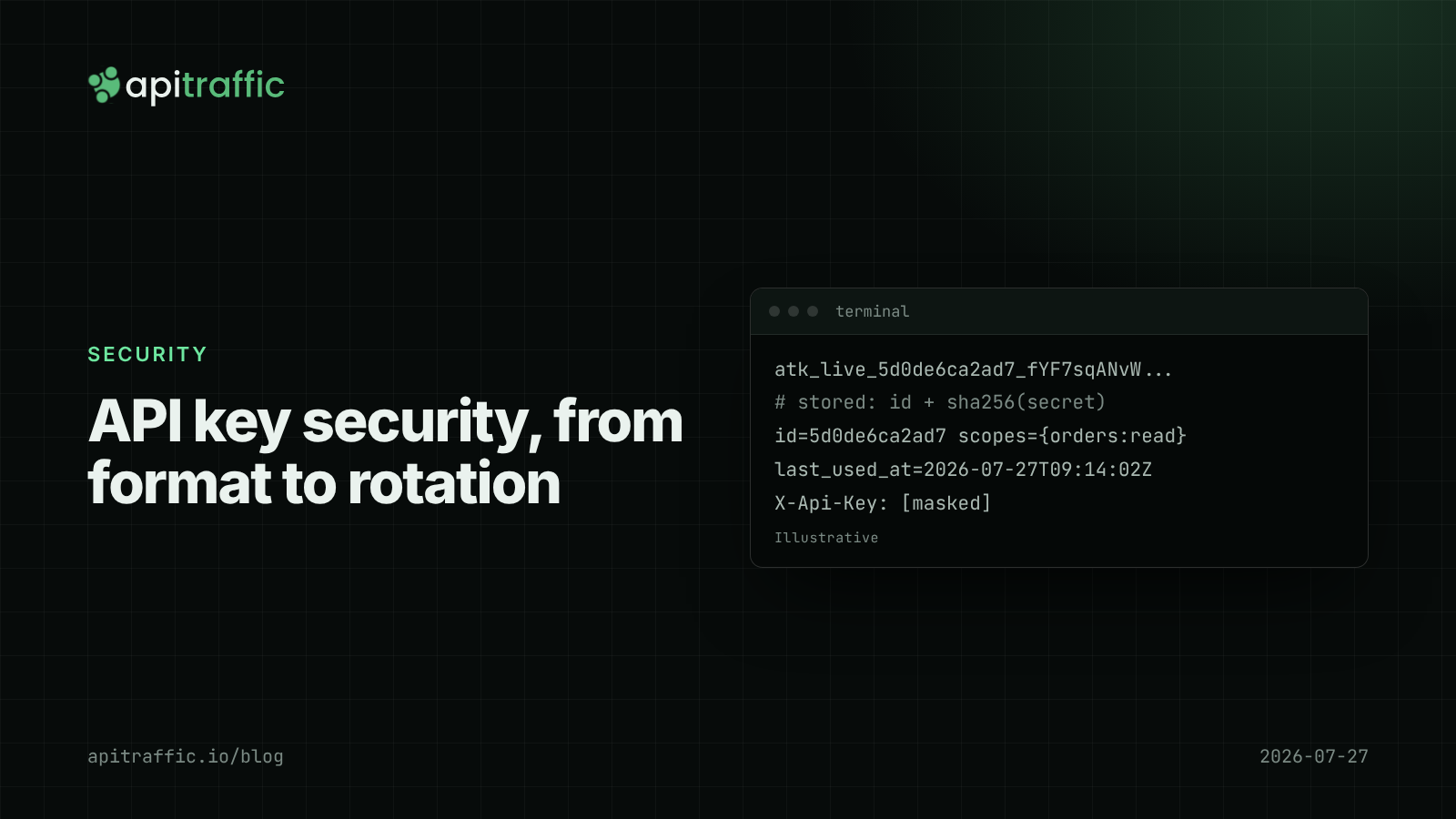
A customer emails to say they pushed their API key to a public GitHub repo an hour ago. Can you tell whether anyone used it? Can they rotate it without downtime? And if your database leaked tomorrow, would every customer’s key leak with it? API key security comes down to a handful of design decisions that are cheap on day one and painful to retrofit.
The direct answer: generate keys with at least 256 bits of randomness, give them a recognizable prefix so leaks are easy to spot, show the key once, store only a SHA-256 hash, look keys up by a separate public ID, attach scopes and an optional expiry, allow two active keys per account so rotation has no downtime, and never log the key itself. Here is how to do each in Node.
What a good API key looks like
The format we will build:
atk_live_5d0de6ca2ad7_fYF7sqANvWIOd9-JHGS05Snc89N4M13XeBFhunWSSjU_1aqdw5g
└─┬┘ └┬─┘ └────┬────┘ └───────────────────┬───────────────────┘ └──┬──┘
prefix env   key ID          secret (32 random bytes)          checksum
- Prefix (
atk_): makes your keys recognizable to people, grep and secret scanners. GitHub moved to prefixed tokens likeghp_in 2021 for exactly this reason, and Stripe’ssk_live_/sk_test_keys are the familiar example. - Environment (
live/test): a test key in production code is a bug you can catch at a glance. - Key ID: a short, non-secret identifier used to find the row and to show the key in your dashboard.
- Secret: 32 bytes from
crypto.randomBytes, base64url encoded. This is the only part that needs protecting. - Checksum: a CRC32 of the rest, so you can reject typos and truncated keys without a database query. GitHub’s token format includes a checksum for the same reason.
How to generate API keys in Node.js
// api-keys.js
import { randomBytes, createHash, timingSafeEqual } from 'node:crypto';
import { crc32 } from 'node:zlib'; // Node 20.15+ / 22.2+

const PREFIX = 'atk';

export function generateApiKey(env = 'live') {
  const id = randomBytes(6).toString('hex');
  const secret = randomBytes(32).toString('base64url');
  const body = `${PREFIX}_${env}_${id}_${secret}`;
  const checksum = crc32(body).toString(36).padStart(7, '0');
  return {
    key: `${body}_${checksum}`, // show once, never store
    id,
    hash: createHash('sha256').update(secret).digest('hex'),
  };
}

export function parseApiKey(key) {
  const m = /^atk_(live|test)_([0-9a-f]{12})_([A-Za-z0-9_-]{43})_([0-9a-z]{7})$/.exec(key ?? '');
  if (!m) return null;
  const [, env, id, secret, checksum] = m;
  const expected = crc32(`${PREFIX}_${env}_${id}_${secret}`).toString(36).padStart(7, '0');
  return checksum === expected ? { env, id, secret } : null;
}

export function secretMatches(secret, storedHashHex) {
  const a = createHash('sha256').update(secret).digest();
  const b = Buffer.from(storedHashHex, 'hex');
  return a.length === b.length && timingSafeEqual(a, b);
}
Why hash API keys with SHA-256, not bcrypt
Passwords need slow hashes (bcrypt, scrypt, Argon2) because people choose guessable passwords. A 256-bit random secret cannot be guessed, so a fast hash such as SHA-256 is enough: a stolen hash is useless without the secret. A slow hash would add tens of milliseconds to every authenticated request for no security gain.
Storing only the hash means a database dump, a backup in the wrong bucket or a support engineer’s SQL query does not expose working keys. It also means you cannot show the key again; users must copy it when it is created.
A minimal table:
CREATE TABLE api_keys (
  id            text PRIMARY KEY,          -- the public key ID
  account_id    bigint NOT NULL REFERENCES accounts(id),
  secret_hash   text NOT NULL,             -- sha256 hex
  env           text NOT NULL,             -- 'live' | 'test'
  scopes        text[] NOT NULL DEFAULT '{}',
  name          text,                      -- "CI deploy key"
  created_at    timestamptz NOT NULL DEFAULT now(),
  expires_at    timestamptz,
  last_used_at  timestamptz,
  revoked_at    timestamptz
);
How to verify API keys in Express
import { parseApiKey, secretMatches } from './api-keys.js';

export async function apiKeyAuth(req, res, next) {
  const parsed = parseApiKey(req.get('x-api-key'));
  if (!parsed) return res.status(401).json({ error: 'invalid_api_key' });

  const row = await db.apiKeys.findById(parsed.id);
  const valid =
    row &&
    !row.revoked_at &&
    (!row.expires_at || row.expires_at > new Date()) &&
    row.env === parsed.env &&
    secretMatches(parsed.secret, row.secret_hash);

  if (!valid) return res.status(401).json({ error: 'invalid_api_key' });

  req.apiKey = { id: row.id, accountId: row.account_id, scopes: new Set(row.scopes) };
  db.apiKeys.touchLastUsed(row.id).catch(() => {}); // throttle this in production
  next();
}

export const requireScope = (scope) => (req, res, next) =>
  req.apiKey?.scopes.has(scope) ? next() : res.status(403).json({ error: 'insufficient_scope' });

// usage
app.get('/v1/orders', apiKeyAuth, requireScope('orders:read'), listOrders);
Return the same 401 for “malformed”, “not found”, “revoked” and “wrong secret”, so callers cannot probe which keys exist. Use 403 only when the key is valid but lacks the scope.
Scopes: least privilege for API keys
Most API keys end up in CI systems, Zapier, cron jobs and contractors’ laptops. Scopes limit the damage when one leaks. Start simple: resource:read and resource:write per resource, plus a “full access” option for users who insist. Default new keys to read-only and make write access a deliberate choice.
How to rotate API keys without downtime
Rotation fails when an account can have only one key. Allow at least two active keys, then:
- Create the new key and give it to the client.
- The client deploys it.
- Watch
last_used_aton the old key until it stops changing. - Revoke the old key.
Optional expiry (90 days, say) forces this habit for high-risk keys. Showing last_used_at and the key name in your dashboard turns “which of these keys is safe to delete?” into an easy question.
When a key leaks, the order is: revoke immediately, issue a replacement, then check what the leaked key did. That last step needs request logs tied to the key ID, which is a good reason to keep them.
Do not let API keys leak through your own logs
The most common leak is not GitHub; it is your logs. Mask X-Api-Key and Authorization in request logging (see how to redact sensitive data in logs), log the key ID instead of the key, and never put keys in URLs, where proxies and analytics record them. Pair key auth with rate limiting per API key so a leaked key cannot be used at unlimited speed.
API key security checklist
- [ ] 32 random bytes per key; prefix, environment and key ID in the format.
- [ ] Shown once; only the SHA-256 hash stored.
- [ ] Constant-time comparison; one generic
401. - [ ] Scopes, with read-only as the default.
- [ ] Two active keys per account;
last_used_atvisible. - [ ] Keys masked in all logs; key ID logged instead.
- [ ] Rate limits per key.
A solo developer can ship the first four in an afternoon, before the first customer gets a key. A team of ten should also write the leak runbook (revoke, replace, review usage) and consider registering the prefix with GitHub’s secret scanning partner program so leaked keys are reported to you.
FAQ
Should I hash API keys with bcrypt?
No, not if keys are long random values. bcrypt protects low-entropy passwords from guessing; a 256-bit random secret cannot be guessed, so SHA-256 is enough and keeps authentication fast.
Should API keys expire?
Make expiry optional and encourage it for high-risk keys. Forced short expiry on every key mostly produces outages when someone forgets to rotate; supporting two active keys and showing last use gets you most of the benefit.
Where should clients send the API key?
In a header such as Authorization: Bearer ... or X-Api-Key, never in the query string. URLs end up in access logs, browser history and analytics tools.
Doing this with ApiTraffic
If you would rather not build masking, per-key limits and usage tracking yourself, ApiTraffic covers the parts around your key auth. Authorization, Cookie and X-Api-Key are masked by default in the request log. Firewall rate limits can be keyed on a header, so each API key gets its own limit, with 429 and Retry-After for callers over it.
Tag each request with the account, apitraffic.tag('accountId', String(req.apiKey.accountId)), and the “did anyone use the leaked key?” question becomes a search: tag:accountId == "1042" AND status_code >= 400, or the same tag over the last day.
Start free and see every request each API key makes: apitraffic.io
Sources: GitHub: Behind GitHub’s new authentication token formats (April 2021); Node.js crypto: randomBytes and timingSafeEqual; Node.js zlib.crc32; OWASP API Security Top 10 2023: API2 Broken Authentication; GitHub secret scanning partner program.
Keep reading
How to redact sensitive data in logs for Node.js APIs
Found a bearer token in your logs? Here's how to keep secrets and personal data out of Node API logs in an afternoon: Pino redaction, URL and error scrubbing, body allowlists and a test that catches leaks.
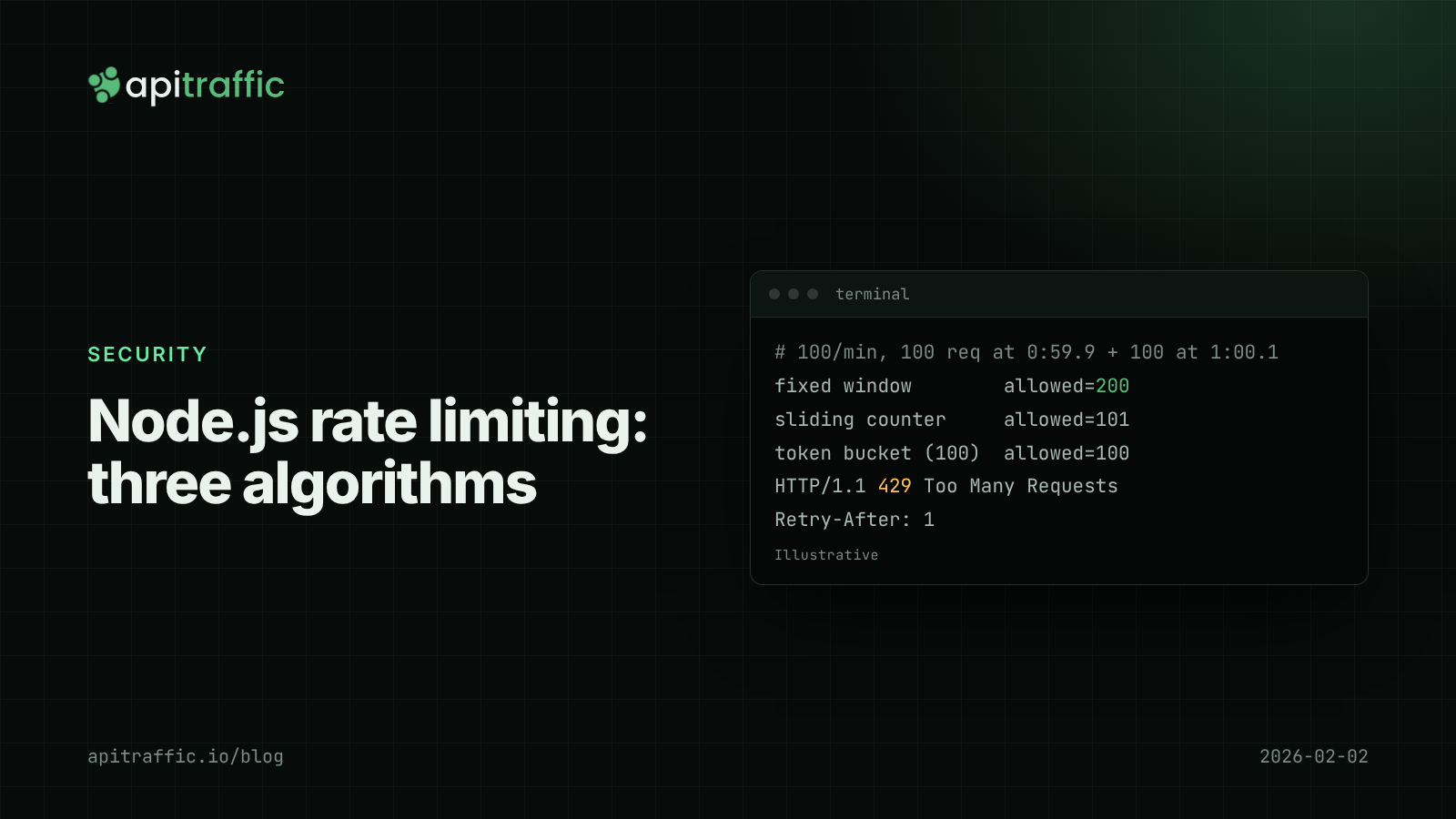
Node.js rate limiting: fixed window vs sliding window vs token bucket
One client's runaway retry loop should not take your API down at 3am. Compare fixed window, sliding window and token bucket rate limiting in Node, with working code, a Redis version and what to ship this afternoon.
Credential stuffing detection for Node APIs: spotting it in your login logs
Every request looks like a normal login, which is why stuffing goes unseen until a customer reports a login they did not make. Here is how to see it in your logs.