
Node.js rate limiting: fixed window vs sliding window vs token bucket
Fixed window, sliding window and token bucket in plain JavaScript, plus a Redis limiter that works across instances.
One customer’s retry loop goes wrong at 3am, sends 40 requests a second, and takes your API down for everyone else. Node.js rate limiting is the fix, and the algorithm you pick decides whether a legitimate burst gets through, whether an abusive client slips past at the window boundary, and how accurate your Retry-After header is.
The direct answer: use a token bucket for per-client API limits (it allows short bursts and enforces a steady rate), a sliding window counter if you want simple “N per minute” semantics without boundary bursts, and a fixed window only for coarse daily or monthly quotas. Return 429 with Retry-After, and store state in Redis once you run more than one instance.
Before the algorithm: what to key on and what to return
What are you limiting? The key can be the client IP, an API key, a user ID, or any of those combined with the route. IP is the only option for unauthenticated endpoints, but it is a weak identity: many users share one IP behind corporate NAT or mobile carriers, and one client can rotate through many IPv6 addresses. For authenticated APIs, key on the API key or account and keep a looser IP limit in front.
What does the caller see? 429 Too Many Requests (RFC 6585) with a Retry-After header in seconds (RFC 9110). Well-behaved clients and SDKs back off when they see it.
Where is the client IP? On Render, Railway, Fly.io, Heroku or behind an AWS load balancer, req.ip is the proxy’s address unless you set Express’s trust proxy (or Fastify’s trustProxy) to match your proxy chain. Get this wrong and you rate limit your load balancer, which means everyone at once.
Fixed window rate limiting and the boundary problem
Count requests per key in the current window (each calendar minute, say) and reset when the window changes.
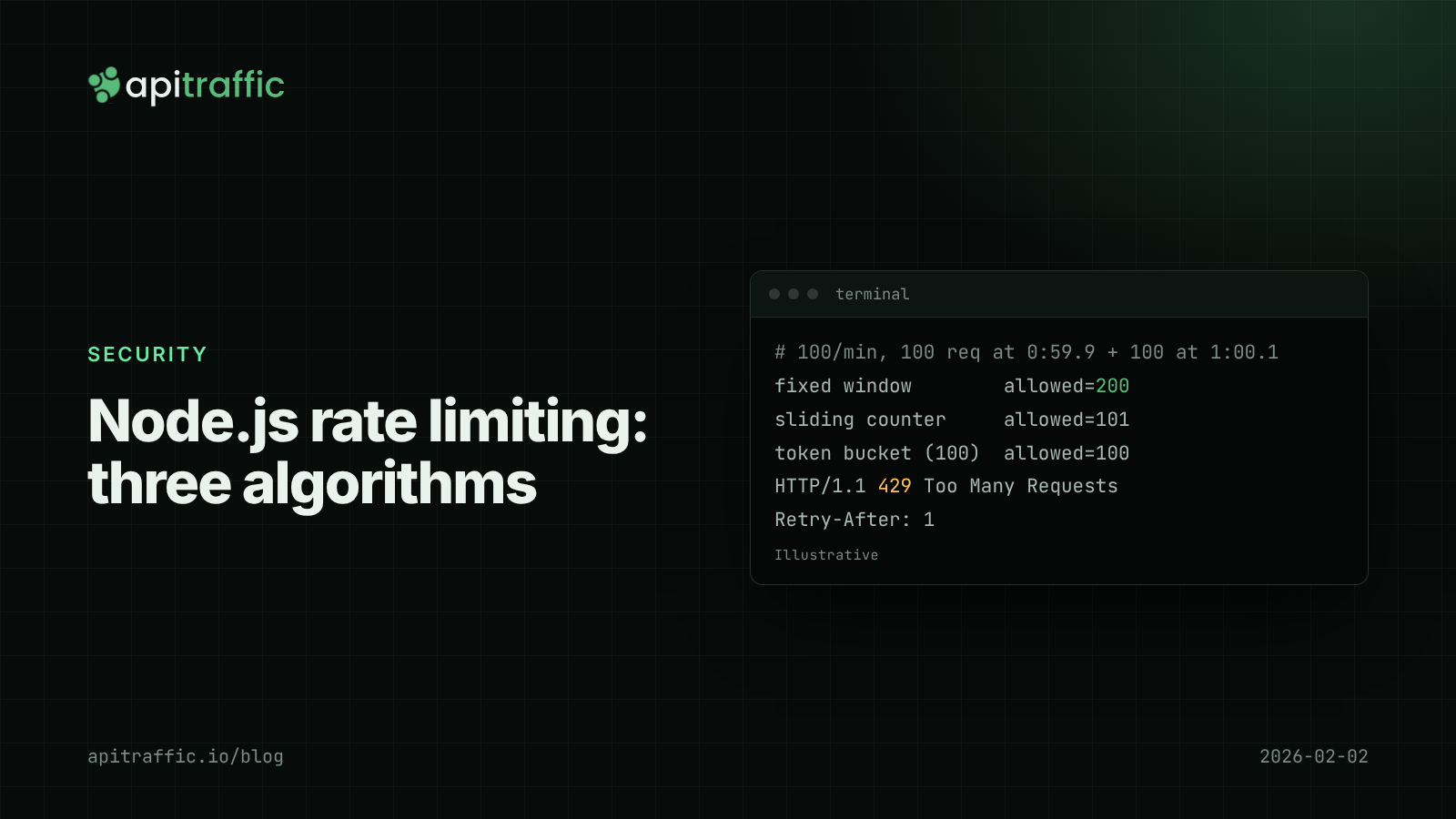
The weakness is the boundary. With a limit of 100 per minute, a client can send 100 requests at 0:59.9 and another 100 at 1:00.1. Both windows are within budget, and 200 requests arrived in 200 ms. Fixed windows are fine for “10,000 requests per day” quotas; they are a poor fit for protecting a fragile endpoint.
How the sliding window counter works
A sliding window counter gets most of the accuracy with two numbers: the count for the current and previous fixed windows, with the previous one weighted by how much of it still overlaps. Cloudflare described this approach for its own rate limiting in 2017.
export function slidingWindowCounter({ limit, windowMs }) {
  const state = new Map(); // key -> { windowStart, current, previous }
  return (key, now = Date.now()) => {
    const windowStart = now - (now % windowMs);
    let s = state.get(key);
    if (!s) state.set(key, (s = { windowStart, current: 0, previous: 0 }));
    if (s.windowStart !== windowStart) {
      // one window later: current becomes previous; more than one: both reset
      s.previous = windowStart - s.windowStart === windowMs ? s.current : 0;
      s.current = 0;
      s.windowStart = windowStart;
    }
    const elapsed = (now - windowStart) / windowMs; // 0..1
    const estimate = s.previous * (1 - elapsed) + s.current;
    if (estimate >= limit) {
      return { allowed: false, retryAfterMs: Math.ceil(windowMs * (1 - elapsed)) };
    }
    s.current++;
    return { allowed: true, retryAfterMs: 0 };
  };
}
With the same 0:59.9 / 1:00.1 burst, this allows 101 requests instead of 200, because the previous window’s 100 requests still count at almost full weight.
How the token bucket works
Each key has a bucket holding up to capacity tokens, refilled continuously at refillPerSec. Each request takes one token; no token, no request.
export function tokenBucket({ capacity, refillPerSec }) {
  const buckets = new Map(); // key -> { tokens, updatedAt }
  return (key, now = Date.now()) => {
    let b = buckets.get(key);
    if (!b) buckets.set(key, (b = { tokens: capacity, updatedAt: now }));
    const elapsedSec = (now - b.updatedAt) / 1000;
    b.tokens = Math.min(capacity, b.tokens + elapsedSec * refillPerSec);
    b.updatedAt = now;
    if (b.tokens >= 1) {
      b.tokens -= 1;
      return { allowed: true, retryAfterMs: 0 };
    }
    return { allowed: false, retryAfterMs: Math.ceil(((1 - b.tokens) / refillPerSec) * 1000) };
  };
}
The two parameters separate what the window algorithms blur together: the burst you tolerate (capacity) and the sustained rate (refillPerSec). A bucket of 20 refilling at 5 per second lets a client page through a list quickly, then holds it to 5 per second. Retry-After is exact: the time until one token is available. Stripe described using token buckets for its API in 2017.
Fixed window vs sliding window vs token bucket
| Fixed window | Sliding window counter | Token bucket | |
|---|---|---|---|
| State per key | 1 counter | 2 counters + timestamp | tokens + timestamp |
| Boundary burst | Up to 2x the limit | About 1x | Up to capacity |
| Burst control | None | None | Explicit |
| Retry-After accuracy | Window end | Approximate | Exact |
| Good for | Daily or monthly quotas | Simple per-client limits | APIs with bursty, legitimate clients |
Node.js rate limiting across several instances with Redis
In-memory limiters have one serious flaw: with four Node instances, each enforces its own budget, so a client gets four times the limit. Move the state to Redis and do the read-modify-write in one Lua script so concurrent requests cannot race. The script uses Redis’s clock (TIME), so instances with drifting clocks agree.
import Redis from 'ioredis';

const redis = new Redis(process.env.REDIS_URL);

redis.defineCommand('tokenBucket', {
  numberOfKeys: 1,
  lua: `
    local capacity = tonumber(ARGV[1])
    local perMs    = tonumber(ARGV[2])
    local t        = redis.call('TIME')
    local now      = t[1] * 1000 + math.floor(t[2] / 1000)
    local b        = redis.call('HMGET', KEYS[1], 'tokens', 'ts')
    local tokens   = tonumber(b[1]) or capacity
    local ts       = tonumber(b[2]) or now
    tokens = math.min(capacity, tokens + (now - ts) * perMs)
    local allowed = 0
    if tokens >= 1 then
      tokens = tokens - 1
      allowed = 1
    end
    redis.call('HSET', KEYS[1], 'tokens', tokens, 'ts', now)
    redis.call('PEXPIRE', KEYS[1], math.ceil(capacity / perMs))
    return { allowed, math.ceil((1 - tokens) / perMs) }
  `,
});

export function rateLimit({ capacity, perSecond, keyFor }) {
  return async (req, res, next) => {
    try {
      const [allowed, waitMs] = await redis.tokenBucket(
        `rl:${keyFor(req)}`, capacity, perSecond / 1000
      );
      if (allowed === 1) return next();
      res.set('Retry-After', String(Math.max(1, Math.ceil(waitMs / 1000))));
      return res.status(429).json({ error: 'rate_limited' });
    } catch (err) {
      req.log?.warn({ err }, 'rate limiter unavailable, allowing request');
      return next(); // fail open
    }
  };
}
Idle keys expire once a full bucket would have refilled. Failing open keeps a Redis outage from becoming an API outage; for a login endpoint you might fail closed instead. Log every 429 with the key that hit it (structured logging with Pino makes that a one-line query), and keep your health check endpoints out of the limiter so your platform does not mark instances unhealthy.
Or use express-rate-limit or @fastify/rate-limit
You do not have to write this yourself. express-rate-limit (v8) uses a fixed window and supports external stores; set limit, windowMs, standardHeaders: 'draft-8' and ipv6Subnet, which groups IPv6 addresses by prefix. @fastify/rate-limit takes max and timeWindow and sends 429 with retry-after. rate-limiter-flexible offers several algorithms for both.
If you only do one thing
- Solo developer, one instance: add
express-rate-limitor@fastify/rate-limitwith the in-memory store, a strict limit on login and signup, and a generous one everywhere else. An afternoon’s work. - Team of five to twenty, several instances: use a Redis store, key authenticated traffic on API key or account, and agree on the numbers before an incident forces them.
- Everyone: confirm
trust proxyis right by loggingreq.iponce in production.
FAQ
What is the best rate limiting algorithm for an API?
For per-client limits on an API, the token bucket is usually the best fit because it allows short bursts and still enforces a steady rate. A sliding window counter is a close second when you want simple “N per minute” semantics.
Does express-rate-limit work with multiple servers?
Only with an external store. The default memory store keeps counts per process, so each instance enforces its own limit. Use a shared store such as Redis.
Should rate limiting return 429 or 503?
Return 429 Too Many Requests when a specific client exceeded its allowance, with Retry-After. 503 means the whole service is unavailable, which tells clients the wrong thing.
Doing this with ApiTraffic
If you would rather not build and run a limiter yourself, ApiTraffic’s firewall includes rate limits per IP, per header (such as an API key) or per path. Callers over the limit get 429 with Retry-After, from the same SDK that logs your requests.
- Policies are set in the dashboard and pushed to your servers without a deploy, so the 3am fix is a setting, not a release.
- Monitor mode shows what a new limit would block before it blocks anything.
- The request log shows who hit the limit:
status_code == 429 AND url_path == "/v1/search".
Start free and put a rate limit in front of your API without a deploy: apitraffic.io
Sources: RFC 6585, 429 Too Many Requests; RFC 9110, Retry-After; Cloudflare: How we built rate limiting capable of scaling to millions of domains (2017); Stripe: Scaling your API with rate limiters (2017); express-rate-limit README.
Keep reading
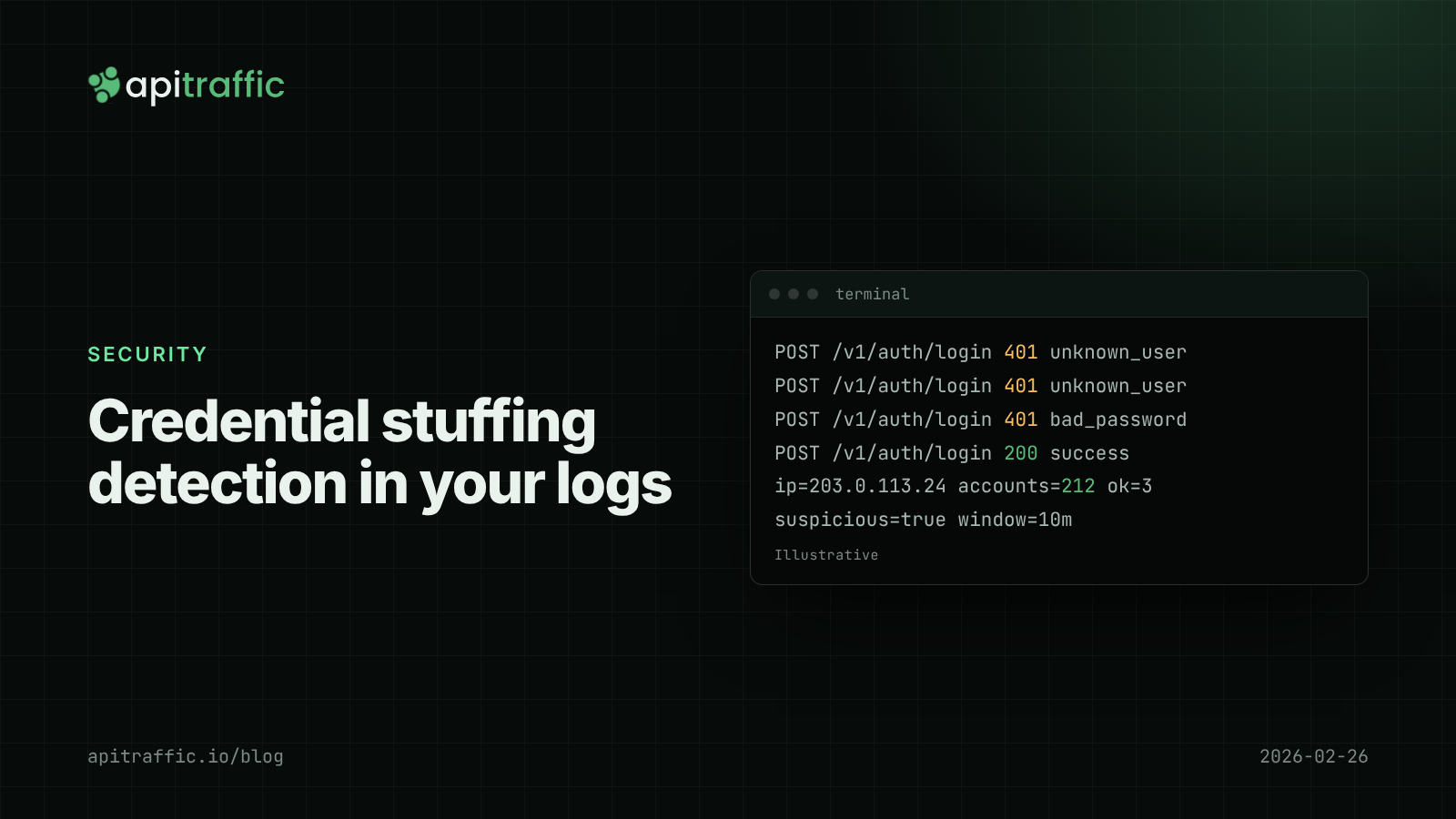
Credential stuffing detection for Node APIs: spotting it in your login logs
Every request looks like a normal login, which is why stuffing goes unseen until a customer reports a login they did not make. Here is how to see it in your logs.
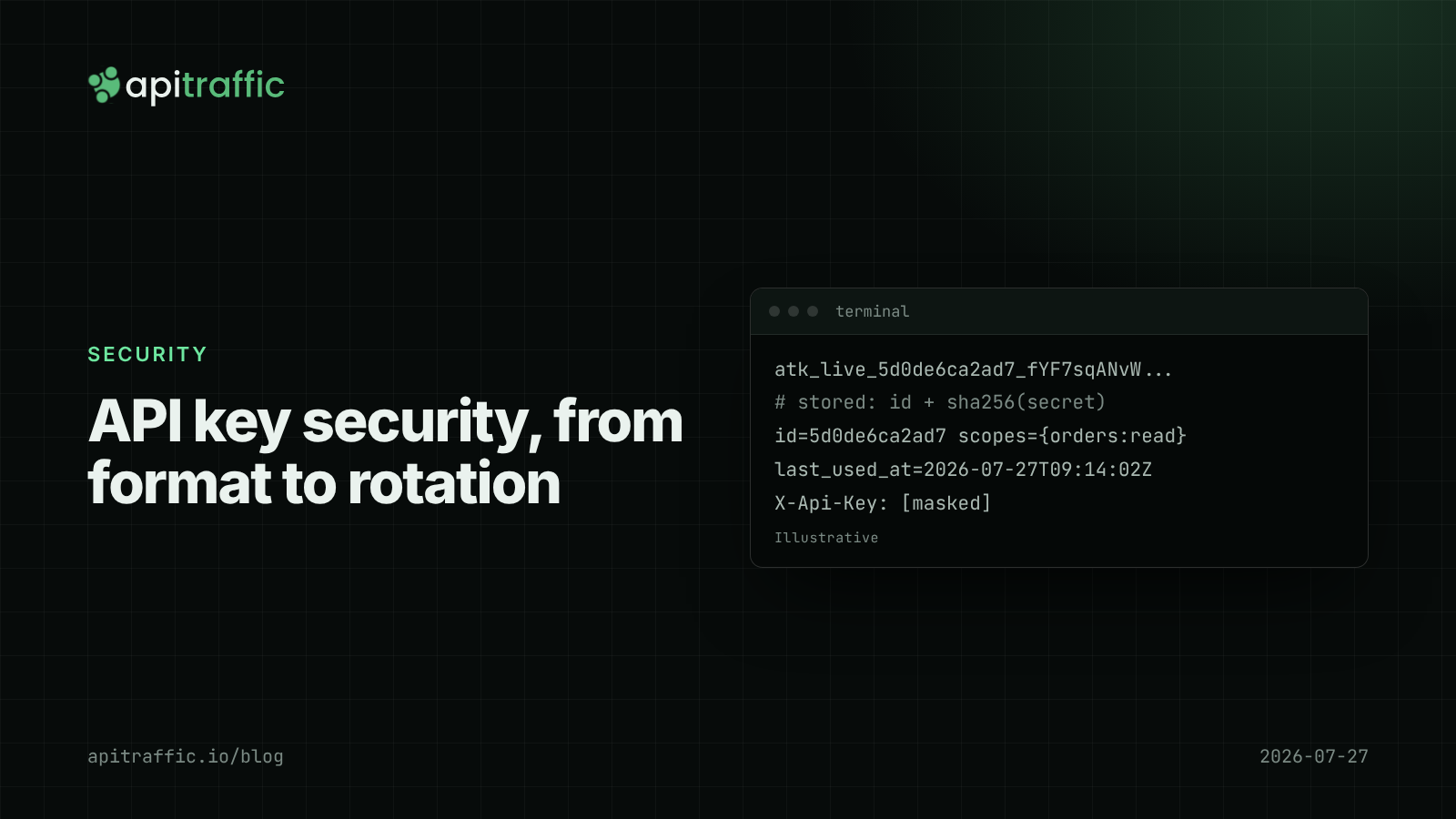
API key security for Node APIs: prefixes, hashing, scopes and rotation
A customer just pushed their API key to a public repo. Can you tell if anyone used it, and could a database leak expose every key? Design API key security in Node properly: prefixes, hashing, scopes and rotation.
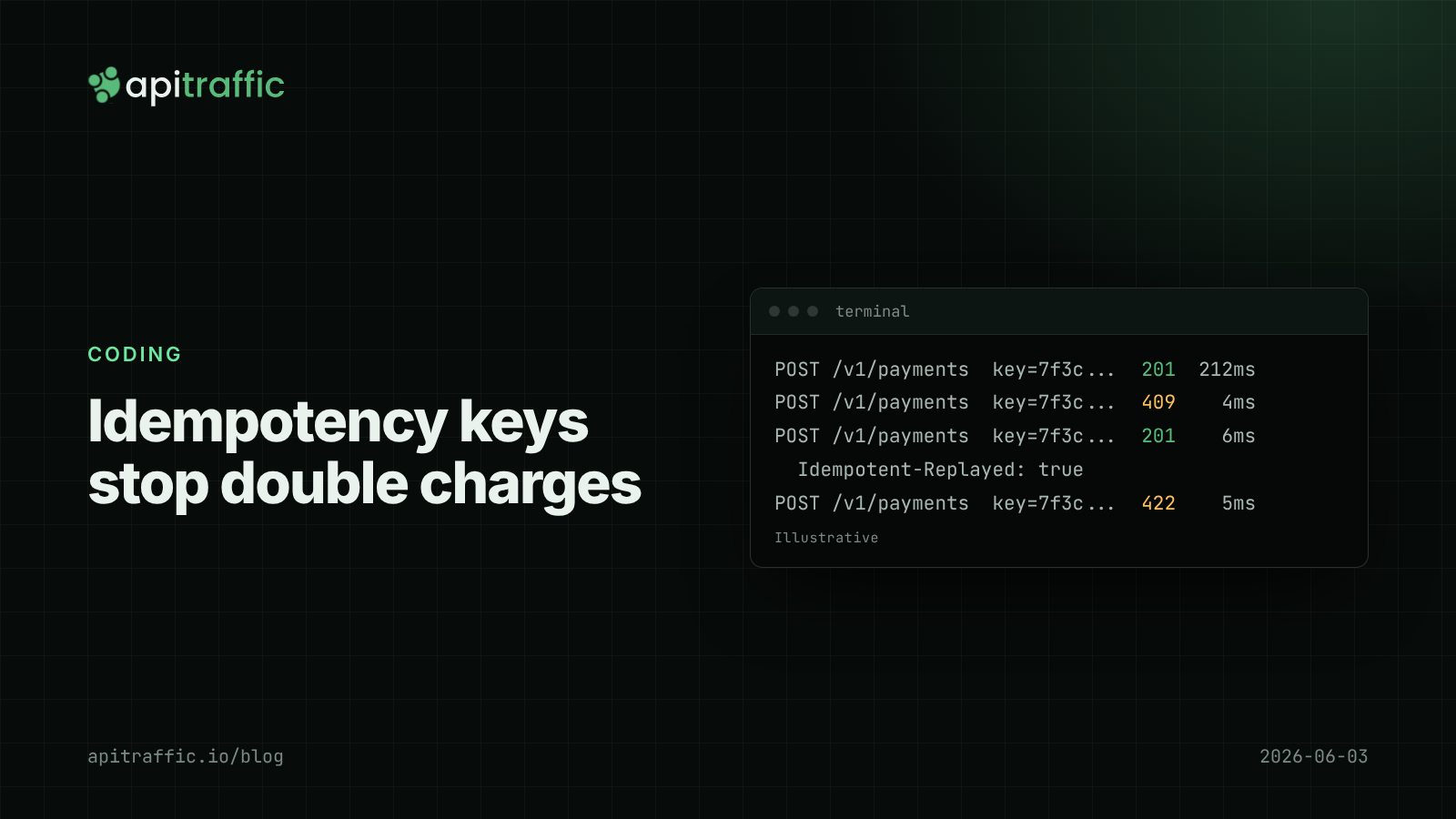
Idempotency keys in Node.js: safe retries for POST endpoints without double charges
A timeout, an automatic retry, and a customer charged twice. Idempotency keys make POST retries safe: here is a working Express and Postgres implementation, the status codes to return, and how long to keep keys.