
NestJS logging: the built-in Logger, nestjs-pino and request logs that include rejected requests
Why interceptor-based request logs miss guard rejections and 404s, and a tested nestjs-pino setup that catches them.
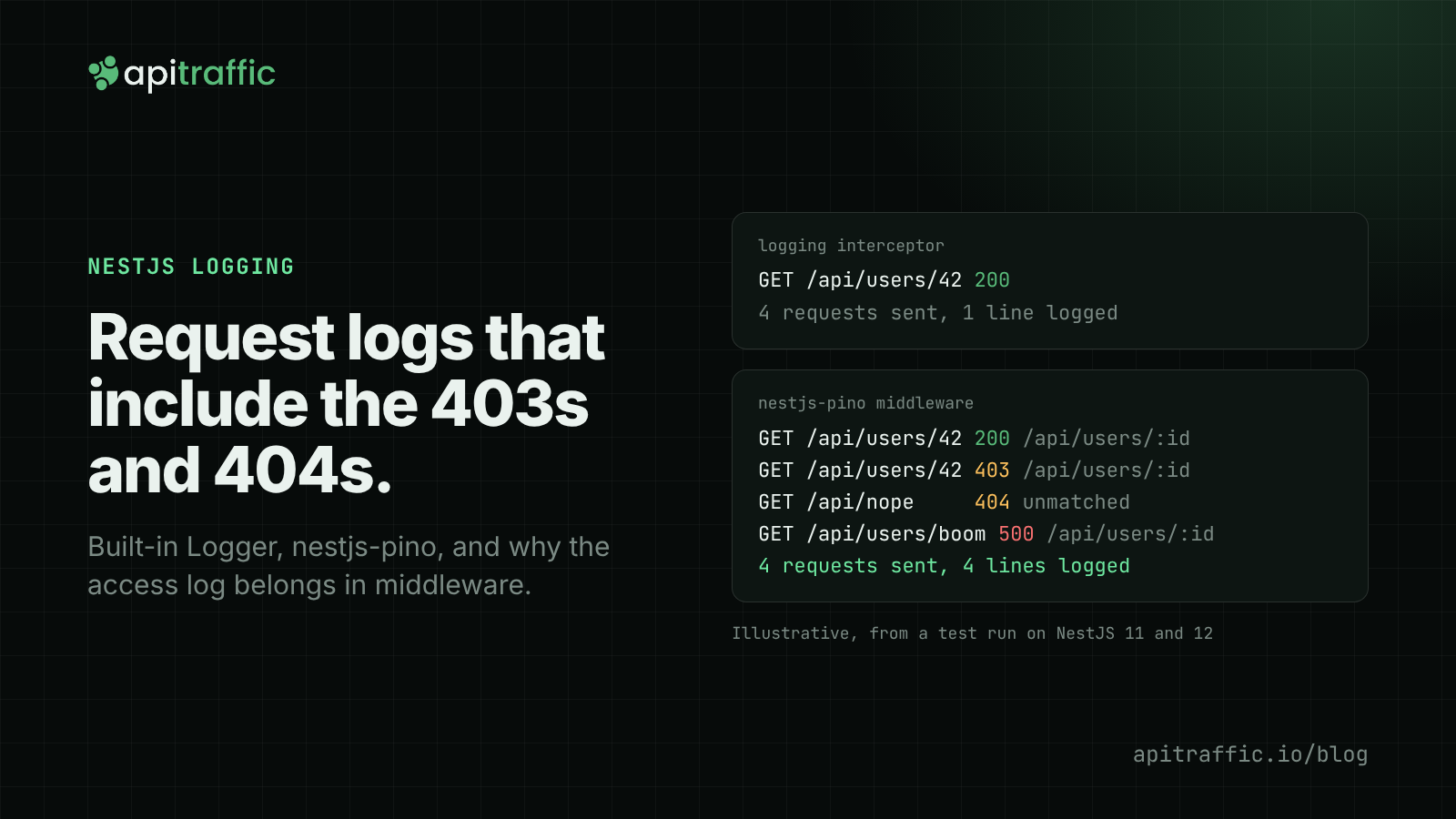
For NestJS logging in production, keep using Nest’s Logger class in your code and swap what sits behind it for nestjs-pino: you get one JSON line per log call, a request ID on every line, redaction, and an access log written by middleware. The middleware part is what most setups get wrong: request logging done in an interceptor never sees a request a guard rejected, a URL no route matched, or a handler that threw. Middleware sees all of them.
Below is the setup step by step, with the output from real runs. Every sample was run on Node 22.23.4 against NestJS 11.2.10 and NestJS 12.5.0 on the Express platform (Nest’s default), with nestjs-pino 5.3.1, pino 10.4.0, pino-http 11.0.0 and nestjs-cls 7.0.2. Both Nest versions produced the same output. If you want the framework-agnostic version first, start with our guide to Node.js API logging.
What the built-in NestJS logger gives you
Nest ships a logger, and you should keep calling it. The pattern is one Logger per class, named after the class:
import { Injectable, Logger } from '@nestjs/common';

@Injectable()
export class UsersService {
  private readonly logger = new Logger(UsersService.name);

  findOne(id: string) {
    this.logger.log(`loading user ${id}`);
    // ...
  }
}
The class name becomes the context on each line, so you can filter by it later. The default implementation, ConsoleLogger, prints colored text for a terminal. In Nest 11 and 12 it can print JSON instead:
// main.ts
const app = await NestFactory.create(AppModule, {
  logger: new ConsoleLogger({ json: true, logLevels: ['log', 'warn', 'error', 'fatal'] }),
});
Four requests against that app (a valid one, one without an API key, a path that doesn’t exist, and one whose service throws) printed this, trimmed of the startup lines:
{"level":"log","pid":501,"timestamp":1794521914301,"message":"loading user 42","context":"UsersService"}
{"level":"log","pid":501,"timestamp":1794521914328,"message":"loading user boom","context":"UsersService"}
{"level":"error","pid":501,"timestamp":1794521914329,"message":"Error: db connection reset\n    at UsersService.findOne (...)","context":"ExceptionsHandler"}
Two things are missing. There is no line per request, so the 403 and the 404 left no trace at all. And nothing ties “loading user boom” to the error two lines below it, which you won’t notice with one request in flight and can’t untangle with fifty.
Two more built-in features are worth knowing before you replace anything:
bufferLogs: trueinNestFactory.create()holds the startup logs until you callapp.useLogger(), so module initialization and route mapping go through your custom logger instead of the default one.- You can pass any object that implements
LoggerService(log,error,warn, plus optionaldebug,verboseandfatal). That’s how nestjs-pino and nest-winston plug in. The NestJS logger docs cover writing your own.
Setting up nestjs-pino
Pino is the usual choice for JSON logging in Node because it’s fast and its output is plain newline-delimited JSON. (If you’re new to it, our Pino logging guide covers the basics.) nestjs-pino connects it to Nest in two places: a LoggerService that Nest’s Logger calls go through, and pino-http middleware that writes one line per request.
npm install nestjs-pino pino-http pino
The minimal setup is a module import and two lines in main.ts:
// app.module.ts
import { LoggerModule } from 'nestjs-pino';

@Module({
  imports: [LoggerModule.forRoot()],
})
export class AppModule {}

// main.ts
import { Logger } from 'nestjs-pino';

const app = await NestFactory.create(AppModule, { bufferLogs: true });
app.useLogger(app.get(Logger));
Your services don’t change. new Logger(UsersService.name) from @nestjs/common now writes through pino, and each line carries the ID of the request it ran in.
The defaults log a lot: the full request and response objects with every header, on every line. Here’s the configuration we ended up with. Each option is explained in the sections that follow.
// app.module.ts
import { randomUUID } from 'node:crypto';
import type { IncomingMessage } from 'node:http';
import { LoggerModule } from 'nestjs-pino';

// Route pattern ('/api/users/:id'), not the raw URL. Read when the response
// finishes, because Express sets req.route only after the router matched.
function routeOf(req: IncomingMessage & { route?: { path: string }; baseUrl?: string }) {
  const path = req.route?.path;
  return path && !path.includes('*') ? `${req.baseUrl ?? ''}${path}` : 'unmatched';
}

LoggerModule.forRoot({
  pinoHttp: {
    level: process.env.LOG_LEVEL ?? 'info',
    genReqId: (req, res) => {
      const id = (req.headers['x-request-id'] as string) ?? randomUUID();
      res.setHeader('x-request-id', id);
      return id;
    },
    quietReqLogger: true,
    autoLogging: { ignore: (req) => req.url === '/api/health' },
    customLogLevel: (req, res, err) => {
      if (err || res.statusCode >= 500) return 'error';
      if (res.statusCode >= 400) return 'warn';
      return 'info';
    },
    customSuccessObject: (req, res, val) => ({ ...val, route: routeOf(req as any) }),
    customErrorObject: (req, res, err, val) => ({ ...val, route: routeOf(req as any) }),
    serializers: {
      req: (req) => ({ id: req.id, method: req.method, url: req.url, headers: req.headers }),
      res: (res) => ({ statusCode: res.statusCode }),
    },
    redact: ['req.headers.authorization', 'req.headers.cookie', 'req.headers["x-api-key"]'],
  },
}),
What each part does:
genReqIdreuses an incomingx-request-id(from a load balancer or the calling service) or generates one, and sends it back in the response so a client can quote it in a bug report.quietReqLogger: trueputs onlyreqIdon the lines your own code writes, instead of the whole request object.customLogLevellogs4xxaswarnand5xxaserror, so you can alert on level alone. Our log levels policy goes into what belongs at each level.autoLogging.ignoredrops health checks, which otherwise make up a large share of your lines and tell you nothing.customSuccessObjectandcustomErrorObjectadd the route pattern. They run when the response finishes. pino-http’scustomPropsalso runs when the request arrives, before Express has matched a route, and in our first attempt it wrote a second, wrongroutekey on every line.
NestJS request logging that includes guards and 404s
The NestJS request lifecycle runs in a fixed order: middleware, then guards, then interceptors, then pipes, then your handler, with exception filters handling anything thrown along the way. A logging interceptor sits in the middle of that chain. Anything that ends before it, or skips it, is invisible to it.
The pattern turns up in plenty of tutorials, so here it is, run against the same four requests:
@Injectable()
export class LoggingInterceptor implements NestInterceptor {
  private readonly logger = new Logger('HTTP');

  intercept(context: ExecutionContext, next: CallHandler): Observable<unknown> {
    const req = context.switchToHttp().getRequest();
    const started = Date.now();
    return next.handle().pipe(
      tap(() => {
        const res = context.switchToHttp().getResponse();
        this.logger.log(`${req.method} ${req.url} ${res.statusCode} ${Date.now() - started}ms`);
      }),
    );
  }
}
[Nest] 516 - 11/12/2026, 10:18:36 PM LOG [HTTP] GET /users/42 200 1ms
One line for four requests. The guard’s 403 never reached the interceptor. The 404 matched no route, so no interceptor ran for it. The 500 did pass through the interceptor, but tap() only runs on success, so the error skipped it. You can patch the last case with catchError. The first two can’t be fixed from inside an interceptor.
pino-http runs as middleware, mounted by nestjs-pino on every route, so it’s first in line and writes its line when the response finishes, whoever produced it. The same four requests with the configuration above (UUIDs shortened, pid, hostname and time removed):
{"level":30,"reqId":"31a88832…","context":"UsersService","msg":"loading user 42"}
{"level":30,"reqId":"31a88832…","req":{"method":"GET","url":"/api/users/42","headers":{"x-api-key":"[Redacted]",…}},"res":{"statusCode":200},"responseTime":8,"route":"/api/users/:id","msg":"request completed"}
{"level":40,"reqId":"beb03e63…","req":{"method":"GET","url":"/api/users/42",…},"res":{"statusCode":403},"responseTime":2,"route":"/api/users/:id","msg":"request completed"}
{"level":40,"reqId":"d8e36913…","req":{"method":"GET","url":"/api/nope",…},"res":{"statusCode":404},"responseTime":1,"route":"unmatched","msg":"request completed"}
{"level":30,"reqId":"req-abc123","context":"UsersService","msg":"loading user boom"}
{"level":50,"reqId":"req-abc123","context":"ExceptionsHandler","err":{"type":"Error","message":"db connection reset","stack":"…"},"msg":"db connection reset"}
{"level":50,"reqId":"req-abc123","req":{"method":"GET","url":"/api/users/boom",…},"res":{"statusCode":500},"err":{"type":"Error","message":"db connection reset","stack":"…"},"responseTime":2,"route":"/api/users/:id","msg":"request completed"}
All four requests are logged. The rejected request carries the route it was aiming at, the unmatched one is labeled, and the fourth request kept the x-request-id the client sent, on all three of its lines. A health check sent during the same run didn’t appear, as configured.
Two notes if your setup differs:
- With a global prefix: nestjs-pino 5 mounts its middleware on
{/*splat}, which is prefixed like any other middleware route, and adds back paths you excluded from the prefix. In our run withsetGlobalPrefix('api'),/api/nopewas logged. Check this if you exclude routes from the prefix. - On the Fastify platform, nestjs-pino works too, but Fastify ships its own pino logger and Nest runs middleware in Fastify’s
onRequesthook. We only tested the Express platform for this post.
Redact secrets before they reach the log
The redact option in pino replaces the value at each listed path with [Redacted] before the line is written. In the run above the x-api-key header shows as [Redacted]. authorization and cookie are covered the same way. Paths use dot notation with bracket syntax for names that contain a dash; the pino redaction docs list the wildcards.
Two habits keep this manageable:
- Prefer an allowlist in the serializer over a growing denylist in
redact. Thereqserializer above already leaves out the query object, route params and remote address that pino-http logs by default; if you don’t need headers, drop them too. - Don’t log request bodies by default. Log a body only on the routes where you need it, and decide which fields are allowed. Our post on redacting sensitive data in logs has a fuller list of what tends to leak.
Correlating logs with a request ID: AsyncLocalStorage and nestjs-cls
You saw reqId appear on the UsersService lines without the service doing anything. nestjs-pino stores the request’s child logger in AsyncLocalStorage, which follows the request through await calls, so any Logger call made while that request is being handled picks up its ID. Our AsyncLocalStorage request ID post explains the mechanism.
It doesn’t help outside HTTP: queue consumers, cron jobs, WebSocket handlers, or when you need the ID in your own code to forward it to another service. nestjs-cls gives you that store as an injectable service. It’s a community package, not part of Nest core.
// app.module.ts
import { ClsModule } from 'nestjs-cls';

ClsModule.forRoot({
  global: true,
  middleware: {
    mount: true,
    generateId: true,
    idGenerator: (req) => (req.headers['x-request-id'] as string) ?? randomUUID(),
  },
}),
Inject ClsService and call this.cls.getId() wherever you need the ID, for example to set x-request-id on an outbound fetch. To print it on every line of Nest’s plain ConsoleLogger, we extended the logger and read the ID with ClsServiceManager.getClsService(). The result:
[Nest] 639  - 11/12/2026, 10:19:34 PM     LOG [UsersService] [req-abc123] loading user boom
[Nest] 639  - 11/12/2026, 10:19:34 PM   ERROR [ExceptionsHandler] [req-abc123] Error: db connection reset
If you already use nestjs-pino, you don’t need nestjs-cls for HTTP correlation. Add it when the ID has to exist outside a request, or across services. For the cross-service case, the W3C trace context guide covers the traceparent header.
Logging errors with exception filters
Before writing an exception filter for logging, check what Nest already does. Nest’s built-in ExceptionsHandler logs any error that isn’t an HttpException, with its stack, through whatever logger you installed. That’s the db connection reset line above, and with nestjs-pino it already carries the request ID.
What it doesn’t log is an HttpException, including the 5xx ones you throw on purpose, like ServiceUnavailableException when a payment provider is down. A small filter covers that gap:
import { ArgumentsHost, Catch, HttpException, Logger } from '@nestjs/common';
import { BaseExceptionFilter } from '@nestjs/core';

@Catch(HttpException)
export class ServerErrorFilter extends BaseExceptionFilter {
  private readonly logger = new Logger('HttpException');

  catch(exception: HttpException, host: ArgumentsHost) {
    if (exception.getStatus() >= 500) {
      this.logger.error(exception);
    }
    super.catch(exception, host);
  }
}

// providers: [{ provide: APP_FILTER, useClass: ServerErrorFilter }]
Extending BaseExceptionFilter and calling super.catch() keeps Nest’s normal response. Leave 4xx alone here: the access log already records them as warn, and logging every 401 as an error buries the real ones.
nestjs-pino also ships a LoggerErrorInterceptor. Without it, the access log line for a 500 says "failed with status code 500" with a stack pointing into pino-http, which tells you nothing. With it ({ provide: APP_INTERCEPTOR, useClass: LoggerErrorInterceptor }), that line carries the real error and stack, as in the output above. It’s an interceptor, so it only sees errors thrown from the handler and later; errors from guards still reach the log through ExceptionsHandler or the filter.
NestJS logging options compared
| Option | What it’s good at | What you add yourself |
|---|---|---|
Built-in ConsoleLogger |
Zero setup, readable in a terminal, JSON output with json: true |
Request logs, request IDs, redaction |
| nestjs-pino (pino-http) | Fast JSON logs, access log from middleware, request ID on every line, path-based redaction | Route pattern, level rules, somewhere to ship and search the logs |
| nest-winston (winston) | Many transports and formats, familiar to teams already on winston | An access log (winston has no HTTP middleware of its own), request IDs |
| OpenTelemetry logs | Logs linked to traces, one vendor-neutral pipeline for logs, metrics and traces | A collector and a backend; more setup than a logger |
| Hosted log platforms (Datadog, Better Stack, Grafana Loki and others) | Search, retention, dashboards and alerts across services | One of the loggers above to produce the lines |
| ApiTraffic | Request and response records for every request, including guard rejections and 404s, with no logging code | Your application logs still go to your logger |
These aren’t exclusive. A common setup is nestjs-pino writing to stdout, a log platform collecting stdout, and a separate tool for request-level records and metrics. For the metrics side of a Nest app, see the companion post on NestJS monitoring.
Doing this with ApiTraffic
The ApiTraffic NestJS module (@apitraffic/nestjs) records every request without a logging interceptor or middleware of your own. You import it once in the root module:
import { ApiTrafficModule } from '@apitraffic/nestjs';

@Module({
  imports: [
    ApiTrafficModule.forRoot({
      token: process.env.API_TRAFFIC_TOKEN,
      bucket: process.env.API_TRAFFIC_BUCKET,
    }),
  ],
})
export class AppModule {}
It runs ahead of Nest’s body parser, middleware, guards and router, so a guard’s 403, a middleware’s 401, an unmatched 404 and a handler that throws are all recorded with their final status. Each record carries the route Nest matched with the global prefix and version included (/api/v1/users/{id}). tag('accountId', …) inside a guard makes the request searchable by account whether or not the guard lets it through, and trace() and span() add notes and timings from your services.
Credential headers such as Authorization, Cookie and X-Api-Key are masked by default, and further redaction rules are set in the dashboard rather than in code. It supports NestJS 10, 11 and 12 on both the Express and Fastify platforms. Keep nestjs-pino for your application logs; ApiTraffic is the request record next to them.
FAQ
How do I log every HTTP request in NestJS?
Use middleware, not an interceptor. Middleware runs before guards and routing, so it sees requests that are rejected or never matched a route. nestjs-pino does this for you with pino-http; if you write your own, write the line in a res.on('finish') handler so you have the final status code.
Why doesn’t my NestJS logging interceptor log 401, 403 or 404 responses?
Guards run before interceptors, so a request a guard rejects never reaches your interceptor. A URL that matches no route never reaches any interceptor either. Errors thrown in the handler skip tap() as well unless you also handle them with catchError.
What’s the difference between the NestJS Logger and nestjs-pino?
Logger from @nestjs/common is the API your code calls. nestjs-pino replaces the implementation behind it with pino, adds an HTTP access log and attaches a request ID to every line. You keep writing this.logger.log(...) in your services.
How do I add a request ID to NestJS logs?
With nestjs-pino, set genReqId to reuse an incoming x-request-id header or generate a UUID, and every log line written during that request gets reqId. Without it, use nestjs-cls or your own AsyncLocalStorage store opened in middleware.
Can NestJS log in JSON without extra packages?
Yes. In Nest 11 and 12, new ConsoleLogger({ json: true }) passed as the logger option prints one JSON object per line, which works well in containers. It doesn’t add request logs or request IDs.
For the full list of what to log, measure and block in a Nest app, see the NestJS production checklist. For the other frameworks, start with the Express logging guide or the Node.js API monitoring guide.
See what’s hitting your API: apitraffic.io
Keep reading
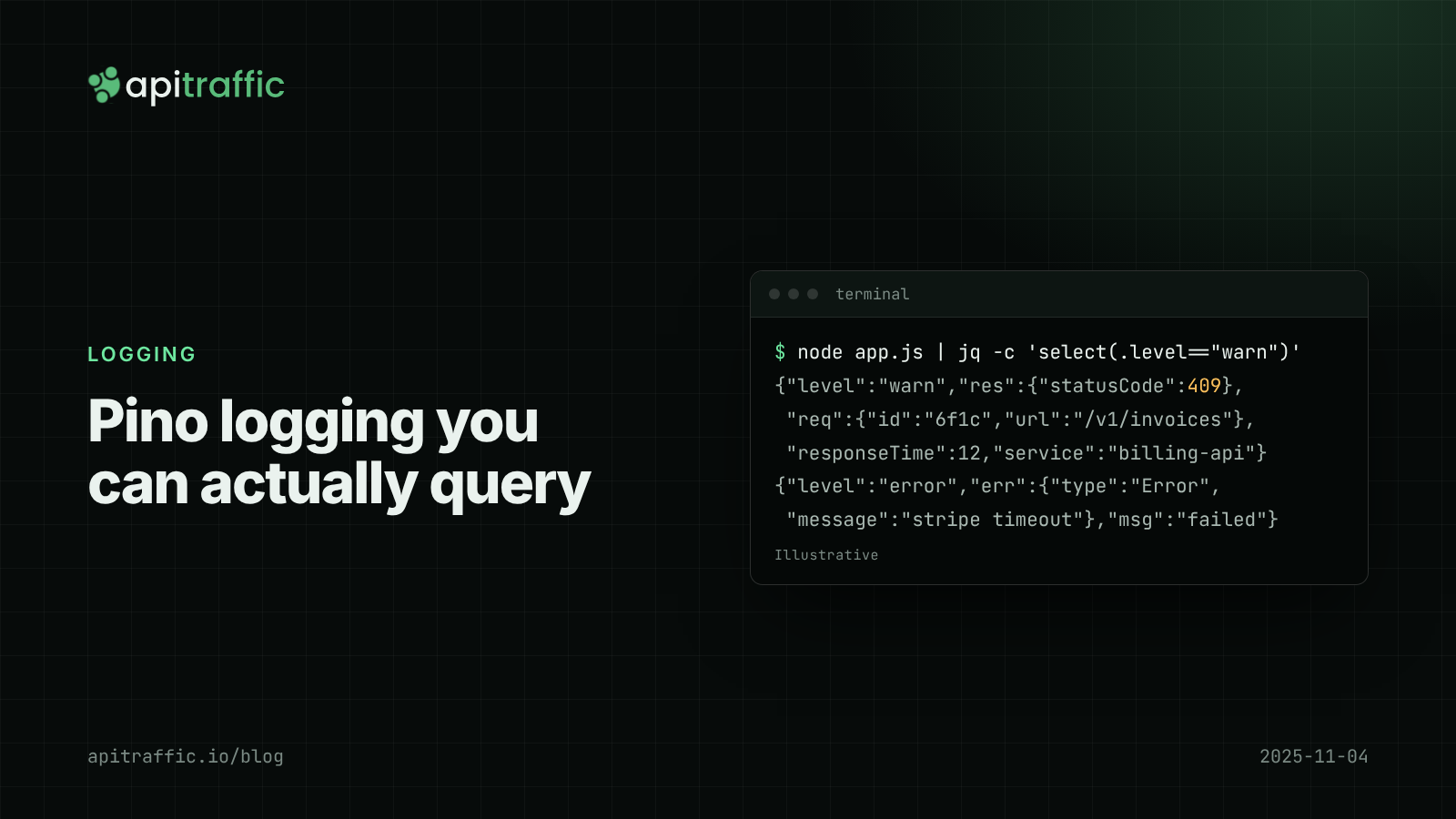
Pino logging in Node.js: a practical structured logging setup for Express and Fastify
A customer says invoices failed yesterday and your logs are a wall of console.log. Set up Pino logging for Express or Fastify in an afternoon: JSON lines, request IDs, levels by status, redaction and a team checklist.
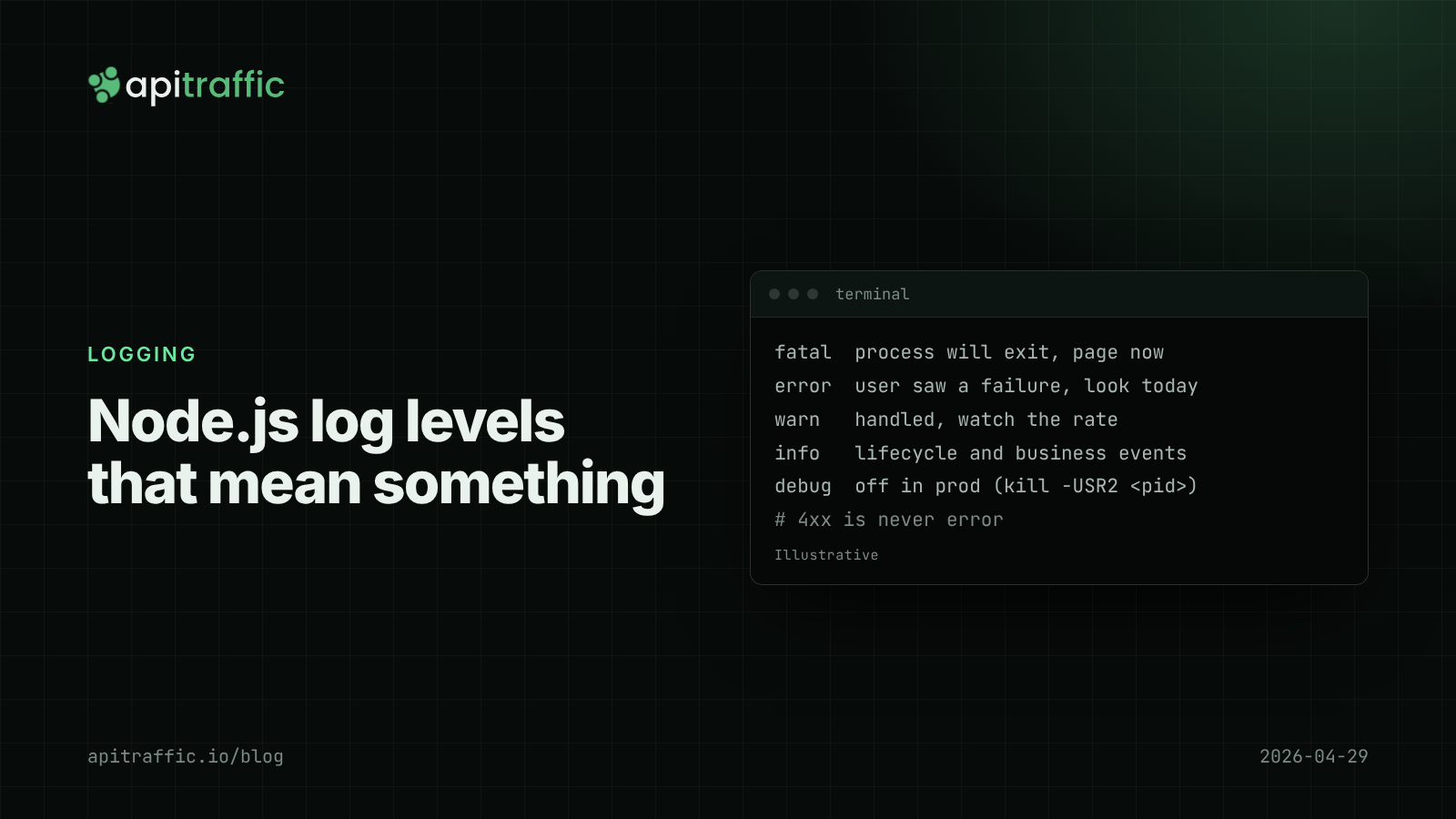
Node.js log levels that mean something: a logging policy for small teams
At 3am your error log is full of scanner 404s and the real database timeout is buried. Here is a Node.js log levels policy a small team can paste into its repo, plus the code that enforces it.
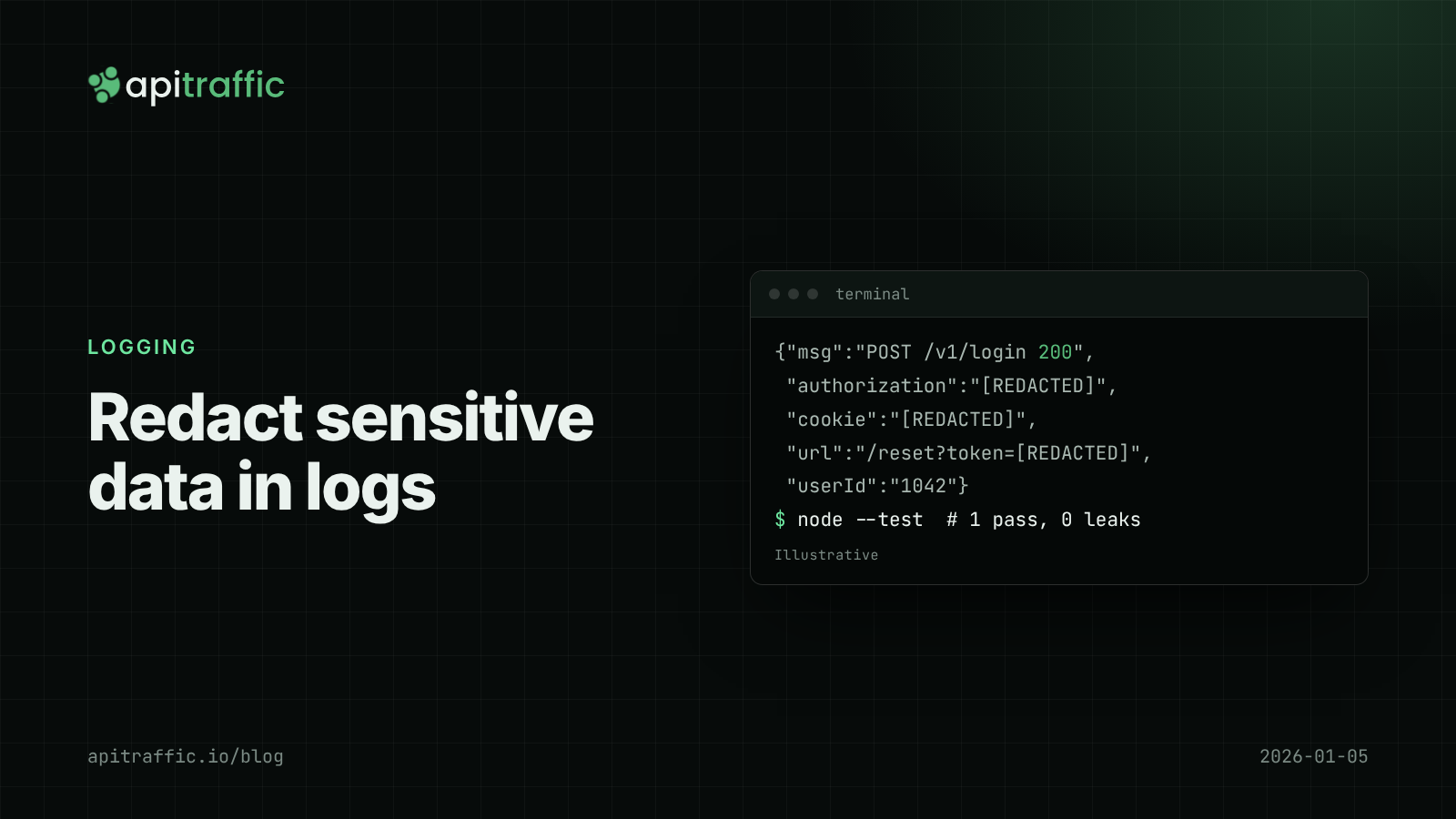
How to redact sensitive data in logs for Node.js APIs
Found a bearer token in your logs? Here's how to keep secrets and personal data out of Node API logs in an afternoon: Pino redaction, URL and error scrubbing, body allowlists and a test that catches leaks.