
The NestJS production checklist: what to log, measure and block
Guards, interceptors and request-scoped providers run on every request. What to log, measure and block.

Nest gives you a lot of machinery that runs on every request: middleware, guards, interceptors, pipes, exception filters, and a dependency injection container that can rebuild part of itself per request. That’s why it’s pleasant to build on. It’s also why a Nest API can feel fine locally and then go wrong in production in ways a generic Node checklist doesn’t cover.
The official NestJS production checklist on dev.to runs to 17 checks and is worth reading in full. This post is narrower. It covers three things you need on day one: what to log, what to measure, and what to block, plus the handful of ship checks that keep a deploy from erasing the evidence.
1. Log: every request, including the ones your controller never sees
The most common gap in a Nest app’s logs is the request that never reached a controller. A guard returned false and Nest answered 403. The router had no match and answered 404. A pipe rejected the body with a 400. If your request logging lives in an interceptor, none of those show up, because guards run before interceptors and a 404 never gets that far.
So log from middleware, and write the line when the response finishes. Four fields earn their place on every line:
- The route pattern, not the raw URL.
/api/users/:id, not/api/users/8812. You can group and alert on a pattern; you can’t on ten thousand distinct paths. - Status and duration.
- A request ID, taken from an incoming
x-request-idheader or generated. - Who called: a user or account ID, once something has worked it out.
On the Express platform (Nest’s default), this middleware does that. It also opens an AsyncLocalStorage store, which we’ll come back to in section 2:
// request-log.middleware.ts
import { AsyncLocalStorage } from 'node:async_hooks';
import { randomUUID } from 'node:crypto';
import { Injectable, NestMiddleware } from '@nestjs/common';
import type { Request, Response, NextFunction } from 'express';

type RequestStore = { requestId: string; accountId?: string };
export const requestContext = new AsyncLocalStorage<RequestStore>();

@Injectable()
export class RequestLogMiddleware implements NestMiddleware {
  use(req: Request, res: Response, next: NextFunction) {
    const store: RequestStore = {
      requestId: (req.headers['x-request-id'] as string) ?? randomUUID(),
    };
    const started = process.hrtime.bigint();

    res.on('finish', () => {
      console.log(JSON.stringify({
        requestId: store.requestId,
        method: req.method,
        route: req.route ? req.baseUrl + req.route.path : 'unmatched',
        status: res.statusCode,
        ms: Number(process.hrtime.bigint() - started) / 1e6,
        accountId: store.accountId,
      }));
    });

    requestContext.run(store, () => next());
  }
}

// app.module.ts
export class AppModule implements NestModule {
  configure(consumer: MiddlewareConsumer) {
    consumer.apply(RequestLogMiddleware).forRoutes('{*path}'); // '*' on Nest 10
  }
}
Then let the guard record who called, whether or not it lets the request through:
@Injectable()
export class AccountGuard implements CanActivate {
  canActivate(context: ExecutionContext): boolean {
    const req = context.switchToHttp().getRequest<Request>();
    const accountId = req.headers['x-account-id'] as string | undefined;
    const store = requestContext.getStore();
    if (store) store.accountId = accountId;
    return Boolean(accountId);
  }
}
We ran this against a Nest 11 app with setGlobalPrefix('api'), a guarded @Get(':id') under @Controller('users'), and three requests. The output:
{"requestId":"658a…","method":"GET","route":"/api/users/:id","status":200,"ms":5.33,"accountId":"acct_7"}
{"requestId":"a857…","method":"GET","route":"/api/users/:id","status":403,"ms":1.08}
{"requestId":"64d3…","method":"GET","route":"unmatched","status":404,"ms":0.60}
The rejected request and the unmatched one are both there, with the route pattern where there is one.
Two more rules for the log line:
- Never log tokens or personal data. Keep
Authorization, cookies and API keys out of the line entirely, and decide up front which body fields are allowed. The NestJS checklist makes the same point about config: log keys, not values. - JSON, one line per request. It’s the only format you’ll still be able to query at 2 a.m.
2. Measure: p95 per route, and what request scope costs you
Averages hide the requests users complain about. Track p95 latency per route pattern (this is why the pattern matters in section 1) and the error rate per route. When a route’s p95 moves, you want to know whether it moved after a deploy.
Then look at the Nest-specific cost: request-scoped providers.
Marking a provider Scope.REQUEST doesn’t stay local. In the NestJS docs’ words, quoted in this write-up on the DI trap, “the REQUEST scope bubbles up the injection chain”. Every provider that depends on it, directly or through other providers, becomes request-scoped too, and so does the controller. The usual culprit is a small one: a logger or tenant helper that injects REQUEST to read a header. Because everything depends on the logger, a large part of your graph is now rebuilt on every request.
The docs say a properly designed app “should not see latency increase by more than ~5%”. That’s a ceiling for a careful design, not a guarantee for yours. There are other costs too: lifecycle hooks “are not triggered for request-scoped classes”, moduleRef.get() stops working for providers that became request-scoped implicitly, and request scope doesn’t exist in cron jobs or WebSocket gateways, so a request-scoped logger loses its correlation ID there.
For per-request data (a request ID, a user, a tenant), AsyncLocalStorage does the job and keeps every provider a singleton. The middleware above already opened the store, so the logger just reads it:
@Injectable()
export class AppLogger {
  info(msg: string) {
    const ctx = requestContext.getStore();
    console.log(JSON.stringify({ level: 'info', msg, requestId: ctx?.requestId }));
  }
}
In our test run, a this.log.info('loading user 42') inside the controller printed the same requestId as the access-log line for that request. If you’d rather not manage the store yourself, nestjs-cls wraps the same idea and works across HTTP, queues and cron (it’s a community package, not maintained by the Nest core team).
How to tell whether this is your problem: search the codebase for Scope.REQUEST and @Inject(REQUEST), move per-request data to AsyncLocalStorage, then compare each route’s p95 before and after the deploy. Measure it; don’t assume the 5%.
Finally, measure what happens inside each request. A slow route is usually a slow query, a query that runs once per item in a list (N+1), or an outbound call with no timeout. Per-route latency tells you where to look; per-request database and HTTP timings tell you what to fix. Put a timeout on every outbound call while you’re there: the checklist notes that fetch waits up to 5 minutes for response headers by default.
3. Block: auth routes, oversized bodies, and the sweeps
Nest won’t stop much traffic on its own. Three controls cover most of what hits a public API.
Rate-limit authentication routes. @nestjs/throttler sets a global default and lets you tighten it per route:
// app.module.ts
ThrottlerModule.forRoot([{ ttl: 60_000, limit: 100 }]),
// providers: [{ provide: APP_GUARD, useClass: ThrottlerGuard }]

// auth.controller.ts
@Throttle({ default: { limit: 5, ttl: 60_000 } })
@Post('login')
login(@Body() dto: LoginDto) { /* ... */ }
Two caveats from the checklist: counters live in each process unless you configure shared storage, so five replicas allow five times the limit; and behind a load balancer, set trust proxy to the real hop count (1, not true), or every client looks like the proxy, or can claim to be anyone.
Cap and validate bodies. Keep the default 100 KB JSON limit unless a specific route needs more, and validate every input with ValidationPipe({ whitelist: true, forbidNonWhitelisted: true, transform: true }) so unknown fields are rejected rather than passed through to your ORM.
Put a firewall in front of your controllers. Rate limits don’t catch a single request carrying ' OR 1=1-- in a query parameter, or a scanner walking /.env, /wp-admin and /.git/config. A web application firewall that runs before your guards and controllers does, and it records what it blocked, so “are we being probed?” has an answer.
4. Ship checks: don’t lose the evidence on the way out
- Graceful shutdown. Call
app.enableShutdownHooks()beforelisten(), oronModuleDestroyandonApplicationShutdownnever run. Start Node directly (CMD ["node", "dist/main.js"]), not throughnpm, so it actually receivesSIGTERM. - Liveness and readiness are different checks. Liveness says the process is up and shouldn’t touch the database; readiness checks dependencies. If liveness checks the database, a database blip restarts every pod at once.
- No stack traces in responses. Keep Nest’s default exception filter behaviour, or extend
BaseExceptionFilterif you need a custom shape. A filter written from scratch is the usual way stack traces and internal messages end up in a500body, and the usual way the error log line disappears. - Source maps. Start with
--enable-source-mapsso the stack traces you do log point at.tsfiles.
5. Doing this with ApiTraffic
Everything above works with a logger and some discipline. If you’d rather not build and run it, the ApiTraffic NestJS module covers sections 1 to 3 from one import.
npm install @apitraffic/nestjs
// app.module.ts
import { Module } from '@nestjs/common';
import { ApiTrafficModule } from '@apitraffic/nestjs';

@Module({
  imports: [
    ApiTrafficModule.forRoot({
      token: process.env.API_TRAFFIC_TOKEN,
      bucket: process.env.API_TRAFFIC_BUCKET,
    }),
  ],
})
export class AppModule {}
It needs Node 20+ and NestJS 10, 11 or 12, and it works on both the Express and Fastify platforms. What it gives you, mapped to the checklist:
Log. The module runs ahead of Nest’s body parser, middleware, guards and router, so it records the requests your interceptors miss: a guard’s 401 or 403, a middleware’s 401, a 404 with no route, and a handler that throws, as the response your exception filters sent. Each request is recorded under the route Nest matched, global prefix and version included, so @Get(':id') in @Controller('users') under the api prefix and version 1 is the endpoint /api/v1/users/{id}. Credential headers such as Authorization, Cookie and X-Api-Key are masked from the first request, and redaction rules for anything else are set in the dashboard and pushed to your servers without a deploy.
Tag the caller from your guard, as in section 1:
import { tag } from '@apitraffic/nestjs';

@Injectable()
export class AccountGuard implements CanActivate {
  canActivate(context: ExecutionContext): boolean {
    const request = context.switchToHttp().getRequest();
    tag('accountId', request.headers['x-account-id']);
    return true;
  }
}
The tag sticks whether or not the guard lets the request through, so one customer’s rejected calls are a search away:
tag:accountId == "acct_7" AND status_code >= 400
Measure. Every endpoint gets p50, p95 and p99 over time. With the APM bridge on (it uses OpenTelemetry, preloaded with node -r @apitraffic/nestjs/register dist/main.js), database, cache, queue and fetch spans are attached to the request that made them, and a query that runs many times in one request is flagged as N+1. span() and trace() add your own timings from any service.
Block. The firewall is mounted by the module and switched on from your ApiTraffic account, not in code. On the Express platform it runs after Nest’s body parser and before your guards and controllers, so body rules see the parsed body and a blocked request never reaches your code. The managed rules cover SQL and NoSQL injection, path traversal, scanners and sensitive-path probing, among others. Rate limits can be keyed by IP, by a header such as x-api-key, or by path, and requests over the limit get a 429 with Retry-After. Structural limits cap URL length, header count and body size. Policy changes reach every server without a deploy.
Ship. app.enableShutdownHooks() also flushes what the SDK captured before the process exits. stats() reports the SDK’s own delivery health (delivered, queued, dropped) if you want it on a health endpoint.
The checklist
Log
- [ ] Request log written from middleware on response finish, not from an interceptor
- [ ] Each line has route pattern, status, duration, request ID and account ID
- [ ] Guard rejections (401/403), 404s and validation 400s appear in the log
- [ ] Tokens, cookies, API keys and personal data never reach the log

Measure
- [ ] p95 and error rate per route pattern, compared across deploys
- [ ] No accidental request scope: Scope.REQUEST and @Inject(REQUEST) audited
- [ ] Per-request data in AsyncLocalStorage (or nestjs-cls), providers kept singleton
- [ ] Database and outbound calls timed per request; every outbound call has a timeout

Block
- [ ] Tighter rate limit on login, signup and password reset
- [ ] Rate limits shared across replicas, trust proxy set to the hop count
- [ ] ValidationPipe with whitelist and forbidNonWhitelisted; body limit kept small
- [ ] Firewall in front of controllers for injection attempts and recon sweeps

Ship
- [ ] enableShutdownHooks() before listen(); node runs as the container command
- [ ] Separate liveness and readiness checks
- [ ] No stack traces in error responses; source maps on for logs
A Nest app’s problems tend to happen in the layers before your controller. Log there, measure there, and block there.
See what’s hitting your API: apitraffic.io
Keep reading
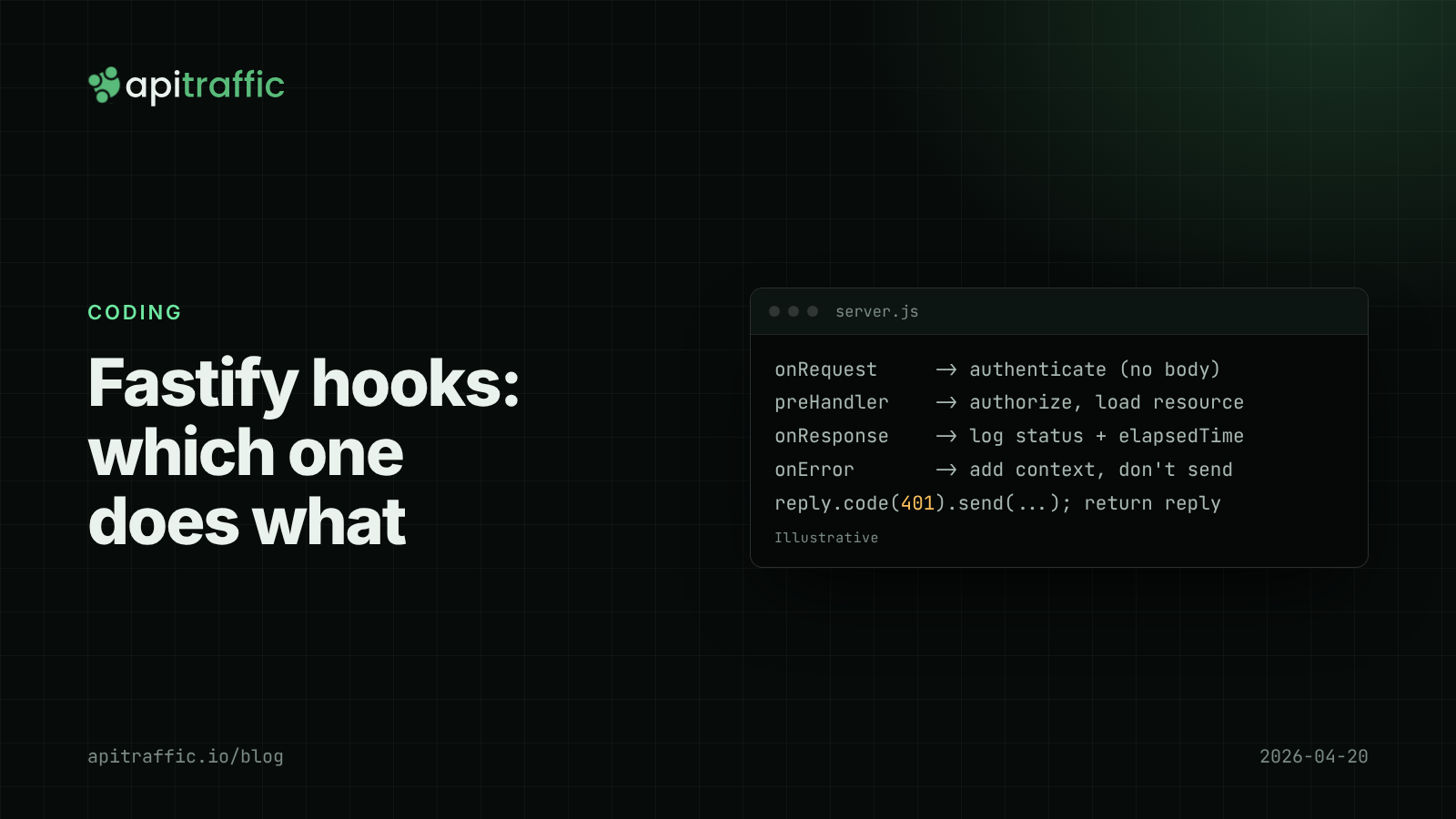
Fastify hooks for logging and auth: onRequest, preHandler and onResponse explained
Auth checks that run before the body exists, log lines missing the status code, handlers that run after a 401: most come from using the wrong Fastify hook. Here is which hook does which job in Fastify v5, with working code.
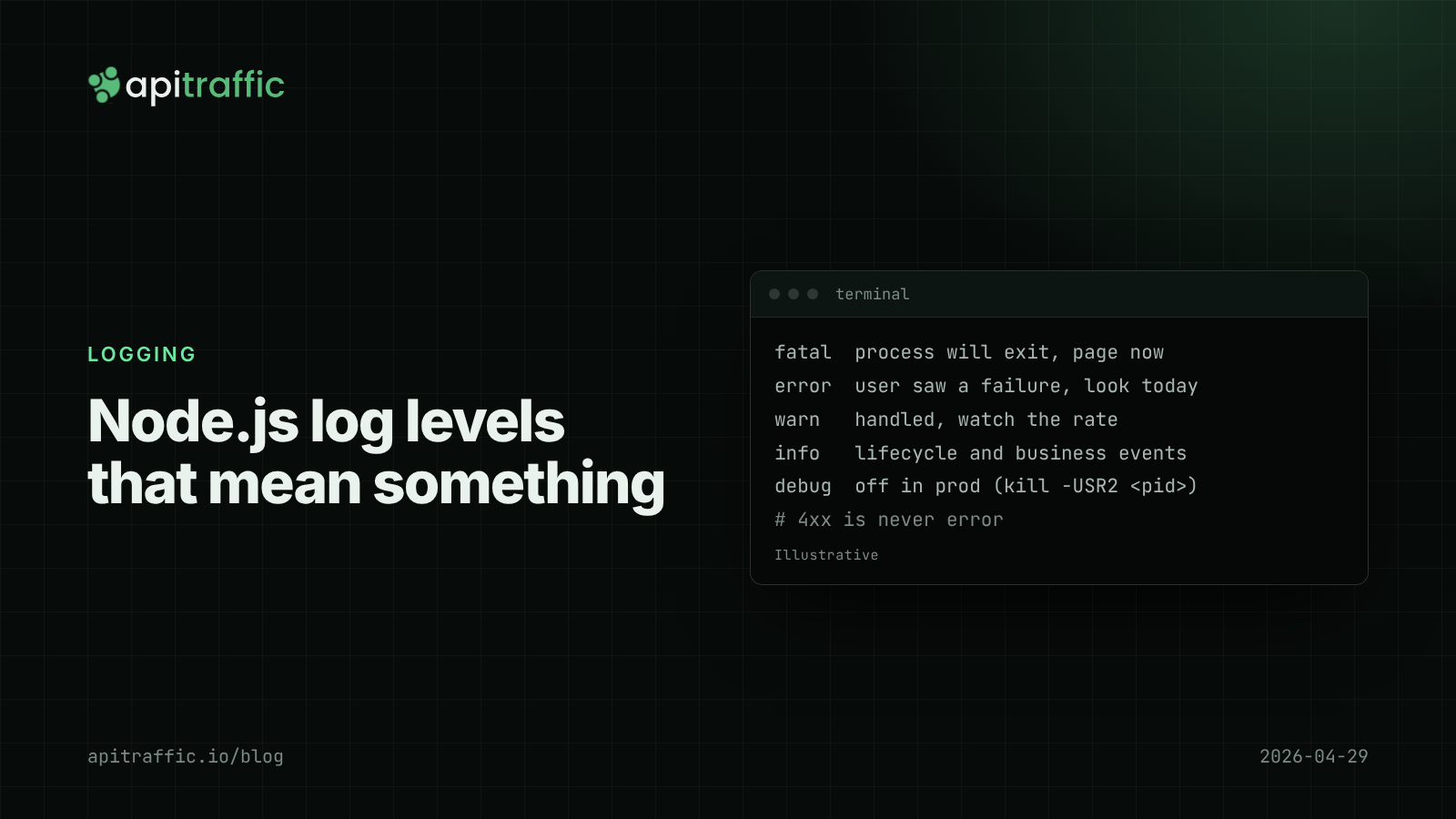
Node.js log levels that mean something: a logging policy for small teams
At 3am your error log is full of scanner 404s and the real database timeout is buried. Here is a Node.js log levels policy a small team can paste into its repo, plus the code that enforces it.
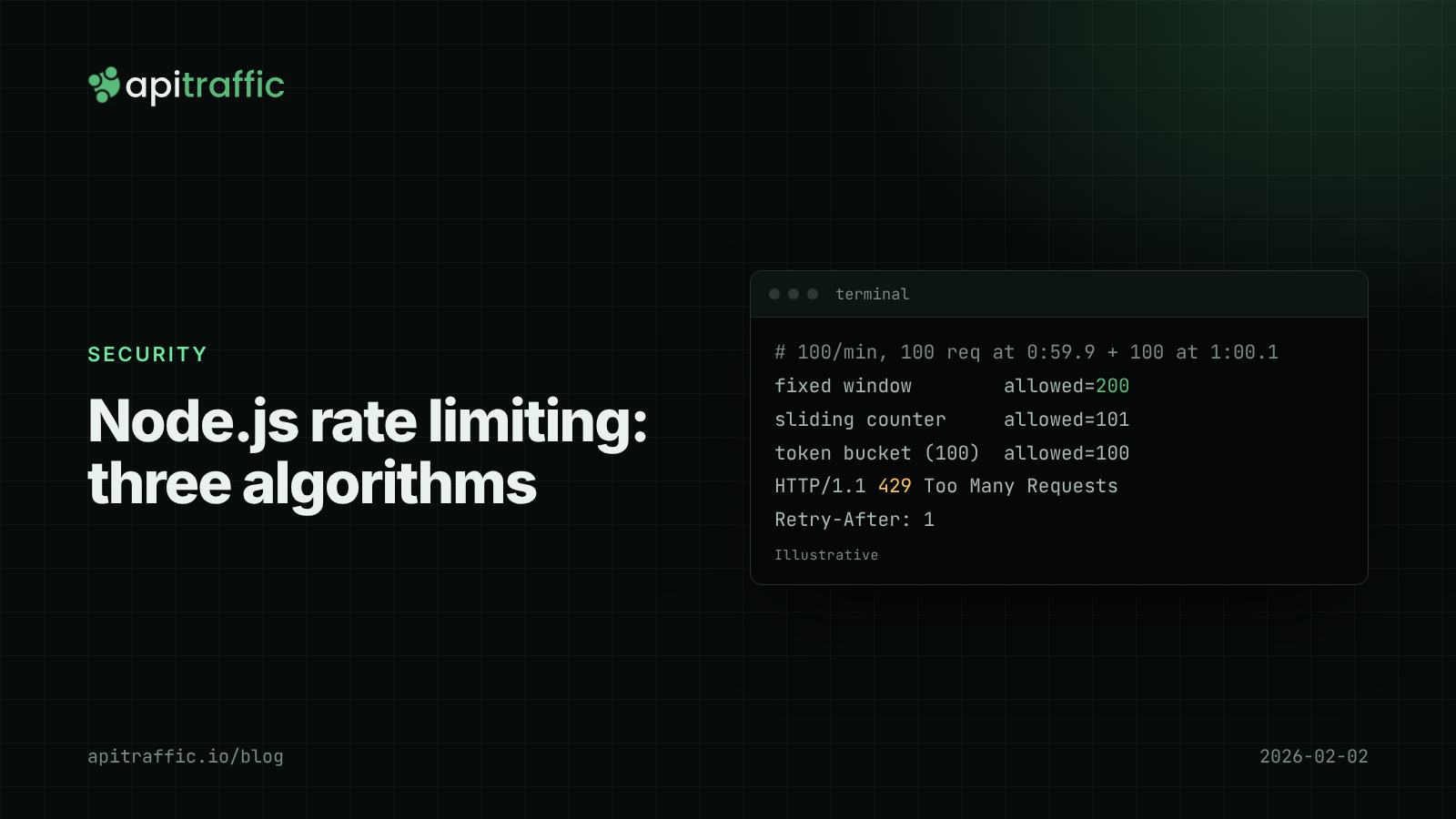
Node.js rate limiting: fixed window vs sliding window vs token bucket
One client's runaway retry loop should not take your API down at 3am. Compare fixed window, sliding window and token bucket rate limiting in Node, with working code, a Redis version and what to ship this afternoon.