
Fastify hooks for logging and auth: onRequest, preHandler and onResponse explained
Authenticate in onRequest, authorize in preHandler, log in onResponse, and skip the mistakes that cause double replies.
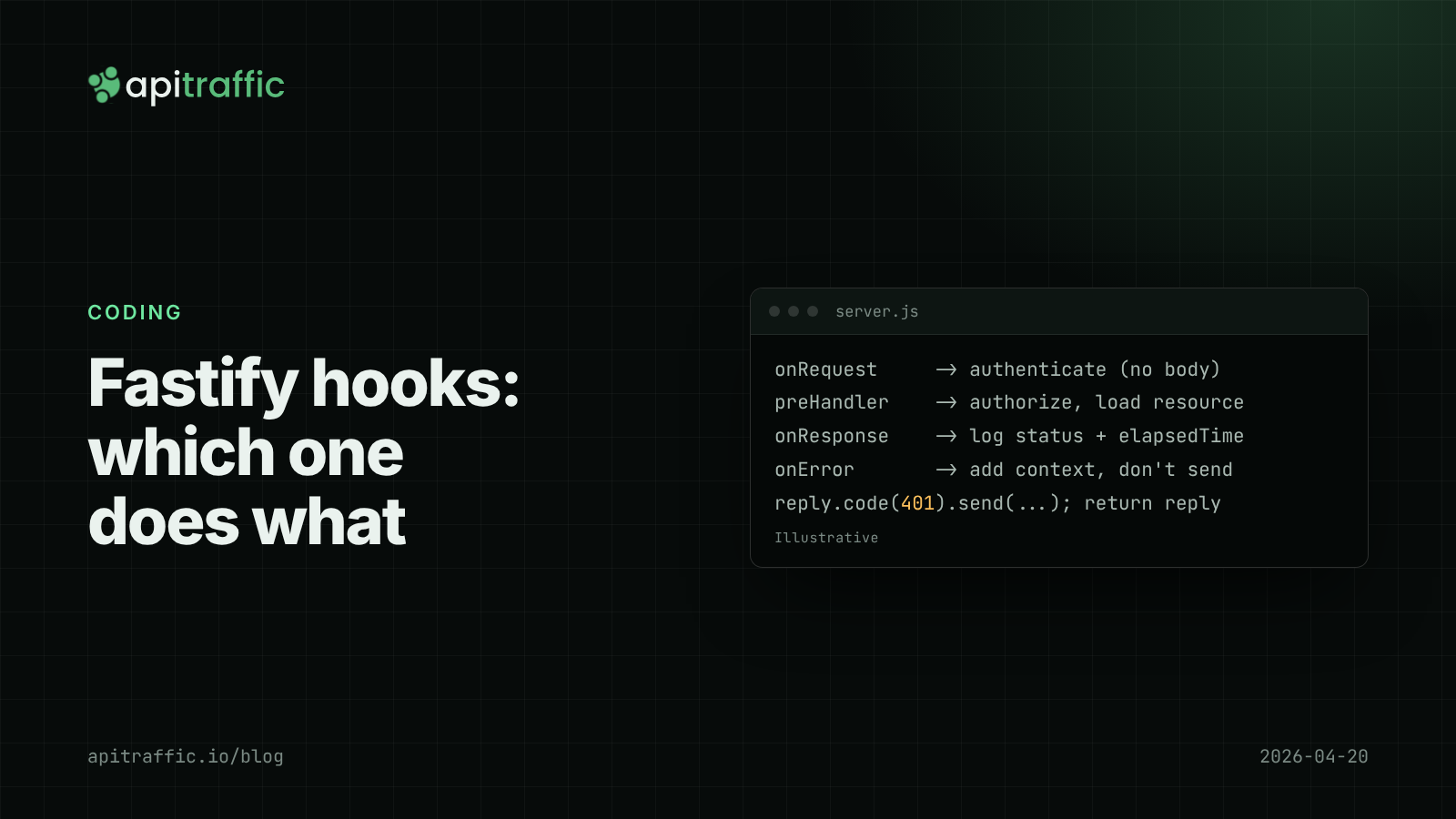
Most Fastify bugs around auth and logging come from putting code in the wrong hook: a permission check that runs before the body exists, a log line written before the status code is known, or a hook that sends a reply and then lets the handler run anyway.
The short answer: authenticate in onRequest (it runs first and has headers, but no body), authorize in preHandler (body, params and validation are done), and log in onResponse (the status and reply.elapsedTime are final). This post walks through the request lifecycle in Fastify v5, shows working code for each of those three jobs, and lists the mistakes that cause double responses and missing log fields.
The Fastify hooks lifecycle, in order
Fastify runs these request and reply hooks for every request, in this order:
| Hook | Body parsed? | Can send a reply? | Good for |
|---|---|---|---|
onRequest |
No, request.body is undefined |
Yes | Authentication, request IDs, cheap rejections |
preParsing |
No | Yes | Wrapping or limiting the raw body stream |
preValidation |
Yes | Yes | Normalizing the body before schema validation |
preHandler |
Yes, and validated | Yes | Authorization, loading the resource, per-route checks |
preSerialization |
n/a | Changes the payload | Wrapping response objects |
onSend |
n/a | Changes the serialized payload | Response headers, compression tweaks |
onResponse |
n/a | No, already sent | Logging, metrics |
onError |
n/a | No | Adding context to error logs |
onTimeout, onRequestAbort |
n/a | No | Noting dropped connections |
Two facts from the Fastify docs shape everything else. In onRequest, the body is always undefined because parsing happens later. And onResponse runs after the response has been sent, so you cannot change anything the client sees there.
How to authenticate in the onRequest hook
Authentication only needs headers, so do it as early as possible. Rejecting a bad token in onRequest means Fastify never parses a body from an anonymous caller, which matters when someone posts 1 MB of JSON at your login-protected endpoints.
// plugins/auth.js
import fp from 'fastify-plugin';
import { verifyToken } from '../lib/tokens.js';

export default fp(async (app) => {
  app.decorateRequest('user', null);

  app.decorate('authenticate', async (request, reply) => {
    const header = request.headers.authorization ?? '';
    const token = header.startsWith('Bearer ') ? header.slice(7) : null;
    const user = token ? await verifyToken(token) : null;

    if (!user) {
      // Send, then return reply so Fastify stops the chain here.
      return reply.code(401).send({ error: 'unauthorized' });
    }
    request.user = user;
  });
});
fastify-plugin matters here. Fastify encapsulates plugins: every hook except onClose, and every decorator, is scoped to the plugin context where it was registered. Wrapping the auth plugin with fp makes app.authenticate visible to the rest of the app, while you still choose where the hook runs.
How to authorize in the preHandler hook
Authorization usually needs params and sometimes the body: “can this user read order 42”, “can this user move money from this account”. By preHandler, both are parsed and validated. Load the resource once, check ownership, and hand it to the handler:
// routes/orders.js
import { findOrder } from '../lib/orders.js';

export default async function orders(app) {
  app.decorateRequest('order', null);
  app.addHook('onRequest', app.authenticate);   // every route in this plugin

  async function loadOwnOrder(request, reply) {
    const order = await findOrder(request.params.id);
    if (!order || order.accountId !== request.user.accountId) {
      // 404, not 403: do not confirm that someone else's order exists.
      return reply.code(404).send({ error: 'not found' });
    }
    request.order = order;
  }

  app.get('/v1/orders/:id', { preHandler: loadOwnOrder }, async (request) => {
    return request.order;
  });
}
Route-level hooks accept a function or an array, and the docs note that they always run as the last hook in their category. That gives you a predictable order: plugin-wide auth in onRequest, then the route’s own checks in preHandler.
Logging requests in the onResponse hook
Fastify’s built-in Pino logger already logs “incoming request” and “request completed”. Those lines lack anything app-specific, like the user or the route pattern. Turn the default off and write one line per request yourself:
// app.js
import Fastify from 'fastify';
import auth from './plugins/auth.js';
import orders from './routes/orders.js';

const app = Fastify({
  logger: true,
  disableRequestLogging: true,
  requestIdHeader: 'x-request-id',
});

app.addHook('onRequest', async (request, reply) => {
  reply.header('x-request-id', request.id);
});

app.addHook('onResponse', async (request, reply) => {
  request.log.info({
    method: request.method,
    route: request.routeOptions.url ?? 'unmatched',
    status: reply.statusCode,
    ms: Math.round(reply.elapsedTime),
    userId: request.user?.id,
  }, 'request completed');
});

app.addHook('onError', async (request, reply, error) => {
  request.log.error({ err: error, route: request.routeOptions.url }, 'request failed');
});

await app.register(auth);
await app.register(orders);
await app.listen({ port: 3000, host: '0.0.0.0' });
Three Fastify v5 details are in that snippet. reply.getResponseTime() was removed in v5; use reply.elapsedTime. request.routerPath is deprecated; use request.routeOptions.url, which gives /v1/orders/:id instead of the raw URL, so your logs group by endpoint. And the custom-logger option moved: pass your own Pino instance as loggerInstance, not logger.
For carrying the request ID into code that does not receive request, see request IDs and AsyncLocalStorage. Before you add more fields to that log line, read what not to log.
Common Fastify hook mistakes
Mixing async and done
Fastify v5 no longer allows mixing the callback and promise styles in hooks and plugins. Either write async (request, reply) => {} or (request, reply, done) => { ...; done() }. A hook that is async and also calls done can run the chain twice.
Sending without returning
In an async hook, if you call reply.send() from a callback or timer instead of before the function returns, you must return reply. Otherwise Fastify treats the hook as finished and continues to the handler, and you get “Reply was already sent” errors.
Arrow functions and this
With function syntax, this is the Fastify instance. With arrow functions it is not. Use the app variable you closed over instead of this.
Logging bodies in onRequest
The body does not exist yet. If you need it in logs, read it in preHandler, and redact first.
Fastify hooks checklist
- Authentication:
onRequest, through a decorator wrapped infastify-plugin. - Authorization and resource loading: route
preHandler, returning 404 for other people’s objects. - One log line per request:
onResponse, withrouteOptions.url,statusCode,elapsedTimeand the user ID. - Errors:
onErrorfor context only; change error responses withsetErrorHandler. - Pick async or callback style per hook, never both.
On a one-person project, put all of this in app.js and one auth plugin. On a ten-person team, keep auth and logging in shared plugins so new route files cannot forget them.
FAQ
Should I use onRequest or preHandler for auth in Fastify?
Use onRequest for authentication, since it only needs headers and rejects early. Use preHandler for authorization that needs params, the body or a database lookup.
How do I get the response time in Fastify v5?
Read reply.elapsedTime in onResponse. It is in milliseconds. reply.getResponseTime() was removed in v5.
Why does my Fastify hook run twice?
Usually because it mixes styles: it is async and also calls done, or it sends a reply outside the promise chain without returning reply. Pick one style and return reply after sending.
Doing this with ApiTraffic
If you would rather not maintain the onResponse logging yourself, register apitraffic.fastify() as the first plugin and it captures every request and response, including headers and bodies, under the matched route pattern. Credential headers are masked by default.
Keep your auth hook, and add one line after you identify the user, so requests rejected later by a preHandler still carry it:
apitraffic.tag('userId', String(user.id));
The firewall runs in the same plugin as a preHandler hook, so rate limits and access lists apply before your handler without another hook of your own.
Start free and see every request your API handles: apitraffic.io
Sources: Fastify docs: Hooks; Fastify docs: V5 Migration Guide; Fastify docs: Encapsulation
Keep reading
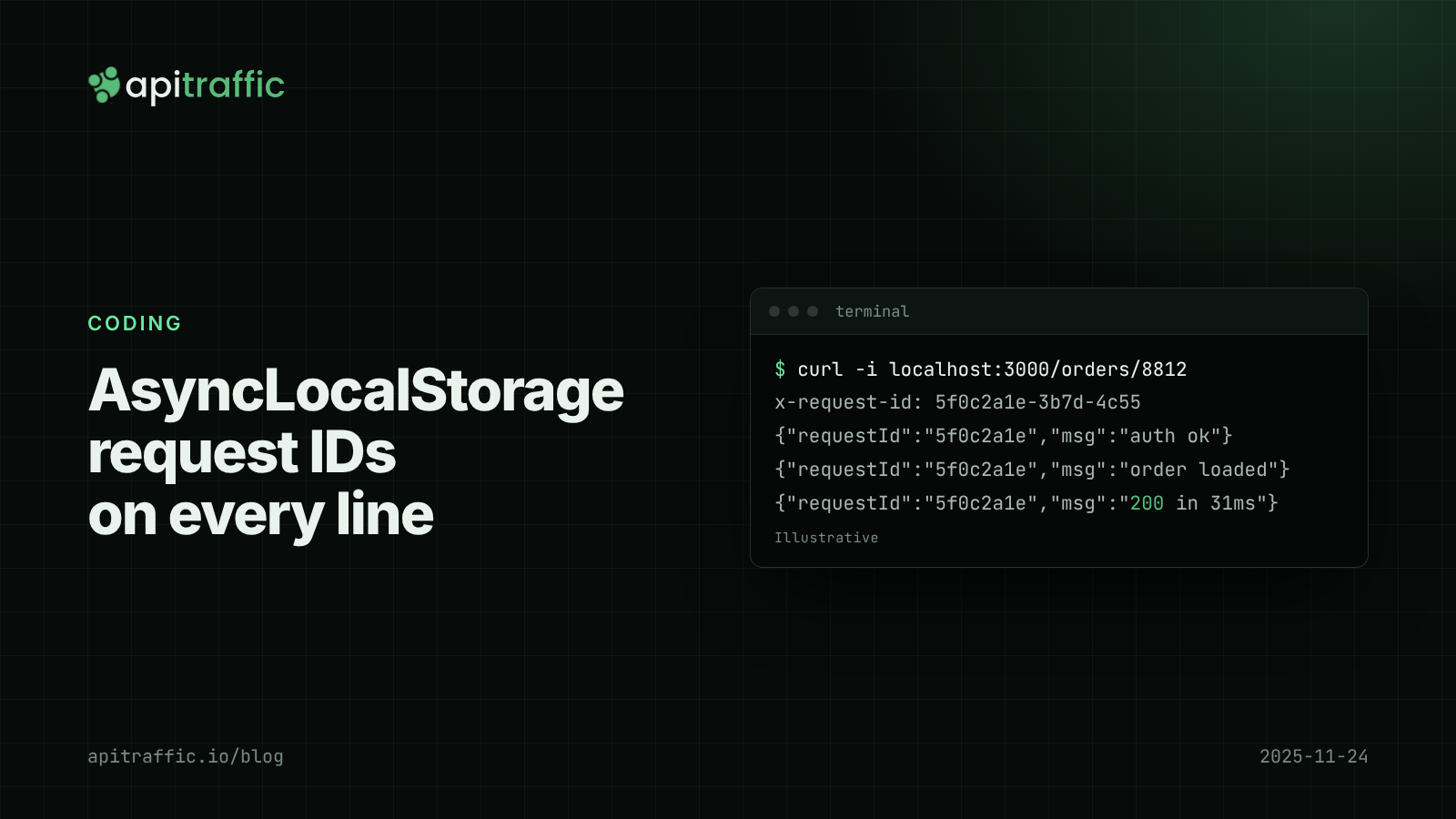
AsyncLocalStorage request IDs: follow one request through a Node.js API
A customer says checkout failed at 2pm and your logs are fifty requests interleaved. Add request IDs with AsyncLocalStorage in Express or Fastify in an afternoon, and every log line, response and downstream call carries the same ID.
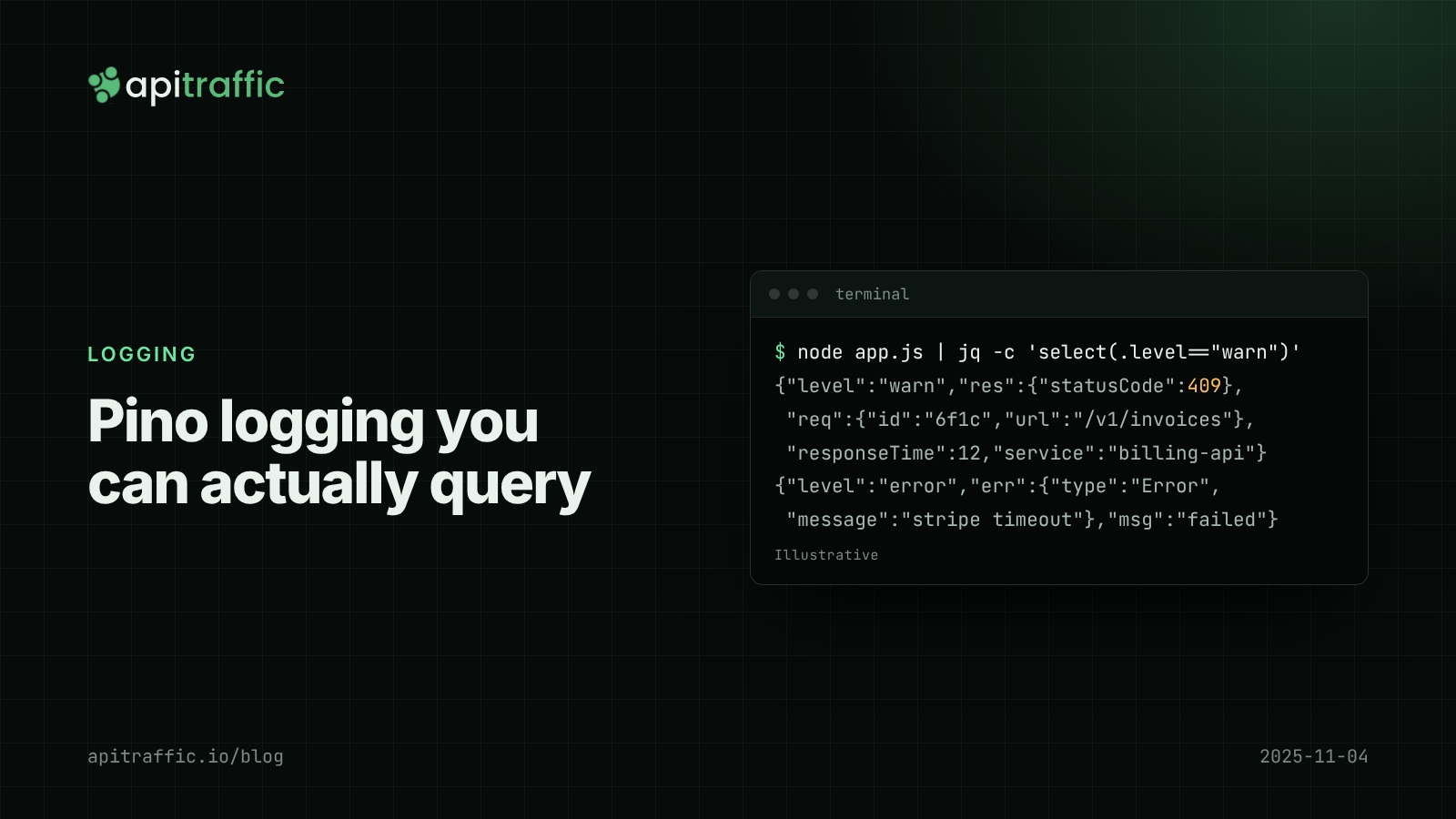
Pino logging in Node.js: a practical structured logging setup for Express and Fastify
A customer says invoices failed yesterday and your logs are a wall of console.log. Set up Pino logging for Express or Fastify in an afternoon: JSON lines, request IDs, levels by status, redaction and a team checklist.
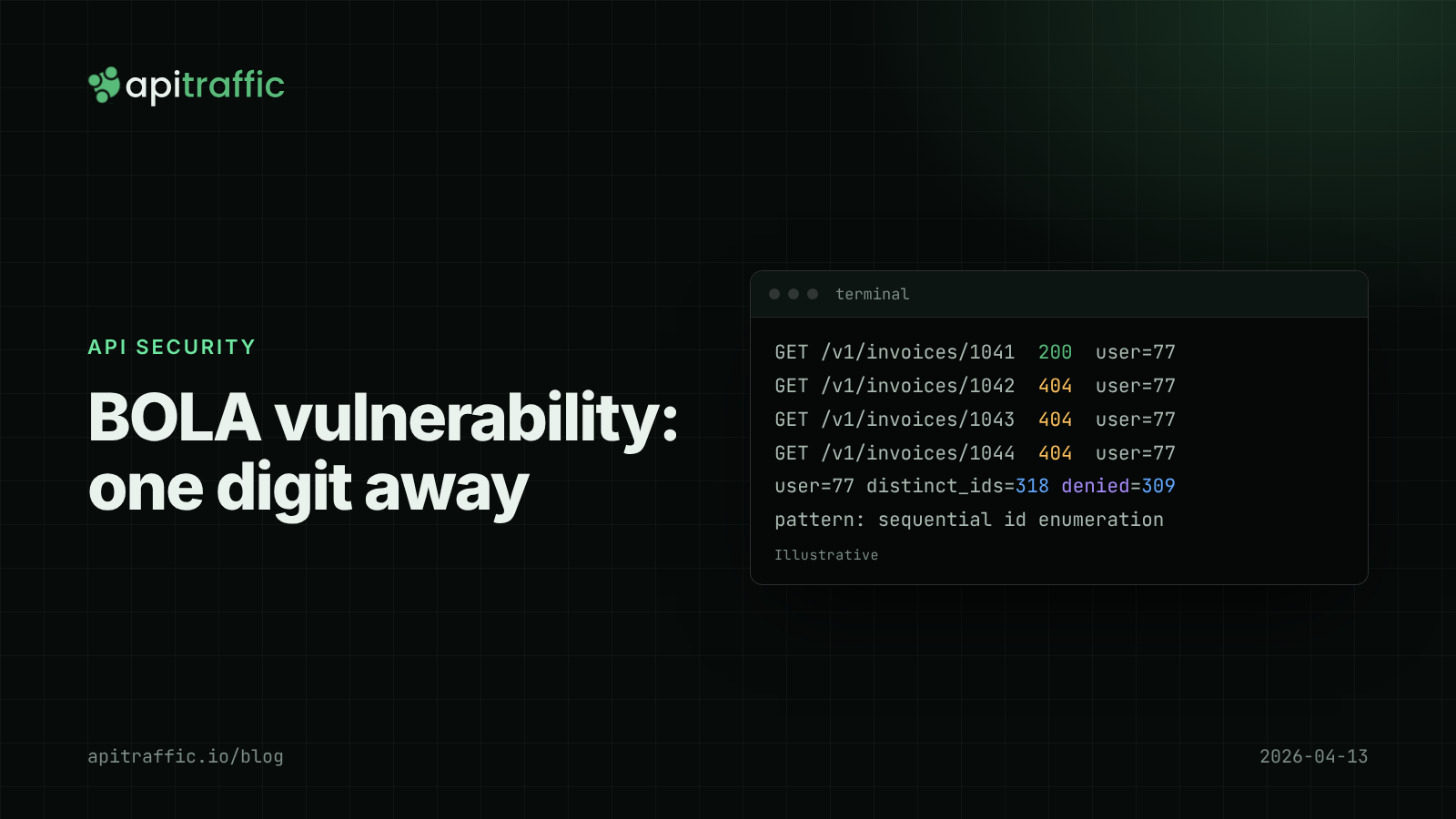
BOLA vulnerability in Node APIs: how to fix IDOR and catch it in your logs
Change one digit in a URL and get another customer's invoice. Here is how to fix BOLA and IDOR structurally and spot someone probing for it before they find a gap.