
CORS misconfiguration in Express and Fastify: how to find it and test for it
Four CORS configurations that leak data, the safe allowlist for Express and Fastify, and curl probes to test yours.
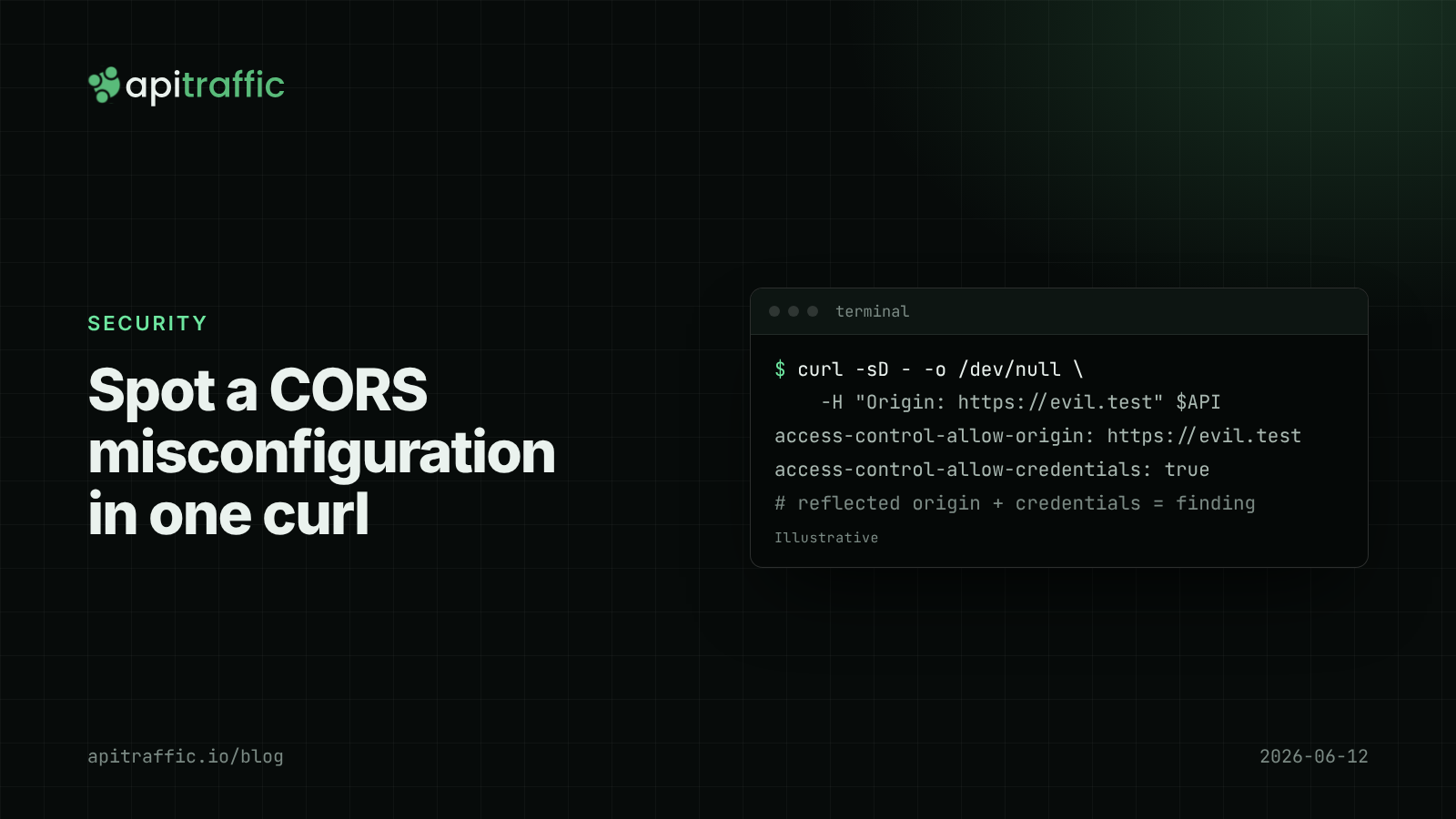
Someone opens a security report against your API: “Access-Control-Allow-Origin reflects arbitrary origins with credentials.” It is usually one line, cors({ origin: true, credentials: true }), added months ago to make a frontend error go away. A CORS misconfiguration like this lets any website a logged-in user visits read that user’s data from your API.
The direct answer: if your API uses cookies or other browser credentials, allow only an exact list of origins, never reflect the request’s Origin, never allow null, and never match origins with an unanchored regex. If your API uses bearer tokens only, you usually do not need credentials in CORS at all. Then test it with three curl commands, shown below.
What CORS actually protects (and what it does not)
Browsers stop a page on https://evil.test from reading responses from https://api.example.com unless the API says otherwise with Access-Control-Allow-Origin. When the response also includes Access-Control-Allow-Credentials: true, the browser will send cookies with the request and let the page read the result.
Three facts about CORS that cause most mistakes:
- CORS is enforced by the browser, not your server.
curl, scripts and other servers ignore it. It is not authentication or authorization. - CORS controls reading, not sending. For simple requests, the browser sends the request and your handler runs; it just hides the response from the page. A state-changing
POSTwith a form content type still executes. - The dangerous combination is a trusted-looking origin plus credentials.
Access-Control-Allow-Origin: *withAccess-Control-Allow-Credentials: trueis rejected by browsers, so wildcard plus credentials is broken rather than exploitable. Reflecting the origin is what makes it exploitable.
Four CORS misconfigurations, tested
Here is what the cors middleware for Express returns for four common configurations when probed with different Origin headers (output trimmed to the two CORS headers).
1. Reflecting any origin
app.use(cors({ origin: true, credentials: true }));
https://evil.test                    ACAO=https://evil.test ACAC=true
https://app.example.com.evil.test    ACAO=https://app.example.com.evil.test ACAC=true
null                                 ACAO=null ACAC=true
origin: true means “echo back whatever Origin was sent”. With credentials, every website on the internet can make authenticated reads as your logged-in users. @fastify/cors with origin: true behaves the same way. This is the one to fix first.
2. An unanchored regex
app.use(cors({ origin: /https:\/\/app\.example\.com/, credentials: true }));
https://evil.test                    ACAO=-
https://app.example.com.evil.test    ACAO=https://app.example.com.evil.test ACAC=true
The regex matches anywhere in the string, so an attacker registers app.example.com.evil.test. If you need a pattern, anchor it: /^https:\/\/([a-z0-9-]+\.)?example\.com$/. Better still, use a list.
3. Allowing the null origin
app.use(cors({ origin: ['https://app.example.com', 'null'], credentials: true }));
Developers add 'null' because local files or a sandboxed iframe sent it during testing. Sandboxed iframes and some redirects send Origin: null, and an attacker can create those, so allowing null is close to allowing everyone.
4. Wildcard with credentials
app.use(cors({ origin: '*', credentials: true }));
This returns ACAO=* with ACAC=true. Browsers refuse it, so your frontend breaks, which is often what leads someone to “fix” it with origin: true.
How to configure CORS safely in Express
Use an exact allowlist from configuration, and let requests with no Origin (same-origin, server-to-server, curl) through without CORS headers:
import cors from 'cors';

const allowedOrigins = new Set(
  (process.env.CORS_ORIGINS ?? 'https://app.example.com').split(',')
);

app.use(
  cors({
    origin: (origin, callback) => callback(null, !origin || allowedOrigins.has(origin)),
    credentials: true,
    methods: ['GET', 'POST', 'PUT', 'PATCH', 'DELETE'],
    maxAge: 600,
  })
);
The cors package adds Vary: Origin when the allowed origin varies, which stops a CDN or proxy from caching one origin’s CORS headers and serving them to another. If you set CORS headers by hand, add Vary: Origin yourself.
Preview deployments on Render, Vercel or Netlify are where allowlists tend to get loosened. Prefer adding preview origins in the preview environment’s config over a wildcard pattern in production.
How to configure CORS safely in Fastify
@fastify/cors accepts the same idea:
import Fastify from 'fastify';
import cors from '@fastify/cors';

const app = Fastify();
const allowedOrigins = new Set(process.env.CORS_ORIGINS.split(','));

await app.register(cors, {
  origin: (origin, cb) => cb(null, !origin || allowedOrigins.has(origin)),
  credentials: true,
});
If you add auth in Fastify hooks (see Fastify hooks for logging and auth), remember that preflight OPTIONS requests carry no credentials. Make sure the CORS plugin answers them before your auth hook rejects them with a 401.
How to test your API for CORS misconfiguration
Step 1: probe with curl
API=https://api.example.com/v1/me
for origin in https://evil.test https://app.example.com.evil.test null; do
  echo "== $origin"
  curl -s -o /dev/null -D - -H "Origin: $origin" "$API" \
    | grep -i '^access-control-allow-'
done
Any output line containing the probe origin together with access-control-allow-credentials: true is a finding.
Step 2: probe the preflight
curl -s -o /dev/null -D - -X OPTIONS "$API" \
  -H "Origin: https://evil.test" \
  -H "Access-Control-Request-Method: DELETE" | grep -i '^access-control-'
Step 3: add a regression test
import { test } from 'node:test';
import assert from 'node:assert/strict';

test('CORS does not trust arbitrary origins', async () => {
  for (const origin of ['https://evil.test', 'https://app.example.com.evil.test', 'null']) {
    const res = await fetch(`${process.env.API_URL}/v1/me`, { headers: { Origin: origin } });
    assert.notEqual(res.headers.get('access-control-allow-origin'), origin);
  }
});
CORS misconfiguration checklist
- [ ] No
origin: true(or hand-written reflection) together withcredentials: true. - [ ] Origins are an exact list from config; any regex is anchored with
^and$. - [ ]
nullis not in the list. - [ ]
Vary: Originis present when the allowed origin varies. - [ ] Bearer-token-only APIs do not enable credentials.
- [ ] A test like the one above runs in CI.
A solo developer can do all six in an afternoon. On a team of ten, the useful extra step is making the allowlist a config value owned by one person, so a frontend developer fighting a CORS error opens a PR against config rather than loosening the code. And remember that tight CORS does not replace per-object authorization checks; see BOLA and IDOR.
FAQ
Is Access-Control-Allow-Origin: * insecure?
Not on its own. For a public API that does not use cookies, * is fine, and browsers refuse to combine it with credentials. The risk is reflecting specific origins with credentials enabled.
Does CORS protect my API from attackers?
No. CORS only controls which web pages a browser lets read your responses. Attackers using curl or scripts are unaffected, so authentication, authorization and rate limiting still matter.
Why do I get a CORS error even though my server sends the headers?
Usually the preflight fails: an auth middleware returns 401 to the OPTIONS request, or the requested method or header is not allowed. Check the OPTIONS response in the browser’s network tab first.
Doing this with ApiTraffic
If you would rather not guess which origins actually call your API before tightening CORS, ApiTraffic records every request with its headers from one middleware, so you can see the Origin values hitting each endpoint before you change the allowlist. Credential headers like Authorization and Cookie are masked by default.
The firewall’s access lists can also deny by user agent, path, IP or CIDR, and monitor mode shows what a rule would block before it blocks anything.
Start free and see which origins call your API: apitraffic.io
Sources: MDN: Cross-Origin Resource Sharing (CORS); WHATWG Fetch Standard, CORS protocol; PortSwigger Web Security Academy: CORS; cors middleware README; @fastify/cors README.
Keep reading
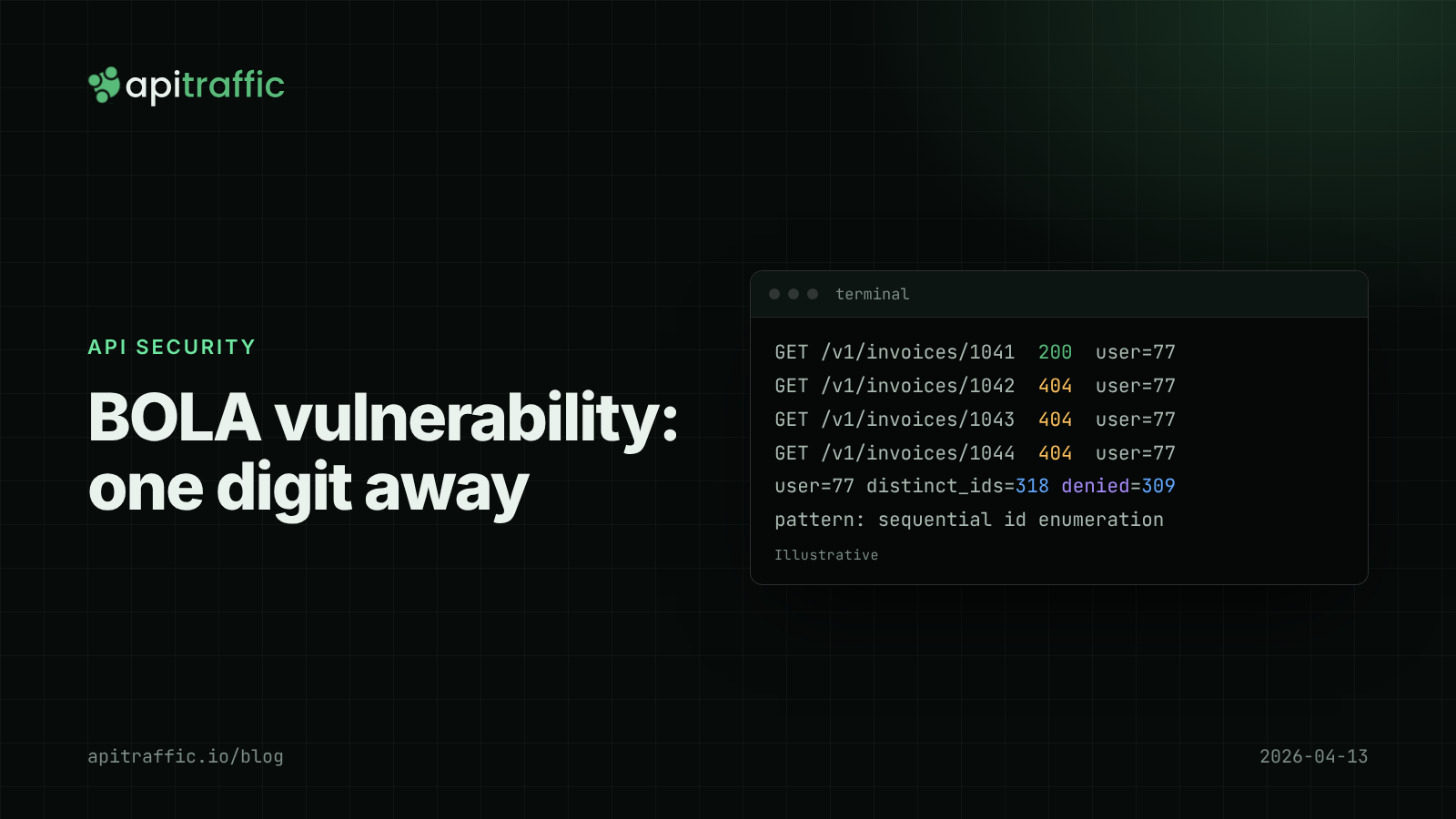
BOLA vulnerability in Node APIs: how to fix IDOR and catch it in your logs
Change one digit in a URL and get another customer's invoice. Here is how to fix BOLA and IDOR structurally and spot someone probing for it before they find a gap.
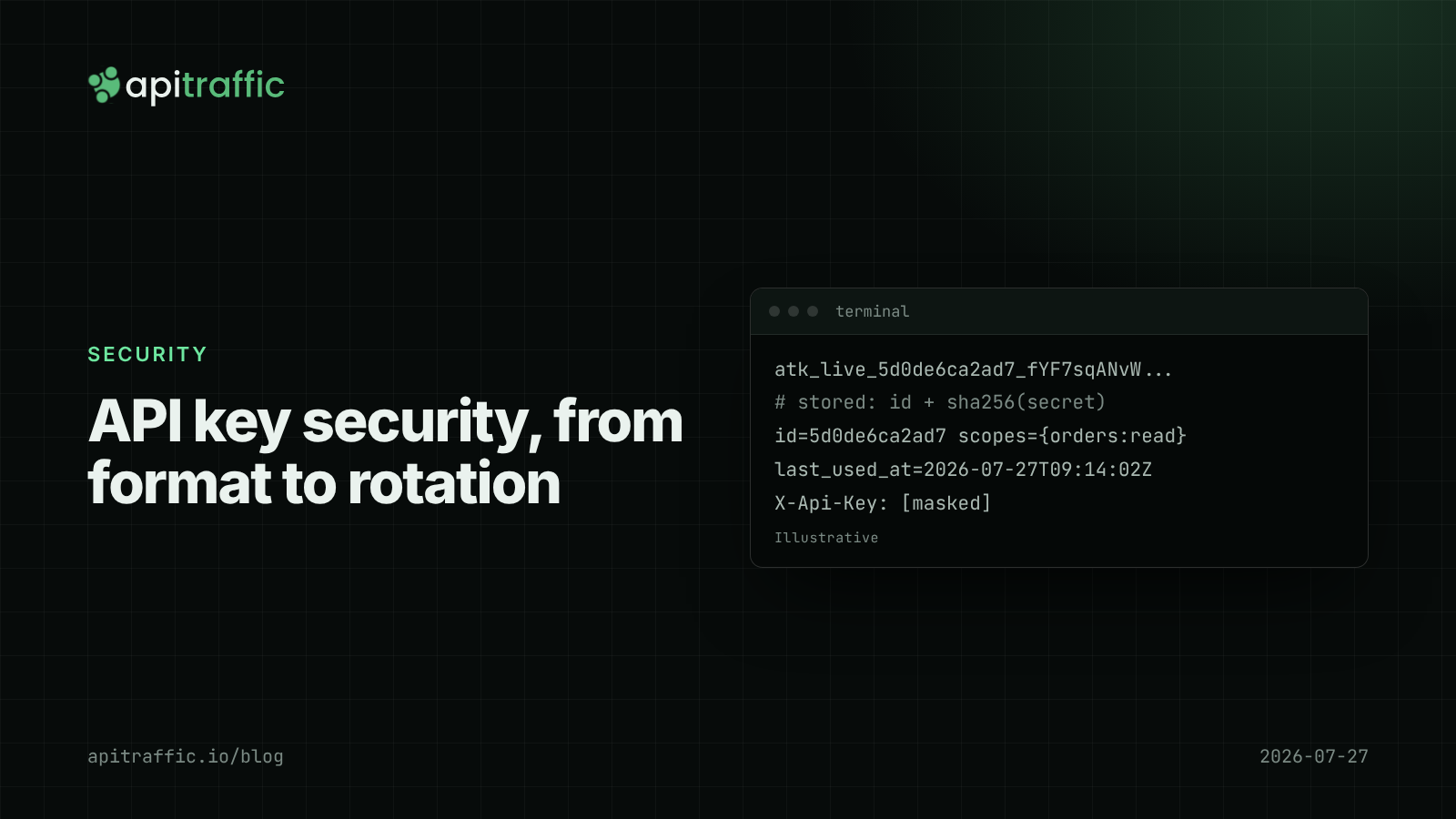
API key security for Node APIs: prefixes, hashing, scopes and rotation
A customer just pushed their API key to a public repo. Can you tell if anyone used it, and could a database leak expose every key? Design API key security in Node properly: prefixes, hashing, scopes and rotation.
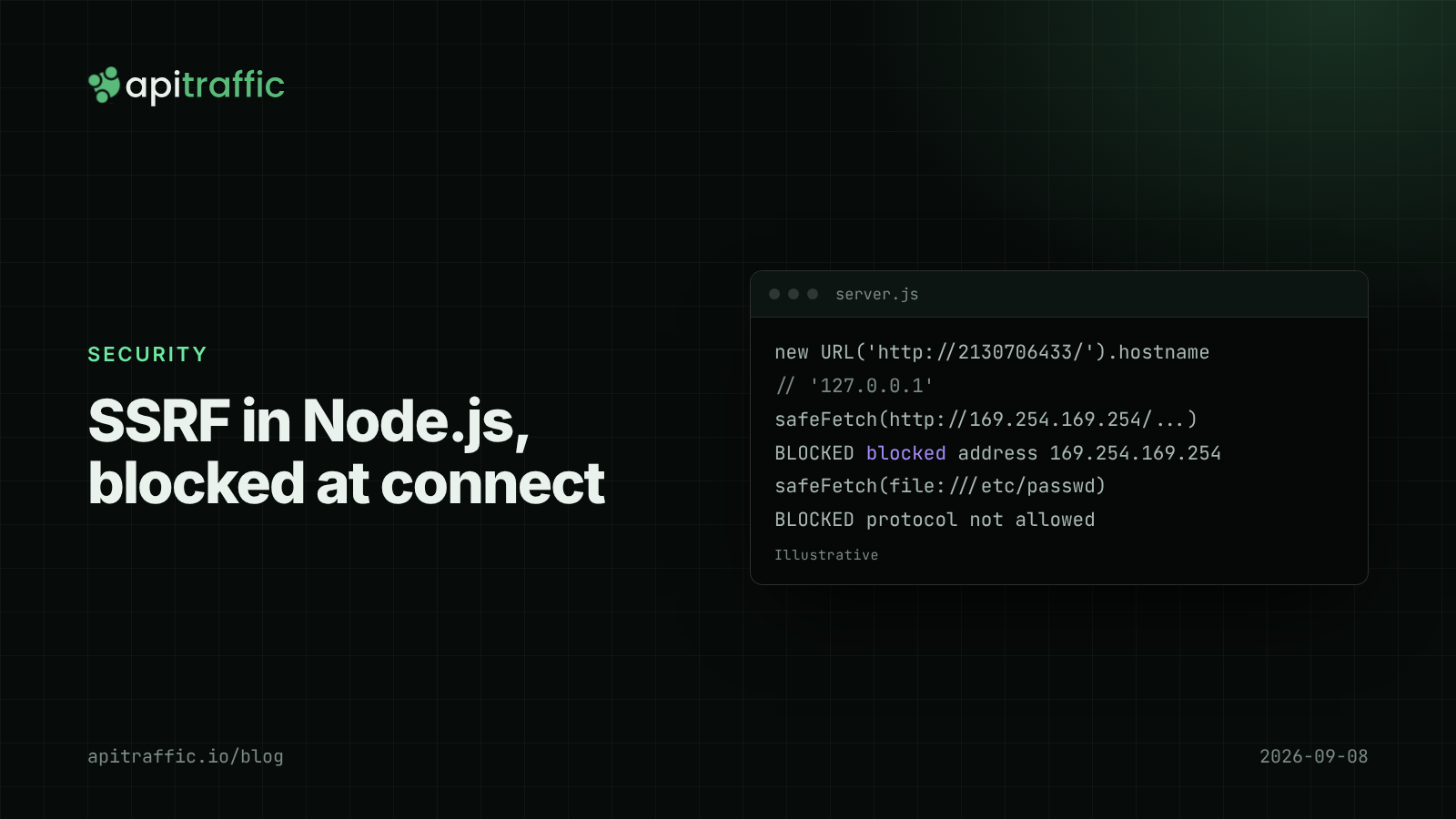
SSRF in Node.js: the fetch() you didn't mean to make
A customer pastes a webhook URL pointing at your cloud metadata endpoint, and your API fetches it. Learn how SSRF in Node.js happens, why blocklists on URL strings fail, and a tested safeFetch() you can ship today.