
Cursor vs offset pagination: an API design that survives big tables and scrapers
Why page=4000 takes nine seconds, how keyset pagination fixes it in Postgres, and what each design means for scrapers.
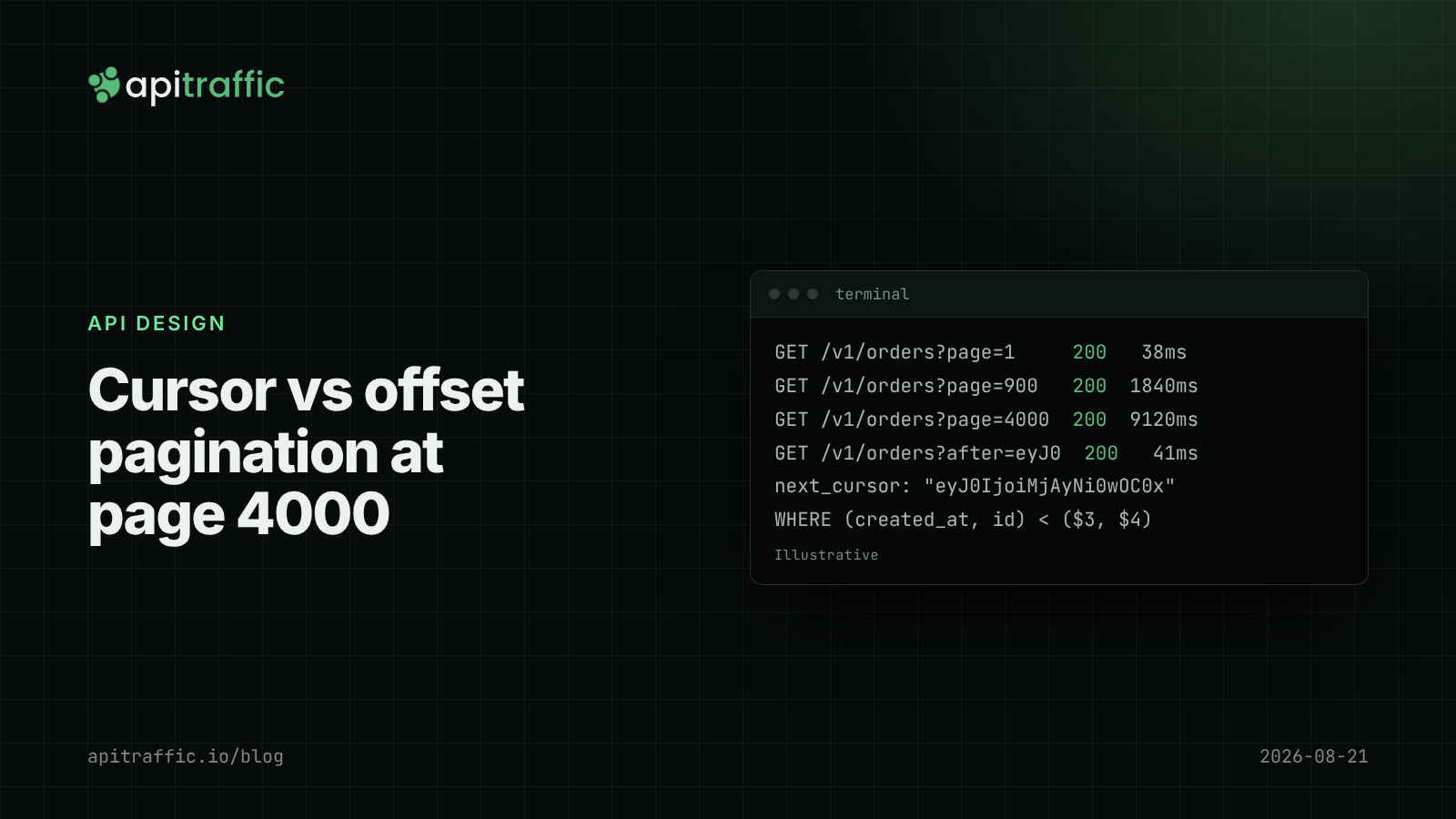
Your /v1/orders?page=1 endpoint was fast at launch. Two years later, page=4000 takes nine seconds, the database CPU graph has a new plateau, and the request log shows one API key walking every page in order at 3am.
The short answer on cursor vs offset pagination: offset pagination (LIMIT 50 OFFSET 200000) gets slower the deeper you go because the database still reads every skipped row, and it returns duplicates or skips when rows are inserted mid-scroll. Cursor pagination (also called keyset pagination) asks for “the next 50 after this row”, stays fast at any depth with the right index, and is stable under inserts. Use cursors for anything large, public or growing, and keep offset for small admin tables where jumping to page 7 matters.
Cursor vs offset pagination compared
| Offset pagination | Cursor (keyset) pagination | |
|---|---|---|
| Request | ?page=7&limit=50 |
?after=eyJ0Ijo...&limit=50 |
| Cost at depth | Grows with offset | Constant with an index |
| Inserts during paging | Duplicates or skipped rows | Stable |
| Jump to page N | Yes | No |
| Total count | Often expected, often expensive | Usually omitted |
| Scraper friendliness | Trivial to parallelize | Must follow the chain |
Why offset pagination gets slow on large tables
PostgreSQL’s documentation says it plainly: rows skipped by an OFFSET clause still have to be computed inside the server, so a large offset can be inefficient. OFFSET 200000 means reading and discarding 200,000 rows to return 50. MySQL behaves the same way.
There is also a correctness problem. If a new order is inserted at the top while a client is on page 3, every row shifts down by one, and page 4 repeats the last row of page 3. Deletes cause skipped rows. For a feed, an export or a sync job, that is a bug.
Finally, offset endpoints often return a total count, and SELECT count(*) on a big filtered table is its own slow query on every request.
How to implement cursor pagination in Node.js
Step 1: pick a stable, unique sort order
Cursors need a sort key that never ties. created_at alone can tie, so pair it with the primary key: ORDER BY created_at DESC, id DESC.
Step 2: add a matching index
CREATE INDEX CONCURRENTLY orders_account_created_id
  ON orders (account_id, created_at DESC, id DESC);
Step 3: encode the cursor and query with a row comparison
This uses Fastify v5 and pg. The cursor is opaque to clients: base64url-encoded JSON of the last row’s sort keys.
import Fastify from 'fastify';
import pg from 'pg';

const app = Fastify({ logger: true });
const pool = new pg.Pool({ connectionString: process.env.DATABASE_URL });

const encode = (row) =>
  Buffer.from(JSON.stringify({ t: row.cursor_ts, id: row.id })).toString('base64url');

function decode(cursor) {
  try {
    const { t, id } = JSON.parse(Buffer.from(cursor, 'base64url').toString());
    if (typeof id !== 'string' || Number.isNaN(Date.parse(t))) return null;
    return { t, id };
  } catch {
    return null;
  }
}

app.get('/v1/orders', async (request, reply) => {
  const limit = Math.min(Number(request.query.limit) || 50, 100);
  const after = request.query.after ? decode(request.query.after) : null;
  if (request.query.after && !after) {
    return reply.code(400).send({ error: 'invalid_cursor' });
  }

  const params = [request.user.accountId, limit + 1];
  let where = 'account_id = $1';
  if (after) {
    params.push(after.t, after.id);
    where += ' AND (created_at, id) < ($3::timestamptz, $4)';
  }

  const { rows } = await pool.query(
    `SELECT id, created_at, created_at::text AS cursor_ts, total_cents, status
       FROM orders
      WHERE ${where}
      ORDER BY created_at DESC, id DESC
      LIMIT $2`,
    params,
  );

  const hasMore = rows.length > limit;
  const page = hasMore ? rows.slice(0, limit) : rows;
  return {
    data: page.map(({ cursor_ts, ...order }) => order),
    next_cursor: hasMore ? encode(page.at(-1)) : null,
  };
});

await app.listen({ port: 3000 });
The (created_at, id) < (...) row comparison is PostgreSQL syntax that matches the composite index, so the database seeks straight to the right spot. Fetching limit + 1 rows tells you whether there is a next page without a count query. The account_id condition matters as much as the cursor: a cursor must never let a caller page into another tenant’s rows, the same lesson as BOLA and IDOR.
The cursor uses created_at::text rather than the value pg returns, because pg converts timestamps to JavaScript Date objects, which keep only milliseconds. PostgreSQL stores microseconds, so a cursor built from a Date can skip rows.
Step 4: return the cursor in a predictable place
Put next_cursor in the body, or use a Link header with rel="next" as described in RFC 8288. Clients loop until next_cursor is null.
When offset pagination is still fine
- Admin tables with a few thousand rows and a page picker.
- Search results where nobody goes past page 10. Cap the offset so they cannot.
- Reports where the dataset is fixed for the duration of the read.
If you keep offset, cap it: if (offset > 10_000) return reply.code(400).
How pagination design affects scrapers
Offset endpoints are a gift to scrapers. Pages are independent, so a script can fetch pages 1 through 5,000 in parallel, and the deep ones are your most expensive queries. Cursor endpoints force a scraper to walk the chain one request at a time, which turns a parallel burst into a sequential crawl you can rate limit.
Protections that work with either design:
- Cap
limitserver-side. A client asking forlimit=100000should get 100. - Rate limit list endpoints per API key, not only per IP. Rate limiting algorithms compared covers the options.
- Watch for one key walking every page of a list endpoint, or requesting deep offsets in parallel.
- Keep expensive filters behind indexes. List endpoints are often where N+1 queries hide as well.
For a one-person team, the afternoon version is adding cursor pagination to the one or two list endpoints that are actually large, and capping limit and offset everywhere else. A ten-person team should make cursor pagination the default in a shared helper, document the cursor contract, and add a deprecation path for offset parameters on public endpoints.
If you only do one thing
Cap limit and offset on every list endpoint today. It costs ten minutes and removes the worst-case query from your API.
FAQ
Is cursor pagination faster than offset pagination?
At depth, yes. With an index matching the sort order, a cursor query reads only the rows it returns, while OFFSET reads and discards every skipped row. On the first page they perform about the same.
How do I jump to a specific page with cursor pagination?
You cannot jump directly. If users need that, offer filters such as a date range that narrow the set, or keep offset pagination for small datasets only.
Should pagination cursors be encrypted or signed?
They should be opaque so clients do not build them by hand. Encoding is enough if the server validates the decoded values and always applies the caller’s tenant filter. Sign them with an HMAC if you do not want clients editing them.
Doing this with ApiTraffic
If you would rather not build scraper detection and per-key limits yourself:
- ApiTraffic records every request under its route pattern with p50, p95 and p99 per endpoint, so a list endpoint slowing as tables grow shows up before customers report it. The Time Breakdown and request waterfall show whether that time is the query.
- Top Operations ranks queries by calls per request and flags N+1 patterns with the code location that issued them.
- A WAF rate limit keyed on a header such as your API key returns
429withRetry-After, and behavioral protection scores callers on distinct object IDs per endpoint and distinct endpoints. Monitor mode shows what would be blocked first.
Start free and see every request your API handles: apitraffic.io
Sources: PostgreSQL documentation, LIMIT and OFFSET; PostgreSQL documentation, row constructor comparison; RFC 8288, Web Linking
Keep reading
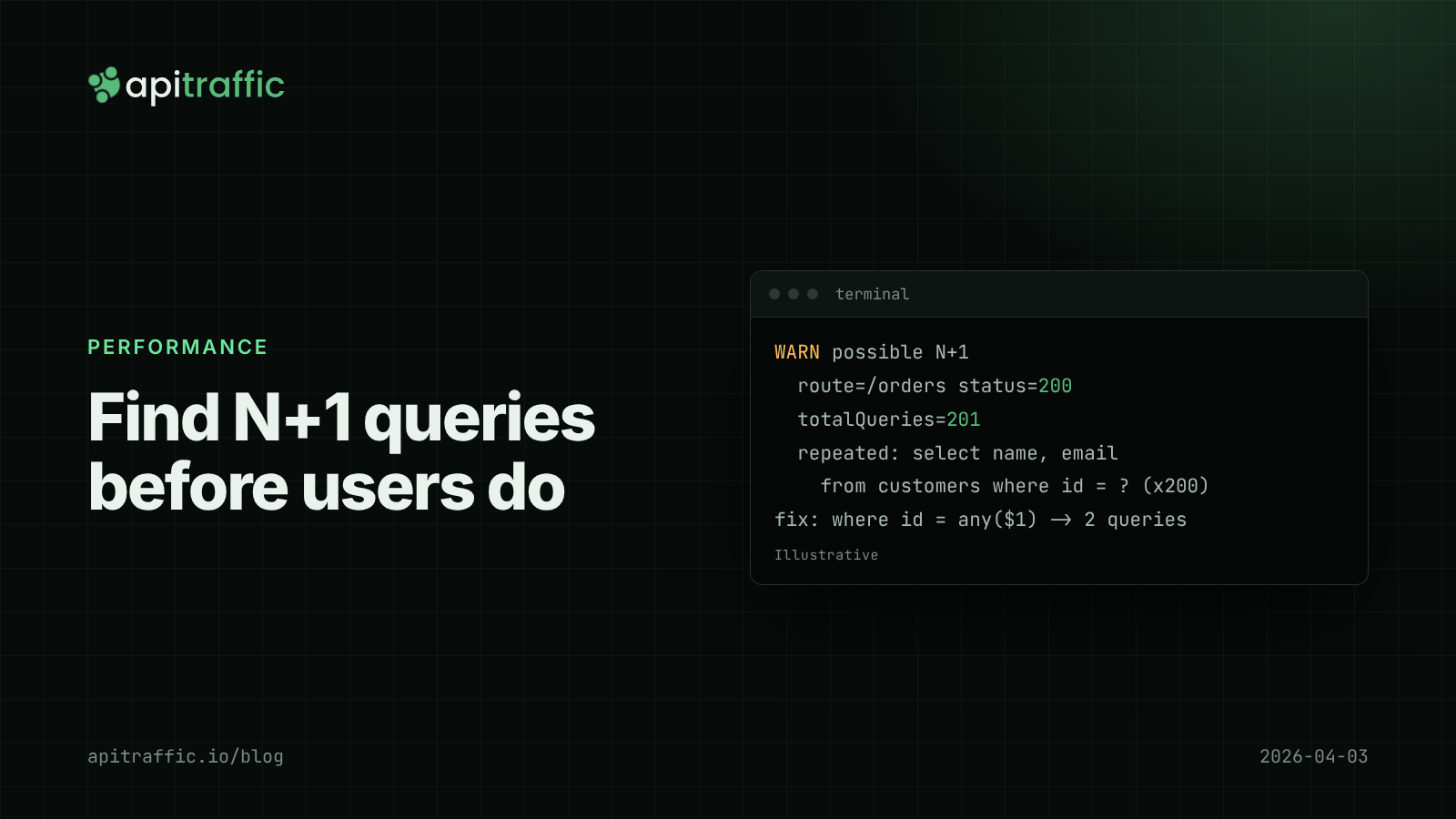
How to find N+1 queries in a Node.js API before your users do
An endpoint that's fast in development takes 900 ms for your biggest customer because it runs 201 queries. Find N+1 queries in a Node API with a per-request query counter and a test, then fix them with one batched query.
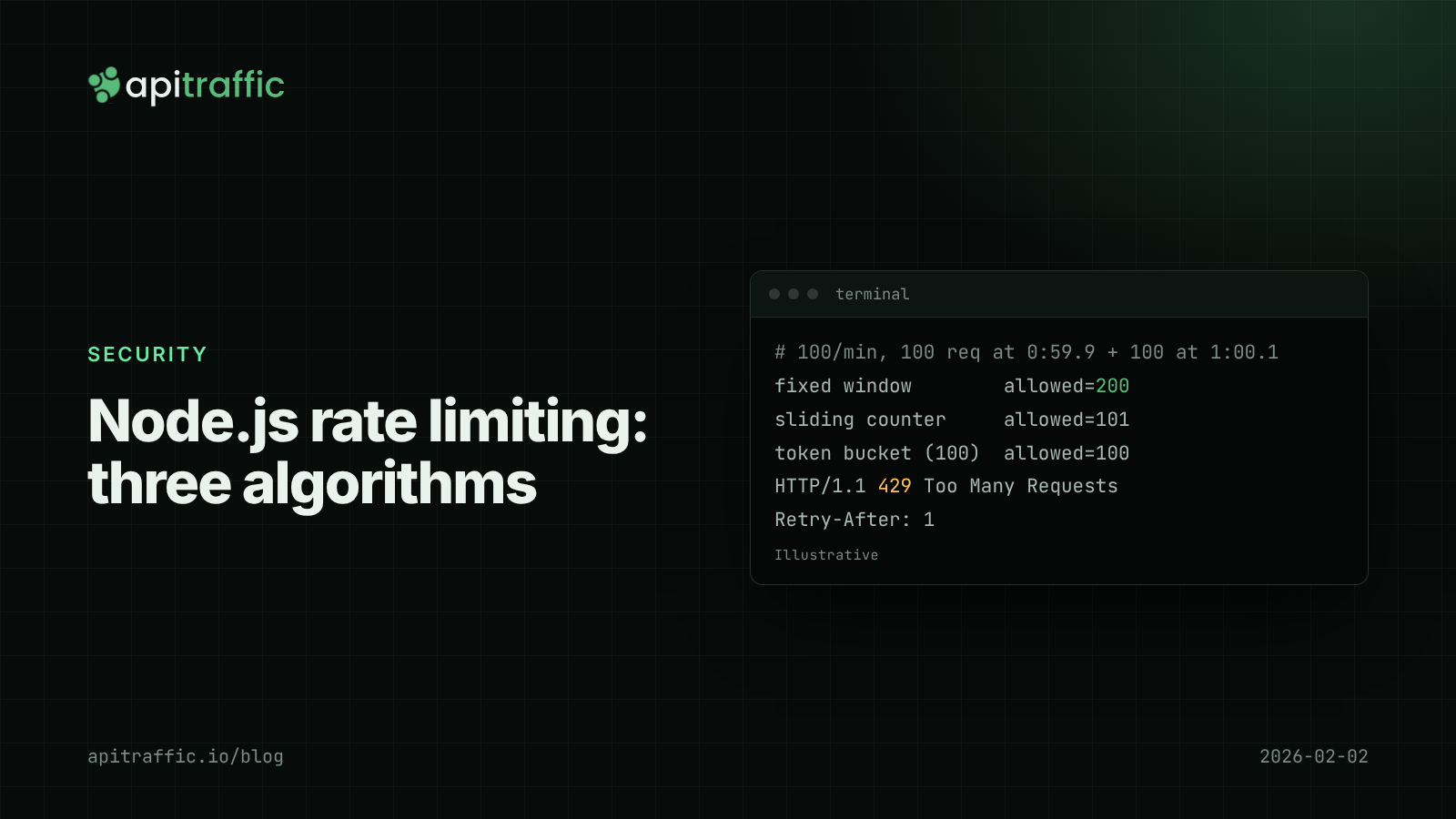
Node.js rate limiting: fixed window vs sliding window vs token bucket
One client's runaway retry loop should not take your API down at 3am. Compare fixed window, sliding window and token bucket rate limiting in Node, with working code, a Redis version and what to ship this afternoon.
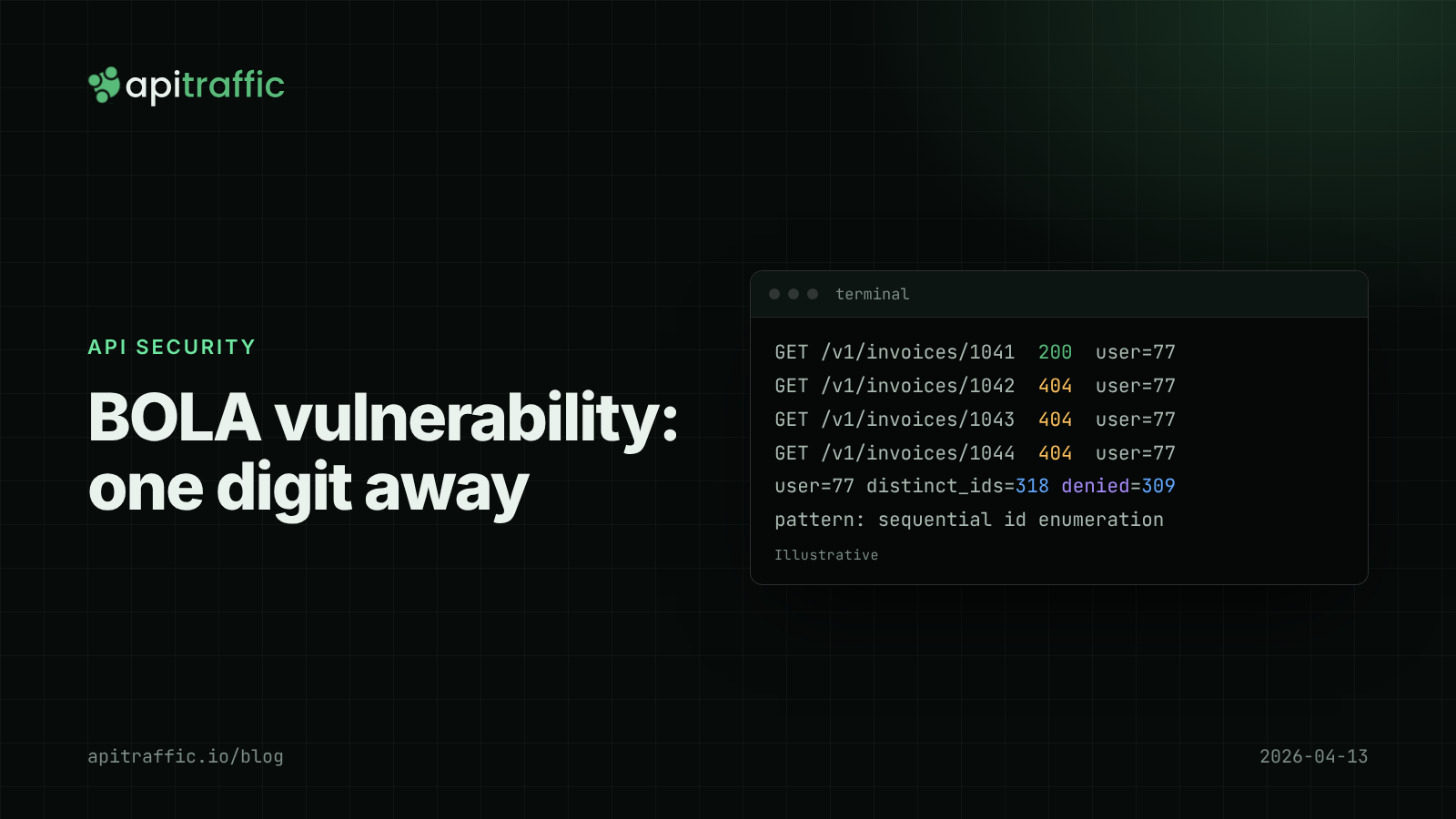
BOLA vulnerability in Node APIs: how to fix IDOR and catch it in your logs
Change one digit in a URL and get another customer's invoice. Here is how to fix BOLA and IDOR structurally and spot someone probing for it before they find a gap.