
A model API key leaked. The first hour, for a Node team
Revoke at the provider, find every call the key made, and shrink what the next leaked key can reach.
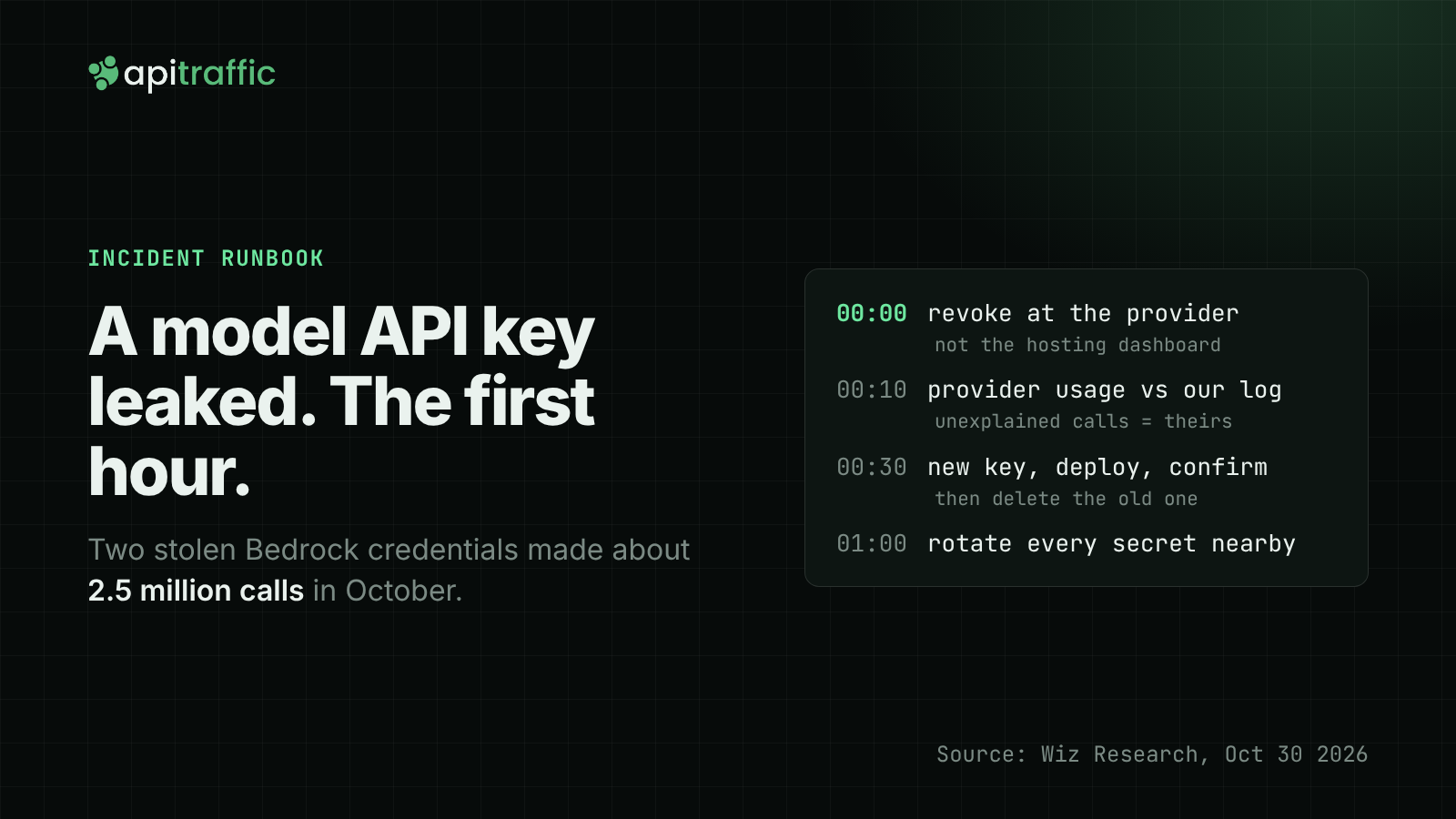
October was a bad month to keep model provider keys in a hosting platform. Wiz’s Black October roundup counted at least nine AI developer platforms that disclosed incidents during the month, several of them platforms that hold customers’ environment variables. In the same post, Wiz described two compromised enterprise Amazon Bedrock credentials. One made about 800,000 Bedrock calls over thirty hours. The other made about 1.7 million over thirteen hours. Wiz estimates the two cases ran up over $100,000 in usage at list price, and AiCybr’s summary puts the pair at roughly 2.5 million calls.
If you run a small Node team, the odds are good that at least one model key sits in a hosting dashboard, a .env file and a CI secret store right now. This is the hour after you find out it leaked.
Why the bill finds it first
A stolen key gets used from the attacker’s machines. Those calls go straight to the provider. They never touch your servers, your load balancer or your logs, so the first signal is usually a spend alert, a quota error in production or an invoice.
Your own telemetry won’t show the attacker’s calls, but it does show what normal looked like: which services call which models, how many tokens per hour, for which customers. That baseline is what lets you answer “how much of this usage was us?” in minutes instead of days.
Minute 0 to 10: revoke at the issuing provider
Start with the provider that issued the key, because that is the only place the old value stops working. Changing the variable in your hosting dashboard gives your app a new value and leaves the old one valid. AiCybr’s write-up puts it plainly: a value replaced only in the hosting dashboard stays valid until the issuer revokes it.
If that key is also the one production uses, revoking it breaks model calls until the new key is deployed. That outage is usually cheaper than the calls the attacker makes while the old key stays valid.
Where to go for each provider:
- OpenAI: delete the key in the API key dashboard. OpenAI’s account security guidance also says it supports tracking usage by API key and asks you to contact support right away.
- Anthropic: in the Claude Console, open the API keys page and disable or archive the key. If you script it, the Admin API’s update API key endpoint sets a key’s status to
inactiveorarchived. - Amazon Bedrock: AWS has a page on handling compromised long-term and short-term Bedrock API keys. A long-term key can be deactivated (
UpdateServiceSpecificCredentialwith statusInactive), reset or deleted. Short-term keys can’t be revoked one at a time, because they inherit the session that created them. You invalidate that session with a deny policy conditioned onaws:TokenIssueTime, or you denybedrock:CallWithBearerTokenandbedrock-mantle:CallWithBearerTokenon the identity. AWS notes that denying only the first one leaves the Mantle endpoint open. If the leaked secret is an IAM access key instead, deactivate it in IAM.
Write down the time you revoked. You’ll need it for the provider conversation tomorrow.
Minute 10 to 30: scope it
Next, work out how much of the usage was yours by comparing two data sets.
- The provider’s usage for that key, by hour, for the last few days (or as far back as the provider shows). On Bedrock, start with CloudTrail for the account the key belongs to.
- Your own log of outbound model calls over the same window: which route made the call, which model, token counts, and which customer it served.
Line them up hour by hour. Where the provider shows calls and your app shows none, those calls belong to the attacker. Where both show traffic, the gap between the two numbers is the attacker’s share.
// reconcile.js: provider hourly usage vs your own outbound log
// providerUsage: [{ hour: '2026-10-30T14', requests: 41210 }, ...]
// ourCalls:      [{ hour: '2026-10-30T14', requests: 318 }, ...]
function reconcile(providerUsage, ourCalls) {
  const ours = new Map(ourCalls.map((r) => [r.hour, r.requests]));
  return providerUsage.map(({ hour, requests }) => {
    const mine = ours.get(hour) ?? 0;
    return { hour, provider: requests, ours: mine, unexplained: Math.max(0, requests - mine) };
  });
}

const rows = reconcile(require('./provider.json'), require('./ours.json'));
console.table(rows.filter((r) => r.unexplained > 0));
The first hour where unexplained jumps is your best estimate of when the key started being abused. That hour is also where to look for the cause: a deploy, a new CI job, a platform incident notice.
If you don’t log your outbound model calls yet, the Nov 4 post on logging every LLM API call in Node covers the setup. Without that log, you can still revoke and rotate. You just can’t tell the provider which calls were yours.
Minute 30 to 60: rotate without an outage
Do the rotation in this order, so production keeps working while you swap keys.
- Create the new key at the provider, scoped as narrowly as the provider allows.
- Put it in your secret store and deploy.
- Confirm traffic is flowing on the new key: successful calls in your outbound log, and usage on the new key in the provider console.
- Only then delete the old key, if you only disabled it in step one.
If the key leaked through a platform that stored your environment variables, treat every secret in that environment as exposed: database URLs, webhook signing secrets, payment keys, other model keys. BleepingComputer’s report on the Northflank breach says Northflank told its users to assume all their environment variables were decrypted. Rotate the rest in order of what they can spend or reach.
The next day
- Reconcile and dispute. Send the provider your revocation time and the reconciled table from step two. Ask about the fraudulent usage. A table that separates your calls from the attacker’s is far easier to act on than a screenshot of a bill.
- Set limits at the provider. Spend limits and usage alerts belong on the provider side, where they still fire when the calls come from somebody else’s machine.
- Narrow every key. One key per service per environment, so the next leak names its source. Use model allow lists and project scoping where the provider offers them, so a leaked key can’t call the most expensive model you have access to.
Shrink what the next leaked key can reach
Check the usual leak paths.
- [ ] No model keys in client bundles. Run
grep -rE "sk-|AKIA" dist/ .next/ build/on your build output, and route browser calls through your server. - [ ] No keys in CI logs. Mask secrets in your CI tool and search past build logs for key prefixes.
- [ ] Secret scanning before commit. The Nov 7 post on pre-commit secret scanning walks through the setup.
- [ ] Short-lived credentials for cloud models where you can, so a stolen credential expires on its own.
- [ ] A written owner for each key, so “who can revoke this?” has an answer at 2am.
Doing this with ApiTraffic
Step two needs your side of the ledger, and that’s the part ApiTraffic records. The SDK captures outbound calls made with fetch and with http/https (and clients built on them), with URL, method, headers, request and response bodies, status and timing. Each outbound call is linked to the inbound request that caused it, so you can see which route triggered which model call.
Add the customer with tag() inside the handler, and every call to the model provider carries it:
const apiTraffic = require('@apitraffic/express');

app.post('/summaries', async (req, res) => {
  apiTraffic.tag('customerId', String(req.user.id));
  // the outbound call to the model provider made here is recorded with this request
});
Then a search like tag:customerId == "cus_123" returns that customer’s requests. ApiTraffic only sees calls your app makes. Calls made with a stolen key from someone else’s machine never reach it, so it gives you the baseline, and the provider’s usage report shows the rest.
The one-page runbook
Copy this into your incident doc.
LEAKED MODEL API KEY: FIRST HOUR

00:00  Revoke at the issuing provider (not the hosting dashboard).
       OpenAI: delete in API key dashboard. Anthropic: disable in Console.
       Bedrock: deactivate long-term key / deny session for short-term key.
       Note the revocation time.
00:10  Pull provider usage for the key by hour.
       Pull our outbound model-call log for the same hours.
       Reconcile. Find the first hour with unexplained usage.
00:30  Create new scoped key. Deploy. Confirm traffic on new key.
       Delete old key.
       List every other secret in the same environment. Rotate by blast radius.
01:00  Post status to the team: what leaked, when, what's rotated, what's left.

NEXT DAY
       Send provider the revocation time and reconciled usage.
       Set provider spend limits and alerts.
       One key per service per environment. Model allow lists where offered.
       Fix the leak path: bundle, CI log, commit, or platform.
See what’s hitting your API: apitraffic.io
References
- Wiz Research, Black October for AI developer platforms, October 30, 2026
- AiCybr, Wiz Black October: nine AI platform incidents, Bedrock key abuse and response, October 31, 2026
- BleepingComputer, Northflank security breach leads to abuse of customers’ AI API keys, October 31, 2026
- AWS, Handle compromised long-term and short-term Amazon Bedrock API keys
- OpenAI, How can I keep my OpenAI accounts secure?
- Anthropic, Update API key (Admin API)
Keep reading
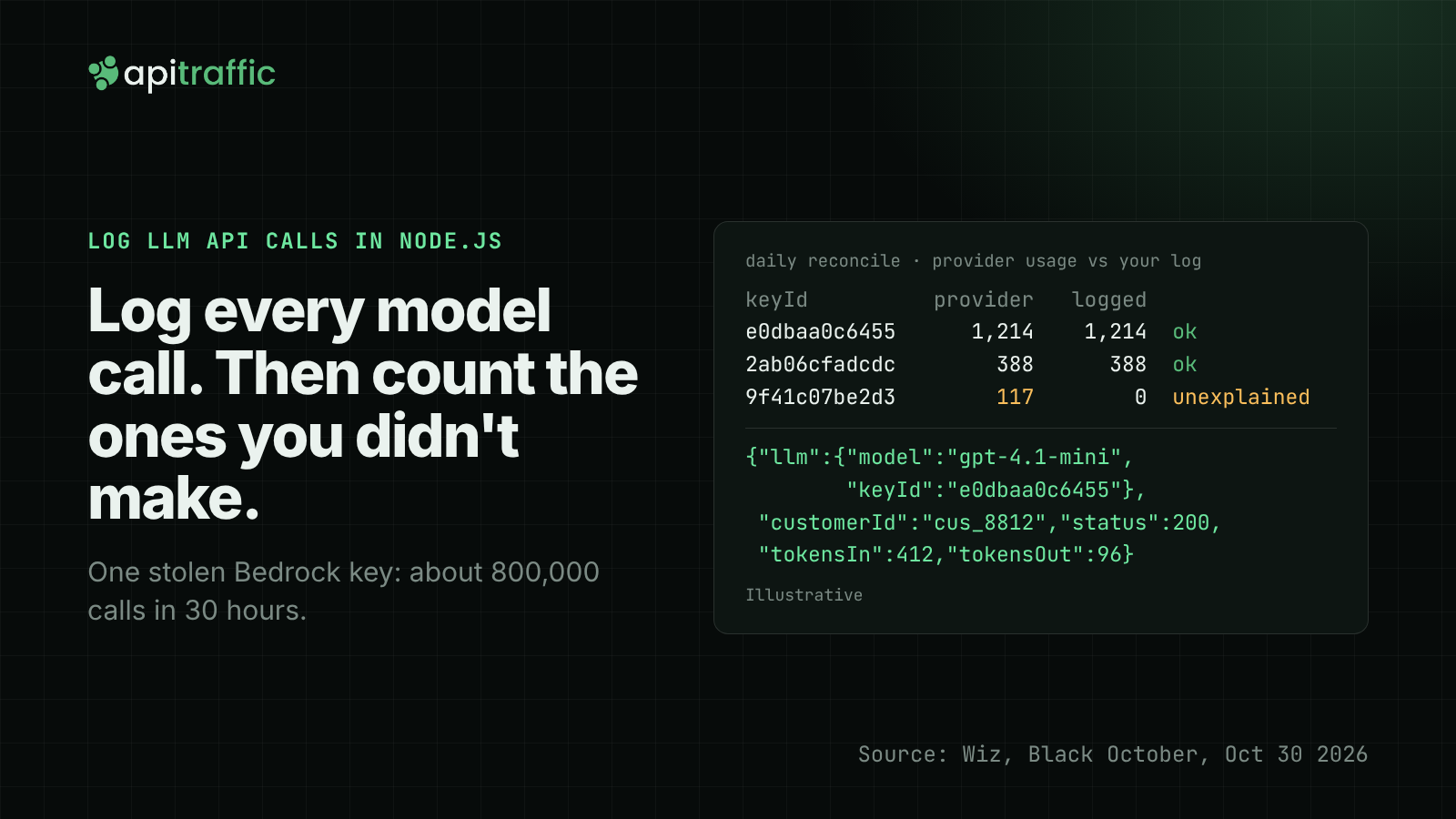
Log every LLM API call your Node app makes
October's AI platform breaches leaked model provider keys, and one stolen key ran about 800,000 calls in 30 hours. How to log every LLM call from Node with tokens, customer and a key fingerprint, then reconcile against provider usage to catch calls your code didn't make.
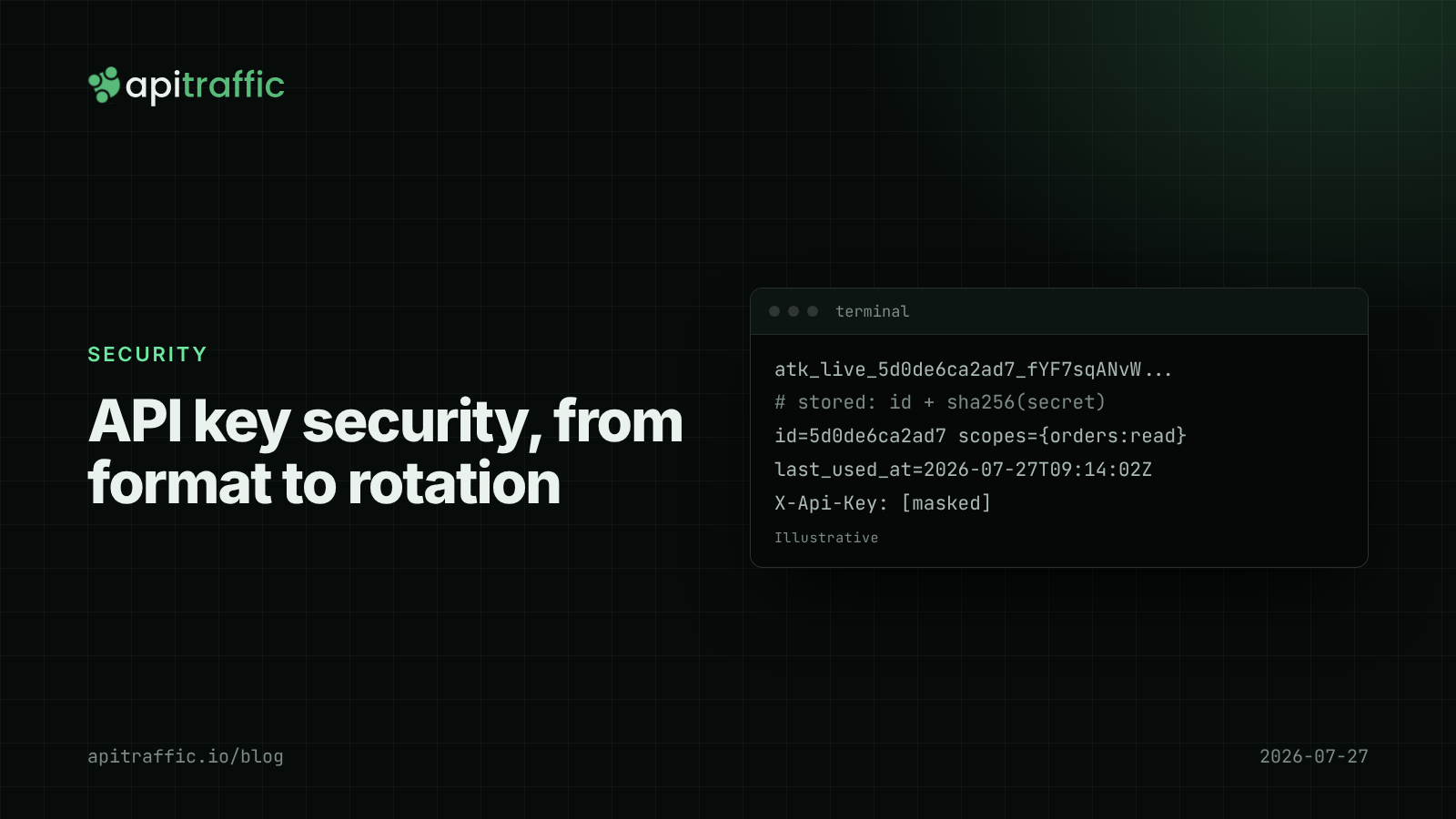
API key security for Node APIs: prefixes, hashing, scopes and rotation
A customer just pushed their API key to a public repo. Can you tell if anyone used it, and could a database leak expose every key? Design API key security in Node properly: prefixes, hashing, scopes and rotation.
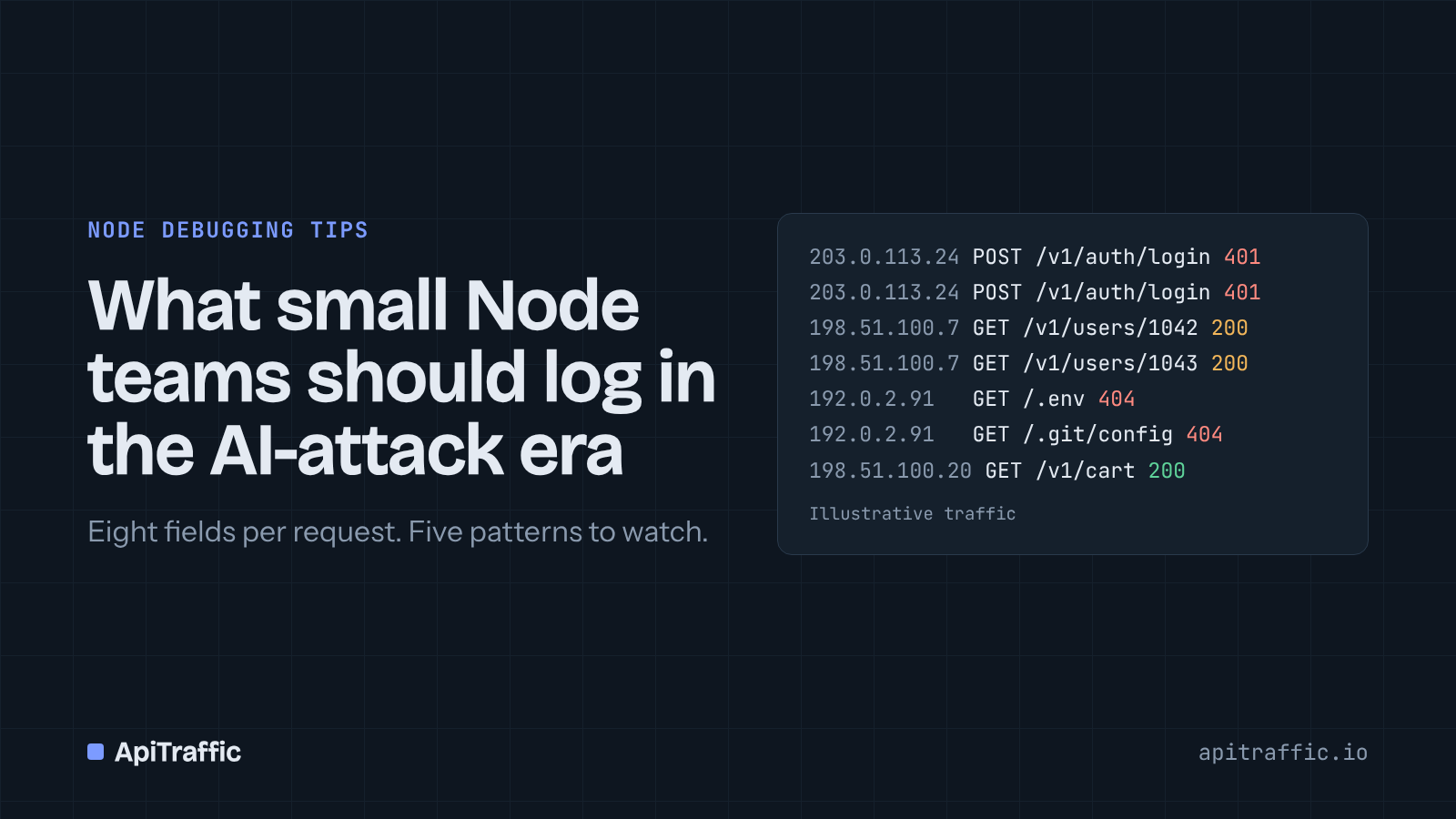
What small Node teams should log in the AI-attack era
Bots are now more than half of web traffic, and 27% of attacks target APIs and identity systems. You don't need a security team to see it, just the right fields on every request. Here's the minimum to capture, five patterns to watch, and when to block.