
Log every LLM API call your Node app makes
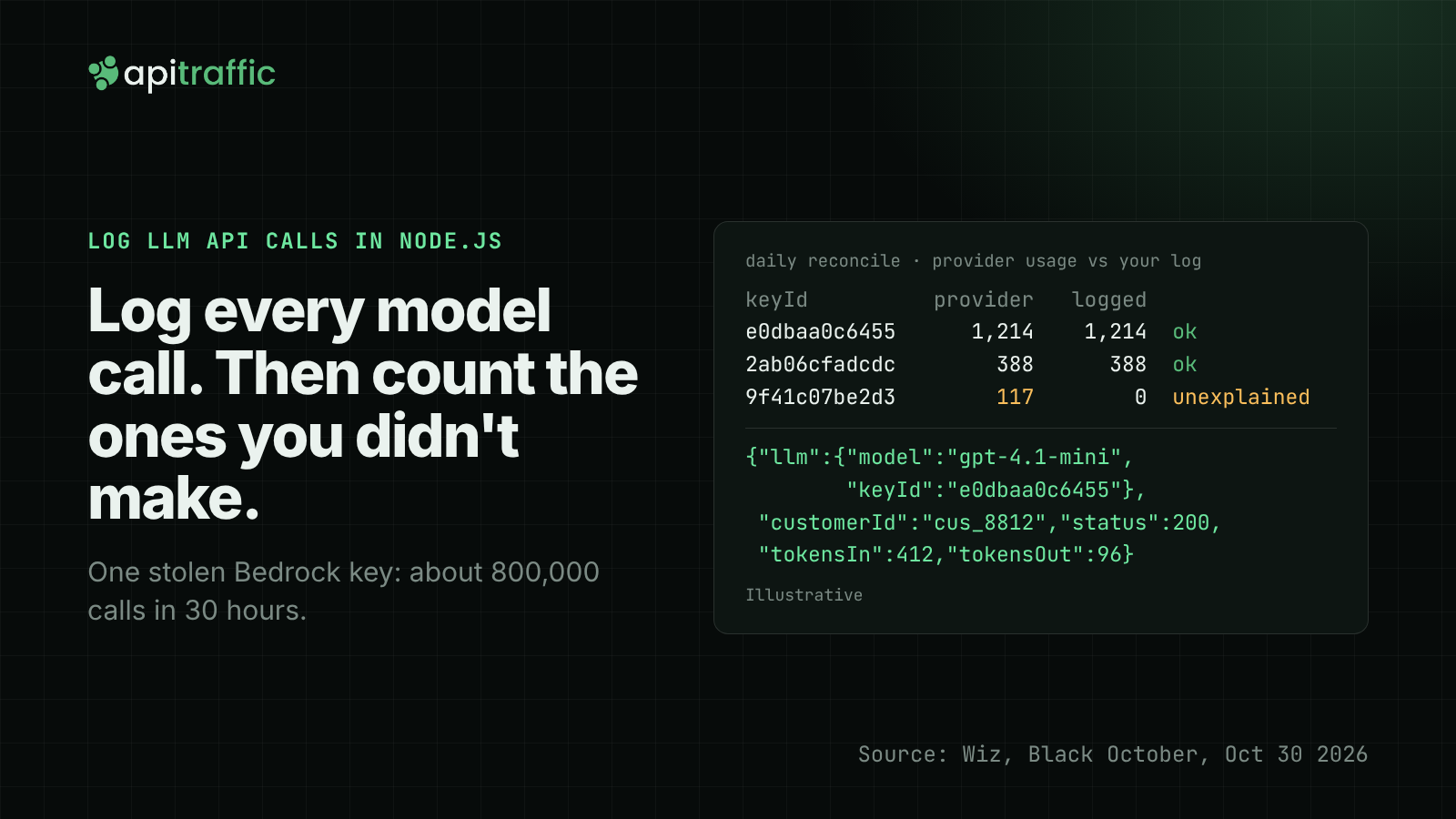
One stolen Bedrock key made about 800,000 calls in 30 hours. Your own call log is how you spot usage that isn't yours.
In October, at least nine AI developer platforms disclosed security incidents, Railway, OpenCode and Zeabur among them. Several involved environment variables or stored provider keys, which is where most apps keep their model API keys.
Wiz followed two stolen Amazon Bedrock credentials from one of those breaches. Each key was first tried within 30 minutes of the reported credential access. Then, for days, each saw 14 to 120 calls a day from one small Go client, the attacker checking the key still worked. The flood came later: about 800,000 Bedrock calls in 30 hours on one key, and about 1.7 million in 13 hours on the other, before each was shut off. Wiz puts the two cases at over $100,000 in usage at list price.
That gave the owners several days. An owner who knew exactly how many calls their own code made with that key could have spotted calls their code didn’t make. This post shows how to log every LLM API call from Node.js so you have that number.
Why your app won’t see the stolen calls
A stolen key is used from the attacker’s machine. None of those 800,000 calls passed through the victim’s servers, so no amount of logging inside the app records them.
What your app can record is the other half: every call it made, with which key, from which service, for which customer. The provider’s usage page tells you what was billed to the key. Subtract the first from the second. Whatever is left over is someone else using your key.
That only works if your own count is complete, so the log has to cover every model call your code makes.
What to record for each model call
One structured line per call, with these fields:
- Provider host and model (
api.openai.com,gpt-4.1-mini) - The route or job that triggered the call (
POST /api/summaries,nightly-digest) - Customer or tenant id, so a spike can be traced to one account
- Status code and latency
- Input and output tokens, from the response’s
usageobject - A key fingerprint: a short hash of the key, so you can tell keys apart in the log without ever writing the key itself
Here is a small wrapper around fetch for an OpenAI-compatible chat endpoint, using a Pino child logger:
// llm-log.mjs
import { createHash } from 'node:crypto';
import pino from 'pino';

const logger = pino({
  redact: ['req.headers.authorization', 'apiKey'],
});

// A short, stable id for a key. Enough to tell keys apart, useless to an attacker.
export const fingerprint = (key) =>
  createHash('sha256').update(key).digest('hex').slice(0, 12);

export async function chat({ baseUrl, apiKey, body, route, customerId }) {
  const log = logger.child({
    llm: { host: new URL(baseUrl).host, model: body.model, keyId: fingerprint(apiKey) },
    route,
    customerId,
  });

  const started = performance.now();
  let res;
  try {
    res = await fetch(`${baseUrl}/chat/completions`, {
      method: 'POST',
      headers: { authorization: `Bearer ${apiKey}`, 'content-type': 'application/json' },
      body: JSON.stringify(body),
      signal: AbortSignal.timeout(60_000),
    });
  } catch (err) {
    log.error({ err: err.name, ms: Math.round(performance.now() - started) }, 'llm call failed');
    throw err;
  }

  const ms = Math.round(performance.now() - started);
  const data = await res.json().catch(() => ({}));
  const usage = data.usage ?? {};

  log[res.ok ? 'info' : 'warn'](
    {
      status: res.status,
      ms,
      tokensIn: usage.prompt_tokens,
      tokensOut: usage.completion_tokens,
    },
    'llm call',
  );

  if (!res.ok) throw new Error(`LLM call failed with ${res.status}`);
  return data;
}
A successful call and a rejected one look like this (run against a local mock of the endpoint):
{"level":30,"llm":{"host":"127.0.0.1:37389","model":"gpt-4.1-mini","keyId":"e0dbaa0c6455"},"route":"POST /api/summaries","customerId":"cus_8812","status":200,"ms":32,"tokensIn":412,"tokensOut":96,"msg":"llm call"}
{"level":40,"llm":{"host":"127.0.0.1:37389","model":"gpt-4.1-mini","keyId":"2ab06cfadcdc"},"route":"POST /api/summaries","customerId":"cus_8812","status":401,"ms":3,"msg":"llm call"}
The wrapper never logs the key or the headers. The redact paths are there for the day someone adds req or apiKey to a log call without thinking about it.
Streaming changes where the token counts live. OpenAI-compatible APIs send usage in the final chunk of a streamed response, and OpenAI only includes it when you ask with stream_options: { include_usage: true }. Read that last chunk and log the line when the stream ends, so streamed calls count too.
If you use a provider SDK instead of raw fetch, the same fields are on its response object. Wrap the SDK call the same way.
Turn the log into an alert
Three checks cover most of what a stolen key looks like:
- Calls and tokens per key fingerprint per hour, compared with the same hour last week. Your traffic has a shape. A key that stays busy at 3am when your users are asleep is worth a look.
- A daily reconciliation. Pull yesterday’s usage per key from the provider’s usage page or API, and compare it with the calls and tokens your logs account for. Usage your logs can’t explain is the signal. In the Wiz cases, the 14 to 120 validation calls a day were usage no app log could explain, days before the flood.
- Provider errors your code didn’t cause. A run of
429responses when your own volume is normal can mean someone else is spending your quota. A401on a key you didn’t rotate usually means someone revoked it, possibly the provider after spotting abuse, and you want to know which.
Shrink the blast radius
Logging tells you sooner. These limit what one stolen key can cost:
- One key per service and environment. Staging, the worker and the API each get their own, so the fingerprint tells you where a leak came from and revoking one doesn’t take down the rest.
- Spend limits or budgets on the provider side, set close to what you normally use.
- Rotation that doesn’t need a deploy. Read the key from a secret manager at startup or on a timer, so a new key is a config change.
Doing this with ApiTraffic
If ApiTraffic is installed, you get most of the call log without the wrapper. The Node SDK captures outbound fetch and http/https calls, including clients built on them, with URL, status, timing and bodies up to 512 KB by default, and links each call to the inbound request that caused it. apitraffic.tag('customerId', ...) on that request makes every model call searchable by customer. The Authorization header on outbound calls is always masked, so the key never leaves your process. Streamed fetch responses such as server-sent events are recorded with metadata only, so keep the token line from the wrapper above for streamed calls.
Two more pieces help here. Destination watch alerts the first time your app calls a host it has never called before. An outbound firewall policy can restrict which destinations your app may call, either for AI destinations only or for every outbound call, and refuses anything else before a connection is made.
Checklist
- [ ] Every model call logs host, model, route, customer, status, latency and tokens
- [ ] Keys appear in logs only as a fingerprint
- [ ] Streamed calls log usage from the final chunk
- [ ] Hourly calls and tokens per key, compared with last week
- [ ] Daily: provider usage minus logged usage, alert on the difference
- [ ] Alert on provider 401 and 429 that your own volume doesn't explain
- [ ] One key per service and environment, with provider spend limits
- [ ] Key rotation without a deploy
See what’s hitting your API: apitraffic.io
Keep reading
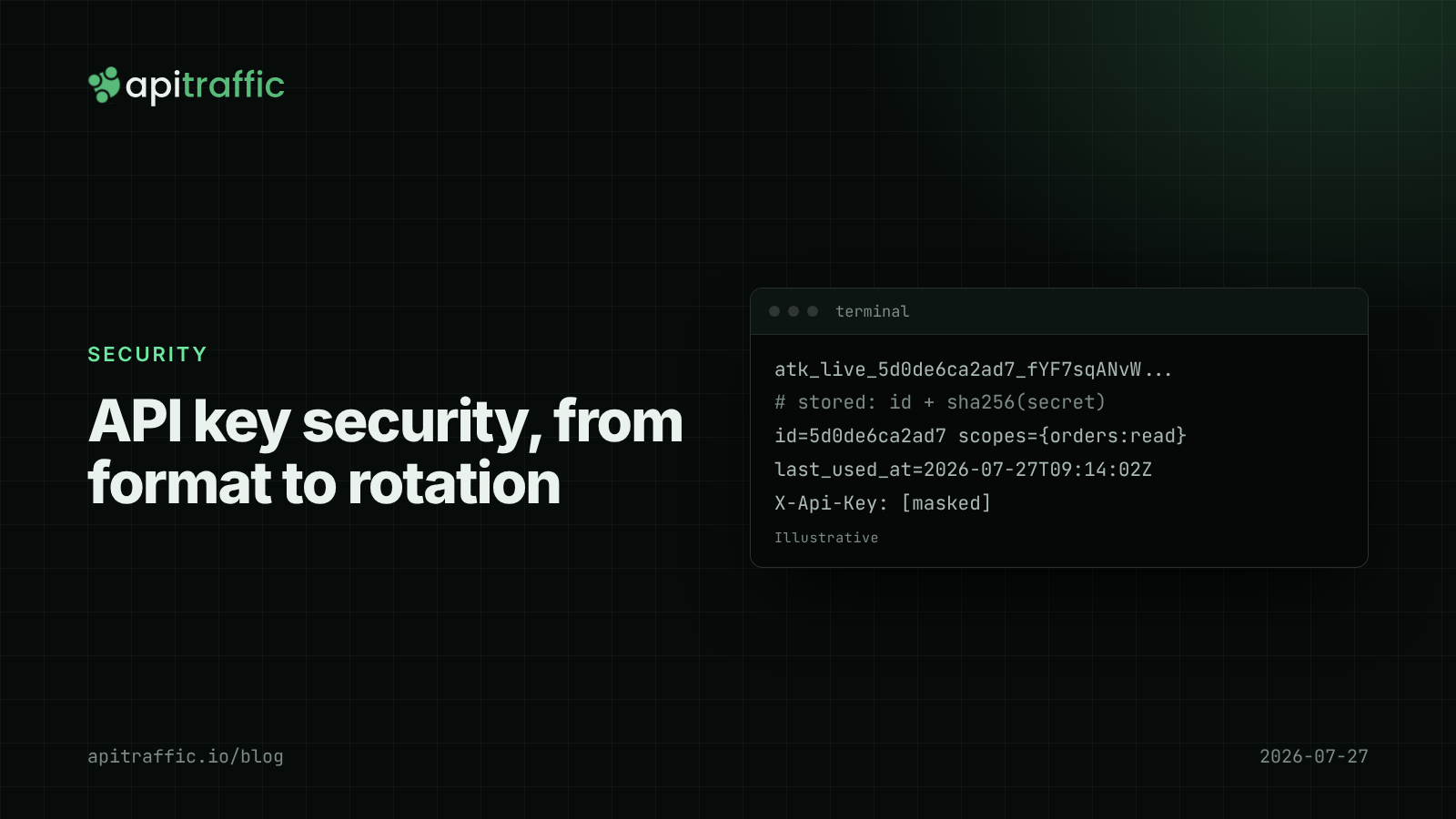
API key security for Node APIs: prefixes, hashing, scopes and rotation
A customer just pushed their API key to a public repo. Can you tell if anyone used it, and could a database leak expose every key? Design API key security in Node properly: prefixes, hashing, scopes and rotation.
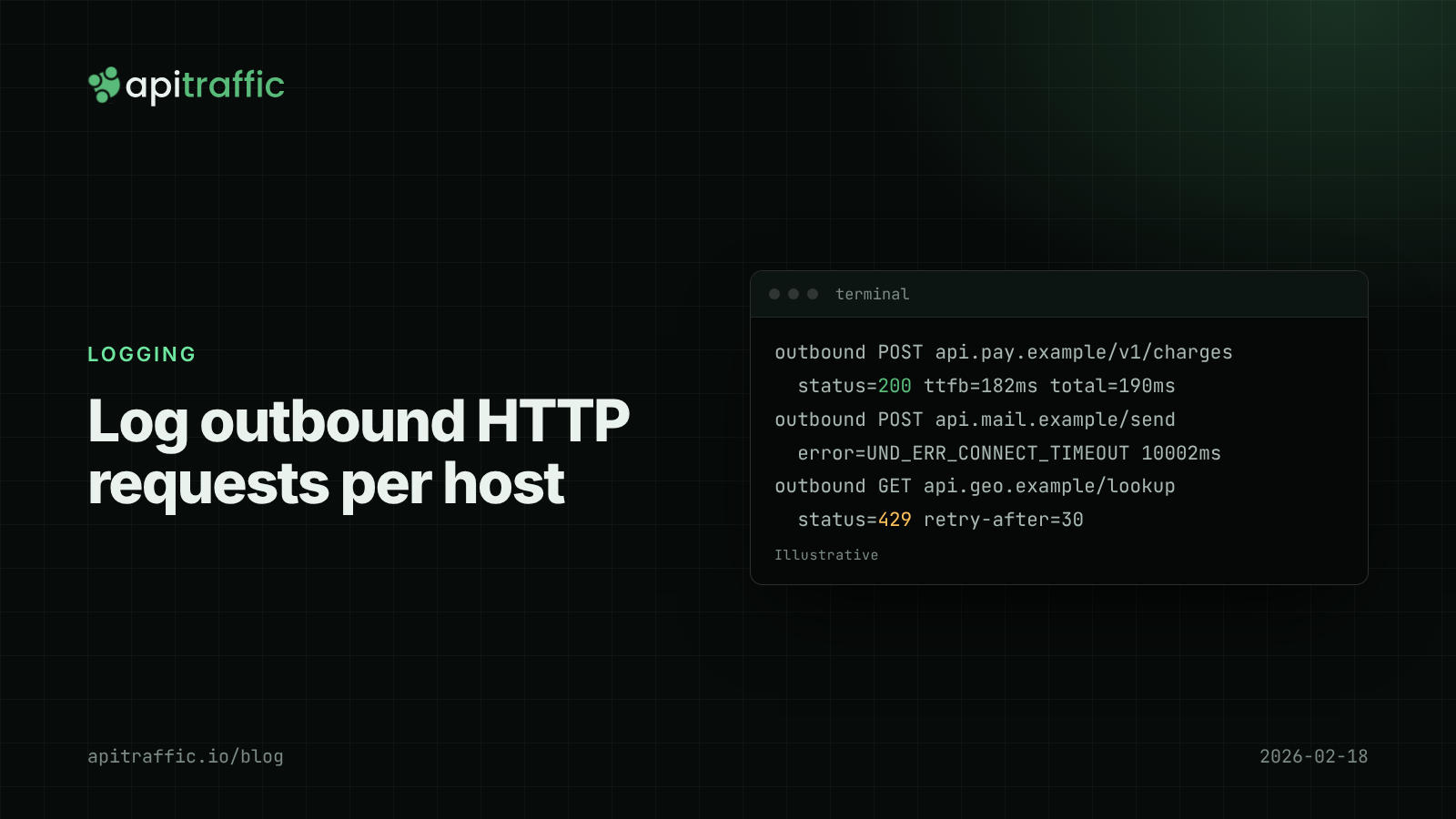
How to log outbound HTTP requests in Node.js
Your API threw 502s because a provider was timing out, and your logs said nothing. Log outbound HTTP requests from fetch and axios with diagnostics_channel in an afternoon, then read error rate and p95 per host.
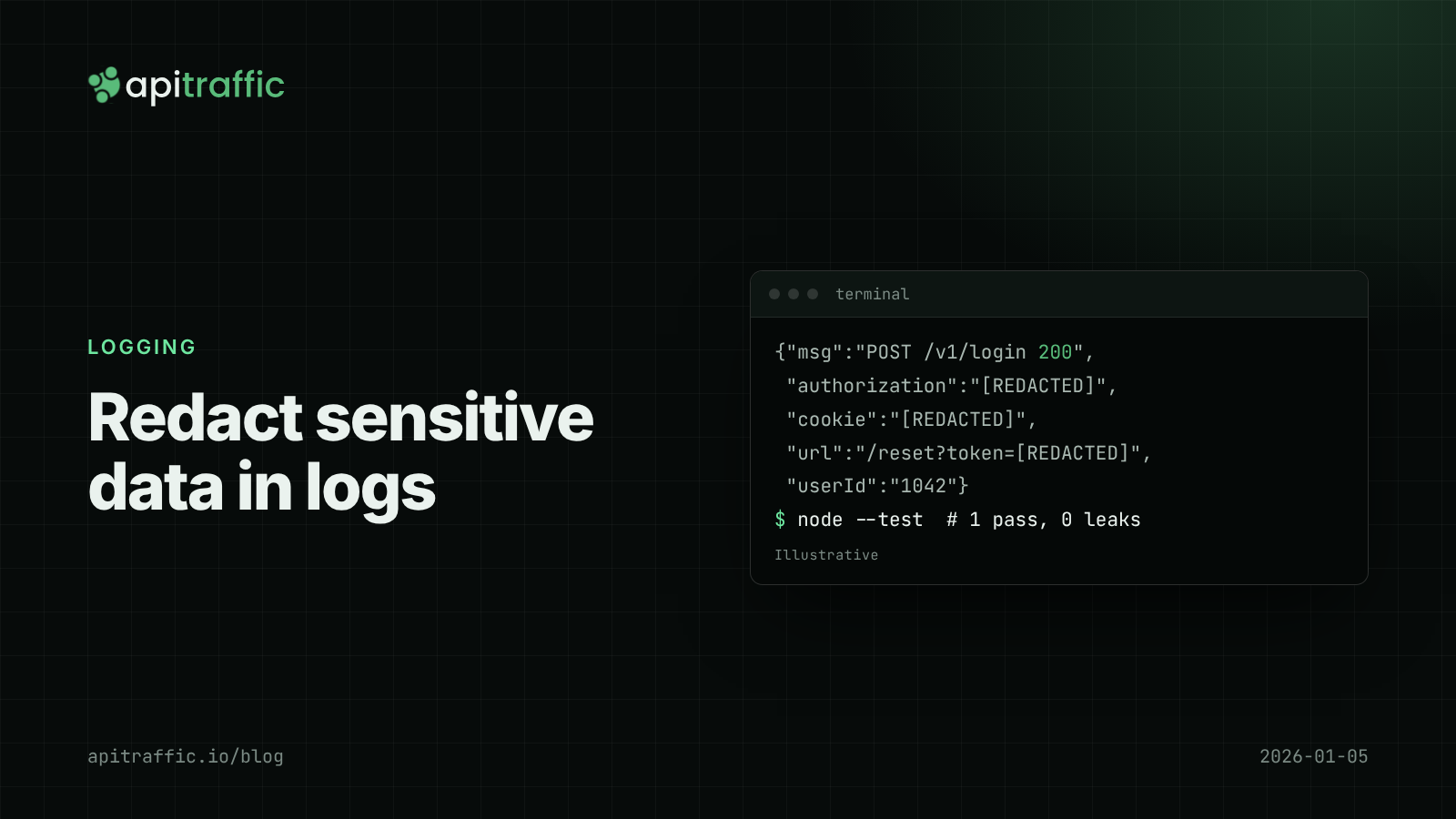
How to redact sensitive data in logs for Node.js APIs
Found a bearer token in your logs? Here's how to keep secrets and personal data out of Node API logs in an afternoon: Pino redaction, URL and error scrubbing, body allowlists and a test that catches leaks.