
Stop user enumeration on your Node.js login, signup and reset endpoints
Login, signup and password reset often tell bots which emails have accounts. Close all three in Express.
AI agents made 605.6 million requests to login pages, forms, carts, payment flows and account-creation pages in the first half of 2026, according to DataDome’s State of Bot & Agent Security Report 2026. Login pages took 51.7% of that traffic, as Security Magazine reported on November 3. The same report found credential stuffing came in waves: activity surged, dropped by nearly 90%, then recovered to new single-day highs.
DataDome doesn’t measure user enumeration, and this post won’t claim it does. But a stuffing run is cheaper when the attacker already knows which emails have accounts on your API, and plenty of Node apps will tell them for free. This guide shows how to prevent user enumeration on the three endpoints that usually leak it: login, password reset and signup.
Four ways an API says “this account exists”
Run your auth endpoints with a real email and a made-up one, and compare:
- The message: “No account with that email” for one, “Wrong password” for the other.
- The status code:
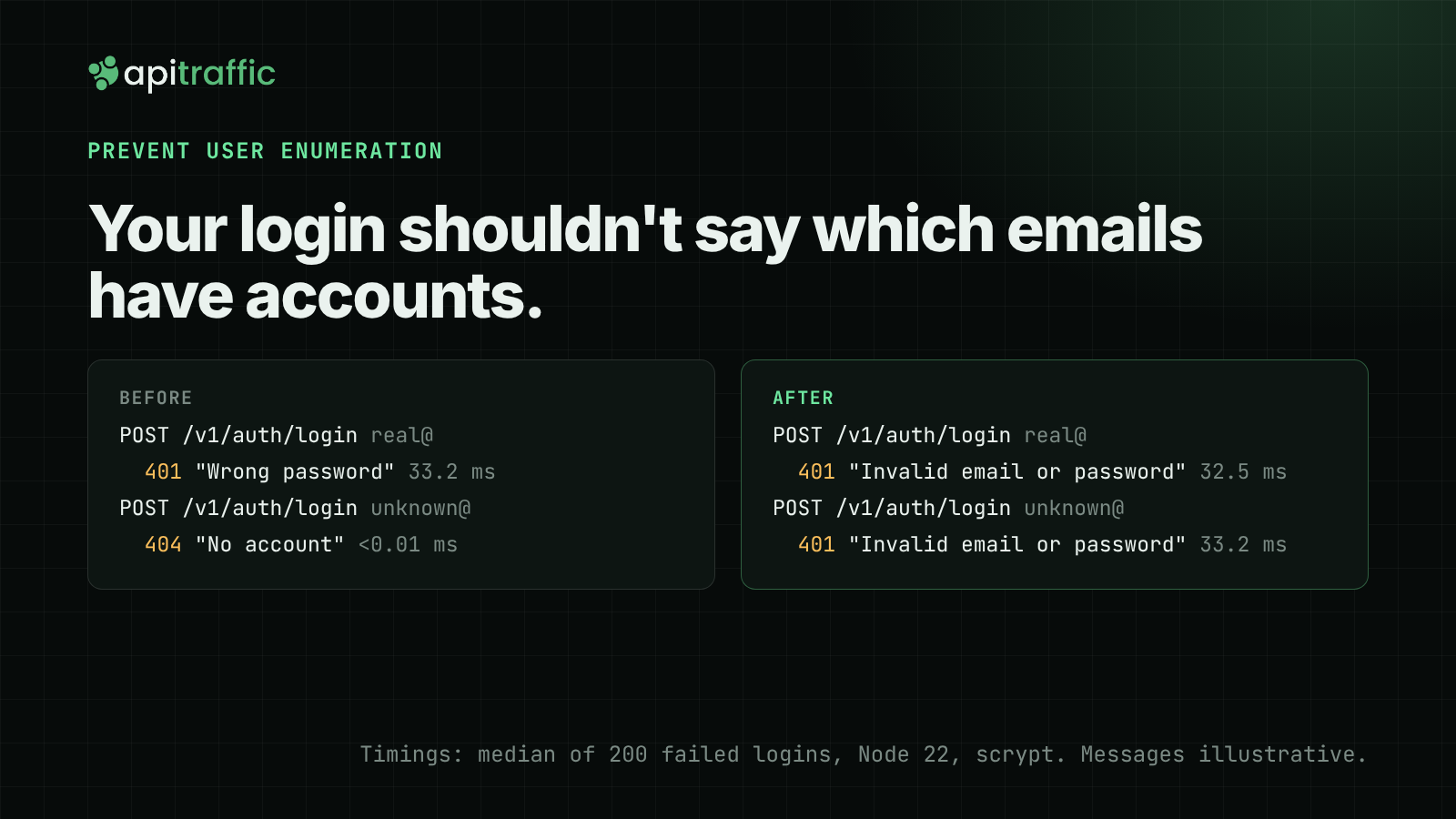
404for an unknown user,401for a bad password. - The response time: many login handlers only hash the password when the user exists. On the test below, that path took about 33 ms; the unknown-email path returned in well under a millisecond.
- Signup and reset: “That email is already registered” and “We couldn’t find that account” answer the same question.
The OWASP Authentication Cheat Sheet covers the first two: give a generic message and the same status code for both failures. Timing needs its own fix, below.
Fix login: one answer, one cost
Return 401 with the same body for both failures, and always run the password check. When the user doesn’t exist, check the password against a dummy hash made at startup, so both paths do one scrypt call.
// auth.mjs
import { scrypt, randomBytes, timingSafeEqual } from 'node:crypto';
import { promisify } from 'node:util';

const scryptAsync = promisify(scrypt);
const KEYLEN = 64;

export async function hashPassword(password) {
  const salt = randomBytes(16);
  const hash = await scryptAsync(password, salt, KEYLEN);
  return `${salt.toString('hex')}:${hash.toString('hex')}`;
}

// Computed once at startup. Unknown emails are checked against this,
// so both paths run one scrypt call.
const DUMMY_HASH = await hashPassword(randomBytes(32).toString('hex'));

export async function verifyPassword(password, stored) {
  const [saltHex, hashHex] = stored.split(':');
  const expected = Buffer.from(hashHex, 'hex');
  const actual = await scryptAsync(password, Buffer.from(saltHex, 'hex'), KEYLEN);
  return timingSafeEqual(actual, expected);
}

export async function checkLogin(users, email, password) {
  const user = await users.findByEmail(email);
  const ok = await verifyPassword(password, user ? user.passwordHash : DUMMY_HASH);
  return ok && user ? user : null;
}
// routes.mjs (Express)
app.post('/v1/auth/login', async (req, res) => {
  const { email = '', password = '' } = req.body ?? {};
  const user = await checkLogin(users, email, password);
  if (!user) {
    logFailedLogin(req, email);
    return res.status(401).json({ error: 'Invalid email or password' });
  }
  // start the session as usual
  res.json({ ok: true });
});
We ran this on Node 22.23 with 200 failed logins per path. With the dummy hash, the median was 32.5 ms for a real email and 33.2 ms for an unknown one. Without it (hash only when the user exists), the unknown path dropped to under 0.01 ms median. Absolute times depend on the machine.
If you use bcrypt or argon2, the same trick applies: keep a dummy hash made with the same cost settings as your real ones.
Fix password reset: always 202
The reset endpoint should give one answer for every email and do the slow part somewhere else:
app.post('/v1/auth/password-reset', async (req, res) => {
  const { email = '' } = req.body ?? {};
  // The worker looks the user up and sends the email, or doesn't.
  queue.add('password-reset', { email });
  res.status(202).json({
    message: "If an account exists for that email, we've sent a reset link.",
  });
});
If the handler looks up the user and calls your email provider before it responds, a real account costs a network round trip and an unknown one doesn’t. Moving both into a job makes the response time the same either way. In our test both answers came back in about 2 ms.
Signup: decide what you can hide
Signup is harder, because a real person who already has an account needs to find that out. Two options work:
- Answer “Check your inbox to finish signing up” for every email. New addresses get a verification link; existing ones get “Someone tried to sign up with this address. If it was you, sign in or reset your password.” Nothing in the HTTP response differs.
- Accept that signup leaks, and rate limit it harder than login. If your product needs instant signup with no email step, this is the realistic choice.
Pick one on purpose. A signup form that says “email already taken” makes the login fixes above much less useful.
Rate limit and log the pattern
Limit per IP and per account. Then log every failed login in a form you can query later, without writing the email itself to your logs:
import { createHmac } from 'node:crypto';

export function logFailedLogin(req, email) {
  const account = createHmac('sha256', process.env.LOGIN_LOG_KEY)
    .update(email.trim().toLowerCase())
    .digest('hex')
    .slice(0, 16);
  console.log(JSON.stringify({ event: 'login_failed', ip: req.ip, account, at: new Date().toISOString() }));
}
The keyed hash lets you count failures per account without storing the address. That gives you one rule for telling the two attacks apart:
- One IP failing against many accounts is enumeration.
- One account failing from many IPs is credential stuffing.
With JSON lines in a file, jq answers both:
# Distinct accounts tried per IP
jq -s 'group_by(.ip) | map({ip: .[0].ip, failures: length, accounts: (map(.account) | unique | length)}) | sort_by(-.accounts)' failed.log

# Distinct IPs per account
jq -s 'group_by(.account) | map({account: .[0].account, failures: length, ips: (map(.ip) | unique | length)}) | sort_by(-.ips)' failed.log
On a test log with one IP (192.0.2.10) trying 30 emails and three IPs trying one, the first query put 192.0.2.10 on top with 30 accounts, and the second showed the targeted account with 3 IPs.
req.ip is only the real client when Express trusts the right proxies. Set trust proxy to your load balancer, never to true on a public app, or a caller can write any address into X-Forwarded-For.
Doing this with ApiTraffic
If your API runs the ApiTraffic SDK, you can add the limit and the investigation without new code:
- A firewall policy rate limit with
pathPatternlimits just your login path. Requests over the limit get429withRetry-After. The sample policy in the docs allows 10 attempts per IP per minute on^/v1/auth/login$. Signup and reset can get their own, stricter limits. - In the request log, search
url_path == "/v1/auth/login" AND status_code == 401(search syntax) and open the requests to see which client IPs keep failing. - From a request row, Add to WAF blocks that client IP, and Run preview shows how many other recent requests the change would block before you save it.
Checklist
Login
- [ ] Same status (
401) and same body for unknown email and wrong password - [ ] Password check runs on both paths, against a dummy hash when there’s no user
- [ ] Per-IP and per-account rate limits
Password reset
- [ ] Always
202with “If an account exists for that email, we’ve sent a reset link.” - [ ] User lookup and email send happen in a job, after the response
Signup
- [ ] Either the same “check your inbox” reply for every email, or a stricter rate limit than login
- [ ] Existing users get an email when someone signs up with their address
Logging
- [ ] Failed logins logged with IP and a keyed hash of the account
- [ ]
trust proxyset to your real proxies
See what’s hitting your API: apitraffic.io
Keep reading
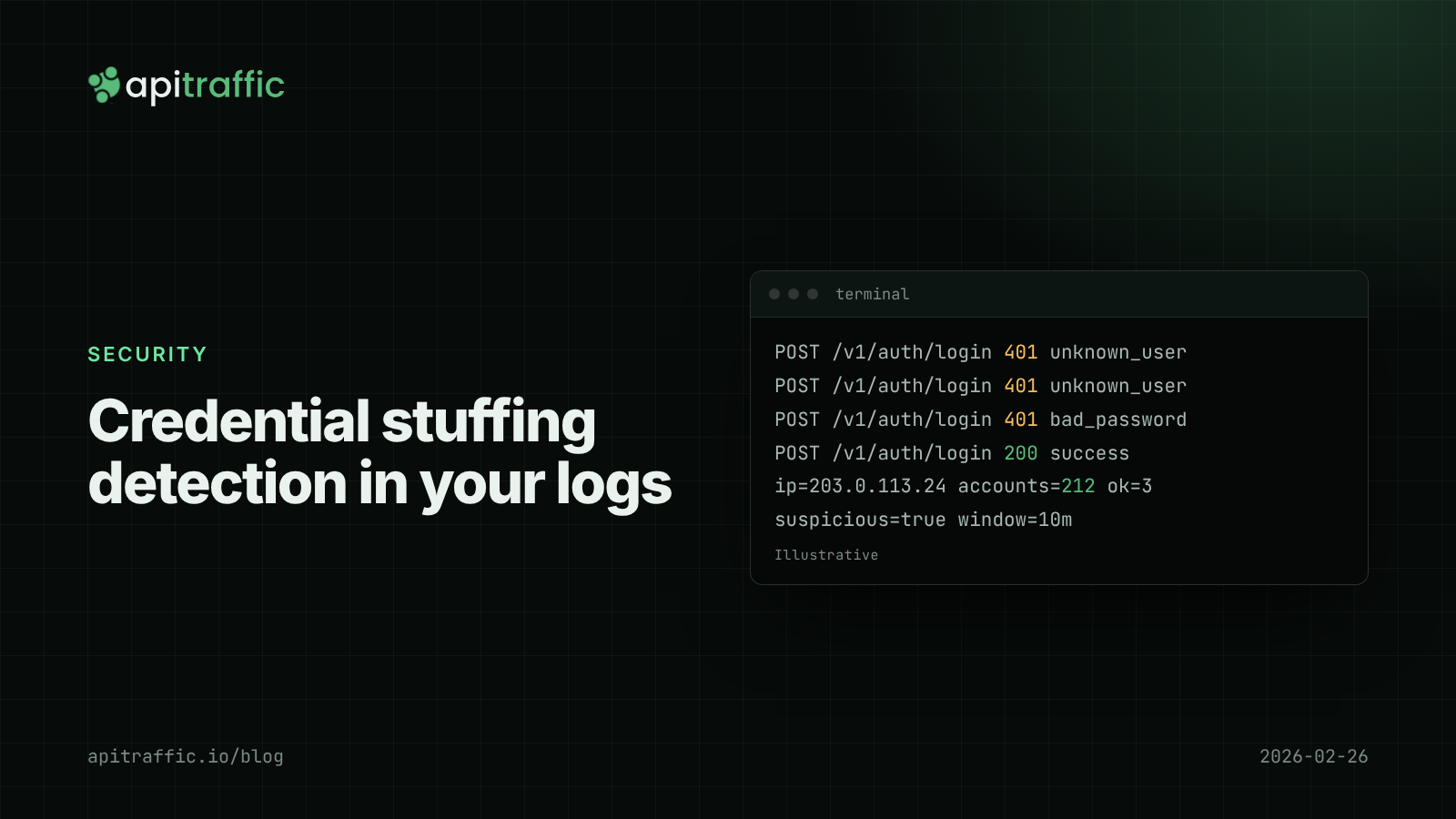
Credential stuffing detection for Node APIs: spotting it in your login logs
Every request looks like a normal login, which is why stuffing goes unseen until a customer reports a login they did not make. Here is how to see it in your logs.
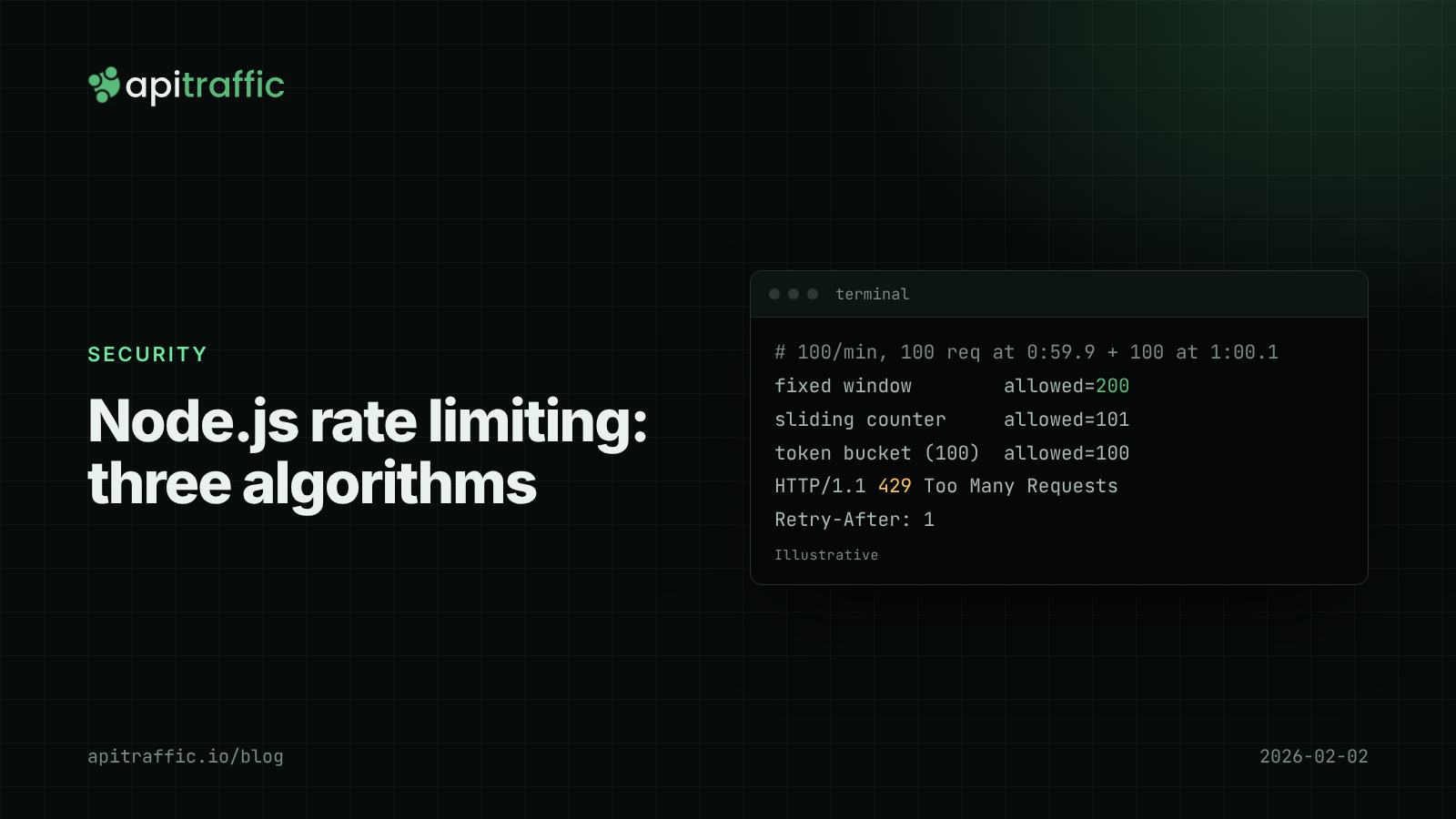
Node.js rate limiting: fixed window vs sliding window vs token bucket
One client's runaway retry loop should not take your API down at 3am. Compare fixed window, sliding window and token bucket rate limiting in Node, with working code, a Redis version and what to ship this afternoon.

API business logic abuse: requests that are valid but wrong
Akamai says 61% of API attacks in 2025 involved unauthorized workflows, double the year before. Four examples for a small SaaS, how to map the expected order of calls, and Express code to catch the ones that skip a step.