
Lock down npm installs when an AI agent adds your dependencies
Install scripts run with your permissions the moment a package lands. Turn them off and review what agents add.

Between 26 and 28 October 2026, GitHub’s advisory database published 112 malware advisories covering 106 packages, 96 of them on npm and 10 on PyPI, according to Safeguard’s count of the October batch. Several ran their payload during install. Two npm packages started an XMRig miner from an install script and set it up to survive reboots. Others sent the machine’s hostname, install path and working directory over plain HTTP to hardcoded IP addresses. The strings in one more npm package show it writing to AI assistant configuration: .claude/settings.json hooks, .cursor rules, .mcp.json and CLAUDE.md. (Safeguard’s analysis of that one was static, so the payload wasn’t run.)
The same week, GBHackers reported on the “testmetest” npm campaign, which turned 42 GitHub repositories belonging to 11 legitimate owners into lures.
Why agents raise the stakes
An install script runs with your user’s permissions, on your laptop or your CI runner, before anyone has opened the package. npm runs preinstall, install and postinstall for every package in the tree, including the ones three levels down.
When a person adds a dependency, there’s at least a moment where they read the name. A coding agent that’s allowed to run npm install adds the package it was told about, or the one it guessed, and runs its scripts in the same step. Nobody looks until the diff shows up in a pull request, and by then the script has already run on the machine the agent used.
Step one: turn off install scripts in npm
Add this line to the project’s .npmrc and commit it, so it applies to every person and agent working in the repo:
ignore-scripts=true
The npm docs for ignore-scripts say that with this set, “npm does not run scripts specified in package.json files.” Commands you call on purpose still work. npm test, npm start and npm run <name> run their own script, but they skip the pre and post scripts around it, so if your pretest builds something, call that step by name.
A few packages need their install step, usually native addons that compile or download a binary. Run it for that one package:
npm rebuild bcrypt --ignore-scripts=false
The flag on the command line overrides the .npmrc value for that command only. The rest of the tree stays off.
Step two: pnpm’s build allow list
pnpm’s build settings treat dependency build scripts as unreviewed unless you list them under allowBuilds in pnpm-workspace.yaml:
allowBuilds:
  esbuild: true
  core-js: false
strictDepBuilds defaults to true, so an install that hits an unreviewed build script exits with a non-zero code. In CI that’s the failure you want. The setting names changed recently: pnpm v11 removed onlyBuiltDependencies and replaced it with allowBuilds. Check which version your team and your CI image run before you copy a config from an older blog post.
Step three: npm ci in CI
Commit the lockfile and install with npm ci in CI:
npm ci --ignore-scripts
npm ci installs exactly what package-lock.json lists and fails if the lockfile and package.json disagree. A dependency an agent added locally can’t resolve to a different version on the build server.
Step four: a person reads every new dependency
Install scripts aren’t the only way in. GBHackers notes that one of the testmetest packages triggers its worm when the application imports it, and that “disabling installation scripts alone does not prevent this newer execution path.” So the last check is a person reading the package. Add a block like this to your pull request template:
### New dependencies
- [ ] Name matches the package we meant (typos, scopes, look-alikes)
- [ ] package.json "scripts" read: preinstall, install, postinstall, prepare
- [ ] First publish date and date of the version we're pinning
- [ ] Maintainer count and any recent ownership change
- [ ] Added by a person or by an agent
The rule for the team: no new dependency merges until someone has ticked every box. When an agent opened the PR, a person still does the ticking.
In production: watch where your app calls out
A package that gets past all of this still has to reach something: a mining pool, a beacon endpoint, a server collecting stolen keys. Log outbound HTTP calls by host and compare that list with the hosts you expect your app to call. A host you’ve never seen, showing up right after a dependency update, is worth a look the same day. We covered how to log outbound HTTP requests in Node earlier this year.
References
- Safeguard, 106 malicious npm and PyPI packages in October 2026: what they did and how to block the next batch, October 30, 2026
- GBHackers, Malicious npm campaign hijacks 42 GitHub repositories, October 28, 2026
- npm docs, ignore-scripts
- pnpm docs, Build settings: allowBuilds and strictDepBuilds
See what’s hitting your API: apitraffic.io
Keep reading
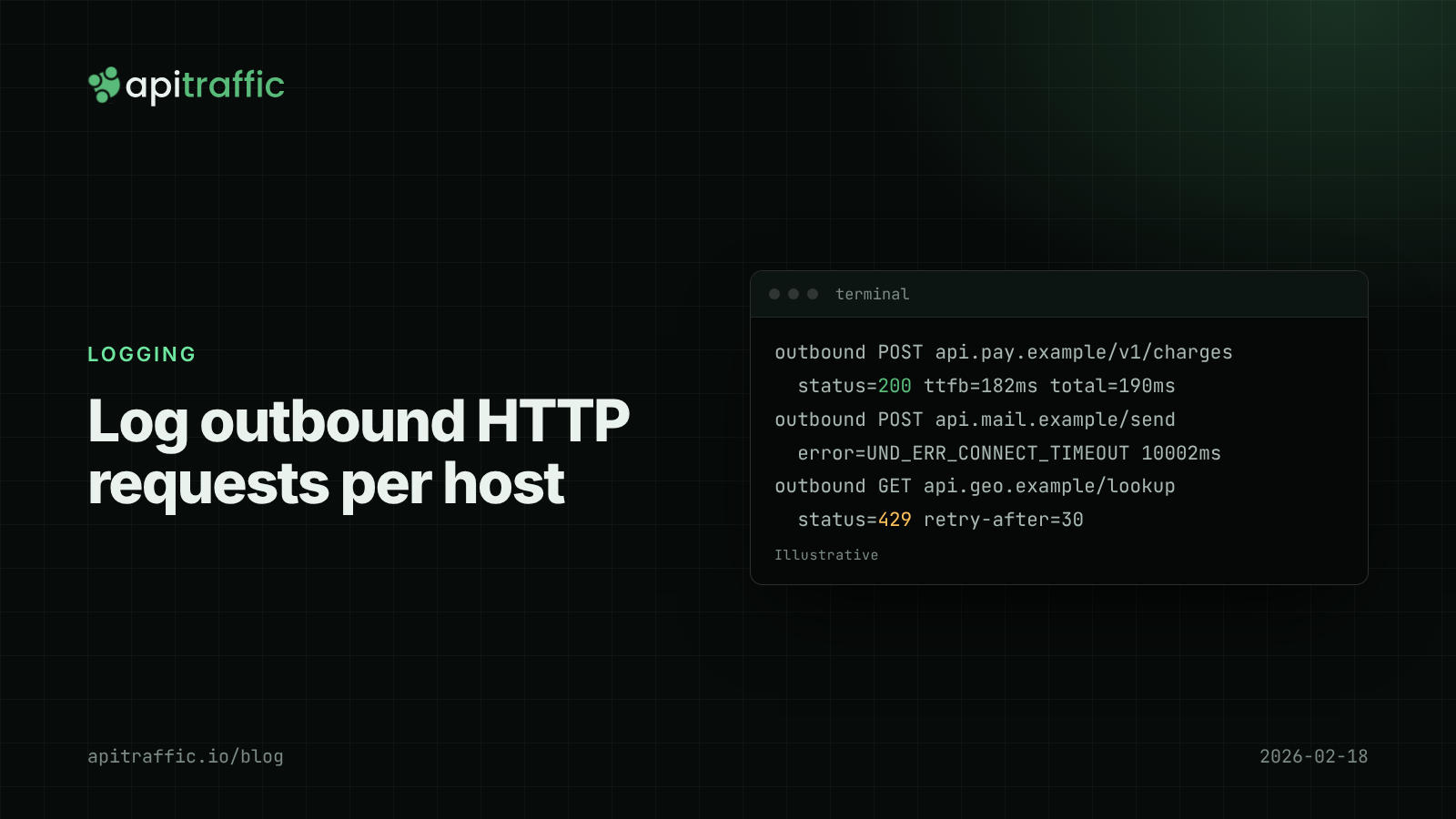
How to log outbound HTTP requests in Node.js
Your API threw 502s because a provider was timing out, and your logs said nothing. Log outbound HTTP requests from fetch and axios with diagnostics_channel in an afternoon, then read error rate and p95 per host.
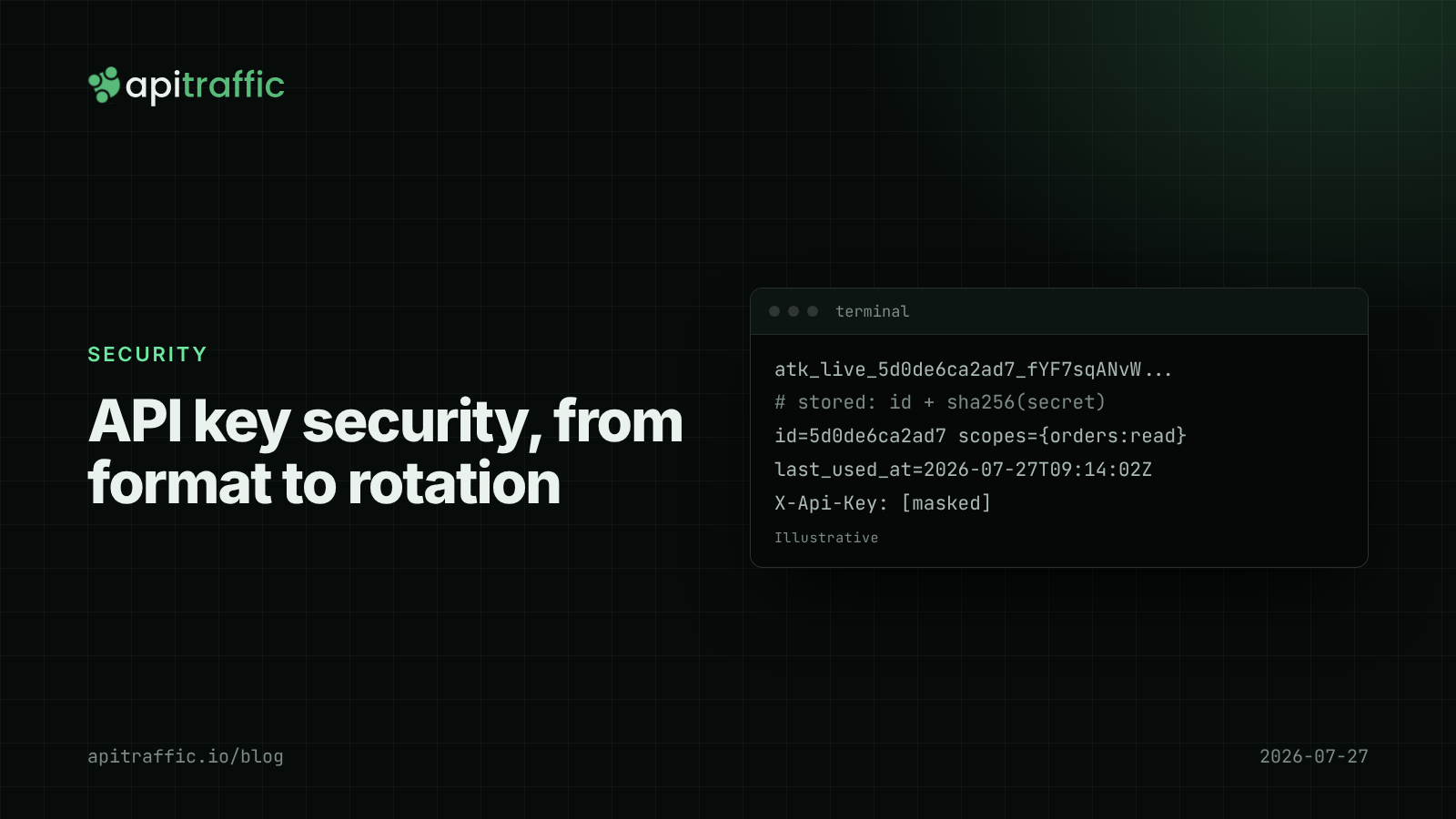
API key security for Node APIs: prefixes, hashing, scopes and rotation
A customer just pushed their API key to a public repo. Can you tell if anyone used it, and could a database leak expose every key? Design API key security in Node properly: prefixes, hashing, scopes and rotation.
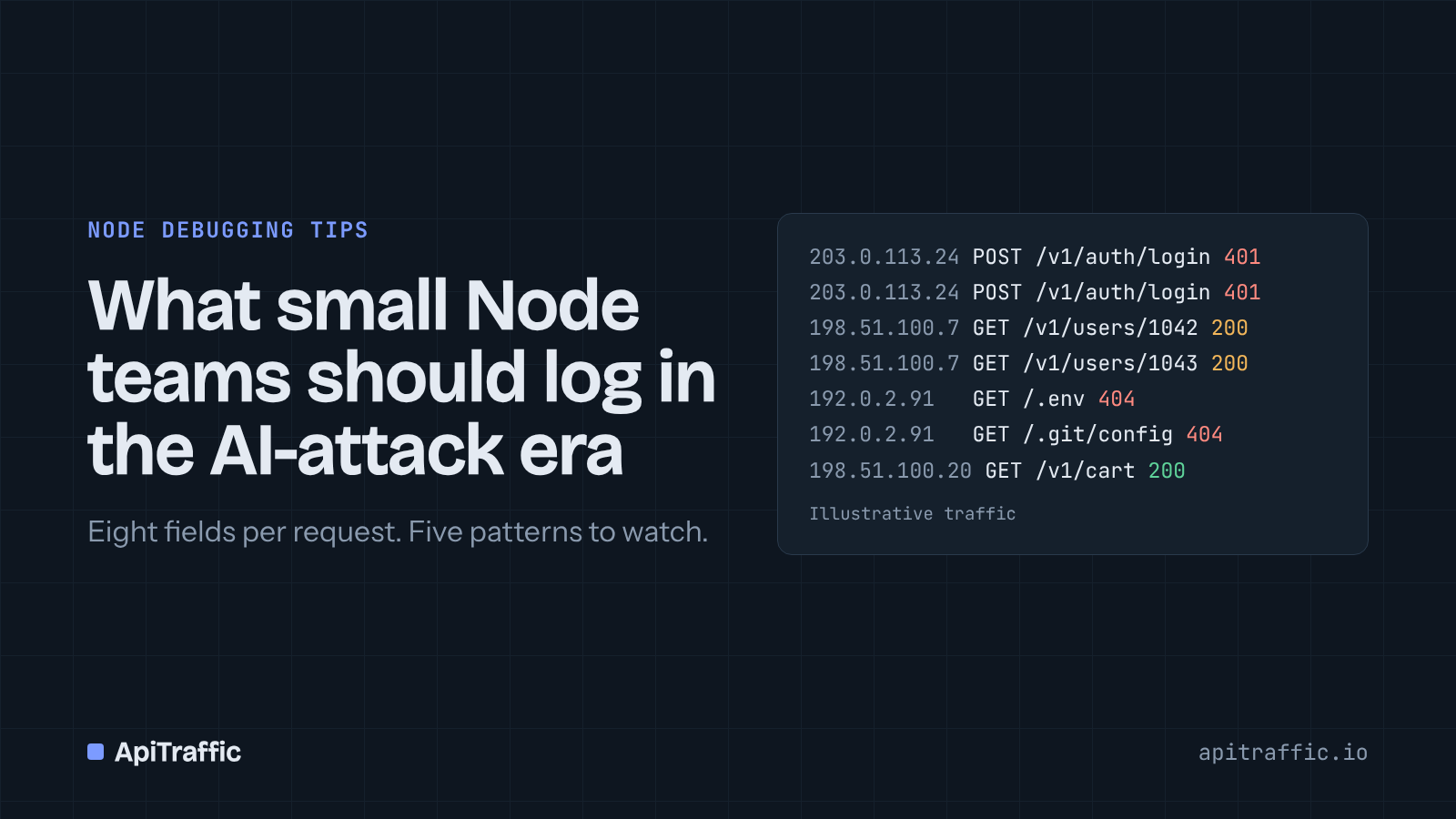
What small Node teams should log in the AI-attack era
Bots are now more than half of web traffic, and 27% of attacks target APIs and identity systems. You don't need a security team to see it, just the right fields on every request. Here's the minimum to capture, five patterns to watch, and when to block.